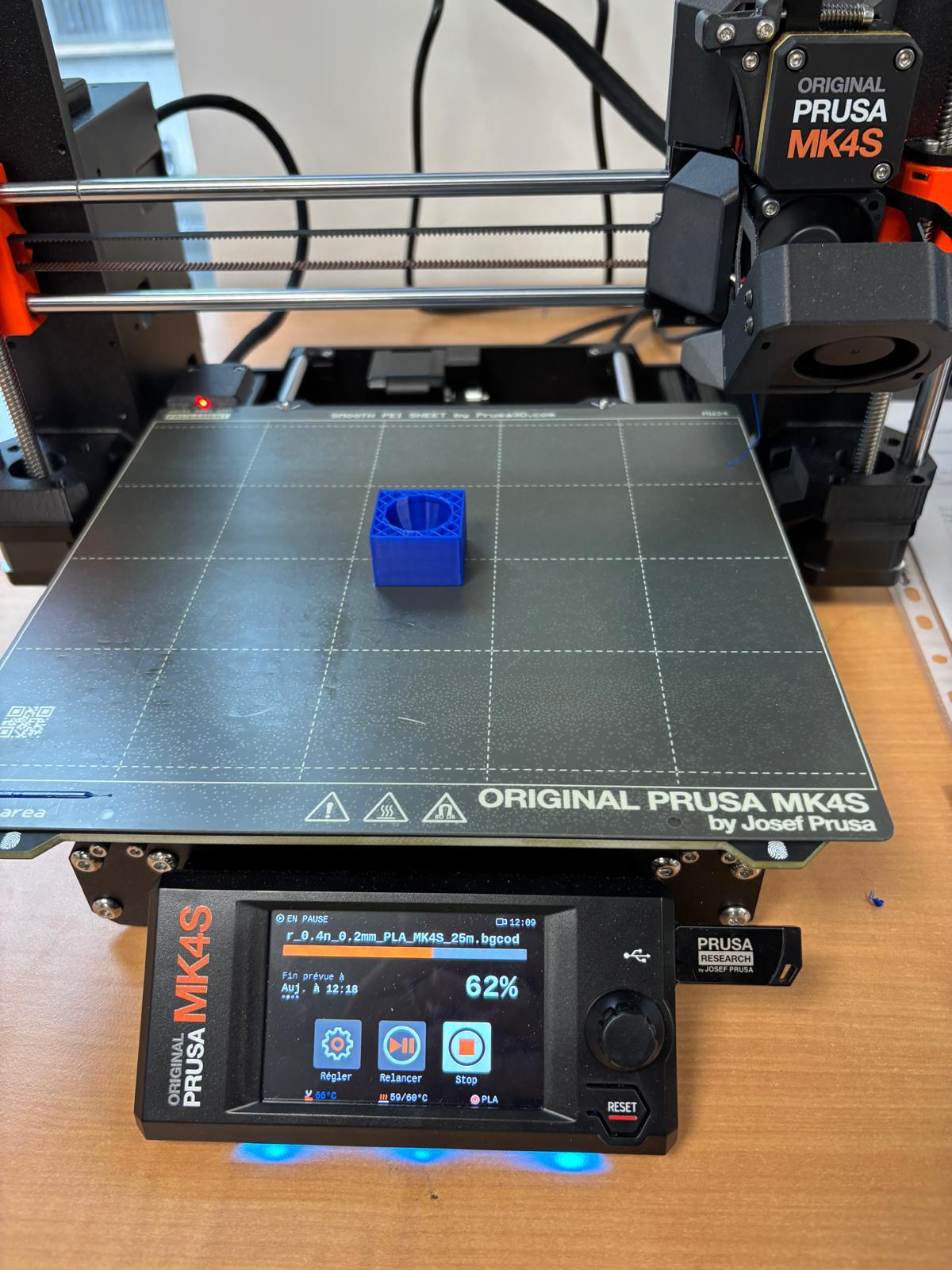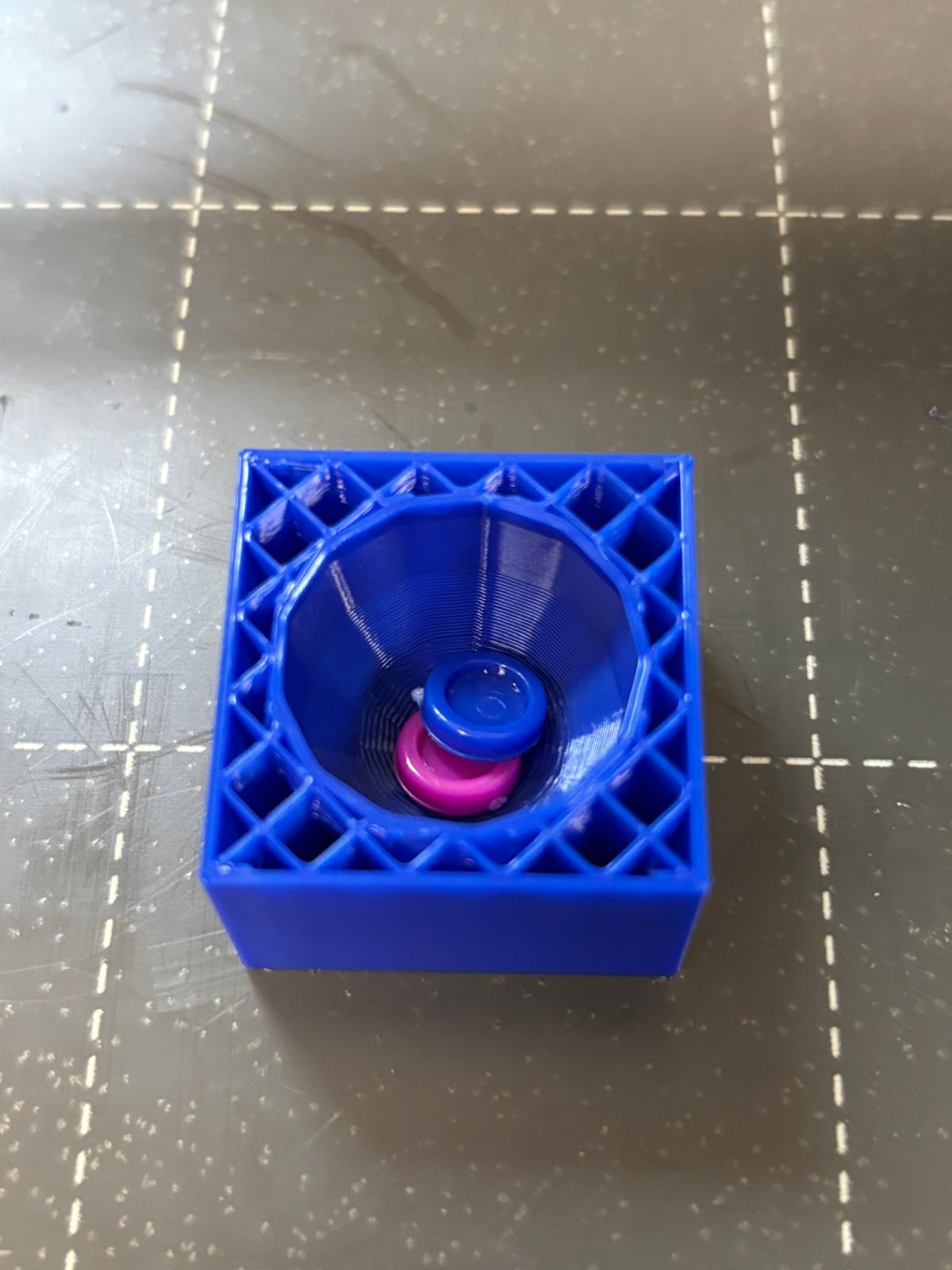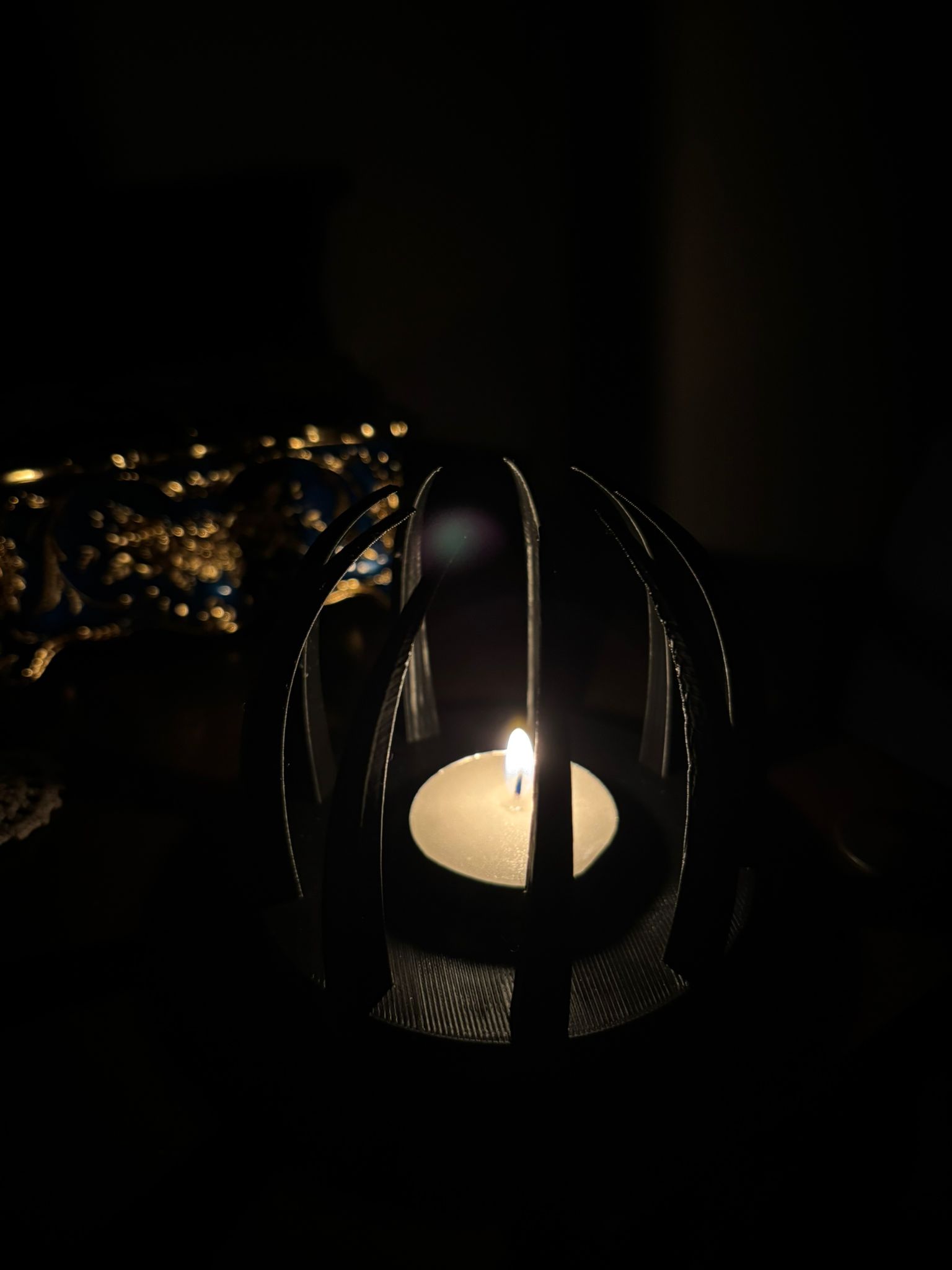
# MU4MN011 Prototypage

# Wendy LIN

Pour imprimer mes créations j’ai d’abord conçu les modèles sur **FreeCAD**, puis utilisé **PrusaSlicer** pour préparer les fichiers pour l’impression. Les fichiers FreeCAD de ces conceptions sont joints à cette page et peuvent être consultés ou modifiés.

<span style="text-decoration: underline; background-color: rgb(248, 202, 198);">**Exercice 1 : Objet simple mais fonctionnel**</span>

- **Identification du besoin**  
    Pour cet exercice, j’ai décidé de concevoir un support pour mes petites figurines SHIN CHAN qui mesurent moins de 3 cm de hauteur et 2 cm de largeur et longueur. L’objectif était de créer un support adapté à leur taille tout en restant compact et fonctionnel.
- **Description du projet**
    - **Dimensions envisagées** :
        
        
        - Le support mesure 15 cm de longueur, 3 cm de largeur et 3 cm de hauteur, ce qui correspond à un format compact et adapté à la taille des figurines.
    - **Structure globale** :
        
        
        - Design simple et minimaliste, permettant d’organiser plusieurs figurines en ligne.

- **Fonctionnalités du support**
    - Capacité à accueillir 4 à 5 figurines sur la partie supérieure.
    - Espace supplémentaire disponible sous le support pour optimiser le rangement ou exposer d’autres éléments.

- **Paramètres d’impression**
    
    
    - **Échelle :** 100%
    - **Buse** : 225°C
    - **Plateau** : 60°C
    - **Filament** : Prusa PLA, 1,75 mm de diamètre
    - **Supports** : non nécessaire
    - **Remplissage** : 40%
    - **Réglages d’impression** : paramètres par défaut de PrusaSlicer (qualité standard, épaisseur de couche classique)

![IMG_3251.jpg](https://wiki.fablab.sorbonne-universite.fr/BookStack/uploads/images/gallery/2024-11/scaled-1680-/img-3251.jpg)

*Support imprimé en 3D avec figurines exposées*

<span style="background-color: rgb(248, 202, 198);">**<span style="text-decoration: underline;">Exercice 2 : Création d’un objet réalisable uniquement grâce à une imprimante 3D</span>**</span>

- **Concept de l’objet** :
    
    
    - Un vase contenant une boule captive à l’intérieur, dont le diamètre est plus grand que l’ouverture du vase.
    - La boule est conçue pour ne pas pouvoir être retirée sans casser l’objet, mettant en avant les capacités uniques de l’impression 3D.

- **Réalisation** :
    
    
    - Conception en une seule étape grâce à l’impression 3D, sans besoin d’assemblage manuel.
    - Exploitation des propriétés spécifiques de cette technologie pour créer des formes imbriquées.

- **Paramètres d’impression**
    
    
    - **Échelle :** 60%
    - **Buse** : 225°C
    - **Plateau** : 60°C
    - **Filament** : Prusa PLA, 1,75 mm de diamètre
    - **Supports** : activés seulement pour les générateurs de supports
    - **Remplissage** : 10%
    - **Réglages d’impression** : paramètres par défaut de PrusaSlicer (qualité standard, épaisseur de couche classique)

- **Résultat** :
    
    
    - Un vase esthétique et technique, démontrant la capacité de l’impression 3D à produire des objets impossibles à réaliser par des méthodes traditionnelles.
    - Objet captivant et original, à la fois décoratif et expérimental.

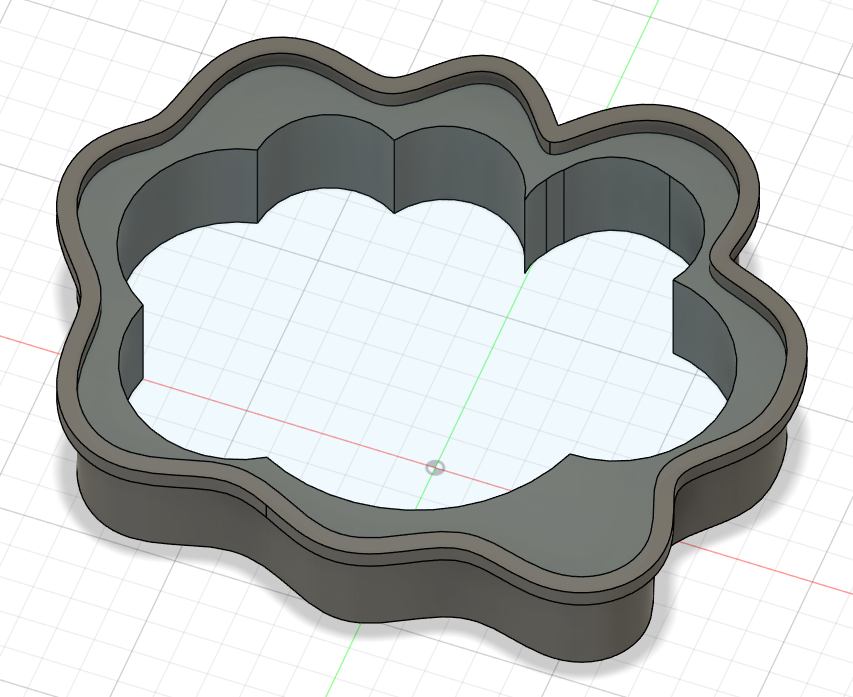
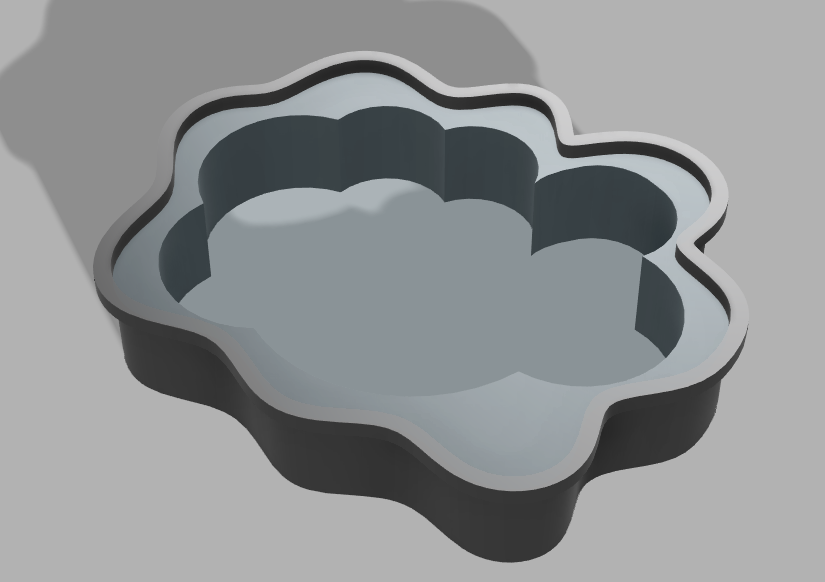
[![Capture d’écran 2024-11-29 à 09.14.12.png](https://wiki.fablab.sorbonne-universite.fr/BookStack/uploads/images/gallery/2024-11/scaled-1680-/capture-decran-2024-11-29-a-09-14-12.png)](https://wiki.fablab.sorbonne-universite.fr/BookStack/uploads/images/gallery/2024-11/capture-decran-2024-11-29-a-09-14-12.png)

*Modèle 3D d’un vase avec boule captive conçu sous FreeCAD*

[![IMG_3349.jpg](https://wiki.fablab.sorbonne-universite.fr/BookStack/uploads/images/gallery/2024-12/scaled-1680-/img-3349.jpg)](https://wiki.fablab.sorbonne-universite.fr/BookStack/uploads/images/gallery/2024-12/img-3349.jpg)[![IMG_3350.jpg](https://wiki.fablab.sorbonne-universite.fr/BookStack/uploads/images/gallery/2024-12/scaled-1680-/img-3350.jpg)](https://wiki.fablab.sorbonne-universite.fr/BookStack/uploads/images/gallery/2024-12/img-3350.jpg)

*Vase imprimé en 3D avec boule captive à l'intérieur*

<span style="background-color: rgb(248, 202, 198);">**<span style="text-decoration: underline;">Exercice 3 : Pause dans l'impression pour intégrer des éléments extérieurs</span>**</span>

- **Concept de l’objet** :
    
    
    - J’ai conçu un aimant décoratif en forme de cœur.
    - L’aimant est intégré à l’intérieur de l’objet, ce qui lui donne une apparence propre et esthétique tout en maintenant sa fonctionnalité.

- **Réalisation** :
    
    
    1. **Conception** :
        
        
        - Le modèle a été réalisé sur FreeCAD, en incluant une cavité précise au centre du cœur pour accueillir l’aimant.
        - La taille de la cavité a été ajustée pour correspondre aux dimensions exactes de l’aimant.
    2. **Préparation à l’impression** :
        
        
        - J’ai importé le modèle dans PrusaSlicer et configuré une pause à mi-impression, juste avant que la cavité ne soit recouverte.
    3. **Processus d’impression** :
        
        
        - L’impression a été lancée jusqu’à la pause programmée.
        - J’ai inséré un aimant dans la cavité avant de reprendre l’impression pour sceller l’aimant à l’intérieur du cœur.

- **Paramètres d’impression :**
    - **Échelle** : 100%
    - **Buse** : 225°C
    - **Plateau** : 60°C
    - **Filament** : Prusa PLA, 1,75 mm
    - **Supports** : non nécessaires (grâce au design simple)
    - **Remplissage** : 10%

- **Résultat** :
    
    
    - Un aimant en forme de cœur, esthétique et fonctionnel.
    - L’objet est idéal comme décoration magnétique pour un réfrigérateur ou pour tenir des feuilles sur un tableau aimanté.

[![Capture d’écran 2024-12-02 à 15.40.45.png](https://wiki.fablab.sorbonne-universite.fr/BookStack/uploads/images/gallery/2024-12/scaled-1680-/capture-decran-2024-12-02-a-15-40-45.png)](https://wiki.fablab.sorbonne-universite.fr/BookStack/uploads/images/gallery/2024-12/capture-decran-2024-12-02-a-15-40-45.png)

*Modèle 3D du cœur sur FreeCAD avec espace dédié pour l’intégration de l’aimant*

[![IMG_3353.jpg](https://wiki.fablab.sorbonne-universite.fr/BookStack/uploads/images/gallery/2024-12/scaled-1680-/img-3353.jpg)](https://wiki.fablab.sorbonne-universite.fr/BookStack/uploads/images/gallery/2024-12/img-3353.jpg)[![IMG_3357.jpg](https://wiki.fablab.sorbonne-universite.fr/BookStack/uploads/images/gallery/2024-12/scaled-1680-/img-3357.jpg)](https://wiki.fablab.sorbonne-universite.fr/BookStack/uploads/images/gallery/2024-12/img-3357.jpg)

*Aimant en forme de cœur imprimé en 3D*

# Luc LIN

##### <span style="color: rgb(224, 62, 45);">**Exercice 1 : faire un objet simple avec une utilisation simple simplement.**</span>

**Étape 1 : Trouver une idée**

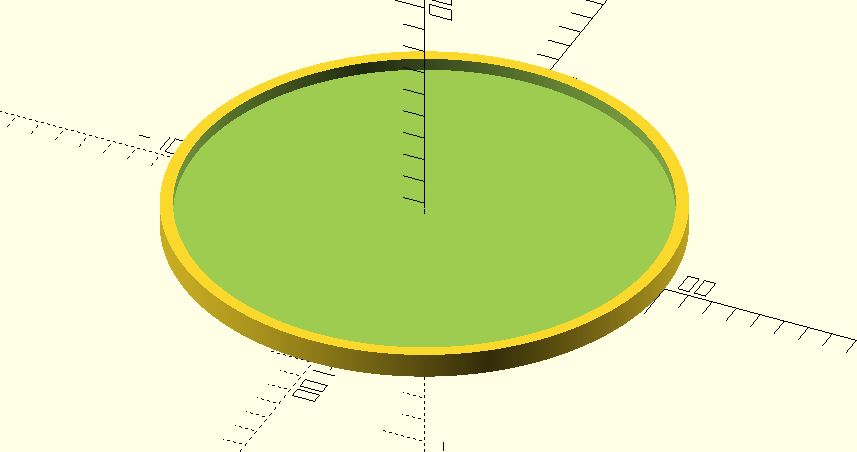
Je souhaite concevoir un dessous de verre. En étant débutant dans la programmation de ce type de projet, je vais créer un modèle simple, fonctionnel et esthétique, tout en explorant les possibilités offertes par OpenSCAD.

---

**Étape 2 : Définir les caractéristiques de l’objet**

**Forme**

Je vais opter pour une base ronde ou carrée, car ces formes sont courantes et pratiques pour des dessous de verre. Elles s’adaptent facilement à la plupart des verres et tasses.

**Structure de base**

- Une forme plate et uniforme servira de base.
- Des rainures ou motifs seront gravés sur la surface pour améliorer l’adhérence et apporter une touche esthétique.
- Un rebord légèrement surélevé pourra être ajouté pour contenir les éventuelles gouttes.
- Une texture antidérapante sera appliquée au-dessous pour assurer une bonne stabilité sur les surfaces lisses.

**Dimensions**

- Les dimensions du dessous de verre (diamètre ou longueur, épaisseur) seront définies à l’aide de variables pour permettre des ajustements rapides.
- Les motifs et les rainures seront calibrés pour être suffisamment profonds tout en conservant une surface confortable pour les verres.

---

**Étape 3 : Modélisation du concept**

Avec OpenSCAD, je vais modéliser le dessous de verre en utilisant des formes géométriques simples (cylindre ou carré) et des transformations pour ajouter les motifs ou rainures. Une fois le modèle achevé, il pourra être imprimé en 3D et ajusté pour répondre aux attentes esthétiques et fonctionnelles.

Fichier : [Dessous-de-verre.scad](https://wiki.fablab.sorbonne-universite.fr/BookStack/attachments/1045)

- **Paramètres d’impression**
    
    
    - **Échelle :** 25%
    - **Buse** : 225°C
    - **Plateau** : 60°C
    - **Filament** : Prusa PLA, 1,75 mm de diamètre
    - **Supports** : non nécessaire
    - **Remplissage** : 40%
    - **Réglages d’impression** : paramètres par défaut de PrusaSlicer (qualité standard, épaisseur de couche classique)

[![photo_2024-12-12_23-04-24.jpg](https://wiki.fablab.sorbonne-universite.fr/BookStack/uploads/images/gallery/2024-12/scaled-1680-/photo-2024-12-12-23-04-24.jpg)](https://wiki.fablab.sorbonne-universite.fr/BookStack/uploads/images/gallery/2024-12/photo-2024-12-12-23-04-24.jpg)

*Dessous de verre imprimé en 3D avec erlenmeyer*

##### **<span style="color: rgb(224, 62, 45);">Exercice 2 : Un objet qui est possible d'avoir seulement à partir de OPEN SCAD</span>**

**Étape 1 : Trouver une idée**

Je souhaite modéliser une sphère dans une sphère, où la sphère intérieure est visible grâce à des trous sur la surface de la sphère extérieure. Cet objet peut être utilisé comme décoration, ou simplement pour illustrer un concept de design en 3D. En tant que débutant dans ce type de projet, je vais viser un modèle simple mais intéressant.

---

**Étape 2 : Définir les caractéristiques de l’objet**

**Forme :**

- La sphère extérieure aura des trous réguliers sur sa surface pour rendre la sphère intérieure visible.
- La sphère intérieure sera plus petite et parfaitement inscrite à l'intérieur de la sphère extérieure.

**Structure de base :**

- La sphère extérieure sera conçue avec une épaisseur définie pour créer une coque solide.
- Les trous seront répartis uniformément en utilisant des motifs ou des algorithmes mathématiques simples (par exemple, une grille sphérique).
- La sphère intérieure sera pleine et simple, pour contraste.

**Dimensions :**

- Les dimensions des sphères seront définies par des variables afin de faciliter les ajustements.
- Les trous seront calibrés pour être suffisamment grands pour voir la sphère intérieure, sans compromettre la solidité de la structure extérieure.

- **Paramètres d’impression**
    
    
    - **Échelle :** 35%
    - **Buse** : 225°C
    - **Plateau** : 60°C
    - **Filament** : Prusa PLA, 1,75 mm de diamètre
    - **Supports** : nécessaire (organique)
    - **Remplissage** : 40%
    - **Réglages d’impression** : paramètres par défaut de PrusaSlicer (qualité standard, épaisseur de couche classique)

[![Capture d’écran 2024-12-02 à 12.07.05.png](https://wiki.fablab.sorbonne-universite.fr/BookStack/uploads/images/gallery/2024-12/scaled-1680-/capture-decran-2024-12-02-a-12-07-05.png)](https://wiki.fablab.sorbonne-universite.fr/BookStack/uploads/images/gallery/2024-12/capture-decran-2024-12-02-a-12-07-05.png)

*Modélisation sur OpenSCAD*

[![photo_2024-12-12_23-04-27.jpg](https://wiki.fablab.sorbonne-universite.fr/BookStack/uploads/images/gallery/2024-12/scaled-1680-/photo-2024-12-12-23-04-27.jpg)](https://wiki.fablab.sorbonne-universite.fr/BookStack/uploads/images/gallery/2024-12/photo-2024-12-12-23-04-27.jpg)

*Problème d'impression 3D objet 2*

*[![photo_2025-02-19_21-32-53.jpg](https://wiki.fablab.sorbonne-universite.fr/BookStack/uploads/images/gallery/2025-02/scaled-1680-/photo-2025-02-19-21-32-53.jpg)](https://wiki.fablab.sorbonne-universite.fr/BookStack/uploads/images/gallery/2025-02/photo-2025-02-19-21-32-53.jpg)*

*Impression 3D objet 2 réussit*

##### **<span style="color: rgb(224, 62, 45);">Exercice 3 : Un objet et induire un autre pendant l'impression</span>**

**Identification du besoin**  
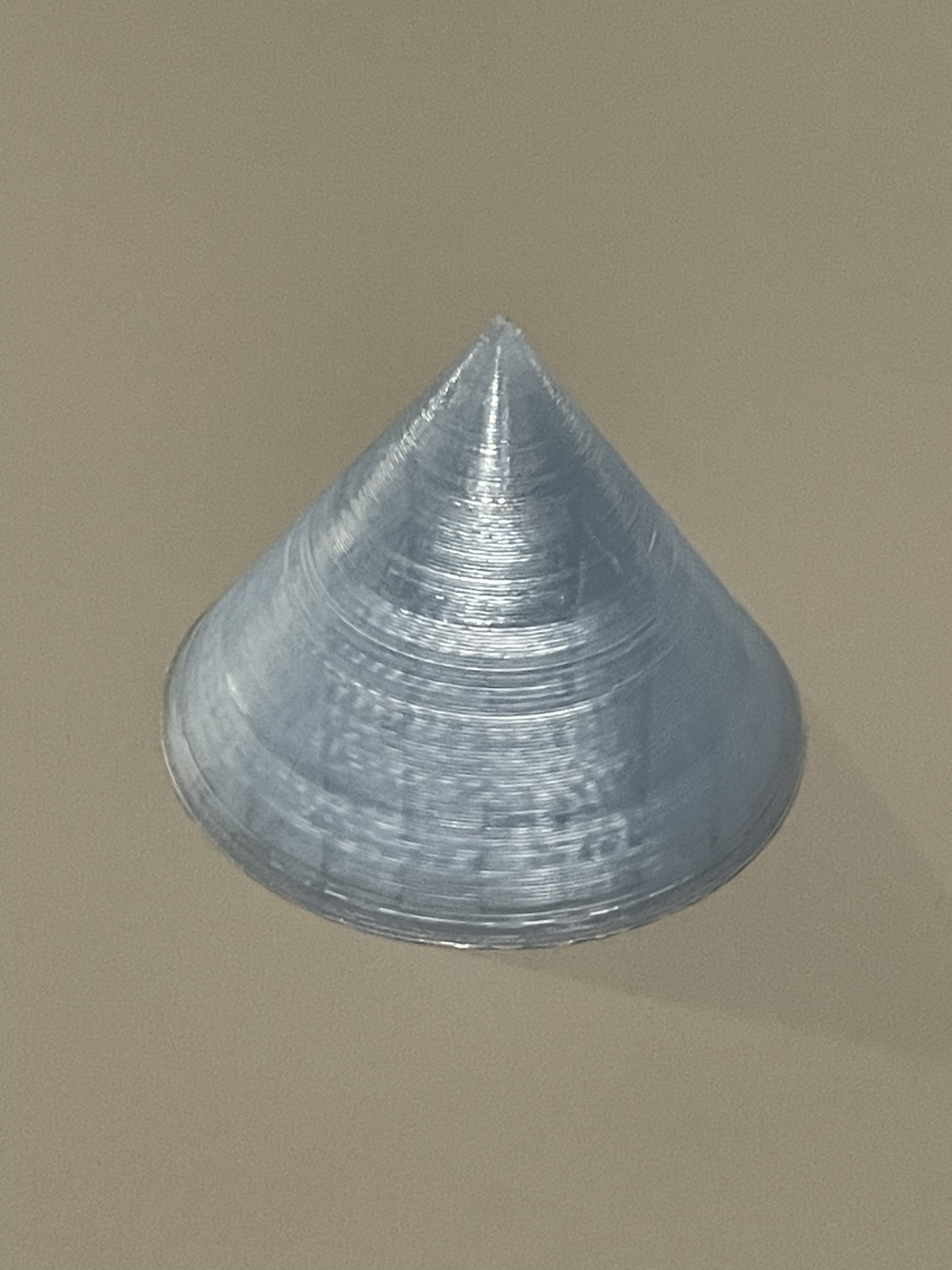
Pour cet exercice, j’ai décidé de concevoir un cône capable de contenir une pièce de 1 centime, un objet souvent négligé et que l’on a presque toujours sur soi. L’objectif était de créer un objet simple et intuitif, qui puisse produire un bruit lorsqu’il est secoué grâce à cette pièce. Le design devait permettre d’insérer facilement la pièce après impression.

---

**Description du projet**  
**Dimensions envisagées :**

- Le cône mesure 10 cm de hauteur, avec une base de 6 cm de diamètre, ce qui assure une prise en main confortable tout en restant compact.
- Un espace intérieur est prévu pour accueillir une pièce de 1 centime standard (diamètre : 16,25 mm, épaisseur : 1,67 mm).

**Structure globale :**

- Un design minimaliste et fonctionnel, conçu pour être imprimé en une seule pièce.
- Une ouverture en haut du cône pour insérer la pièce pendant impression.

---

**Fonctionnalités de l’objet**

- Émet un son distinct lorsqu’il est secoué, grâce à la pièce mobile à l’intérieur.
- Utilisation possible comme jouet, élément décoratif ou simple objet ludique permettant de donner une utilité à une pièce délaissée.

---

**Paramètres d’impression**

- **Échelle :** 100%
- **Buse :** 200°C
- **Plateau :** 60°C
- **Filament :** PLA 1,75 mm
- **Supports :** non nécessaire
- **Remplissage :** 20%
- **Réglages d’impression :** paramètres par défaut de PrusaSlicer (qualité standard, épaisseur de couche classique)

[![eadadagg.PNG](https://wiki.fablab.sorbonne-universite.fr/BookStack/uploads/images/gallery/2024-12/scaled-1680-/eadadagg.PNG)](https://wiki.fablab.sorbonne-universite.fr/BookStack/uploads/images/gallery/2024-12/eadadagg.PNG)

*Modélisation de l'objet 3 sur OpenSCAD*

*[![photo_2025-02-19_21-32-57.jpg](https://wiki.fablab.sorbonne-universite.fr/BookStack/uploads/images/gallery/2025-02/scaled-1680-/photo-2025-02-19-21-32-57.jpg)](https://wiki.fablab.sorbonne-universite.fr/BookStack/uploads/images/gallery/2025-02/photo-2025-02-19-21-32-57.jpg)*

*Impression 3D de l'objet 3*

# Maxime MANGIN

#### <span style="text-decoration: underline;">**Projet 1 objet fonctionnel : support de téléphone personnalisé**</span>

**Description :** Le projet est de créer un support de téléphone avec un design original, capable de tenir un téléphone en mode vertical et horizontal (Voir fichier).

**Logiciel utilisé :** Autodesk Fusion 360

**Conception :** La conception de ce support de téléphone a été réalisée avec une vue de profil pour optimiser l'impression 3D sans l'utilisation de supports.

**Schémas :** Schéma avec cote en mm

[![image.png](https://wiki.fablab.sorbonne-universite.fr/BookStack/uploads/images/gallery/2024-11/scaled-1680-/EyJimage.png)](https://wiki.fablab.sorbonne-universite.fr/BookStack/uploads/images/gallery/2024-11/EyJimage.png)

**Aperçu 3D :**

[![SupportTel v8.png](https://wiki.fablab.sorbonne-universite.fr/BookStack/uploads/images/gallery/2024-11/scaled-1680-/C97supporttel-v8.png)](https://wiki.fablab.sorbonne-universite.fr/BookStack/uploads/images/gallery/2024-11/C97supporttel-v8.png)

**Impression 3D :**

<span style="text-decoration: underline;">modèle d'imprimante</span> : Creality K1

<span style="text-decoration: underline;">Slicer utilisé</span> : Creality print

<span style="text-decoration: underline;">échelle :</span> 70%

<span style="text-decoration: underline;">Filament</span> : PLA Noir 1.75mm Creality

<span style="text-decoration: underline;">Paramètre d'impression</span> : Précision couches = 0.20mm; Temp buse = 210°C; Temp plateau = 50°C.


#### <span style="text-decoration: underline;">**Projet 2 objet non fonctionnel : Triangles imbriqués**</span>

**Description** : Le projet est de créer un objet imprimable uniquement en 3D en une seule pièce. Mon objet se compose de deux prismes imbriqués l'un dans l'autre (Voir fichier).

**Logiciel utilisé :** Autodesk Fusion 360

**Conception :** Durant la conception de cet objet, j'ai tenté de minimiser l'utilisation de supports en adoptant des angles légers inférieurs à 60° pour les côtés.

**Schémas :** Schéma avec cote en mm

[![image.png](https://wiki.fablab.sorbonne-universite.fr/BookStack/uploads/images/gallery/2024-12/scaled-1680-/g10image.png)](https://wiki.fablab.sorbonne-universite.fr/BookStack/uploads/images/gallery/2024-12/g10image.png)

**Aperçu 3D :**

[![NonFonctio v2.png](https://wiki.fablab.sorbonne-universite.fr/BookStack/uploads/images/gallery/2024-12/scaled-1680-/nonfonctio-v2.png)](https://wiki.fablab.sorbonne-universite.fr/BookStack/uploads/images/gallery/2024-12/nonfonctio-v2.png)

**Impression 3D :**

<span style="text-decoration: underline;">modèle d'imprimante</span> : Creality K1

<span style="text-decoration: underline;">Slicer utilisé</span> : Creality print

<span style="text-decoration: underline;">échelle :</span> 80%

<span style="text-decoration: underline;">Filament</span> : PLA Noir 1.75mm Creality.

<span style="text-decoration: underline;">Paramètre d'impression</span> : Précision couches = 0.20mm; Temp buse = 215°C; Temp plateau = 50°C.

#### <span style="text-decoration: underline;">**Projet 4 objet avec pause d'impression : Jeux de "Air Hockey"**</span>

**Description** : Le projet est de créer un jeu de Air Hockey utilisant un système aimanté pour diriger les pions de chaque joueurs.

**Logiciel utilisé :** Autodesk Fusion 360

**Conception :** La conception de ce projet à nécessité la conception de plusieurs pièces individuelles :

- 1) 1 Plateau
- 2) 1 Une structure
- 3) 2 pions
- 4) 2 directeurs de pions

**Schémas :** Schémas avec cote en mm

<span style="text-decoration: underline;">1) Schéma du plateau</span>

[![image.png](https://wiki.fablab.sorbonne-universite.fr/BookStack/uploads/images/gallery/2024-12/scaled-1680-/FGWimage.png)](https://wiki.fablab.sorbonne-universite.fr/BookStack/uploads/images/gallery/2024-12/FGWimage.png)

<span style="text-decoration: underline;">2) Schéma de la structure</span>

[![image.png](https://wiki.fablab.sorbonne-universite.fr/BookStack/uploads/images/gallery/2024-12/scaled-1680-/K8Oimage.png)](https://wiki.fablab.sorbonne-universite.fr/BookStack/uploads/images/gallery/2024-12/K8Oimage.png)

<span style="text-decoration: underline;">3) Schéma d'un pion</span>

[![image.png](https://wiki.fablab.sorbonne-universite.fr/BookStack/uploads/images/gallery/2024-12/scaled-1680-/nO4image.png)](https://wiki.fablab.sorbonne-universite.fr/BookStack/uploads/images/gallery/2024-12/nO4image.png)

<span style="text-decoration: underline;">4) Schéma du directeur de pion</span>

[![image.png](https://wiki.fablab.sorbonne-universite.fr/BookStack/uploads/images/gallery/2024-12/scaled-1680-/lREimage.png)](https://wiki.fablab.sorbonne-universite.fr/BookStack/uploads/images/gallery/2024-12/lREimage.png)

**Aperçu 3D :**

[![image.png](https://wiki.fablab.sorbonne-universite.fr/BookStack/uploads/images/gallery/2024-12/scaled-1680-/5BLimage.png)](https://wiki.fablab.sorbonne-universite.fr/BookStack/uploads/images/gallery/2024-12/5BLimage.png)

**Impression 3D :**

<span style="text-decoration: underline;">modèle d'imprimante</span> : Creality K1

<span style="text-decoration: underline;">Slicer utilisé</span> : Creality print

<span style="text-decoration: underline;">échelle :</span> 100%

<span style="text-decoration: underline;">Filament</span> : PLA Noir et blanc 1.75mm Creality.

<span style="text-decoration: underline;">Paramètre d'impression</span> : Précision couches = 0.18mm; Temp buse = 215°C; Temp plateau = 50°C.

# Toufic BATACHE

### 1 - Objet fonctionnel

#### Cabane pour oiseaux :

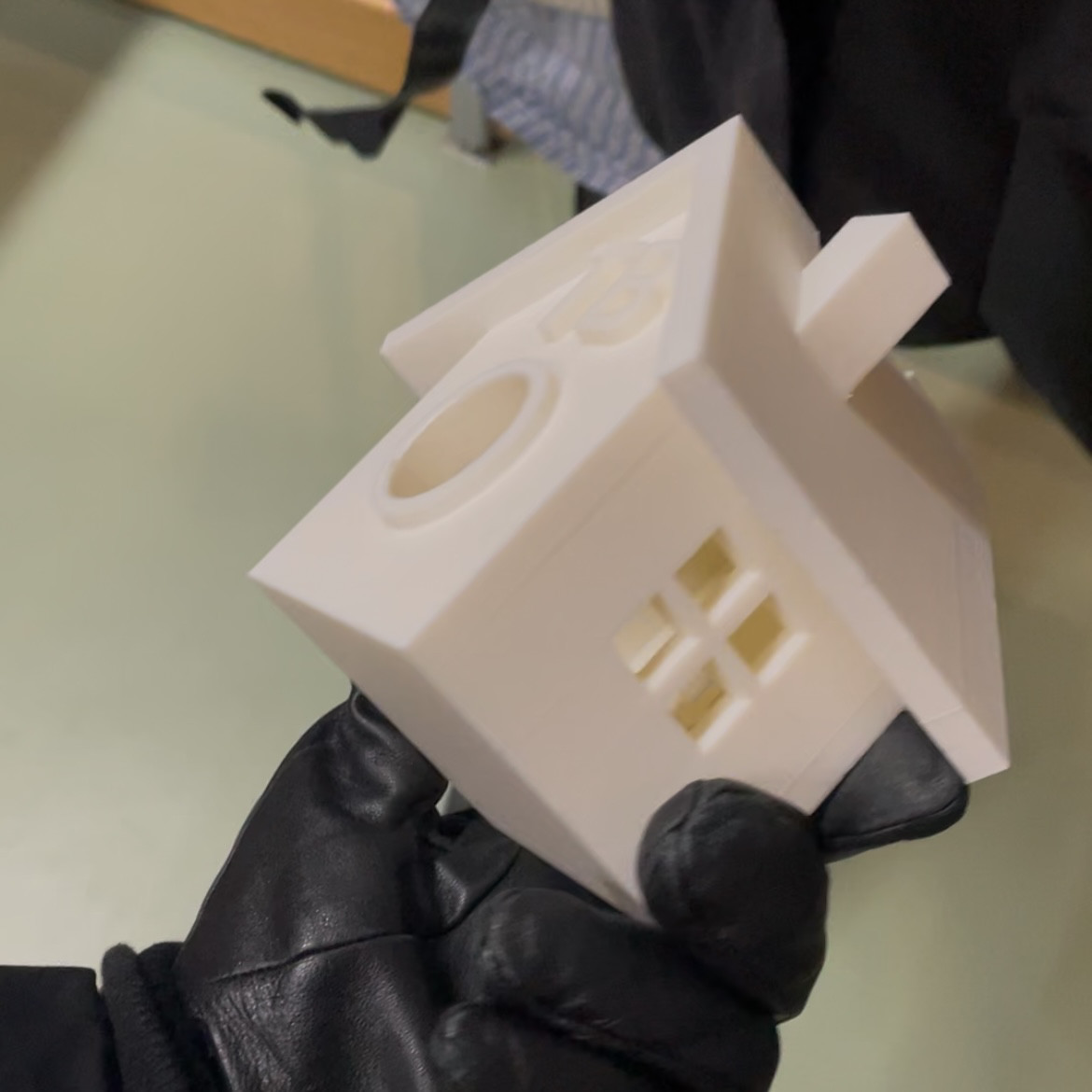
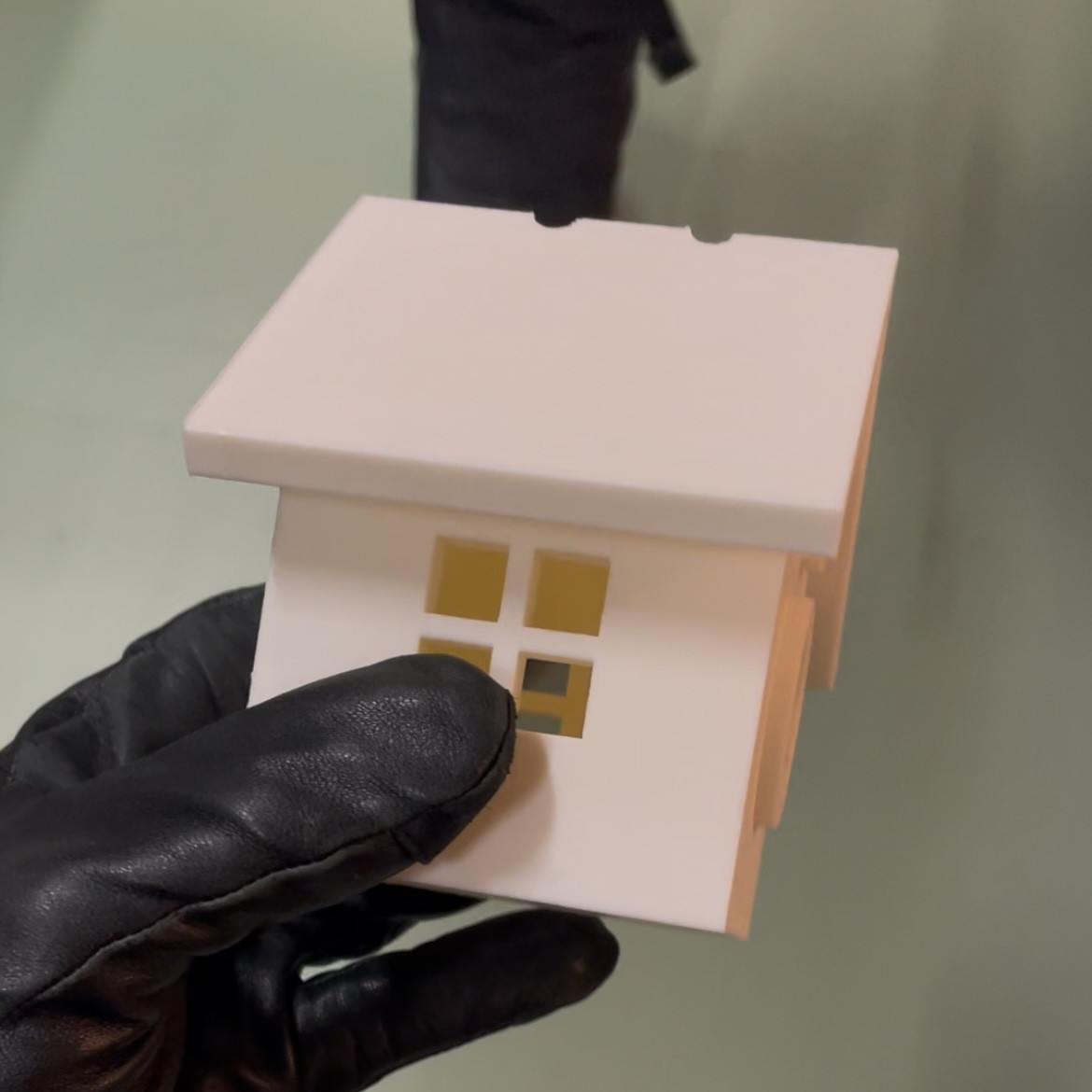
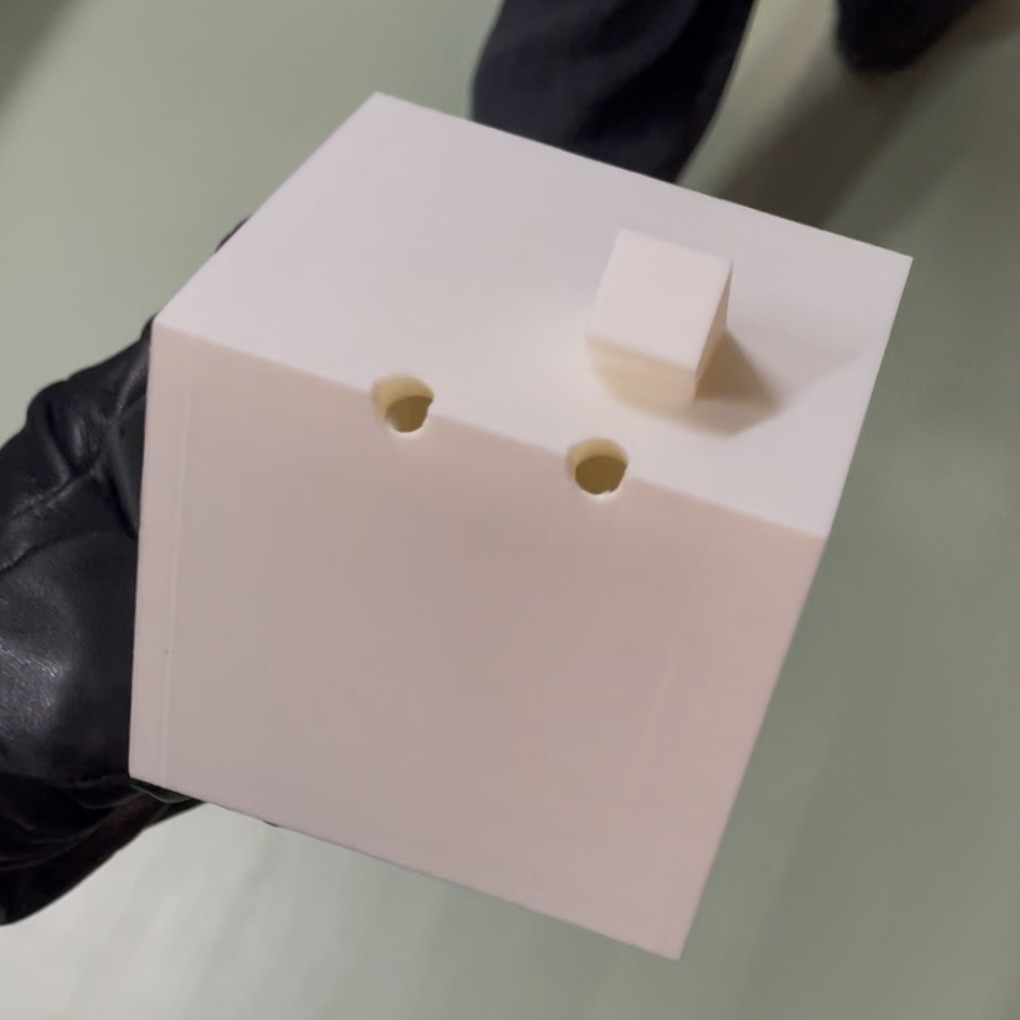
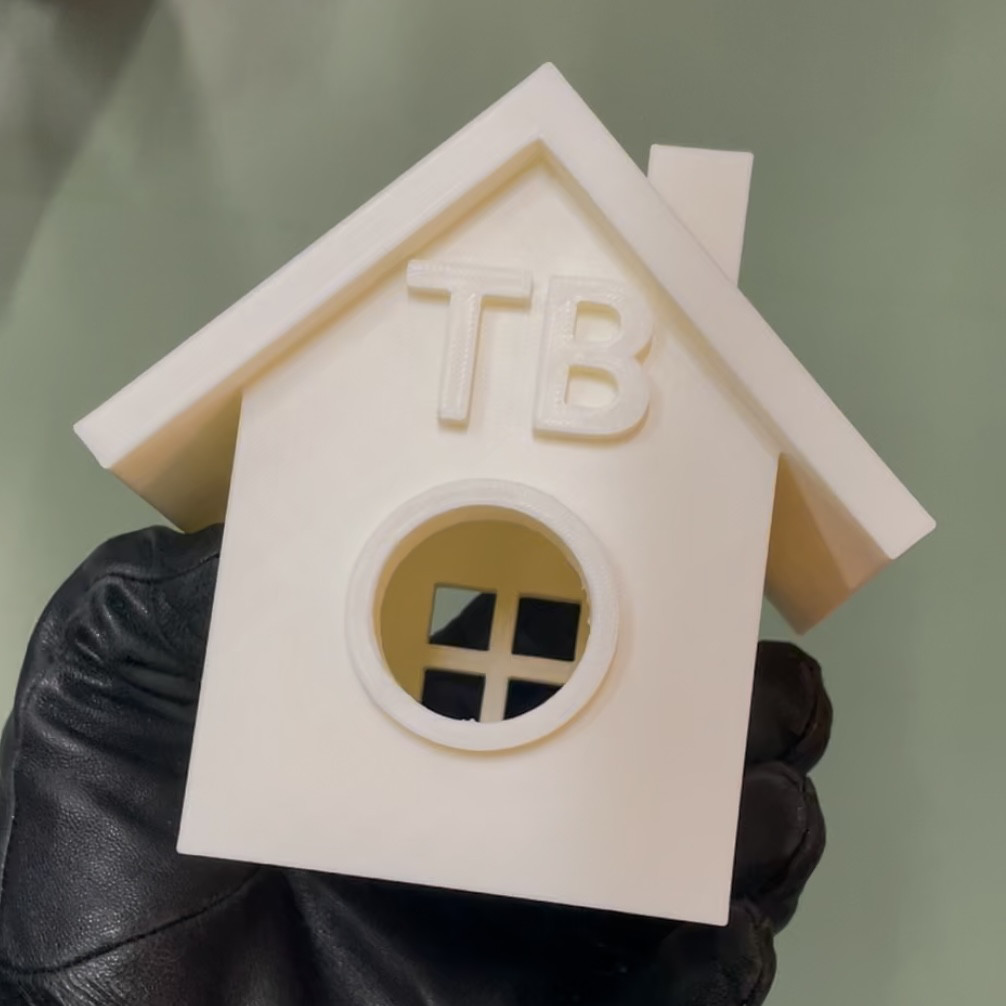
J'ai commencé par une maison : la chose la plus simple à dessiner. J'ai rapidement compris que ce n'était pas le cas en 3D. J'ai réussi à faire un cube, le vider, créer une porte, des fenêtres et un toit. Ensuite, comme on a besoin d'un objet fonctionnel, j'ai modifié cette maison pour en faire une cabane pour oiseaux en remplaçant la porte rectangulaire par une cylindrique et en créant des trous dans le toit pour pouvoir l'accrocher.

Fichier SCAD : [cabane\_pour\_oiseaux.scad](https://wiki.fablab.sorbonne-universite.fr/BookStack/attachments/929)

Fichier exporté STL : [cabane\_pour\_oiseaux.stl](https://wiki.fablab.sorbonne-universite.fr/BookStack/attachments/1047)

##### Capture d'écran du modèle 3D :

[![Screenshot 2024-12-02 at 11.19.25 AM.png](https://wiki.fablab.sorbonne-universite.fr/BookStack/uploads/images/gallery/2024-12/scaled-1680-/screenshot-2024-12-02-at-11-19-25-am.png)](https://wiki.fablab.sorbonne-universite.fr/BookStack/uploads/images/gallery/2024-12/screenshot-2024-12-02-at-11-19-25-am.png)

Code SCAD :

```javascript
$fn=100;

module fenetre() { // 4 cubes pour créer une fenêtre avec la différence
    translate([0, 0, 0]) cube([1.5, 4, 1.5]);
    translate([2, 0, 0]) cube([1.5, 4, 1.5]);
    translate([2, 0, 2]) cube([1.5, 4, 1.5]);
    translate([0, 0, 2]) cube([1.5, 4, 1.5]);
}

difference() {
    union() {
        cube([10, 10, 10]); // cube maison
        translate([5, -.5, 5]) rotate([-90, 0, 0]) cylinder(2, 2.5, 2.5); // contour 3D porte cercle
    }
    translate([1, 1, 1]) cube([8, 8, 10]); // cube pour vider la maison
    //translate([4, -2, 1]) cube([2, 4, 4]); // porte rectangle
    translate([5, -1, 5]) rotate([-90, 0, 0]) cylinder(3, 2, 2); // porte cercle
    translate([2, 3.25, 3.25]) rotate([0, 0, 90]) fenetre(); // fenetre gauche
    translate([12, 3.25, 3.25]) rotate([0, 0, 90]) fenetre(); // fenetre droite
    translate([3.25, 7.5, 3.25]) fenetre(); // fenetre arrière
}

difference() {
    translate([4.25, -1, 14.5]) rotate([0, 135, 0]) union() { // toit
        cube([10, 12, 1]); 
        translate([0, 0, 0]) rotate([0, -90, 0]) cube([11, 12, 1]);
    }
    translate([5, 3, 12]) { // trous dans le toit pour qu'on puisse l'accrocher
        cylinder(4, .5, .5);
        translate([0, 3.5, 0]) cylinder(4, .5, .5);
    }
}

translate([1, 1, 10]) rotate([90, 0, 0]) linear_extrude(height=1) { // prisme qui bouche l'espace entre le mur avant et le toit
    polygon([[0, 0], [8, 0], [4, 4]]);
}

translate([1, 10, 10]) rotate([90, 0, 0]) linear_extrude(height=1) { // prisme qui bouche l'espace entre le mur arrière et le toit
    polygon([[0, 0], [8, 0], [4, 4]]);
}

translate([7, 2, 11]) cube([2, 2, 4]); // cheminée

translate([2.75, .5, 8.5]) rotate([90, 0, 0]) linear_extrude(height=1) {
    text("TB", 3, "Figtree:style=Bold"); // initiales TB
}
```

##### Paramètres d'impression :

Pour imprimer la cabane à l'endroit, il faut rajouter beaucoup de supports : le trou d'entrée en relief, les initiales, le toit et l'intérieur. Pour résoudre ce problème, je l'ai tourné comme ceci :

[![Screenshot 2024-12-02 at 11.44.43 AM.png](https://wiki.fablab.sorbonne-universite.fr/BookStack/uploads/images/gallery/2024-12/scaled-1680-/screenshot-2024-12-02-at-11-44-43-am.png)](https://wiki.fablab.sorbonne-universite.fr/BookStack/uploads/images/gallery/2024-12/screenshot-2024-12-02-at-11-44-43-am.png)

Avec supports et jupe (on voit aussi les paramètres d'impression à droite de la capture d'écran) :

[![Screenshot 2024-12-02 at 11.45.48 AM.png](https://wiki.fablab.sorbonne-universite.fr/BookStack/uploads/images/gallery/2024-12/scaled-1680-/screenshot-2024-12-02-at-11-45-48-am.png)](https://wiki.fablab.sorbonne-universite.fr/BookStack/uploads/images/gallery/2024-12/screenshot-2024-12-02-at-11-45-48-am.png)

Fichier 3MF : [cabane\_pour\_oiseaux.3mf](https://wiki.fablab.sorbonne-universite.fr/BookStack/attachments/1048)

Fichier GCODE : [cabane\_pour\_oiseaux\_0.4n\_0.25mm\_PLA\_MK4S\_6h3m.bgcode](https://wiki.fablab.sorbonne-universite.fr/BookStack/attachments/1049)

##### Imprimé en 3D :

Vidéo : [IMG\_6762.MOV](https://wiki.fablab.sorbonne-universite.fr/BookStack/attachments/1046)

Photos :

<table border="1" id="bkmrk--3" style="border-collapse: collapse; width: 100%;"><colgroup><col style="width: 50%;"></col><col style="width: 50%;"></col></colgroup><tbody><tr><td>[![IMG_6985.jpg](https://wiki.fablab.sorbonne-universite.fr/BookStack/uploads/images/gallery/2024-12/scaled-1680-/img-6985.jpg)](https://wiki.fablab.sorbonne-universite.fr/BookStack/uploads/images/gallery/2024-12/img-6985.jpg)  
</td><td>![IMG_6988.jpg](https://wiki.fablab.sorbonne-universite.fr/BookStack/uploads/images/gallery/2024-12/scaled-1680-/img-6988.jpg)</td></tr><tr><td>[![IMG_6986.jpg](https://wiki.fablab.sorbonne-universite.fr/BookStack/uploads/images/gallery/2024-12/scaled-1680-/img-6986.jpg)](https://wiki.fablab.sorbonne-universite.fr/BookStack/uploads/images/gallery/2024-12/img-6986.jpg)  
</td><td>![IMG_6987.jpg](https://wiki.fablab.sorbonne-universite.fr/BookStack/uploads/images/gallery/2024-12/scaled-1680-/img-6987.jpg)</td></tr></tbody></table>

### 2 - Objet impossible à faire autrement qu'en 3D

#### Table d'appoint en tanségrité :

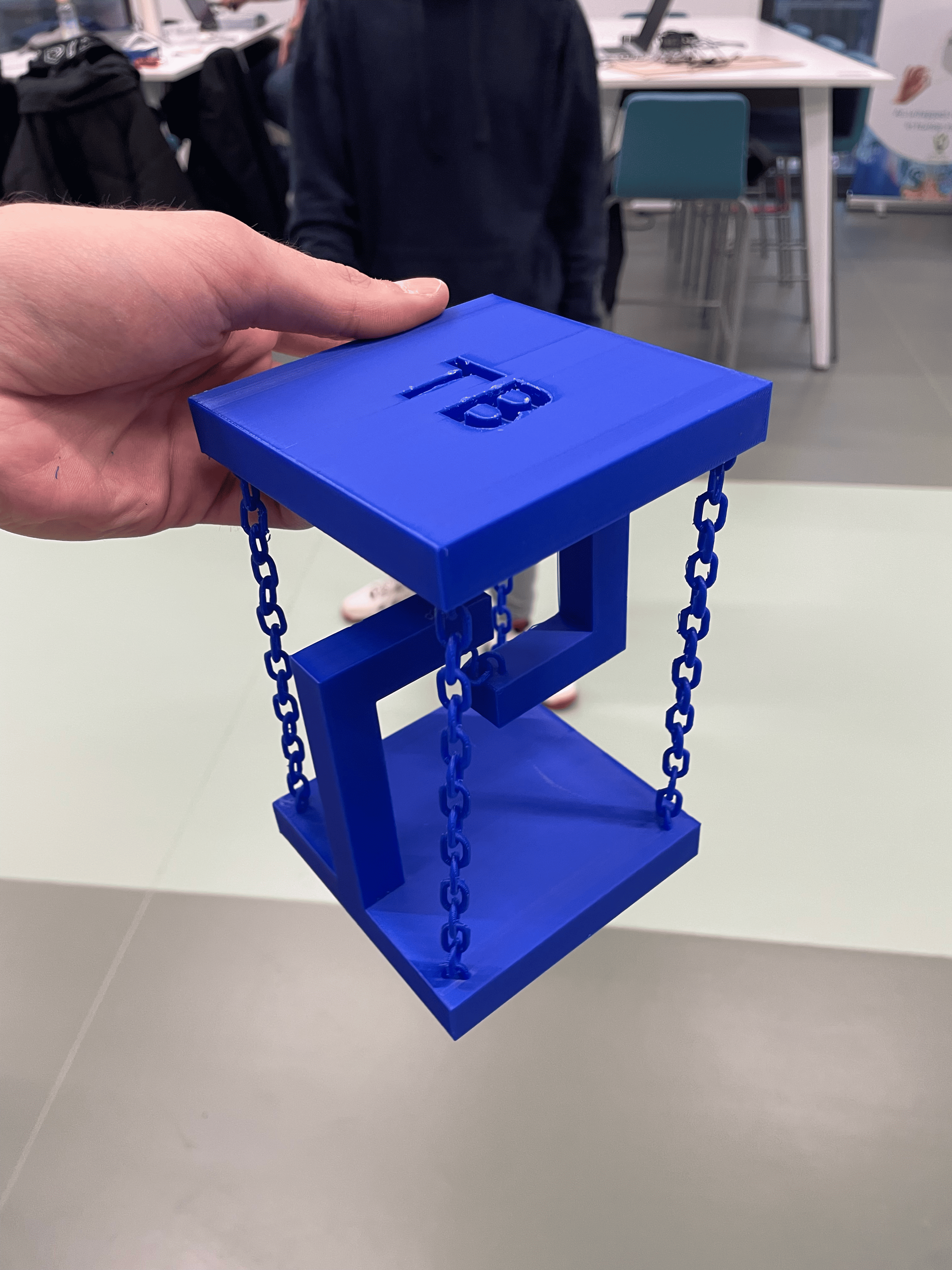
J'ai toujours aimé avoir une table tanségrité. Tanségrité, c'est quoi ? C'est un principe structurel selon lequel les éléments sous compression sont maintenus en place par des éléments sous tension. Donc une table reliée que par des chaines. Le fait que les chaines fassent partie de l'objet le rendent impossible à recréer qu'en 3D.

Pour faire les chaines, j'ai regardé sur le wiki comment faire des "torus" en SCAD. Un maillon de chaine est un torus, coupé en deux et allongé par deux cylindres. Voilà un maillon de chaine décomposé :

[![Screenshot 2024-12-11 at 4.30.27 PM.png](https://wiki.fablab.sorbonne-universite.fr/BookStack/uploads/images/gallery/2024-12/scaled-1680-/screenshot-2024-12-11-at-4-30-27-pm.png)](https://wiki.fablab.sorbonne-universite.fr/BookStack/uploads/images/gallery/2024-12/screenshot-2024-12-11-at-4-30-27-pm.png)

J'ai ensuite transformé ce modèle en module "chain\_link()" pour pouvoir l'utiliser dans un autre module "chain()". Dans ce dernier, j'ai créé une for loop qui les lie en les bougant tous et en tournant uniquement les maillons impairs.

Après impression, je me suis rendu compte qu'il y a eu un problème de mesures et les chaines sont un peu longues : la table ne tient pas parfaitement mais ça marche quand même.

Fichier SCAD : [tensegrity.scad](https://wiki.fablab.sorbonne-universite.fr/BookStack/attachments/1136)

Fichier corrigé (que je n'ai pas imprimé) SCAD : [tensegrity fixed.scad](https://wiki.fablab.sorbonne-universite.fr/BookStack/attachments/1138)

Fichier exporté STL : Je ne peux pas le mettre, il fait 275MB :( même en compressant ça fait 30MB...

##### Capture d'écran du modèle 3D :

[![Screenshot 2024-12-11 at 4.24.47 PM.png](https://wiki.fablab.sorbonne-universite.fr/BookStack/uploads/images/gallery/2024-12/scaled-1680-/screenshot-2024-12-11-at-4-24-47-pm.png)](https://wiki.fablab.sorbonne-universite.fr/BookStack/uploads/images/gallery/2024-12/screenshot-2024-12-11-at-4-24-47-pm.png)

Code SCAD :

```javascript
$fn = 1;

module support() {
    cube([3, 3, 20.5]);
    translate([0, 0, 17.5]) cube([3, 11, 3]);
}

module base() {
    cube([20, 20, 3]);
    translate([8.5, 0, 0]) support();
}

difference() {
    union() {
        base();

        translate([0, 20, 30]) rotate([180, 0, 0]) base();
    }
    translate([6, 7.5, 29]) linear_extrude(height=2) {
        text("TB", 5, "Figtree:style=Bold"); // initiales TB
    }
}

// https://en.wikibooks.org/wiki/OpenSCAD_User_Manual/2D_to_3D_Extrusion#Mesh_Refinement_2
module chain_link(r, s, t, fn = 100) {
    // r = radius
    // s = size
    // t = tall
    union() {
        rotate_extrude(angle = 180, $fn = 100) translate([s, 0, 0]) circle(r = r, $fn = fn);
        translate([-s, 0, 0]) rotate([90, -36, 0]) cylinder(r = r, h = s * t, $fn = fn);
        translate([s, 0, 0]) rotate([90, 0, 0]) cylinder(r = r, h = s * t, $fn = fn);
        translate([0, -s * t, 0]) rotate_extrude(angle = -180, $fn = 100) translate([s, 0, 0]) circle(r = r, $fn = fn);
    }
}

module chain(r, s, t, l, fn = 100) {
    union() {
        for (i = [0:l]) {
            if (i % 2 == 0) {
                translate([0, -t * 1.05 * i, 0]) chain_link(r, s, t, fn);
            } else {
                translate([0, -t * 1.05 * i, 0]) rotate([0, 90, 0]) chain_link(r, s, t, fn);
            }
        }
    }
}

chain_r = .2;
chain_s = .6;
chain_t = 1.5;
chain_l_long = 16;
chain_l_short = 3;

//translate([1.5, 1.5, 31]) rotate([-90, 0, -45]) chain_link(.2, .6);

union() {
    translate([1.5, 1.5, 2.5]) rotate([-90, 0, -45]) chain(chain_r, chain_s, chain_t, chain_l_long, $fn);

    translate([18.5, 1.5, 2.5]) rotate([-90, 0, 45]) chain(chain_r, chain_s, chain_t, chain_l_long, $fn);

    translate([18.5, 18.5, 2.5]) rotate([-90, 0, -45]) chain(chain_r, chain_s, chain_t, chain_l_long, $fn);

    translate([1.5, 18.5, 2.5]) rotate([-90, 0, 45]) chain(chain_r, chain_s, chain_t, chain_l_long, $fn);

    translate([10, 10, 12.33]) rotate([-90, 0, 45]) chain(chain_r, chain_s, chain_t, chain_l_short, $fn);
}
```

##### Paramètres d'impression :

Pour imprimer la table à l'endroit, il faut rajouter beaucoup de supports. Pour résoudre ce problème, je l'ai tourné comme ceci :

[![Screenshot 2024-12-11 at 4.15.16 PM.png](https://wiki.fablab.sorbonne-universite.fr/BookStack/uploads/images/gallery/2024-12/scaled-1680-/screenshot-2024-12-11-at-4-15-16-pm.png)](https://wiki.fablab.sorbonne-universite.fr/BookStack/uploads/images/gallery/2024-12/screenshot-2024-12-11-at-4-15-16-pm.png)

Avec supports et jupe (on voit aussi les paramètres d'impression à droite de la capture d'écran) :

[![Screenshot 2024-12-11 at 4.16.33 PM.png](https://wiki.fablab.sorbonne-universite.fr/BookStack/uploads/images/gallery/2024-12/scaled-1680-/screenshot-2024-12-11-at-4-16-33-pm.png)](https://wiki.fablab.sorbonne-universite.fr/BookStack/uploads/images/gallery/2024-12/screenshot-2024-12-11-at-4-16-33-pm.png)

Fichier 3MF : Fichier trop grand pour le télécharger :(

Fichier GCODE : [tensegrity\_0.4n\_0.25mm\_PLA\_MK4S\_5h9m.bgcode](https://wiki.fablab.sorbonne-universite.fr/BookStack/attachments/1137)

##### Imprimé en 3D :

Photos :

<table border="1" id="bkmrk--8" style="border-collapse: collapse; width: 100%;"><colgroup><col style="width: 50%;"></col><col style="width: 50%;"></col></colgroup><tbody><tr><td>[![IMG_7771.png](https://wiki.fablab.sorbonne-universite.fr/BookStack/uploads/images/gallery/2024-12/scaled-1680-/img-7771.png)](https://wiki.fablab.sorbonne-universite.fr/BookStack/uploads/images/gallery/2024-12/img-7771.png)  
</td><td>[![IMG_7772.png](https://wiki.fablab.sorbonne-universite.fr/BookStack/uploads/images/gallery/2024-12/scaled-1680-/img-7772.png)](https://wiki.fablab.sorbonne-universite.fr/BookStack/uploads/images/gallery/2024-12/img-7772.png)  
</td></tr><tr><td>[![IMG_7773.png](https://wiki.fablab.sorbonne-universite.fr/BookStack/uploads/images/gallery/2024-12/scaled-1680-/img-7773.png)](https://wiki.fablab.sorbonne-universite.fr/BookStack/uploads/images/gallery/2024-12/img-7773.png)  
</td><td>[![IMG_7774.png](https://wiki.fablab.sorbonne-universite.fr/BookStack/uploads/images/gallery/2024-12/scaled-1680-/img-7774.png)](https://wiki.fablab.sorbonne-universite.fr/BookStack/uploads/images/gallery/2024-12/img-7774.png)</td></tr></tbody></table>

### 3 - Objet avec pause d'impression

#### Cone contenant des petites boules :

J'ai réfléchi à quel objet pourrait ne pas avoir besoin de support, pour que je puisse mettre des trucs à l'intérieur et que ça soit vide. Un cone me semblait le plus simple et intuitif à réaliser. J'ai décidé de mettre des petites boules dedans qui font un bruit lorsqu'on le secoue. J'ai rajouté ces boules à côté du cone, de façon à ce qu'elles soient imprimées avant la pause. Comme ça, je peux les enlever et les mettre dedans !

Fichier SCAD : [cone.scad](https://wiki.fablab.sorbonne-universite.fr/BookStack/attachments/1152)

Fichier exporté STL : [cone.stl](https://wiki.fablab.sorbonne-universite.fr/BookStack/attachments/1153)

##### Capture d'écran du modèle 3D :

[![Screenshot 2024-12-12 at 3.36.42 PM.png](https://wiki.fablab.sorbonne-universite.fr/BookStack/uploads/images/gallery/2024-12/scaled-1680-/screenshot-2024-12-12-at-3-36-42-pm.png)](https://wiki.fablab.sorbonne-universite.fr/BookStack/uploads/images/gallery/2024-12/screenshot-2024-12-12-at-3-36-42-pm.png)

Code SCAD :

```javascript
$fn=100;

difference() {
    // https://en.wikibooks.org/wiki/OpenSCAD_User_Manual/Primitive_Solids#cylinder
    cylinder(h=15, r1=10, r2=0);

    // https://en.wikibooks.org/wiki/OpenSCAD_User_Manual/Primitive_Solids#cylinder
    translate([0, 0, 1]) cylinder(h=12, r1=8, r2=0);
    
    //cube(15);
}

translate([15, 0, .75]) sphere(.75);

translate([12, 0, .75]) sphere(.75);

translate([-15, 0, .75]) sphere(.75);

translate([-12, 0, .75]) sphere(.75);

translate([0, 15, .75]) sphere(.75);

translate([0, 12, .75]) sphere(.75);

translate([0, -15, .75]) sphere(.75);

translate([0, -12, .75]) sphere(.75);
```

##### Paramètres d'impression :

Il n'y a pas besoin de supports pour cette structure. J'ai cependant rajouté une jupe pour plus de stabilité.

[![Screenshot 2024-12-12 at 3.38.07 PM.png](https://wiki.fablab.sorbonne-universite.fr/BookStack/uploads/images/gallery/2024-12/scaled-1680-/screenshot-2024-12-12-at-3-38-07-pm.png)](https://wiki.fablab.sorbonne-universite.fr/BookStack/uploads/images/gallery/2024-12/screenshot-2024-12-12-at-3-38-07-pm.png)

On voit aussi les paramètres d'impression à droite de la capture d'écran :

[![Screenshot 2024-12-12 at 3.38.32 PM.png](https://wiki.fablab.sorbonne-universite.fr/BookStack/uploads/images/gallery/2024-12/scaled-1680-/screenshot-2024-12-12-at-3-38-32-pm.png)](https://wiki.fablab.sorbonne-universite.fr/BookStack/uploads/images/gallery/2024-12/screenshot-2024-12-12-at-3-38-32-pm.png)

Pour que l'imprimante se mette en pause et nous permette de mettre les boules dans la structure, nous ajoutons une pause en sélectionnant la couche cible avec le curseur de couches à droite et en faisant "clic droit" &gt; "ajouter une pause".

[![Screenshot 2024-12-12 at 3.39.30 PM.png](https://wiki.fablab.sorbonne-universite.fr/BookStack/uploads/images/gallery/2024-12/scaled-1680-/screenshot-2024-12-12-at-3-39-30-pm.png)](https://wiki.fablab.sorbonne-universite.fr/BookStack/uploads/images/gallery/2024-12/screenshot-2024-12-12-at-3-39-30-pm.png)

Fichier 3MF : [cone.3mf](https://wiki.fablab.sorbonne-universite.fr/BookStack/attachments/1156)

Fichier GCODE : [cone\_0.4n\_0.25mm\_PLA\_MK4S\_28m.bgcode](https://wiki.fablab.sorbonne-universite.fr/BookStack/attachments/1157)

##### Imprimé en 3D :

Photos :

<table border="1" id="bkmrk--13" style="border-collapse: collapse; width: 100%;"><colgroup><col style="width: 50%;"></col><col style="width: 50%;"></col></colgroup><tbody><tr><td>[![IMG_7840.jpg](https://wiki.fablab.sorbonne-universite.fr/BookStack/uploads/images/gallery/2024-12/scaled-1680-/img-7840.jpg)](https://wiki.fablab.sorbonne-universite.fr/BookStack/uploads/images/gallery/2024-12/img-7840.jpg)</td><td>[![IMG_7839.png](https://wiki.fablab.sorbonne-universite.fr/BookStack/uploads/images/gallery/2024-12/scaled-1680-/img-7839.png)](https://wiki.fablab.sorbonne-universite.fr/BookStack/uploads/images/gallery/2024-12/img-7839.png)</td></tr></tbody></table>

### 4 - BB-8 : un robot que j'aimerais beaucoup pouvoir réaliser

[![image.png](https://wiki.fablab.sorbonne-universite.fr/BookStack/uploads/images/gallery/2024-12/scaled-1680-/zxIimage.png)](https://wiki.fablab.sorbonne-universite.fr/BookStack/uploads/images/gallery/2024-12/zxIimage.png)

Ça fait 8 ans que je rêve de construire un BB-8, le droid spherique de Star Wars. En 2016, j'ai même créé [une soundboard avec tous les sons](https://static.batache.com/bb8_soundboard/) que fait BB-8 et elle est toujours disponible sur mon site web. J'ai recherché des tutoriels et j'en ai trouvé un qui date de 2019 (un peu ancien) : [https://www.instructables.com/DIY-BB8-Fully-3D-Printed-20cm-Diameter-First-Proto/](https://www.instructables.com/DIY-BB8-Fully-3D-Printed-20cm-Diameter-First-Proto/)

Je suis à la recherche d'autres plus nouveaux. Je posterai les liens que je trouve ici.

# Christina BACHAROUCHE

<span style="color: rgb(0, 0, 0);">**Christina Bacharouche**</span>

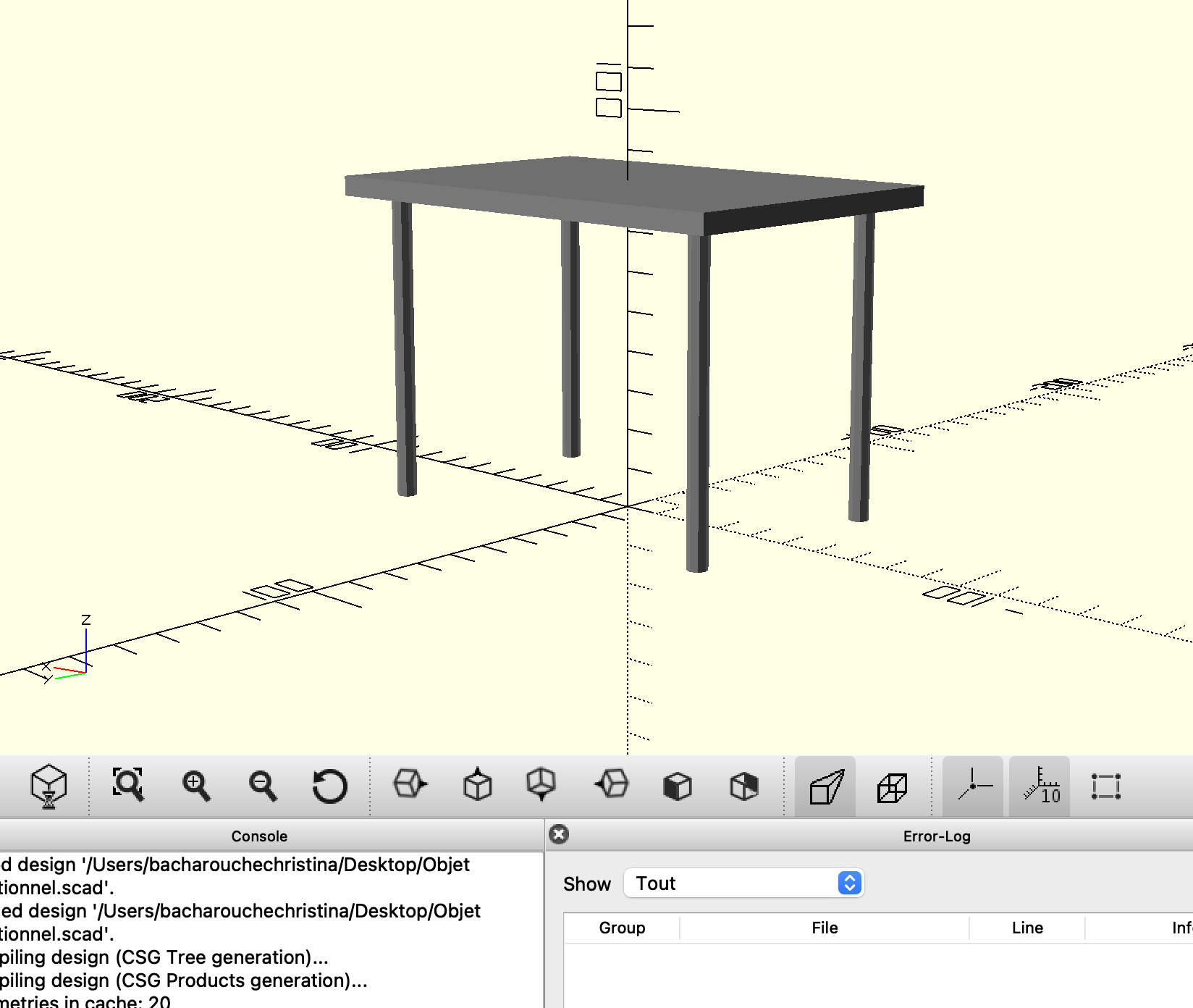
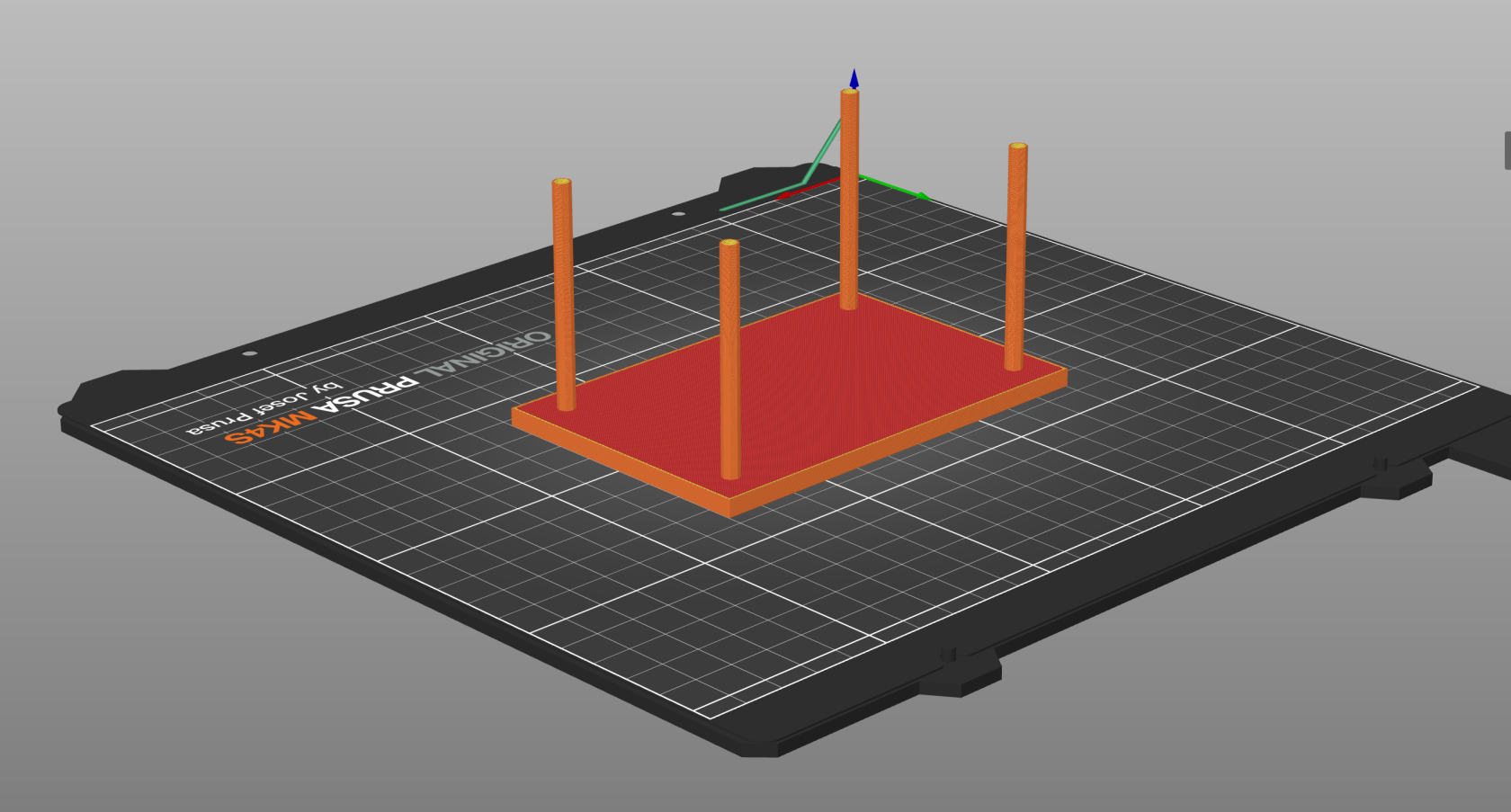
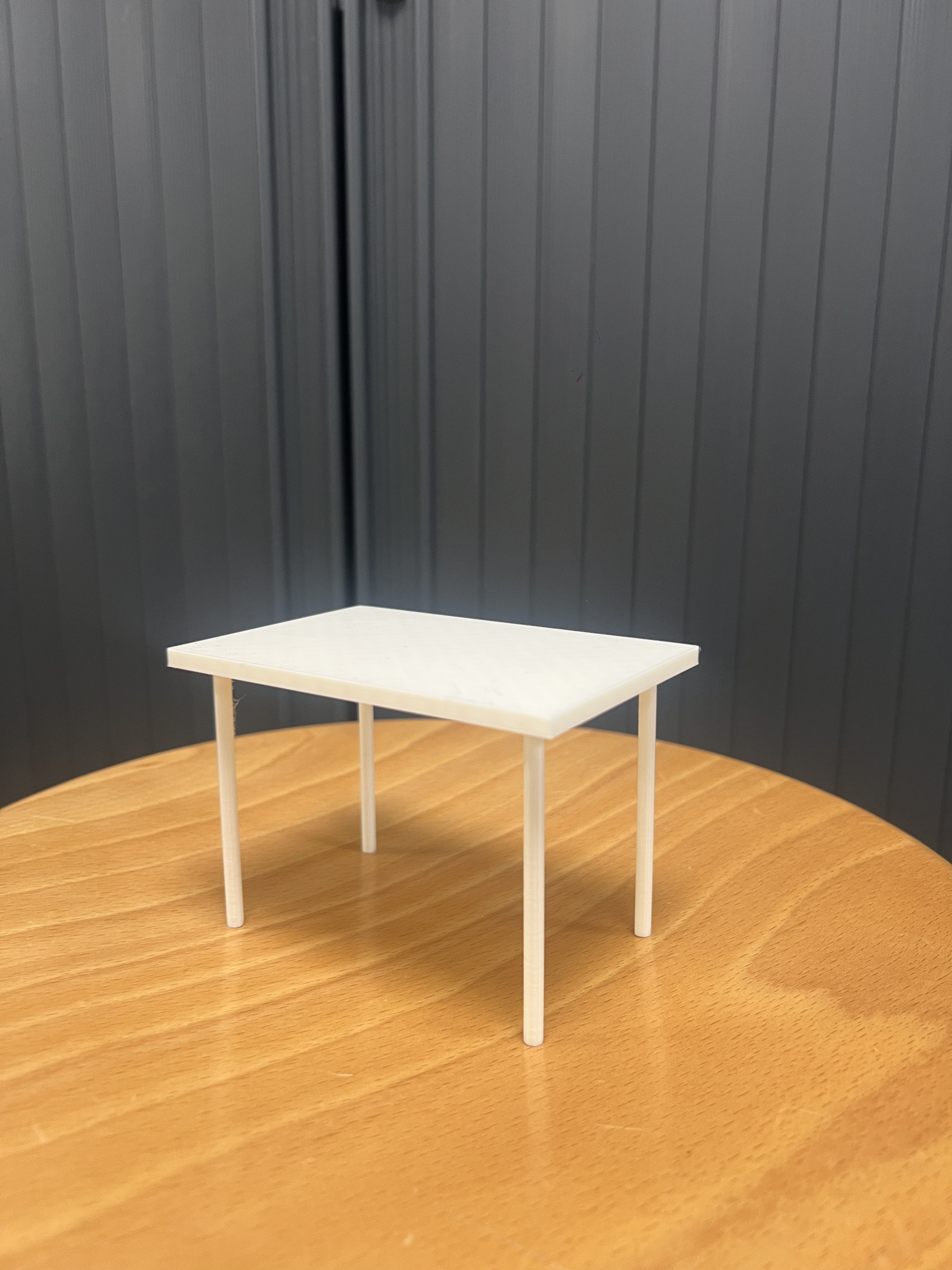
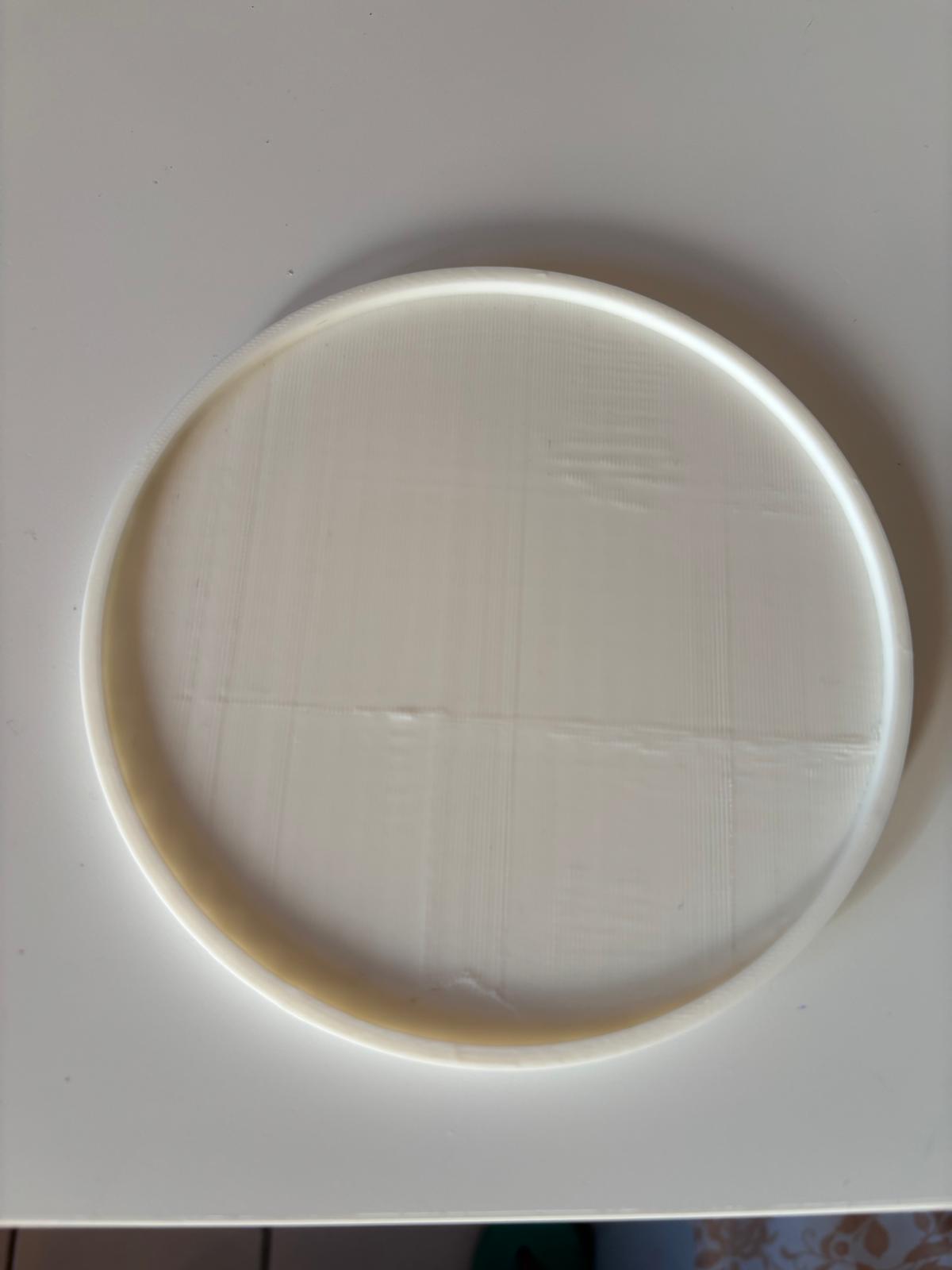
<span style="text-decoration: underline; color: rgb(0, 0, 0);">**Objet 1 fonctionnel : Table** </span>

**<span style="color: rgb(0, 0, 0);">Description</span>*<span style="color: rgb(0, 0, 0);"> : </span>***

- <span style="color: rgb(0, 0, 0);">Objet : petite table </span>
- <span style="color: rgb(0, 0, 0);">Fonction : f</span><span style="color: rgb(0, 0, 0);">ournir une surface stable et plane pour poser, organiser ou manipuler des objets. (utile pour prendre des photos de petits objets comme l'objet 3 :) )</span>

**<span style="color: rgb(0, 0, 0);">Paramètres d'impression : </span>**

- <span style="color: rgb(0, 0, 0);">Échelle : 100%</span>
- <span style="color: rgb(0, 0, 0);">Température : 230 °C</span>
- <span style="color: rgb(0, 0, 0);">Hauteur : 0.4 mm</span>
- <span style="color: rgb(0, 0, 0);">Largeur : 2 mm</span>
- <span style="color: rgb(0, 0, 0);">Remplissage : 15%</span>
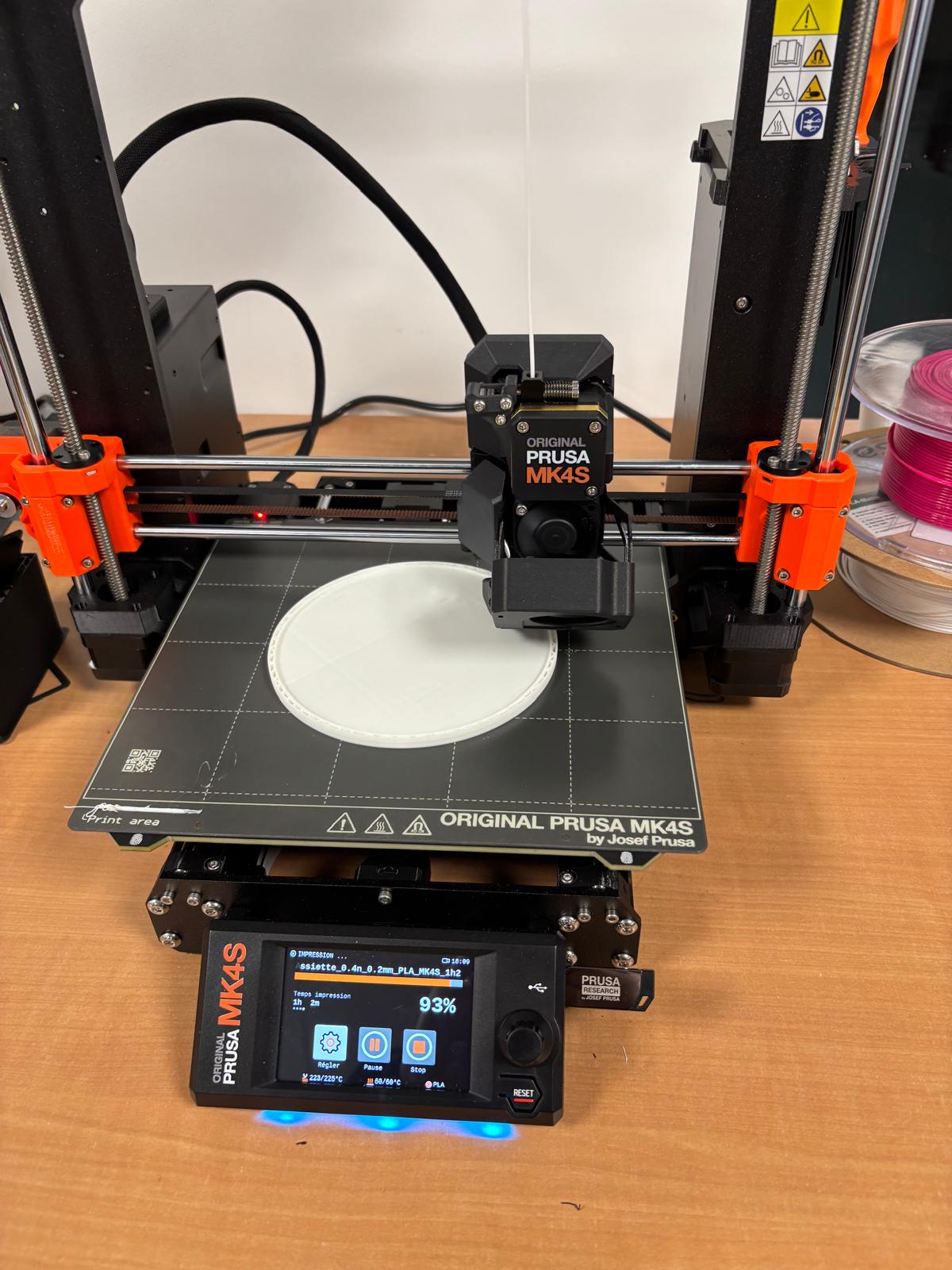
- <span style="color: rgb(0, 0, 0);">Imprimante : Original Prusa MK4S</span>
- <span style="color: rgb(0, 0, 0);">Filament : Generic PLA 0.20 mm </span>
- <span style="color: rgb(0, 0, 0);">Support : non</span>
- <span style="color: rgb(0, 0, 0);">Réglages d'impression : paramètres par défaut de PrusaSlicer</span>
- <span style="color: rgb(0, 0, 0);">Couleur : blanc</span>

<table border="1" id="bkmrk-" style="border-collapse: collapse; width: 124.197531%;"><colgroup><col style="width: 27.407407%;"></col><col style="width: 50.617284%;"></col><col style="width: 21.851852%;"></col></colgroup><tbody><tr><td><span style="text-decoration: underline;"><span style="color: rgb(0, 0, 0); text-decoration: underline;">Objet sur OpenScad</span></span>

<span style="text-decoration: underline;">[![Capture d’écran 2024-11-25 à 10.30.09.png](https://wiki.fablab.sorbonne-universite.fr/BookStack/uploads/images/gallery/2024-11/scaled-1680-/capture-decran-2024-11-25-a-10-30-09.png)](https://wiki.fablab.sorbonne-universite.fr/BookStack/uploads/images/gallery/2024-11/capture-decran-2024-11-25-a-10-30-09.png)</span>

</td><td><span style="text-decoration: underline;">Objet sur PrusaSlicer</span>

[![Capture d’écran 2024-12-12 à 15.47.55.png](https://wiki.fablab.sorbonne-universite.fr/BookStack/uploads/images/gallery/2024-12/scaled-1680-/capture-decran-2024-12-12-a-15-47-55.png)](https://wiki.fablab.sorbonne-universite.fr/BookStack/uploads/images/gallery/2024-12/capture-decran-2024-12-12-a-15-47-55.png)

</td><td><span style="text-decoration: underline;">Photo de l'objet </span>

[![IMG_5237.jpg](https://wiki.fablab.sorbonne-universite.fr/BookStack/uploads/images/gallery/2024-12/scaled-1680-/img-5237.jpg)](https://wiki.fablab.sorbonne-universite.fr/BookStack/uploads/images/gallery/2024-12/img-5237.jpg)

</td></tr></tbody></table>

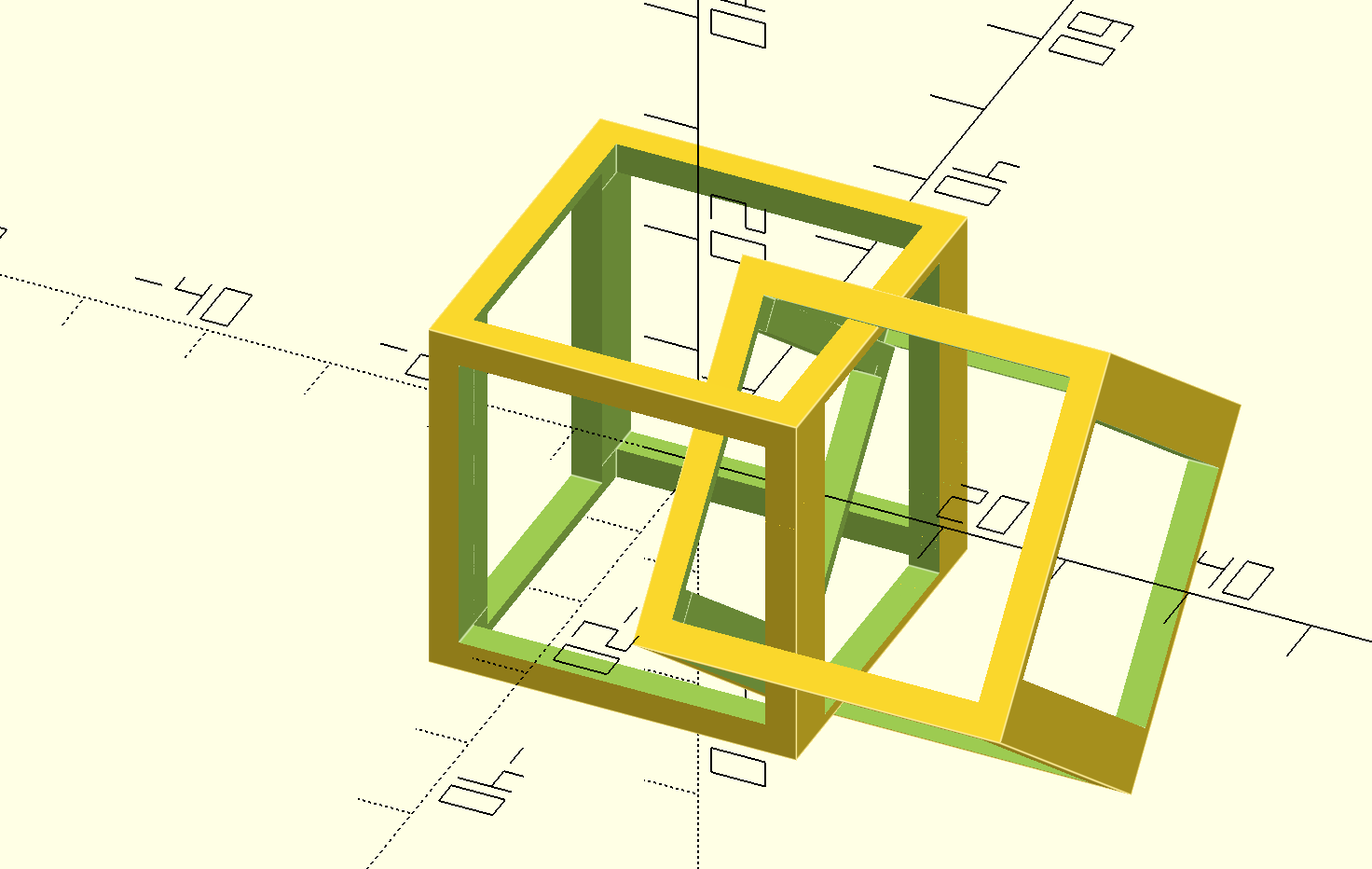
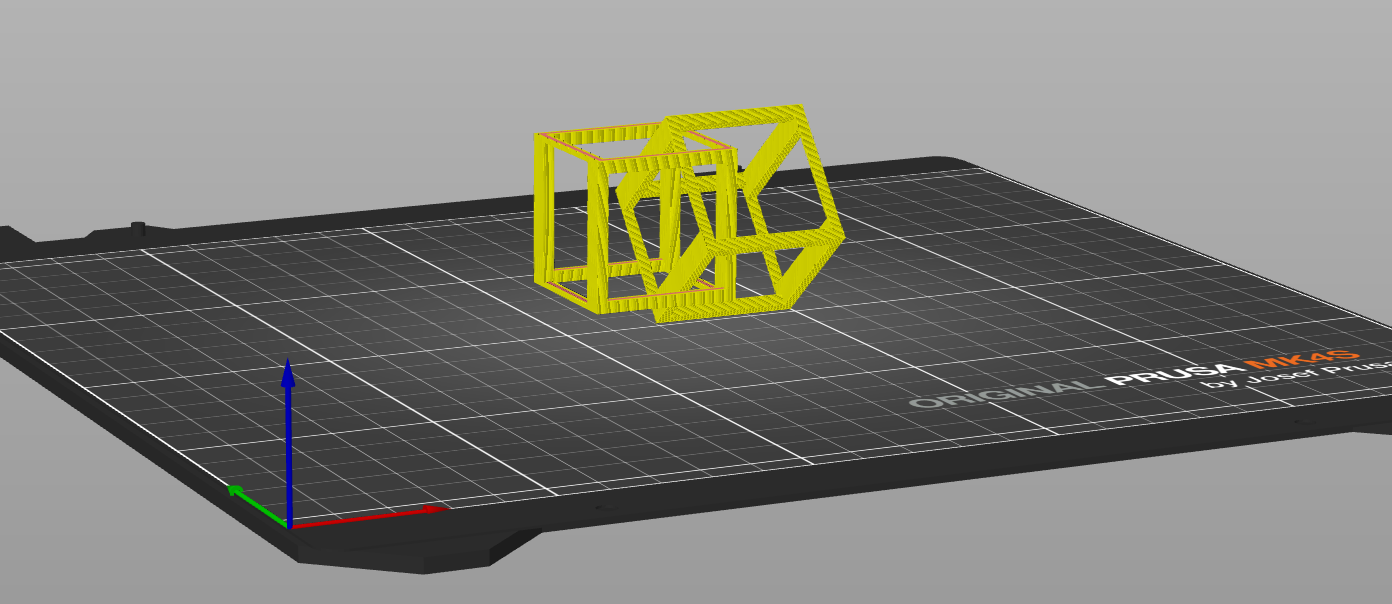
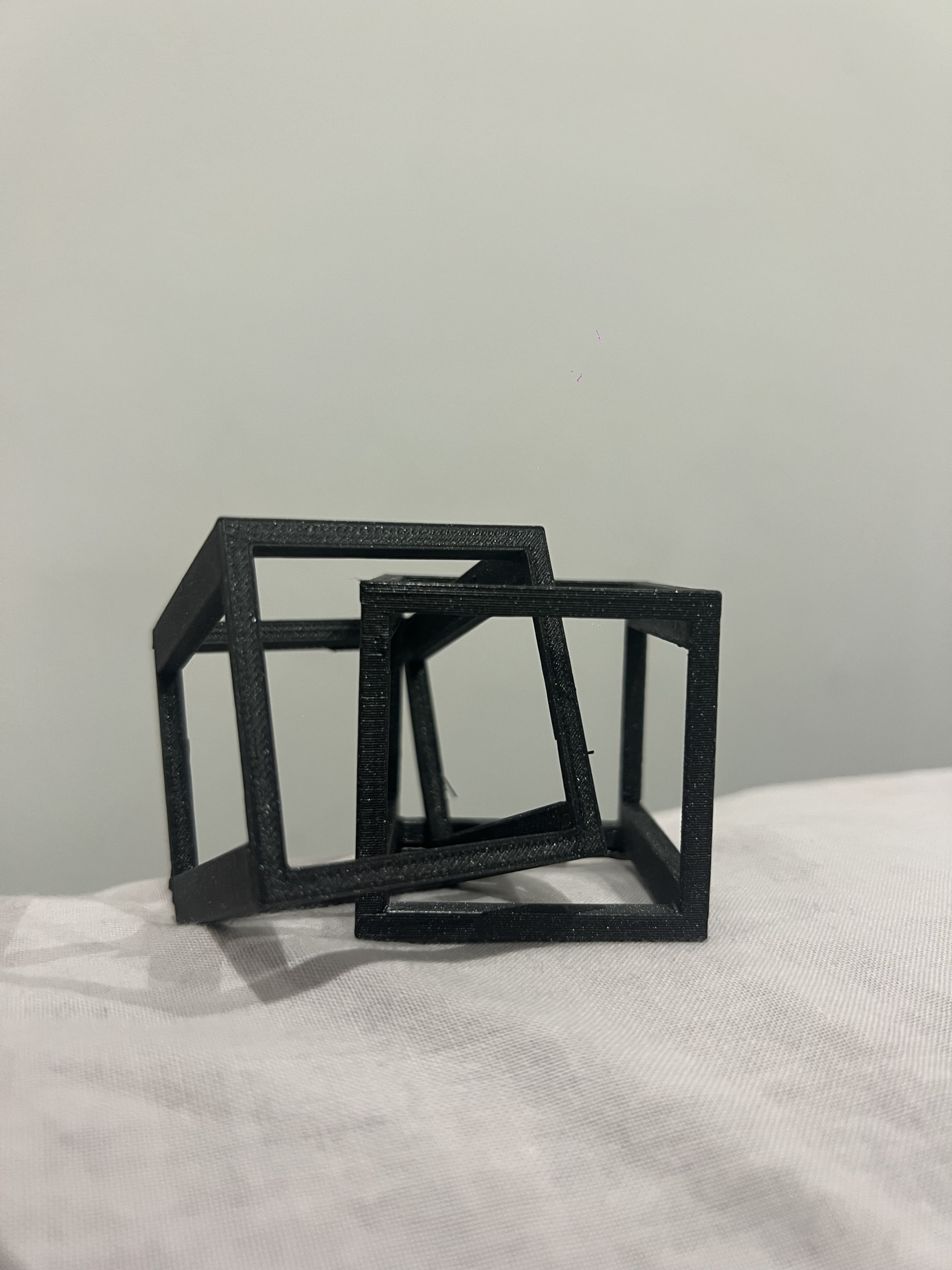
<span style="text-decoration: underline;">**<span style="color: rgb(0, 0, 0); text-decoration: underline;">Objet 2 non fonctionnel : 2 cubes (faisable qu'en 3D)</span>**</span>

**<span style="color: rgb(0, 0, 0);">Description : </span>**

- <span style="color: rgb(0, 0, 0);">Objet</span>**<span style="color: rgb(0, 0, 0);"> : </span>**<span style="color: rgb(0, 0, 0);">2 cubes intersectés en 3D</span>
- <span style="color: rgb(0, 0, 0);">Pas de fonction précise</span>

**<span style="color: rgb(0, 0, 0);">Paramètres d'impression :</span>**

- <span style="color: rgb(0, 0, 0);">Échelle : 100%</span>
- <span style="color: rgb(0, 0, 0);">Température : 230 °C</span>
- <span style="color: rgb(0, 0, 0);">Hauteur : 4,5 cm</span>
- <span style="color: rgb(0, 0, 0);">Largeur : 0,5 cm</span>
- <span style="color: rgb(0, 0, 0);">Remplissage : 30%</span>
- <span style="color: rgb(0, 0, 0);">Imprimante : Original Prusa MK4S</span>
- <span style="color: rgb(0, 0, 0);">Filament : Generic PLA 0.20 mm </span>
- <span style="color: rgb(0, 0, 0);">Support : oui (de tous les cotés car les cubes sont vides/creux)</span>
- <span style="color: rgb(0, 0, 0);">Réglages d'impression : paramètres par défaut de PrusaSlicer</span>
- <span style="color: rgb(0, 0, 0);">Couleur : noir </span>

<table border="1" id="bkmrk--2" style="border-collapse: collapse; width: 125.802469%;"><colgroup><col style="width: 37.283951%;"></col><col style="width: 43.08642%;"></col><col style="width: 19.506173%;"></col></colgroup><tbody><tr><td><span style="text-decoration: underline;">Objet sur OpenScad</span>

[![Capture d’écran 2024-12-11 à 18.13.57.png](https://wiki.fablab.sorbonne-universite.fr/BookStack/uploads/images/gallery/2024-12/scaled-1680-/capture-decran-2024-12-11-a-18-13-57.png)](https://wiki.fablab.sorbonne-universite.fr/BookStack/uploads/images/gallery/2024-12/capture-decran-2024-12-11-a-18-13-57.png)

</td><td><span style="text-decoration: underline;">Objet sur PrusaSlicer</span>

[![Capture d’écran 2024-12-12 à 15.52.18.png](https://wiki.fablab.sorbonne-universite.fr/BookStack/uploads/images/gallery/2024-12/scaled-1680-/capture-decran-2024-12-12-a-15-52-18.png)](https://wiki.fablab.sorbonne-universite.fr/BookStack/uploads/images/gallery/2024-12/capture-decran-2024-12-12-a-15-52-18.png)

</td><td><span style="text-decoration: underline;">Photo de l'objet </span>

[![image.jpeg](https://wiki.fablab.sorbonne-universite.fr/BookStack/uploads/images/gallery/2024-12/scaled-1680-/image.jpeg)](https://wiki.fablab.sorbonne-universite.fr/BookStack/uploads/images/gallery/2024-12/image.jpeg)

</td></tr></tbody></table>

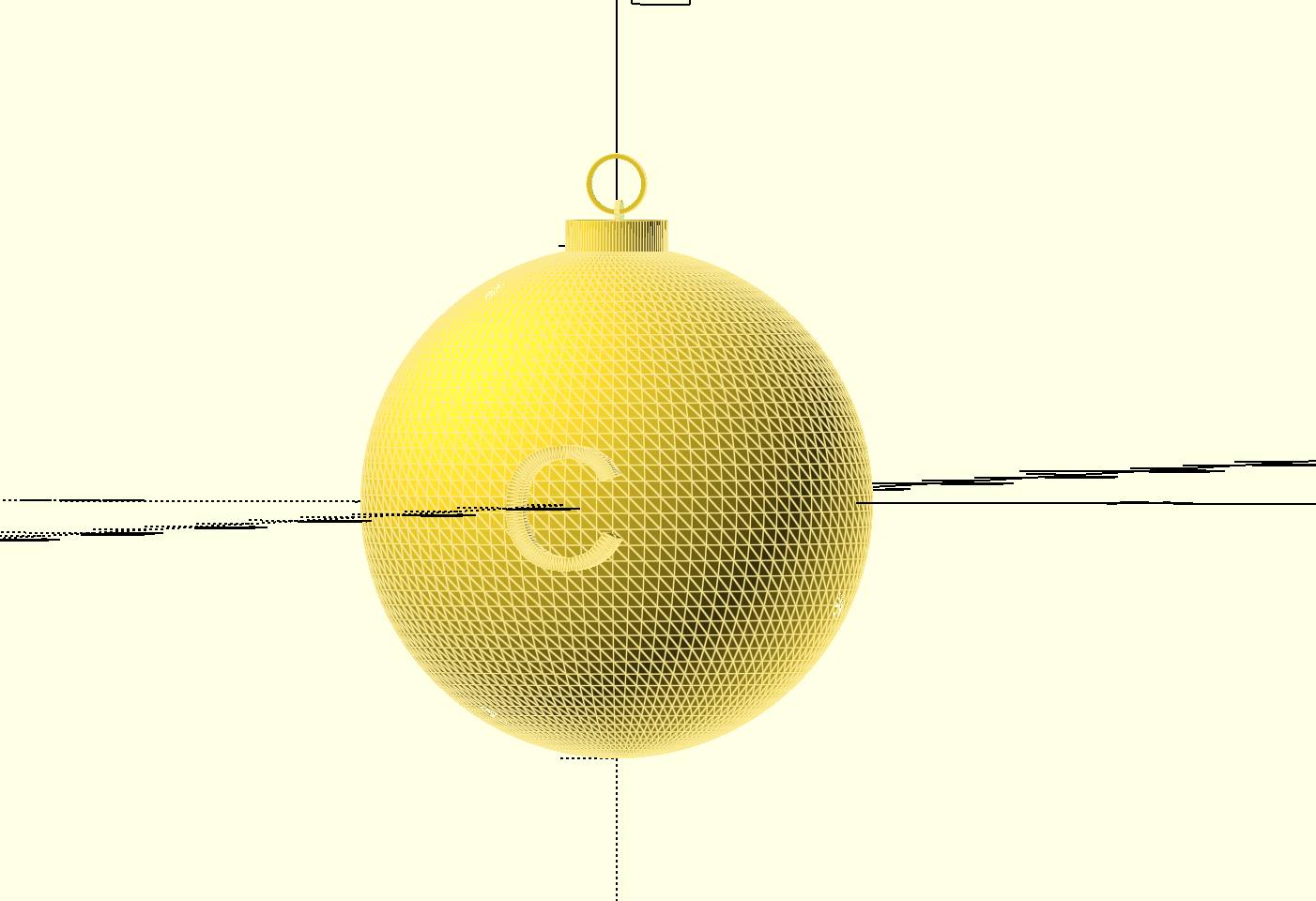
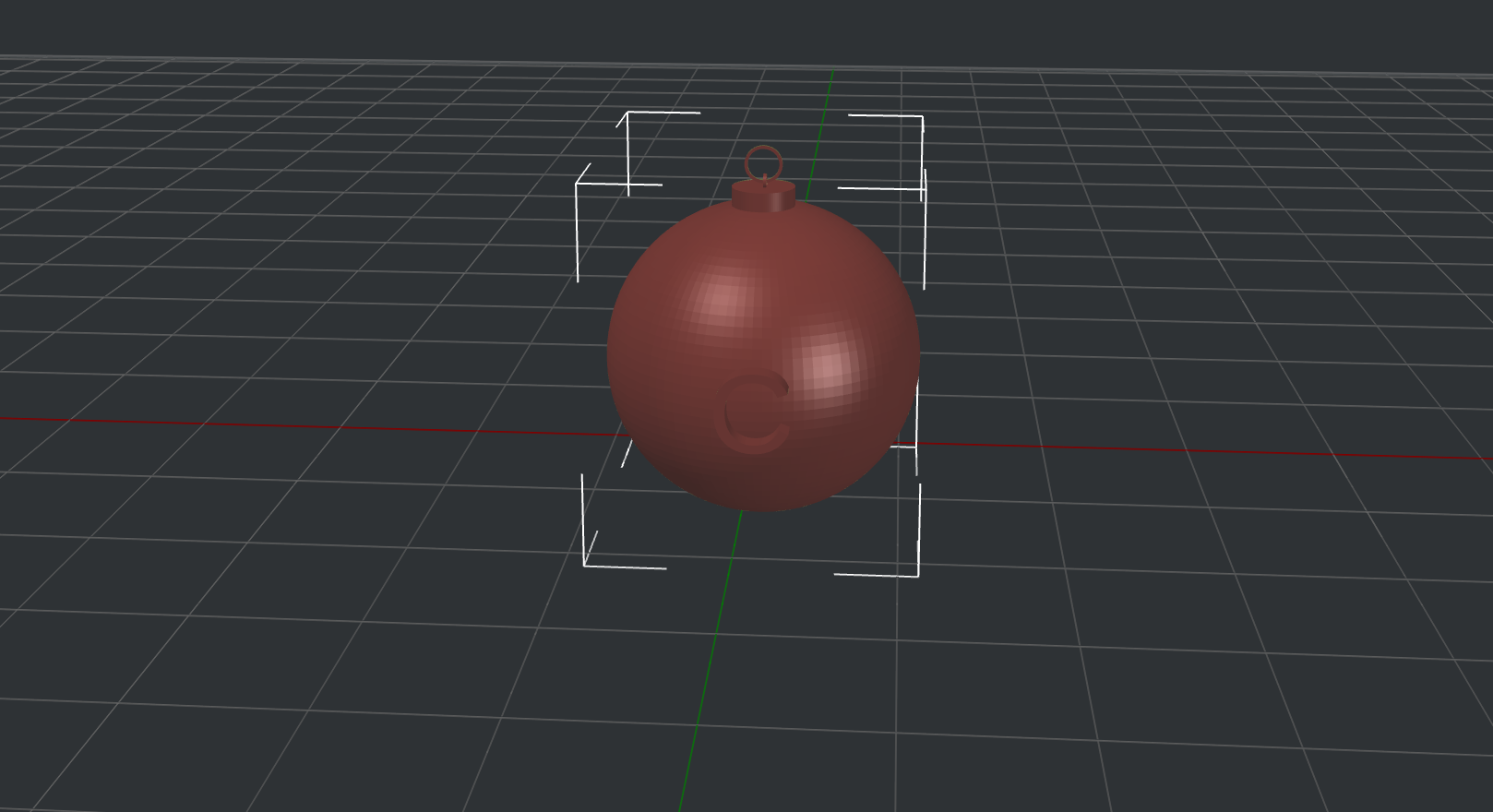
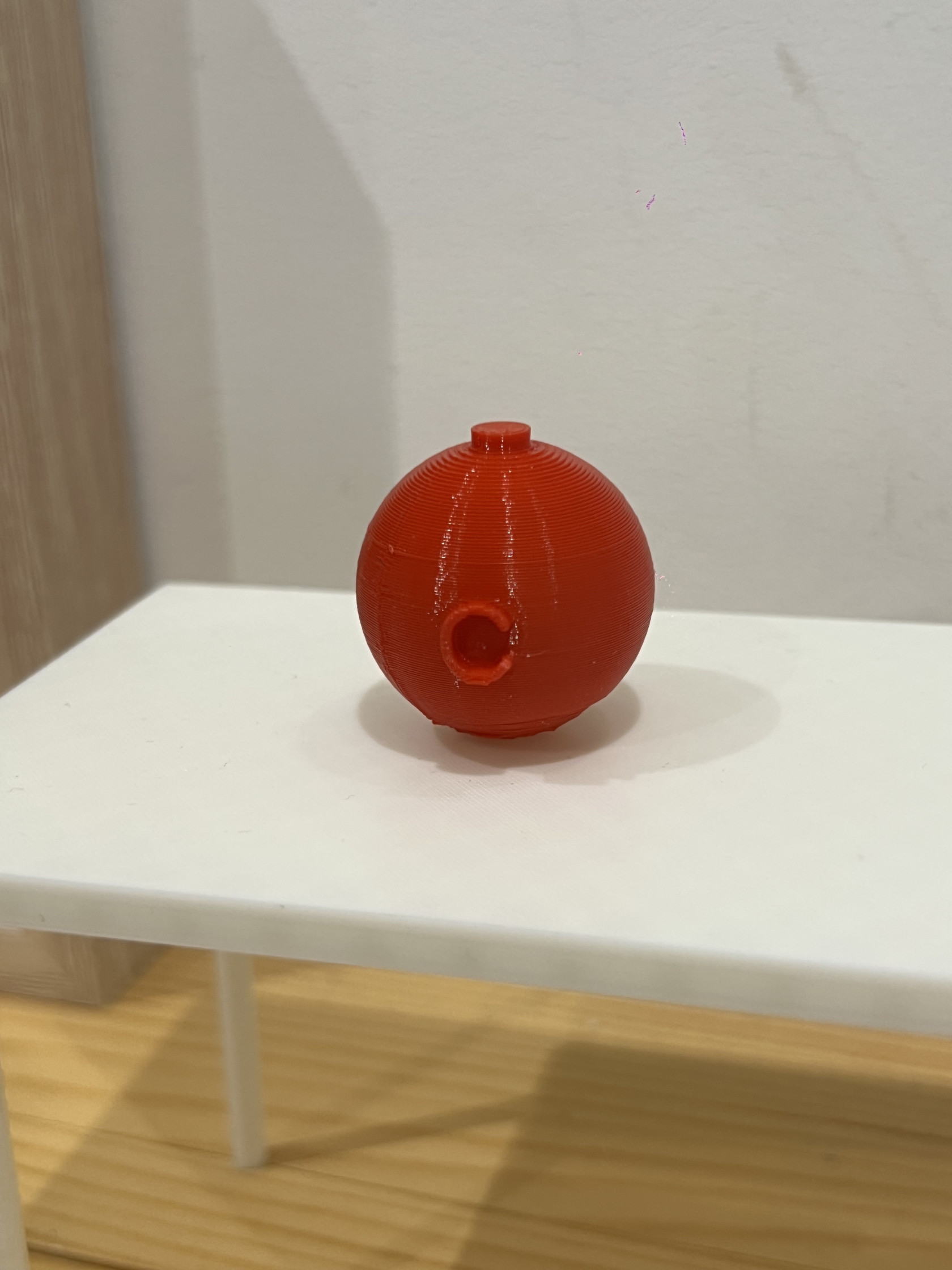
**<span style="text-decoration: underline;">Objet 3 : Boule pour sapin </span>**

**Description :**

- Objet : Petite boule de décoration pour sapin de noël avec gravure "C" contenant des petites bandelettes de métal (dans le but d'un effet sonore)
- Fonction: décoration
- Arrêt de l'impression et ajout des petites bandelettes de métal à l'intérieur de la boule pour créer des effets sonores. (sur Ideamaker avec la fonctionnalité pause at height).

**<span style="color: rgb(0, 0, 0);">Paramètres d'impression :</span>**

- <span style="color: rgb(0, 0, 0);">Échelle : 100%</span>
- <span style="color: rgb(0, 0, 0);">Température : 205°C</span>
- <span style="color: rgb(0, 0, 0);">Mesure : 20 **×** 21 **×** 23 mm</span>
- <span style="color: rgb(0, 0, 0);">Imprimante : Raise3D Pro 2</span>
- <span style="color: rgb(0, 0, 0);">Filament : PLA 1.75 mm</span>
- <span style="color: rgb(0, 0, 0);">Remplissage : 50%</span>
- <span style="color: rgb(0, 0, 0);">Support : oui (car c'est une boule donc c'est mieux pour qu'elle ne tombe pas)</span>
- <span style="color: rgb(0, 0, 0);">Réglages d'impression : paramètres par défaut de PrusaSlicer</span>
- <span style="color: rgb(0, 0, 0);">Couleur : rouge</span>

<table border="1" id="bkmrk--3" style="border-collapse: collapse; width: 101.728395%;"><colgroup><col style="width: 38.024691%;"></col><col style="width: 40.123457%;"></col><col style="width: 21.851852%;"></col></colgroup><tbody><tr><td><span style="text-decoration: underline;">Objet sur OpenScad </span>

[![image.png](https://wiki.fablab.sorbonne-universite.fr/BookStack/uploads/images/gallery/2024-12/scaled-1680-/XJ8image.png)](https://wiki.fablab.sorbonne-universite.fr/BookStack/uploads/images/gallery/2024-12/XJ8image.png)

</td><td><span style="text-decoration: underline;">Objet sur ideamaker </span>

[![Capture d’écran 2024-12-12 à 15.56.47.png](https://wiki.fablab.sorbonne-universite.fr/BookStack/uploads/images/gallery/2024-12/scaled-1680-/capture-decran-2024-12-12-a-15-56-47.png)](https://wiki.fablab.sorbonne-universite.fr/BookStack/uploads/images/gallery/2024-12/capture-decran-2024-12-12-a-15-56-47.png)

</td><td><span style="text-decoration: underline;">Photo de l'objet </span>

[![image.jpeg](https://wiki.fablab.sorbonne-universite.fr/BookStack/uploads/images/gallery/2024-12/scaled-1680-/lJuimage.jpeg)](https://wiki.fablab.sorbonne-universite.fr/BookStack/uploads/images/gallery/2024-12/lJuimage.jpeg)

</td></tr></tbody></table>

# Malvina OLIVERIO

<span style="text-decoration: underline;">Exercice 1 : créer un objet utile / fonctionnel</span> : [objet utile Malvina OLIVERIO.scad](https://wiki.fablab.sorbonne-universite.fr/BookStack/attachments/938)

Mon objet est une gamèle pour animaux domestiques (chats, chiens, lapins etc.) J'ai choisi cet objet car il est utile et aide au quotidien pour les propriétaires d'animaux et les animaux eux-même. Il permet de contenir de la nourriture pour que les animaux puissent manger en autonomie une fois que leur propriétaires en a mis dedans et ainsi favorise le confort de l'animal. De plus, créer cet objet dans OpenSCAD est un bon exercice pour s'entrainer à créer des formes simples comme les cylindres ou des commandes comme rotations, translations etc et donc à manipuler le logiciel.

<span style="text-decoration: underline;">Paramètres d'impression :</span>

Impression : 0,20 mm SPEED   
Filament : Prusament PLA  
Remplissage : 15% en ligne monotone  
Température : 230°   
Hauteur de couche et hauteur de la première couche de 0,2 mm, avec 3 couches solides au dessus et en dessous, avec une épaisseur de la couche minimale au dessus de 0,8 mm et en dessous de 0,6 mm.  
Buse : 0,4mm et 170°

Je n'ai pas utilisé de support ni de jupe ni bordure car mon objet à une base plane et relativement simple donc j'ai considéré que ceux-ci n'étaient pas nécessaires.

<span style="text-decoration: underline;">Résultat</span>

![Capture d’écran 2024-12-02 à 11.26.04.png](https://wiki.fablab.sorbonne-universite.fr/BookStack/uploads/images/gallery/2024-12/scaled-1680-/capture-decran-2024-12-02-a-11-26-04.png)

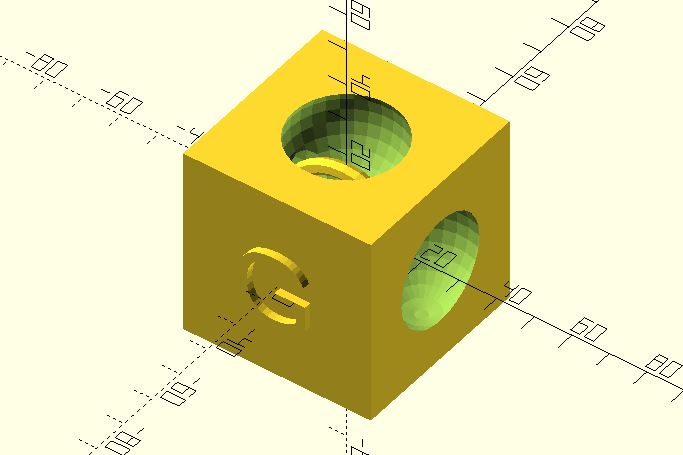
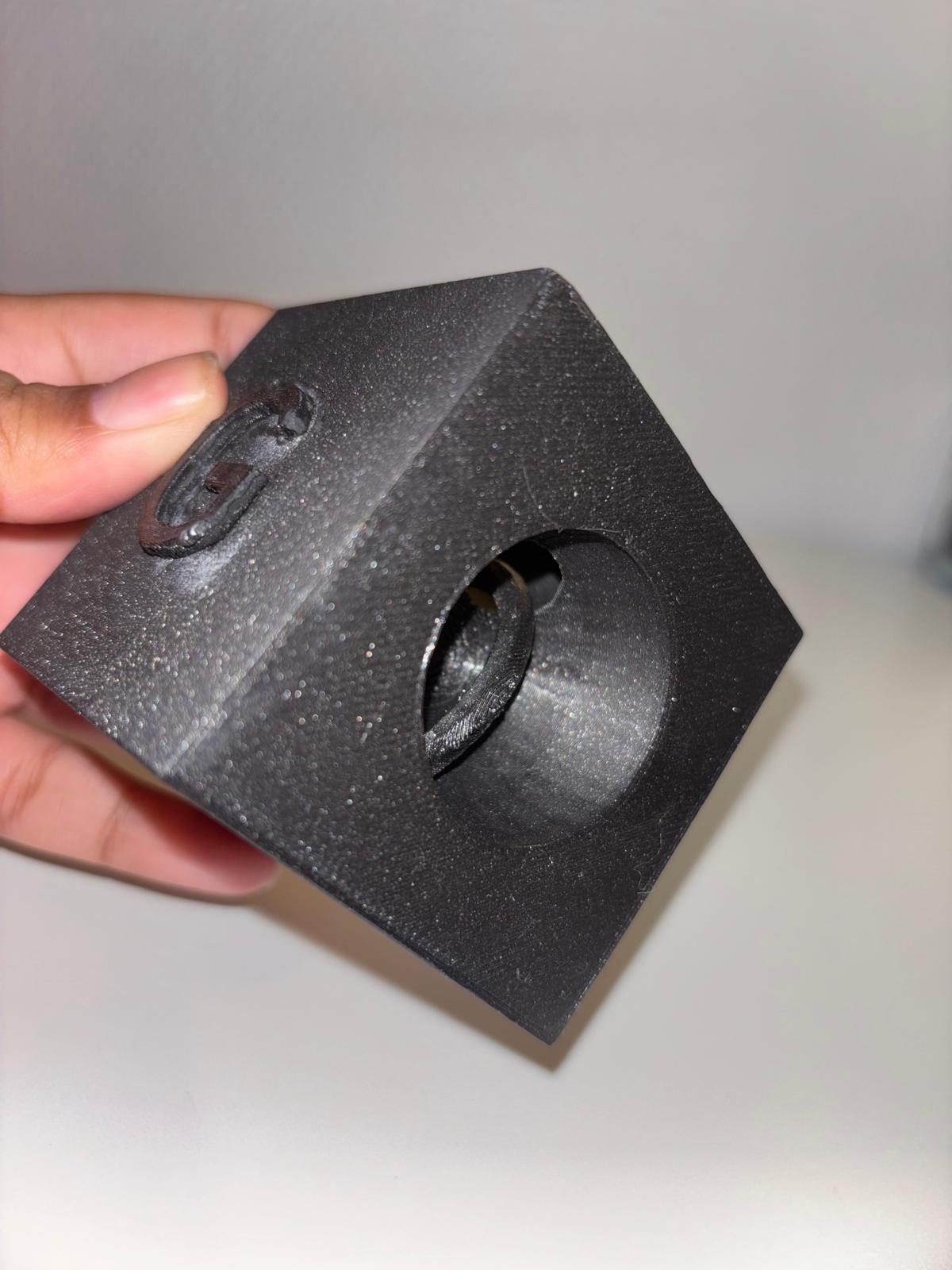
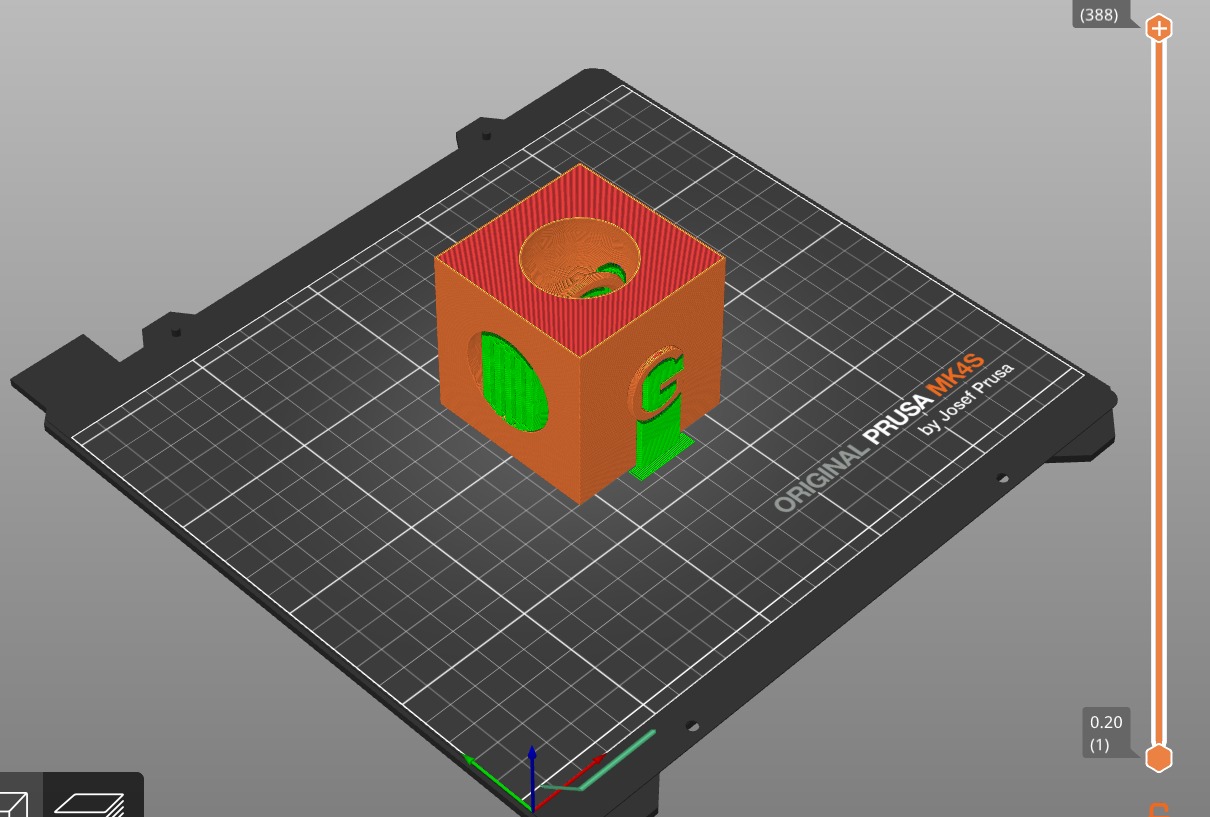
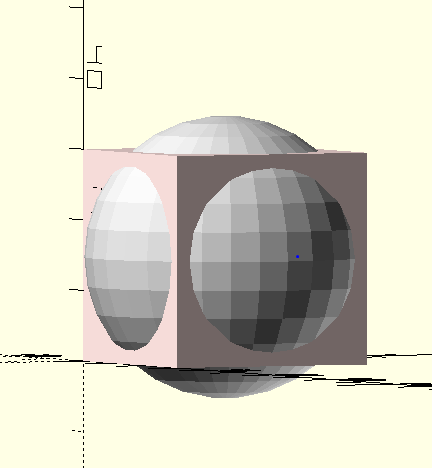
<span style="text-decoration: underline;">Exercice 2 : Créer un objet qui ne peut être imprimer que avec une imprimante 3D</span> : [cube sphère 3D.scad](https://wiki.fablab.sorbonne-universite.fr/BookStack/attachments/1062)

Mon objet est un cube contenant une sphère à l'intérieur. Les faces du cube sont conçus de manière à ce que la sphère ne puisse pas être retirée du cube.

<span style="text-decoration: underline;">Réalisation :</span>

L'objet a été imprimé en une seule étape grâce à l'impression 3D sur PrusaSlicer, sans besoin d'assemblage manuel.

Impression : 0,20 mm SPEED   
Filament : Prusament PLA  
Remplissage : 15% en ligne monotone  
Température : 230°   
Hauteur de couche et hauteur de la première couche de 0,2 mm, avec 3 couches solides au dessus et en dessous, avec une épaisseur de la couche minimale au dessus de 0,8 mm et en dessous de 0,6 mm.  
Buse : 0,4mm et 170°

J'ai utilisé des support partout pour imprimer l'objet pour faciliter l'impression de celui-ci.

<span style="text-decoration: underline;">Résultat</span>

[![Capture d’écran 2024-12-02 à 13.53.29.png](https://wiki.fablab.sorbonne-universite.fr/BookStack/uploads/images/gallery/2024-12/scaled-1680-/capture-decran-2024-12-02-a-13-53-29.png)](https://wiki.fablab.sorbonne-universite.fr/BookStack/uploads/images/gallery/2024-12/capture-decran-2024-12-02-a-13-53-29.png)

  
<span style="text-decoration: underline;">Exercice 3 : Pause pendant l'impression 3D d'un objet</span> : [egg maracasse malvina.scad](https://wiki.fablab.sorbonne-universite.fr/BookStack/attachments/1147)

Il faut créer un objet puis lors de son impression 3D, la stopper à un moment donner et ajouter quelque chose, un objet à l'intérieur de notre objet, puis reprendre l'impression jusqu'à sa fin.

Pour cet exercice j'ai choisi de créer une maracasse en forme d'oeuf, et j'ai stopper son impression à la moitié de l'impression de l'objet pour pouvoir ajouter les petites boules dedans. Puis j'ai repris l'impression jusqu'à ce que la maracasse soit finie.

<span style="text-decoration: underline;">Paramètres d'impression :</span>

Impression : 0,20 mm SPEED   
Filament : Prusament PLA  
Remplissage : 15% en ligne monotone  
Température : 230°   
Hauteur de couche et hauteur de la première couche de 0,2 mm, avec 3 couches solides au dessus et en dessous, avec une épaisseur de la couche minimale au dessus de 0,8 mm et en dessous de 0,6 mm.  
Buse : 0,4mm et 170°  
J'ai utilisé des supports seulement au niveau de la base de la maracasse pour facilité l'impression car cet objet n'a pas une base plane donc cela rend l'impression plus délicate et difficile.

<span style="text-decoration: underline;">Résultat</span>

[![Capture d’écran 2024-12-11 à 17.07.44.png](https://wiki.fablab.sorbonne-universite.fr/BookStack/uploads/images/gallery/2024-12/scaled-1680-/capture-decran-2024-12-11-a-17-07-44.png)](https://wiki.fablab.sorbonne-universite.fr/BookStack/uploads/images/gallery/2024-12/capture-decran-2024-12-11-a-17-07-44.png)

# Souad SALEH

##### <span style="color: rgb(224, 62, 45);">Projet 1 : Un objet fonctionnel </span>

Pour ce projet, j'ai décidé de modéliser la **télévision** qui a pour fonction principale de **diffuser des images et des sons** pour permettre aux utilisateurs de regarder des émissions, des films, ou d'autres contenus visuels et audio.

**Pourquoi ai-je décidé de fabriquer une télévision ?**  
Je pense que c'est un objet indispensable dans une maison. Tout le monde en a, sauf mes Barbie ! Alors, pour leur faire plaisir, j'ai décidé de leur offrir cette mini-télévision comme cadeau. Dans ma télévision, on peut identifier les compartiments essentiels :

1. L'écran noir, zone d'affichage des images, est construit à partir d'un rectangle.
2. Le cadre blanc autour de l'écran, également rectangulaire, est légèrement plus grand que l'écran lui-même.
3. Le bouton rouge pour allumer la télé est construit à partir d'un petit cylindre.

J'ai superposé le rectangle noir et le cylindre rouge sur le rectangle blanc pour obtenir la forme finale (voir [Télé openscad.scad](https://wiki.fablab.sorbonne-universite.fr/BookStack/attachments/940) pour le codage).

<span style="text-decoration: underline;">Impression: </span>

- impression 1 : Lors de la première impression (voir [Télé prusa.3mf](https://wiki.fablab.sorbonne-universite.fr/BookStack/attachments/975)), il y a eu des soucis. Je ne suis pas sûr de la cause, mais cela pourrait être dû au manque de supports suffisants. J'ai donc arrêté l'impression pour ajuster la configuration, afin d'avoir un support plus solide et de régler la taille (voir [Télé prusa essai 2.3mf](https://wiki.fablab.sorbonne-universite.fr/BookStack/attachments/979)). (voir le problème [IMG\_6552.jpg](https://wiki.fablab.sorbonne-universite.fr/BookStack/attachments/981)) [ ![IMG_6552 (1).jpg](https://wiki.fablab.sorbonne-universite.fr/BookStack/uploads/images/gallery/2024-12/scaled-1680-/img-6552-1.jpg)](https://wiki.fablab.sorbonne-universite.fr/BookStack/uploads/images/gallery/2024-12/img-6552-1.jpg)
- impression 2 : comme je l'avais prévue, l'impression s'est biens passé. (voir le résultat final [Télé 1](https://wiki.fablab.sorbonne-universite.fr/BookStack/attachments/984) et [Télé 2](https://wiki.fablab.sorbonne-universite.fr/BookStack/attachments/985)) .

[![Télé 1 (1).jpg](https://wiki.fablab.sorbonne-universite.fr/BookStack/uploads/images/gallery/2024-12/scaled-1680-/tele-1-1.jpg) ](https://wiki.fablab.sorbonne-universite.fr/BookStack/uploads/images/gallery/2024-12/tele-1-1.jpg)[![tele-2-1.jpg](https://wiki.fablab.sorbonne-universite.fr/BookStack/uploads/images/gallery/2024-12/scaled-1680-/ncDtele-2-1.jpg)](https://wiki.fablab.sorbonne-universite.fr/BookStack/uploads/images/gallery/2024-12/ncDtele-2-1.jpg)

##### <span style="color: rgb(224, 62, 45);">Projet 2: Objet complexe fait qu'en 3D </span>

Mon **objet 3D complexe** est composé d'une sphère centrale entourée de deux cônes que j'ai fusionnés à la sphère. Le tout est enveloppé dans un cube vide, ce qui crée l'illusion d'un espace entourant l'objet central. Je vois cela comme un **design abstrait ou un concept visuel** où différentes formes géométriques s'assemblent pour créer une structure complexe.

J'ai appelé cette forme : **<span style="color: rgb(185, 106, 217);">Grand BonBon dans l'espace! </span>**<span style="color: rgb(0, 0, 0);">(voir [3D complexe.scad](https://wiki.fablab.sorbonne-universite.fr/BookStack/attachments/973) pour le Codage)</span>

- **BonBon (La sphère et les cônes) :**  
    J'ai commencé par créer une sphère, placée au centre de la base. Elle a un rayon de 20, ce qui lui donne une taille relativement grande.  
    Ensuite, j'ai ajouté deux cônes. Le premier est orienté vers le bas, avec une base de rayon 15,5 et une hauteur de 20 unités, formant une pointe. Le second cône est inversé, avec un rayon de 15,5 à la base et un sommet dirigé vers le bas, ce qui complète la structure conique de mon modèle. J'ai créer ces cônes à partir du codage de cylindre.
- **Espace (Le cube vide) :**  
    Pour finir, j'ai ajouté un cube vide autour de cette forme. J'ai créé ce cube en soustrayant plusieurs cubes plus petits d'un cube plus grand, obtenant ainsi une structure creuse avec des parois. Ce cube donne l'impression que le BonBon est enfermé dans un espace, ce qui ajoute une dimension visuelle intrigante à l'ensemble.

<span style="text-decoration: underline;">Impression : </span>Pour garantir une bonne impression dès le premier essai, j'ai activé le mode 'Support Everywhere' sur le logiciel Prusa avant d'exporter le fichier G-code et de lancer l'impression (voir résultat final [3D complexe 1](https://wiki.fablab.sorbonne-universite.fr/BookStack/attachments/1031) et [3D complexe 2](https://wiki.fablab.sorbonne-universite.fr/BookStack/attachments/1032) ).

##### <span style="color: rgb(224, 62, 45);">Projet 3 : Impression avec un temps de pause.</span> 

Pour ce projet, j'ai décidé d'intégrer des cubes de tailles croissantes afin de créer une illusion rappelant celle des matriochkas, les célèbres poupées russes. Chaque cube, imbriqué dans un autre, symbolise l'idée d'emboîtement et de progression, tout en jouant sur les notions de volume et de perspective. Pour rester dans la même esthétique, j'ai également choisi d'intégrer un petit cube d'1 cm de côté, doté d'une couleur contrastante. Ce détail subtil apporte un contraste visuel saisissant avec le grand cube, renforçant l'effet de surprise et ajoutant une touche d'originalité au projet.

J'ai appelé cette forme : <span style="color: rgb(185, 106, 217);">Cube^2</span>

- Pour les cubes : j'ai créé plusieurs bords de tailles progressivement réduites que j'ai superposés les uns sur les autres, formant une structure en escalier.
- Pour les croix à l'intérieur du cube, qui servent à le fermer complètement, j'ai utilisé des translations et des rotations

# Can GENIS

#### **Objet 1 : Pour Organiser Les Cables**

Il sert à organiser toutes les cables sur une table (capacité max : 5 cables).

***Les Dimensions :***

- *5.25 mm (diamètre maximale d'une cable)*
- *7.55 cm longueur*
- *2.27 cm largeur*
- *1.15 cm hauteur*

[![Ekran Resmi 2024-12-02 11.18.14.png](https://wiki.fablab.sorbonne-universite.fr/BookStack/uploads/images/gallery/2024-12/scaled-1680-/ekran-resmi-2024-12-02-11-18-14.png)](https://wiki.fablab.sorbonne-universite.fr/BookStack/uploads/images/gallery/2024-12/ekran-resmi-2024-12-02-11-18-14.png)

```c
// Parameters
$fn = 150;
width = 16;
height = 6;
holes = 5;    // Holes per edge
diameter = 5.25;   // Hole diameter
separation = 6.25; // Separation between holes
edge = 3.75;   // Edge roundness
cube_size = [74, 2, 10];    // Dimensions of the cube
edge_radius = 0.75;    // Radius of the rounded edges

union(){
  difference(){

    cube([diameter*holes+separation*(holes+1),width,height]);

    // Loop to create rounded holes on the first edge
    for(i=[0:holes-1]){
      hull(){
        translate([(separation+diameter/2)+(separation+diameter)*i,0.1+diameter/2,-0.05])
          cylinder(r=diameter/2, h=height+0.1); // Create the first cylinder for each hole
      
        translate([(separation+diameter/2)+(separation+diameter)*i,-diameter/3,-0.05])
          cylinder(r=diameter/2, h=height+0.1); // Create the second cylinder to be connected with the first to create the rounded hole
      }
    }

    // Loop to create rounded holes on the opposite edge
    for(i=[0:holes-1]){
      hull(){
        translate([(separation+diameter/2)+(separation+diameter)*i, width-diameter/2-0.1, -0.05])
          cylinder(r=diameter/2, h=height+0.1); // Create the first cylinder for each hole
      
        translate([(separation+diameter/2)+(separation+diameter)*i,width+diameter/3,-0.05])
          cylinder(r=diameter/2, h=height+0.1); // Create the second cylinder to be connected with the first to create the rounded hole
      }
    }

  }
  
    // Adding edges to one side
    for(i=[0:holes]){
        translate([separation/2+(diameter+separation)*i,0,0])
            cylinder(r=edge, h=height);
    }

    // Adding edges to the opposite side (cut into half)
    for (i = [0 : holes]) {
        translate([separation / 2 + (diameter + separation) * i, width, 0])
        translate([0, -edge / 2, 0])    // Offset the position for half-cut edges
            scale([1, 0.5, 1])  // Scale the edge in the Y direction
                cylinder(r = edge, h = height);
  }
  
  translate([-5,16.25,-2])
  minkowski() {
  cube(cube_size, center = false);
  sphere(r = edge_radius);
}
}

```

[![Ekran Resmi 2024-12-02 11.18.00.png](https://wiki.fablab.sorbonne-universite.fr/BookStack/uploads/images/gallery/2024-12/scaled-1680-/ekran-resmi-2024-12-02-11-18-00.png)](https://wiki.fablab.sorbonne-universite.fr/BookStack/uploads/images/gallery/2024-12/ekran-resmi-2024-12-02-11-18-00.png)

**Pour imprimer :**

- Importer le fichier .stl dans PrusaSlicer (ou télécharger directement le fichier .bgcode)
- Ajouter des supports (option partout)
- Exporter le fichier dans une clé USB
- Attendre ~30 mn

[![IMG_1310.jpeg](https://wiki.fablab.sorbonne-universite.fr/BookStack/uploads/images/gallery/2024-12/scaled-1680-/img-1310.jpeg)](https://wiki.fablab.sorbonne-universite.fr/BookStack/uploads/images/gallery/2024-12/img-1310.jpeg)

#### **Objet 2 : Gagdet Impossible**

J'ai commencé avec l'idée de créer un objet monolithique contenant une boule capable de tourner librement à l'intérieur. Pour cela, j'ai d'abord créé un cube, puis j'y ai formé un trou traversant dans lequel j'ai placé un cylindre d'un côté à l'autre. Ensuite, j'ai positionné une sphère autour du cylindre sans qu'elle le touche. Pour l'impression, j'ai ajouté des supports partout sauf à l'intérieur de la sphère, afin qu'elle ne touche jamais le cylindre et puisse tourner librement

[![Ekran Resmi 2024-12-12 21.41.36.png](https://wiki.fablab.sorbonne-universite.fr/BookStack/uploads/images/gallery/2024-12/scaled-1680-/ekran-resmi-2024-12-12-21-41-36.png)](https://wiki.fablab.sorbonne-universite.fr/BookStack/uploads/images/gallery/2024-12/ekran-resmi-2024-12-12-21-41-36.png)

[![Ekran Resmi 2024-12-13 14.19.32.png](https://wiki.fablab.sorbonne-universite.fr/BookStack/uploads/images/gallery/2024-12/scaled-1680-/ekran-resmi-2024-12-13-14-19-32.png)](https://wiki.fablab.sorbonne-universite.fr/BookStack/uploads/images/gallery/2024-12/ekran-resmi-2024-12-13-14-19-32.png)

**Pour imprimer :**

- Importer le fichier .stl dans PrusaSlicer (ou télécharger directement le fichier .bgcode)
- Ajouter des supports (option partout)
- Exporter le fichier dans une clé USB
- Attendre ~2h30 mn

[![IMG_1215.jpeg](https://wiki.fablab.sorbonne-universite.fr/BookStack/uploads/images/gallery/2024-12/scaled-1680-/img-1215.jpeg)](https://wiki.fablab.sorbonne-universite.fr/BookStack/uploads/images/gallery/2024-12/img-1215.jpeg)

[![IMG_1231.jpeg](https://wiki.fablab.sorbonne-universite.fr/BookStack/uploads/images/gallery/2024-12/scaled-1680-/img-1231.jpeg)](https://wiki.fablab.sorbonne-universite.fr/BookStack/uploads/images/gallery/2024-12/img-1231.jpeg)

#### **Objet 3 : Cage avec une Boule Dedans**

J'ai commencé par créer un anneau vertical que j'ai dupliqué 7 fois autour. Ensuite, j'ai ajouté un anneau plus petit juste au-dessus de la cage créée. Après un premier essai d'impression, j'ai remarqué que, pour conserver la forme stable, je devais ajouter un autre anneau horizontal et des supports tout autour de l'objet (sauf à l'intérieur). Ainsi, j'ai réussi à imprimer correctement la cage.

[![Ekran Resmi 2024-12-15 22.57.07.png](https://wiki.fablab.sorbonne-universite.fr/BookStack/uploads/images/gallery/2024-12/scaled-1680-/ekran-resmi-2024-12-15-22-57-07.png)](https://wiki.fablab.sorbonne-universite.fr/BookStack/uploads/images/gallery/2024-12/ekran-resmi-2024-12-15-22-57-07.png)

[![IMG_1217.jpeg](https://wiki.fablab.sorbonne-universite.fr/BookStack/uploads/images/gallery/2024-12/scaled-1680-/OMsimg-1217.jpeg)](https://wiki.fablab.sorbonne-universite.fr/BookStack/uploads/images/gallery/2024-12/OMsimg-1217.jpeg)

[![0493A017-0E3E-4B93-9BD1-32AF204A1241.jpeg](https://wiki.fablab.sorbonne-universite.fr/BookStack/uploads/images/gallery/2024-12/scaled-1680-/D5V0493a017-0e3e-4b93-9bd1-32af204a1241.jpeg)](https://wiki.fablab.sorbonne-universite.fr/BookStack/uploads/images/gallery/2024-12/D5V0493a017-0e3e-4b93-9bd1-32af204a1241.jpeg)

**Pour imprimer :**

- Importer le fichier .stl dans PrusaSlicer (ou télécharger directement le fichier .bgcode)
- Ajouter des supports (partout sauf l'intérieur)
- Exporter le fichier dans une clé USB
- Après l'impression de l'anneau au milieu ajouter le petit objet (une boule dans ce cas) au milieu du cage
- Attendre ~1h10 mn

# Mathias GUILLERET

<span style="text-decoration: underline; color: rgb(186, 55, 42);">**Exercice 1, Objet fonctionnel:**</span>

J’ai conçu un **porte-clé unique** à l’aide d’OpenSCAD et imprimé en 3D. La forme principale est un œuf stylisé avec des détails comme des yeux et un nez, apportant une touche ludique au design. Un anneau intégré permet de l’attacher facilement, combinant esthétique et praticité.

**Premier échec d'impression** dû à un anneau (pour le porte-clé) trop fin qui s'est cassé pendant l'enlèvement de support suite à impression, j'ai alors du concevoir une **seconde version** avec **un anneau plus épais**.

Pour les dimensions:

- Il fallait simplement choisir une taille d'anneau correcte (**quelques mm**)
- Ne pas avoir un objet trop grand (**5-6cm de hauteur**) pour que ça soit pratique pour son rôle.

La deuxième impression a en effet permit d'avoir un anneau plus stable et donc un porte clé fonctionnel.

[![Screenshot 2024-12-01 at 18.48.26.png](https://wiki.fablab.sorbonne-universite.fr/BookStack/uploads/images/gallery/2024-12/scaled-1680-/screenshot-2024-12-01-at-18-48-26.png)](https://wiki.fablab.sorbonne-universite.fr/BookStack/uploads/images/gallery/2024-12/screenshot-2024-12-01-at-18-48-26.png)[![image.png](https://wiki.fablab.sorbonne-universite.fr/BookStack/uploads/images/gallery/2024-12/scaled-1680-/ud7image.png)](https://wiki.fablab.sorbonne-universite.fr/BookStack/uploads/images/gallery/2024-12/ud7image.png)

[![Screenshot 2024-12-12 at 21.06.17.png](https://wiki.fablab.sorbonne-universite.fr/BookStack/uploads/images/gallery/2024-12/scaled-1680-/screenshot-2024-12-12-at-21-06-17.png) ](https://wiki.fablab.sorbonne-universite.fr/BookStack/uploads/images/gallery/2024-12/screenshot-2024-12-12-at-21-06-17.png)

<span style="text-decoration: underline; color: rgb(186, 55, 42);">**Exercice 2, Object impossible:**</span>

J’ai conçu un objet combinant des formes géométriques complexes en 3D avec OpenSCAD et imprimé en 3D. La structure principale est une sphère perforée par un effet de "wireframe" réalisé avec des cylindres disposés selon des axes stratégiques. Les pieds cylindriques situés sur les côtés stabilisent l’ensemble, servant de support pendant l'impression 3D, et l’esthétique rappelle un design technique et moderne. Ce projet illustre l'utilisation de formes répétitives et d'opérations booléennes pour concevoir un objet alliant fonctionnalité et design innovant.

Pour les dimensions:

\- **Quelques cm (3-4).** En effet, cette objet n'a pas de fonctionnalités et la petite taille permet un temps d'impression relativement cours.

Hélas, les "pics" crée étaient trop fins et se sont cassées lors de l'enlèvement de support suite à l'impression (éventuellement évitable dans le futurs en choisissant des "pics" plus épais et un objet de plus grande dimensions).

[![Screenshot 2024-12-12 at 16.58.16.png](https://wiki.fablab.sorbonne-universite.fr/BookStack/uploads/images/gallery/2024-12/scaled-1680-/screenshot-2024-12-12-at-16-58-16.png)](https://wiki.fablab.sorbonne-universite.fr/BookStack/uploads/images/gallery/2024-12/screenshot-2024-12-12-at-16-58-16.png)

<span style="text-decoration: underline; color: rgb(186, 55, 42);">**Exercice 3, Insertion d'objet pendant l'impression:**</span>

J’ai conçu une sphère avec un clou à l'intérieur à l’aide d’OpenSCAD et imprimé en 3D. La forme principale est une sphère vide (différence de deux sphères). Par la suite, j'ai fait la différence avec une série de cylindre aplati pour pouvoir voir l'intérieur de la sphère et de pouvoir visualiser l'objet piéger à l'intérieur de la sphère.

**Il n'y a pas eu d'échec pendant l'impression** dû à l'ajout au préalable d'un nombre important de support dans la sphère.

[![Screenshot 2024-12-12 at 21.09.42.png](https://wiki.fablab.sorbonne-universite.fr/BookStack/uploads/images/gallery/2024-12/scaled-1680-/screenshot-2024-12-12-at-21-09-42.png)](https://wiki.fablab.sorbonne-universite.fr/BookStack/uploads/images/gallery/2024-12/screenshot-2024-12-12-at-21-09-42.png)[![Screenshot 2024-12-12 at 21.04.22.png](https://wiki.fablab.sorbonne-universite.fr/BookStack/uploads/images/gallery/2024-12/scaled-1680-/screenshot-2024-12-12-at-21-04-22.png)](https://wiki.fablab.sorbonne-universite.fr/BookStack/uploads/images/gallery/2024-12/screenshot-2024-12-12-at-21-04-22.png)[![image.png](https://wiki.fablab.sorbonne-universite.fr/BookStack/uploads/images/gallery/2024-12/scaled-1680-/Lwaimage.png)](https://wiki.fablab.sorbonne-universite.fr/BookStack/uploads/images/gallery/2024-12/Lwaimage.png)

Pour les dimension:

\- Il fallait simplement choisir une **taille permettant l'insertion d'un petit objet** (un clou) au sein de la sphère et entre les supports (au milieu de l'impression).

**=&gt; Tout ces objets ont été crée sur OpenSCAD et imprimé sur des imprimante 3D Prusa Slicer.**

# Defne Emine TURAN

**paramètres d'impression: impression classique de PrusaSlicer**

**Tous les objets sont codés à OpenSCAD.**

**Objet #1:**  
  
objet fonctionnel: porte clés qui sert à personnaliser les clés de fablab

dimensions: length=6, width= 2.5, thickness=0.7

```c
$fn=80;
// Dimensions du porte-clés
keychain_length = 60;  // Longueur totale
keychain_width = 25;   // Largeur
keychain_thickness = 6; // Épaisseur
cube_size=[keychain_length, keychain_width, keychain_thickness];
edge_radius = 1;

// Diamètre du trou
hole_diameter = 10;

// Corps du porte-clés
difference() {
    minkowski() {
        cube(cube_size, center=true);
        sphere(r = edge_radius);     
    }
    /*cube([keychain_length, keychain_width, keychain_thickness], center = true);*/
    translate([-(keychain_length/2 - hole_diameter), 0, 0])
        cylinder(h = keychain_thickness + 3, d = hole_diameter, center = true);
}

// Texte sur le porte-clés
translate([0, 0, keychain_thickness/2 + 0.1]) {
    linear_extrude(height = 2)
        text("Fablab!", valign="center", halign="center", size = 6);
}
```

**Objet #2:**

objet imprimable seulement sur l'imprimante 3D: 2 anneaux entrelacés avec une cube à trous au milieu

```c
// Paramètres des anneaux
$fn = 100;
ring_radius = 20;       // Rayon principal des anneaux
ring_thickness = 4;     // Épaisseur des anneaux

taille_cube = 20;        // Taille du cube extérieur
rayon_sphere = 11;       // Rayon de la sphère intérieure
espace = 2;              // Distance entre la sphère et le cube
rayon_trou = 8;          // Rayon des trous sur les faces du cube

// Premier anneau (horizontal)
translate([0, 0, 0])
    rotate([90, 0, 0])
        torus(r1 = ring_radius, r2 = ring_thickness);

// Deuxième anneau (vertical et entrelacé)
translate([0, 0, 15])
    rotate([0, 90, 0])
        torus(r1 = ring_radius, r2 = ring_thickness);


// Fonction torus (anneau / donut)
module torus(r1, r2) {
    rotate_extrude(angle = 360)
        translate([r1, 0, 0])
            circle(r = r2);
}
// Module pour le cube extérieur avec des trous
module cube_avec_trous(taille_cube, espace, rayon_trou) {
    difference() {
        // Cube extérieur
        cube([taille_cube, taille_cube, taille_cube], center = true);

        // Creux intérieur (espace pour la sphère)
        cube([taille_cube - 2 * espace, taille_cube - 2 * espace, taille_cube - 2 * espace], center = true);

        // Trous : Crée des trous sur les six faces du cube
        for (i = [-1, 1]) {
            // Trous sur les faces X
            translate([i * taille_cube / 2, 0, 0])
                rotate([0, 90, 0])
                cylinder(h = taille_cube, r = rayon_trou, center = true);

            // Trous sur les faces Y
            translate([0, i * taille_cube / 2, 0])
                rotate([90, 0, 0])
                cylinder(h = taille_cube, r = rayon_trou, center = true);

            // Trous sur les faces Z
            translate([0, 0, i * taille_cube / 2])
                cylinder(h = taille_cube, r = rayon_trou, center = true);
        }
    }
}
// Combinaison des modules
union() {
    // Cube extérieur avec trous
    cube_avec_trous(taille_cube, espace, rayon_trou);

    
}

```

[![Screenshot 2024-12-12 at 19.14.31.png](https://wiki.fablab.sorbonne-universite.fr/BookStack/uploads/images/gallery/2024-12/scaled-1680-/screenshot-2024-12-12-at-19-14-31.png)](https://wiki.fablab.sorbonne-universite.fr/BookStack/uploads/images/gallery/2024-12/screenshot-2024-12-12-at-19-14-31.png)[![Screenshot 2024-12-12 at 19.14.28.png](https://wiki.fablab.sorbonne-universite.fr/BookStack/uploads/images/gallery/2024-12/scaled-1680-/screenshot-2024-12-12-at-19-14-28.png)](https://wiki.fablab.sorbonne-universite.fr/BookStack/uploads/images/gallery/2024-12/screenshot-2024-12-12-at-19-14-28.png)[![Screenshot 2024-12-12 at 19.12.46.png](https://wiki.fablab.sorbonne-universite.fr/BookStack/uploads/images/gallery/2024-12/scaled-1680-/screenshot-2024-12-12-at-19-12-46.png)](https://wiki.fablab.sorbonne-universite.fr/BookStack/uploads/images/gallery/2024-12/screenshot-2024-12-12-at-19-12-46.png)

**Objet#3:**

Objet avec pause d'impression: Différence entre un cylindre et un autre plus petit. Je mettrai des breloques pour m'apporter de la chance.

```c
$fn=100;
difference(){
    cylinder(r=30, h=50);
    translate([0, 0, 10]) cylinder(r=20, h=30);
}
    
```

[![Screenshot 2024-12-12 at 22.50.40.png](https://wiki.fablab.sorbonne-universite.fr/BookStack/uploads/images/gallery/2024-12/scaled-1680-/screenshot-2024-12-12-at-22-50-40.png)](https://wiki.fablab.sorbonne-universite.fr/BookStack/uploads/images/gallery/2024-12/screenshot-2024-12-12-at-22-50-40.png)

[![Screenshot 2024-12-12 at 22.47.28.png](https://wiki.fablab.sorbonne-universite.fr/BookStack/uploads/images/gallery/2024-12/scaled-1680-/screenshot-2024-12-12-at-22-47-28.png)](https://wiki.fablab.sorbonne-universite.fr/BookStack/uploads/images/gallery/2024-12/screenshot-2024-12-12-at-22-47-28.png)

[![Screenshot 2024-12-12 at 22.47.37.png](https://wiki.fablab.sorbonne-universite.fr/BookStack/uploads/images/gallery/2024-12/scaled-1680-/screenshot-2024-12-12-at-22-47-37.png)](https://wiki.fablab.sorbonne-universite.fr/BookStack/uploads/images/gallery/2024-12/screenshot-2024-12-12-at-22-47-37.png)

# Timothé MIEL

### **Objet n°1 - Fonctionnel : Cages de football**  


[![Capture d’écran 2024-11-25 à 17.48.32.png](https://wiki.fablab.sorbonne-universite.fr/BookStack/uploads/images/gallery/2024-11/scaled-1680-/capture-decran-2024-11-25-a-17-48-32.png)](https://wiki.fablab.sorbonne-universite.fr/BookStack/uploads/images/gallery/2024-11/capture-decran-2024-11-25-a-17-48-32.png)

Pour réaliser cet objet, j'ai principalement utilisé le module **linear\_extrude** : donnant du relief à un objet en 2D (ici, des polygones).  
Très utile pour la création des poteaux des cages par exemple.

Pour réaliser les trous dans le filet des cages, j'ai utilisé une boucle **for** générant des cylindres, se soustrayant à la surface arrière (elle aussi créée par linear\_extrude).

[Prototypage.scad](https://wiki.fablab.sorbonne-universite.fr/BookStack/attachments/988) :

```python
module poteau(solX, solY){
rotate([0, -90, 0])
    linear_extrude(height = 0.5, true, 10, twist=0)
    polygon([[solX, solY], [solX, solY+10], [solX+2, solY+10], [solX+20, solY+2], [solX+20, solY]]);
}

module filet(solX, solY, largeur){
    difference(){
rotate([0, -90, 0])
    linear_extrude(height=largeur, true, 10, twist=0)
        polygon([[solX+2, solY+10], [solX+20, solY+2], [solX+18, solY+2], [solX+2, solY+8]]);
for( j = [0:2]){
    for( i = [0:12] ){
        translate([solX-38+3*i, solY+2, 0+7*j])
            rotate([-45, 0, 0])
                cylinder(15, 1, 1);
}}
for( j = [0:1]){
    for( i = [0:11] ){
        translate([solX-36.5+3*i, solY+2, 3.5+7*j])
            rotate([-45, 0, 0])
                cylinder(15, 1, 1);
    }}}}


module cadre(solX, solY, largeur){
    poteau(solX, solY);
        translate([-largeur, 0, 0])
            poteau(solX, solY);

    translate([-largeur, solY+8, solX])
        cube([largeur, 2, 2]);

    translate([solX, solY, solX+18])
        rotate([0, -90, 0])
            linear_extrude(height=largeur, true, 10, twist=0)
                polygon([[0, 0], [2, 0], [2, 2], [0, 2.88]]);
}

module cages(solX, solY, largeur){
    cadre(solX, solY, largeur);
    filet(solX, solY, largeur);
}

//NE PAS CHANGER LES VALEURS
cages(0, -40, 40);
```

[![Capture d’écran 2024-11-25 à 17.54.38.png](https://wiki.fablab.sorbonne-universite.fr/BookStack/uploads/images/gallery/2024-11/scaled-1680-/capture-decran-2024-11-25-a-17-54-38.png)](https://wiki.fablab.sorbonne-universite.fr/BookStack/uploads/images/gallery/2024-11/capture-decran-2024-11-25-a-17-54-38.png)

Pour imprimer cette dernière, un petit support fut nécessaire sous la rambarde basse comme nous pouvons le voir sur la capture d'écran.

[![IMG_5501.jpeg](https://wiki.fablab.sorbonne-universite.fr/BookStack/uploads/images/gallery/2024-11/scaled-1680-/img-5501.jpeg)](https://wiki.fablab.sorbonne-universite.fr/BookStack/uploads/images/gallery/2024-11/img-5501.jpeg)

L'impression de 1h et 3 min s'est déroulée sans problème.

### **Objet n°2 - Possible à créer seulement avec une imprimante 3D : Roue à bille**

[![Capture d’écran 2024-11-25 à 17.59.50.png](https://wiki.fablab.sorbonne-universite.fr/BookStack/uploads/images/gallery/2024-11/scaled-1680-/capture-decran-2024-11-25-a-17-59-50.png)](https://wiki.fablab.sorbonne-universite.fr/BookStack/uploads/images/gallery/2024-11/capture-decran-2024-11-25-a-17-59-50.png)

Le code pour cet objet est simple et clair.

[Vroom.scad](https://wiki.fablab.sorbonne-universite.fr/BookStack/attachments/989) :

```python
difference(){
    cylinder(20, 12, 12, true);
    cylinder(20, 6, 6, true);
    cylinder(18, 10, 10, true);
}
sphere(8.5);
```

[![Capture d’écran 2024-11-25 à 18.04.01.png](https://wiki.fablab.sorbonne-universite.fr/BookStack/uploads/images/gallery/2024-11/scaled-1680-/capture-decran-2024-11-25-a-18-04-01.png)](https://wiki.fablab.sorbonne-universite.fr/BookStack/uploads/images/gallery/2024-11/capture-decran-2024-11-25-a-18-04-01.png)

Afin d'imprimer la bille intérieure, un support est obligatoire, j'ai donc ajouté ce dernier via un générateur de support.  
De plus l'imprimer sur le côté comme ceci permettait d'éviter tout problème d'impression de la partie supérieure.

[![Capture d’écran 2024-11-25 à 18.04.12.png](https://wiki.fablab.sorbonne-universite.fr/BookStack/uploads/images/gallery/2024-11/scaled-1680-/capture-decran-2024-11-25-a-18-04-12.png)](https://wiki.fablab.sorbonne-universite.fr/BookStack/uploads/images/gallery/2024-11/capture-decran-2024-11-25-a-18-04-12.png)

L'impression sensée durer 46 min a finalement pris 1h01 dû à des changements de dernière minute non pris en photo.

[![IMG_5504.jpeg](https://wiki.fablab.sorbonne-universite.fr/BookStack/uploads/images/gallery/2024-11/scaled-1680-/4hPimg-5504.jpeg)](https://wiki.fablab.sorbonne-universite.fr/BookStack/uploads/images/gallery/2024-11/4hPimg-5504.jpeg)

Le retrait du support interne était un peu complexe, j'ai dû utiliser une pince pendant un bon quart d'heure pour le retirer.

### **Objet n°3 - Object avec pause d'impression : Calebasse**  


#### **Calebasse :**

[![Calebasse avec vue interne](https://wiki.fablab.sorbonne-universite.fr/BookStack/uploads/images/gallery/2024-12/scaled-1680-/capture-decran-2024-12-02-a-15-05-04.png)](https://wiki.fablab.sorbonne-universite.fr/BookStack/uploads/images/gallery/2024-12/capture-decran-2024-12-02-a-15-05-04.png)

Pour cet objet, des fonctions simple ont été utilisées : *resize*, *union*, *difference*. Mais obtenir un résultat correct a demandé d'être rigoureux sur l'utilisation de ces fonctions. J'ai d'abord conçu la calebasse avec ce code :

[Calebasse.scad](https://wiki.fablab.sorbonne-universite.fr/BookStack/attachments/1069) :

```python
$fn = 100;

module extHaut(){
    translate([7, 7, 130])
        resize([45, 45, 50])
            sphere();
}

module intHaut(){
    translate([7, 7, 130])
        resize([40, 40, 45])
            sphere();
}

module extBas(){
    resize([100, 100, 130])
        sphere();
};

module intBas(){
    resize([95, 95, 123, 5])
        sphere();
};

module tubeHaut(){
    translate([0, 0, 95])
            cylinder(35, 12, 12);
    };
    
module tubeBas(){
    translate([0, 0, 61])
            cylinder(35, 12, 12);
};  
module tubeInt(){
    cylinder(120, 10, 10);
};

module bas(){
    difference(){
        extBas();
        intBas();
    };
    tubeBas();
};

module haut(){
        difference(){
            tubeHaut();
            extHaut();
        };
        difference(){
            extHaut();
            intHaut();
        };
};
  

module calebasse(){
    difference(){
        union(){
            bas();
            haut();
        };
        tubeInt();
    };
};


calebasse();

// Visualiser l'intérieur
/**
difference(){
    calebasse();
    translate([-100, -100, 0])
        cube([100, 100, 200]);
};**/
```

Dans Prusa Slicer, j'ai décidé d'un remplissage de 50%, la calebasse étant large et faite pour être secouée, je me dis qu'elle doit être plus solide pour éviter qu'elle se casse lors de l'utilisation.

[![Capture d’écran 2024-12-06 à 10.45.28.png](https://wiki.fablab.sorbonne-universite.fr/BookStack/uploads/images/gallery/2024-12/scaled-1680-/capture-decran-2024-12-06-a-10-45-28.png)](https://wiki.fablab.sorbonne-universite.fr/BookStack/uploads/images/gallery/2024-12/capture-decran-2024-12-06-a-10-45-28.png)

Afin d'insérer les graines que je présenterais ensuite, j'ai programmé une pause d'impression au bout de 3h. Cette pause se fait lorsqu'un peu moins de la moitié de la première cavité est imprimée.

[![Capture d’écran 2024-12-06 à 10.45.38.png](https://wiki.fablab.sorbonne-universite.fr/BookStack/uploads/images/gallery/2024-12/scaled-1680-/capture-decran-2024-12-06-a-10-45-38.png)](https://wiki.fablab.sorbonne-universite.fr/BookStack/uploads/images/gallery/2024-12/capture-decran-2024-12-06-a-10-45-38.png)

L'impression de la calebasse est sensée durer 7h9 au total.

#### **Graines :**

À cette calebasse, j'ai rajouté des graines :

[![Capture d’écran 2024-12-02 à 15.26.29.png](https://wiki.fablab.sorbonne-universite.fr/BookStack/uploads/images/gallery/2024-12/scaled-1680-/capture-decran-2024-12-02-a-15-26-29.png)](https://wiki.fablab.sorbonne-universite.fr/BookStack/uploads/images/gallery/2024-12/capture-decran-2024-12-02-a-15-26-29.png)

Afin d'en avoir plusieurs d'un coup, j'ai ajouté une simple boucle *for* :

[![Capture d’écran 2024-12-02 à 15.27.06.png](https://wiki.fablab.sorbonne-universite.fr/BookStack/uploads/images/gallery/2024-12/scaled-1680-/capture-decran-2024-12-02-a-15-27-06.png)](https://wiki.fablab.sorbonne-universite.fr/BookStack/uploads/images/gallery/2024-12/capture-decran-2024-12-02-a-15-27-06.png)

[Graines.scad](https://wiki.fablab.sorbonne-universite.fr/BookStack/attachments/1070) :

```
$fn = 40;

module graine(){
    difference(){
        scale([7, 3, 1])
            sphere();
        translate([0, 0, -1])
            cube([20, 20, 2], true);
    };
};

//Une graine
//graine();

//50 graines
for (j = [0 : 4]){
    for(i = [0 : 9]){
        translate([21*j, 7*i, 0])
            graine();
    };
};
    
```

Sur Prusa Slicer, j'ai fais en sorte que les graines aient des dimensions proches de la vraie vie, tout comme la calebasse. Les graines font donc moins d'1cm de long et le temps d'impression s'en retrouve amoindri.

[![Capture d’écran 2024-12-03 à 00.40.58.png](https://wiki.fablab.sorbonne-universite.fr/BookStack/uploads/images/gallery/2024-12/scaled-1680-/capture-decran-2024-12-03-a-00-40-58.png)](https://wiki.fablab.sorbonne-universite.fr/BookStack/uploads/images/gallery/2024-12/capture-decran-2024-12-03-a-00-40-58.png)

L'impression totale prend donc 24 minutes, au vu de la faible épaisseur des graines, on remarque qu'il n'y a pas du tout de remplissage interne. Faire varier le remplissage n'affecte donc pas le temps d'impression. Voici le rendu sur l'imprimante :

[![IMG_5555.jpeg](https://wiki.fablab.sorbonne-universite.fr/BookStack/uploads/images/gallery/2024-12/scaled-1680-/img-5555.jpeg)](https://wiki.fablab.sorbonne-universite.fr/BookStack/uploads/images/gallery/2024-12/img-5555.jpeg)

### Réglages utilisés :

Les réglages à utiliser pour les imprimantes Prusa sont :

<span style="text-decoration: underline;">Hauteur de couche :</span> 0.20mm  
<span style="text-decoration: underline;">Filament :</span> Prusa PLA  
<span style="text-decoration: underline;">Imprimante :</span> Original Prusa MK4S HF0.4 nozzle

# Julia BANTIGNY

**<span style="text-decoration: underline;">1) Création d'un objet réalisable qu'en impression 3D sur OPENSCAD</span>**

#### **Projet : Création d’un objet réalisable uniquement en impression 3D sur OpenSCAD**

#### **Problème identifié**

Le défi consistait à concevoir un objet qui exploite pleinement les possibilités uniques de l’impression 3D, en créant une structure impossible à réaliser par des techniques traditionnelles comme l’usinage ou le moulage.

---

#### **Étapes du projet**

1. **Définition de l’objectif et conception initiale :**
    
    
    - Objectif : créer un objet mettant en valeur les capacités de l’impression 3D à produire des formes complexes et imbriquées.
    - Idée choisie : une **sphère emprisonnée dans un cube**, inspirée des démonstrations vues lors de la première séance au FabLab.
    - Justification : ce design met en évidence la caractéristique unique de l’impression 3D qui permet d’imprimer des objets imbriqués sans nécessiter d’assemblage.
2. **Modélisation sur OpenSCAD :**
    
    
    - **Création des formes de base :**
        - Une sphère lisse de rayon **2.8**.
        - Un cube de taille **5** servant de structure principale.
    - **Ajout des ouvertures :**
        - Une ouverture verticale sur l’axe Z.
        - Deux ouvertures horizontales sur les axes X et Y.
        - Les ouvertures ont été réalisées via l’opération **difference()** en retirant les volumes correspondants du cube.
    - **Assemblage des formes :**
        - La sphère a été combinée avec le cube grâce à l’opération **union()**.
        - Des couleurs ont été appliquées pour une meilleure visualisation des différentes parties.
3. **Préparation de l’impression 3D :**
    
    
    - **Utilisation du logiciel PrusaSlicer :**
        - Supports ajoutés uniquement au niveau du **plateau**.
        - Échelle augmentée à 250 **%** pour obtenir un objet de taille appropriée.
        - Température du plateau à 220°
        - Paramètres d’impression par défaut utilisés : 
            - Hauteur de couche : **0,3 mm**.
        - Calcul des besoins d’impression : 
            - Filament utilisé : **5,69 m**.
            - Temps d’impression estimé : 15min
    - Exportation du fichier G-Code sur une clé USB.
4. **Impression :**
    
    
    - Impression réalisée sur une imprimante Prusa MK4S avec les paramètres définis.

[![image.png](https://wiki.fablab.sorbonne-universite.fr/BookStack/uploads/images/gallery/2024-12/scaled-1680-/nTzimage.png)](https://wiki.fablab.sorbonne-universite.fr/BookStack/uploads/images/gallery/2024-12/nTzimage.png)

[![image.png](https://wiki.fablab.sorbonne-universite.fr/BookStack/uploads/images/gallery/2024-12/scaled-1680-/8XKimage.png)](https://wiki.fablab.sorbonne-universite.fr/BookStack/uploads/images/gallery/2024-12/8XKimage.png)

#### **Résultat en contexte réel** 

[![Image_241212_214309.jpeg](https://wiki.fablab.sorbonne-universite.fr/BookStack/uploads/images/gallery/2024-12/scaled-1680-/image-241212-214309.jpeg)](https://wiki.fablab.sorbonne-universite.fr/BookStack/uploads/images/gallery/2024-12/image-241212-214309.jpeg)

<span style="text-decoration: underline;">**2) Création d'un objet fonctionnel sur OPENSCAD**</span>

#### **Projet : Création d'un porte-clés support pour la Maison de la Vie Étudiante**

#### **Problème identifié**

À l'accueil de la Maison de la Vie Étudiante, les clés utilisées par l'équipe sont stockées dans un bol, une solution peu pratique et désorganisée. Il était nécessaire de concevoir un support fonctionnel et ergonomique pour organiser ces clés de manière efficace.

---

#### **Étapes du projet**

1. **Analyse des besoins et conception initiale :**
    
    
    - Identification du besoin : un support de clés adapté à un bureau, pratique et esthétique.
    - Conception initiale : création d'une base sous forme de parallélépipède et de crochets également en parallélépipèdes sur OpenSCAD.

[![image.png](https://wiki.fablab.sorbonne-universite.fr/BookStack/uploads/images/gallery/2024-12/scaled-1680-/XGlimage.png)](https://wiki.fablab.sorbonne-universite.fr/BookStack/uploads/images/gallery/2024-12/XGlimage.png)

1. **Retour et amélioration :**
    
    
    - Suite à une présentation en classe, notre professeur a suggéré de simplifier la forme des crochets, car leur design initial compliquait l'impression 3D (génération excessive de supports).
    - Modification : remplacement des crochets parallélépipédiques par des cylindres inclinés, plus simples à imprimer.

[![image.png](https://wiki.fablab.sorbonne-universite.fr/BookStack/uploads/images/gallery/2024-12/scaled-1680-/AO0image.png)](https://wiki.fablab.sorbonne-universite.fr/BookStack/uploads/images/gallery/2024-12/AO0image.png)

**1. Préparation du modèle pour l'impression 3D :**

- - Exportation du modèle final au format STL sur OpenSCAD.
    - Ouverture du fichier sur le logiciel **PrusaSlicer**.
    - Ajustements : 
        - Rotation de l'objet à 90° pour le positionner correctement.
        - Échelle augmentée à 850% pour obtenir une base d’environ **18 cm** de longueur
    - Paramètres d'impression sélectionnés : 
        - Hauteur de couche : **0,3 mm**.
        - Densité de remplissage : **20%**.
        - Supports générés automatiquement pour garantir une impression réussie.
    - Calcul des besoins : 
        - Longueur de filament : **16,58 m**.
        - Temps d’impression estimé : **3 h 58 min**.

**2. Impression 3D :**

- - Exportation du fichier G-Code sur une clé USB.
    - Impression réalisée sur l'imprimante Prusa MK4S avec les paramètres choisis.

[![image.png](https://wiki.fablab.sorbonne-universite.fr/BookStack/uploads/images/gallery/2024-12/scaled-1680-/qNximage.png)](https://wiki.fablab.sorbonne-universite.fr/BookStack/uploads/images/gallery/2024-12/qNximage.png)

[![image.png](https://wiki.fablab.sorbonne-universite.fr/BookStack/uploads/images/gallery/2024-12/scaled-1680-/31Qimage.png)](https://wiki.fablab.sorbonne-universite.fr/BookStack/uploads/images/gallery/2024-12/31Qimage.png)

[![image.png](https://wiki.fablab.sorbonne-universite.fr/BookStack/uploads/images/gallery/2024-12/scaled-1680-/lQbimage.png)](https://wiki.fablab.sorbonne-universite.fr/BookStack/uploads/images/gallery/2024-12/lQbimage.png)

---

#### **Résultat en contexte réel** 

[![IMG_3008.jpeg](https://wiki.fablab.sorbonne-universite.fr/BookStack/uploads/images/gallery/2024-12/scaled-1680-/img-3008.jpeg)](https://wiki.fablab.sorbonne-universite.fr/BookStack/uploads/images/gallery/2024-12/img-3008.jpeg)

Si vous voulez voir l'objet en contexte réel il suffit d'aller à la MVE !

<span style="text-decoration: underline; color: rgb(52, 73, 94);">**3) Objet 3D avec un objet intégré à l'intérieur** </span>

Pour mon dernier objet, l'objectif était de concevoir un objet en 3D dans lequel un autre objet serait inséré, en interrompant l'impression à mi-parcours pour y placer l'objet avant de continuer l'impression. J'ai donc choisi de créer un flocon de neige aimanté, que je vais intégrer en décoration sur mon tableau magnétique dans ma chambre.

- **Modélisation sur OpenScad**
    
    
    - Cube central pour intégrer l'aimant (utilisation de l'outil différence et création d'une cavité).
    - Branches du flocon réalisées avec des cubes assemblés et répétés autour du cube central avec l'outil union.
- **Exportation et réglages pour impression**
    
    
    - Exportation du fichier STL vers PrusaSlicer.
    - Réglages par défaut avec supports ajoutés partout.
    - Augmentation de l'échelle à 250%.
- **Paramètres d'impression**
    
    
    - Température du plateau : 220°C.
    - Hauteur de couche : 0,3 mm.
    - Filament utilisé : 5,69 m.
    - Temps d'impression estimé : 40 min.
- **Procédure d'impression**
    
    
    - Pause à mi-impression (20min) pour insérer l'aimant.
    - Impression avec une Prusa MK4S.

[![image.png](https://wiki.fablab.sorbonne-universite.fr/BookStack/uploads/images/gallery/2024-12/scaled-1680-/x2Iimage.png)](https://wiki.fablab.sorbonne-universite.fr/BookStack/uploads/images/gallery/2024-12/x2Iimage.png)

[![image.png](https://wiki.fablab.sorbonne-universite.fr/BookStack/uploads/images/gallery/2024-12/scaled-1680-/5stimage.png)](https://wiki.fablab.sorbonne-universite.fr/BookStack/uploads/images/gallery/2024-12/5stimage.png)

#### **Résultat en contexte réel** 

[![IMG_3012.jpeg](https://wiki.fablab.sorbonne-universite.fr/BookStack/uploads/images/gallery/2024-12/scaled-1680-/img-3012.jpeg)](https://wiki.fablab.sorbonne-universite.fr/BookStack/uploads/images/gallery/2024-12/img-3012.jpeg)

[![IMG_3014.jpeg](https://wiki.fablab.sorbonne-universite.fr/BookStack/uploads/images/gallery/2024-12/scaled-1680-/img-3014.jpeg)](https://wiki.fablab.sorbonne-universite.fr/BookStack/uploads/images/gallery/2024-12/img-3014.jpeg)

# Duru ERDEM

### **Objet 1: Fonctionnel**

[![image.png](https://wiki.fablab.sorbonne-universite.fr/BookStack/uploads/images/gallery/2024-12/scaled-1680-/P5Himage.png)](https://wiki.fablab.sorbonne-universite.fr/BookStack/uploads/images/gallery/2024-12/P5Himage.png)

```c
// Paramètres de la toupie
$fn = 20;
handle_diameter = 10;  // Diamètre de la poignée
handle_height = 15;    // Hauteur de la poignée
body_diameter = 40;    // Diamètre maximal de la sphère
tip_diameter = 2;      // Diamètre de la pointe (plus fine)
tip_height = 20;       // Hauteur du cône (plus pointu)
segments = 120;         // Résolution pour les formes arrondies

// Module pour une toupie
module toupie() {
    // Corps sphérique
    translate([0, 0, tip_height])
        sphere(d = body_diameter, $fn = segments);

    // Pointe conique sous la sphère
    translate([0, 0, 0]) // Alignement sous la sphère
        rotate([0,180,0])
        cylinder(h = 8, r1 = 8 / 2, r2 = 0, center = false, $fn = segments);

    // Poignée au sommet
    translate([0, 0, tip_height + body_diameter / 2 - 1])
        cylinder(h = handle_height, r1 = handle_diameter / 2, r2 = handle_diameter / 2, center = false, $fn = segments);
}


// Appel pour afficher la toupie
toupie();

```

**Description :**  
**Objet :** toupie en 3D  
**Fonction :** jouet rotatif conçu pour tourner sur lui-même grâce à une manipulation manuelle. Elle se compose d'une poignée, d'un corps sphérique pour un équilibre optimal, et d'une pointe fine pour faciliter la rotation.

[![image.png](https://wiki.fablab.sorbonne-universite.fr/BookStack/uploads/images/gallery/2024-12/scaled-1680-/vYNimage.png)](https://wiki.fablab.sorbonne-universite.fr/BookStack/uploads/images/gallery/2024-12/vYNimage.png)

**Paramètres d'impression :**

- **Imprimante :** Original Prusa i3 MK3
- **Filament :** Generic ABS
- **Échelle :** 100%
- **Remplissage :** 15%
- **Supports :** nécessaires
- **Hauteur de couche :** 0.20 mm
- **Estimation du temps d'impression (mode normal) :**
    - **Premier calque :** 3 minutes
    - **Temps total :** 1h44m

**Détails techniques d'impression :**

- **Perimeter (Périmètres) :** 12 minutes, 12.0%, 0.72 m (1.79 g)
- **External perimeter (Périmètres externes) :** 16 minutes, 15.7%, 0.73 m (1.83 g)
- **Overhang perimeter (Périmètres en surplomb) :** 26 secondes, 0.4%, 0.01 m (0.03 g)
- **Internal infill (Remplissage interne) :** 31 minutes, 29.6%, 2.00 m (5.00 g)
- **Solid infill (Remplissage solide) :** 9 minutes, 9.0%, 0.65 m (1.61 g)
- **Top solid infill (Remplissage solide supérieur) :** 13 secondes, 0.2%, 0.01 m (0.02 g)
- **Bridge infill (Remplissage de pont) :** 15 secondes, 0.2%, 0.01 m (0.03 g)
- **Skirt/Brim :** 22 secondes, 0.3%, 0.01 m (0.03 g)
- **Supports :** 16 minutes, 15.5%, 0.77 m (1.94 g)
- **Support interface :** 4 minutes, 3.5%, 0.15 m (0.38 g)
- **Custom (Paramètres personnalisés) :** 18 secondes, 0.3%, 0.07 m (0.17 g)
- Couleur : Rose

**Remarque :** La toupie a été imprimée avec un filament ABS pour assurer une bonne durabilité et une finition lisse, idéale pour un usage prolongé et une bonne esthétique.

[![image.png](https://wiki.fablab.sorbonne-universite.fr/BookStack/uploads/images/gallery/2024-12/scaled-1680-/M5pimage.png)](https://wiki.fablab.sorbonne-universite.fr/BookStack/uploads/images/gallery/2024-12/M5pimage.png)

### **Objet 2: Uniquement faisable en 3D**

[![image.png](https://wiki.fablab.sorbonne-universite.fr/BookStack/uploads/images/gallery/2024-12/scaled-1680-/Ln7image.png)](https://wiki.fablab.sorbonne-universite.fr/BookStack/uploads/images/gallery/2024-12/Ln7image.png)

```
// Module pour un anneau 
$fn = 100;

module anneau(rayon_exterieur, epaisseur) {
    difference() {
        // Anneau extérieur
        cylinder(r = rayon_exterieur, h = epaisseur, center = true);
        // Trou intérieur
        cylinder(r = rayon_exterieur - epaisseur, h = epaisseur + 1, center = true);
    }
}

// Deux anneaux entrelacés
module anneaux_entrelaces(rayon_exterieur, epaisseur, distance) {
    anneau(rayon_exterieur, epaisseur); // Premier anneau
    translate([distance-2, 0, 0])
        rotate([90, 0, 0])
        anneau(rayon_exterieur, epaisseur); // Deuxième anneau entrelacé
}

// Paramètres
rayon_exterieur = 15; // Rayon extérieur des anneaux
epaisseur = 5; // Épaisseur de l'anneau
distance = 20; // Distance pour les entrelacer

// Affichage des anneaux entrelacés
anneaux_entrelaces(rayon_exterieur, epaisseur, distance);
```

**Description :**  
**Objet :** anneaux entrelacés en 3D  
**Fonction :** représentation esthétique de deux anneaux entrelacés, pouvant servir de décoration ou d'outil éducatif pour illustrer des concepts mathématiques ou artistiques.

[![image.png](https://wiki.fablab.sorbonne-universite.fr/BookStack/uploads/images/gallery/2024-12/scaled-1680-/KQBimage.png)](https://wiki.fablab.sorbonne-universite.fr/BookStack/uploads/images/gallery/2024-12/KQBimage.png)

**Objet 2 fonctionnel : Anneaux entrelacés**

**Description :**  
**Objet :** anneaux entrelacés en 3D  
**Fonction :** représentation esthétique de deux anneaux entrelacés, pouvant servir de décoration ou d'outil éducatif pour illustrer des concepts mathématiques ou artistiques.

**Paramètres d'impression :**

- **Imprimante :** Original Prusa i3 MK3
- **Filament :** Generic ABS
- **Échelle :** 100%
- **Remplissage :** 15%
- **Supports :** nécessaires
- **Hauteur de couche :** 0.20 mm
- **Estimation du temps d'impression (mode normal) :**
    - **Premier calque :** 1 minute
    - **Temps total :** 41 minutes

**Détails techniques d'impression :**

- **Perimeter (Périmètres) :** 6 minutes, 15.7%, 0.30 m (0.75 g)
- **External perimeter (Périmètres externes) :** 7 minutes, 17.3%, 0.33 m (0.81 g)
- **Overhang perimeter (Périmètres en surplomb) :** 31 secondes, 1.3%, 0.02 m (0.04 g)
- **Internal infill (Remplissage interne) :** 4 minutes, 9.6%, 0.18 m (0.44 g)
- **Solid infill (Remplissage solide) :** 2 minutes, 6.1%, 0.17 m (0.42 g)
- **Top solid infill (Remplissage solide supérieur) :** 23 secondes, 0.9%, 0.03 m (0.07 g)
- **Bridge infill (Remplissage de pont) :** 38 secondes, 1.6%, 0.06 m (0.15 g)
- **Skirt/Brim :** Non requis
- **Supports :** 13 minutes, 31.7%, 0.50 m (1.25 g)
- **Support interface :** 3 minutes, 6.9%, 0.18 m (0.45 g)
- **Custom (Paramètres personnalisés) :** 5 secondes, 0.2%, 0.02 m (0.05 g)
- Couleur :

**Remarque :** Les anneaux entrelacés ont été optimisés pour une impression stable et une finition esthétique, tout en minimisant l'utilisation de supports pour des économies de matériau.

[![image.png](https://wiki.fablab.sorbonne-universite.fr/BookStack/uploads/images/gallery/2024-12/scaled-1680-/zifimage.png)](https://wiki.fablab.sorbonne-universite.fr/BookStack/uploads/images/gallery/2024-12/zifimage.png)

### **Objet 3: Avec Pause dans l'impression**

[![image.png](https://wiki.fablab.sorbonne-universite.fr/BookStack/uploads/images/gallery/2024-12/scaled-1680-/ab9image.png)](https://wiki.fablab.sorbonne-universite.fr/BookStack/uploads/images/gallery/2024-12/ab9image.png)

```
$fn=100;

difference() {
    // Pyramide à base carrée
    polyhedron(
        points=[
            [0, 0, 15],  // Sommet
            [10, 10, 0], // Coins de la base
            [10, -10, 0],
            [-10, -10, 0],
            [-10, 10, 0]
        ],
        faces=[
            [0, 1, 2],
            [0, 2, 3],
            [0, 3, 4],
            [0, 4, 1],
            [1, 2, 3, 4] // Surface de la base
        ]
    );

    // Cavité intérieure
    translate([0, 0, 1])
    polyhedron(
        points=[
            [0, 0, 12],  // Sommet intérieur
            [8, 8, 0],   // Coins de la base intérieure
            [8, -8, 0],
            [-8, -8, 0],
            [-8, 8, 0]
        ],
        faces=[
            [0, 1, 2],
            [0, 2, 3],
            [0, 3, 4],
            [0, 4, 1],
            [1, 2, 3, 4] // Surface de la base intérieure
        ]
    );
}

// Placement des boules
translate([12, 0, 0.75]) sphere(.75);
translate([-12, 0, 0.75]) sphere(.75);
translate([0, 12, 0.75]) sphere(.75);
translate([0, -12, 0.75]) sphere(.75);
translate([8, 8, 0.75]) sphere(.75);
translate([-8, 8, 0.75]) sphere(.75);
translate([8, -8, 0.75]) sphere(.75);
translate([-8, -8, 0.75]) sphere(.75);
```

# Rabah Hamiteche

<span style="text-decoration: underline; color: rgb(224, 62, 45);">***Exercice 1 : créer un objet fonctionnel sur open Scad :***</span>

<span style="color: rgb(0, 0, 0);">J'ai décidé de créer un porte-sopalin car c'est un objet fonctionnel et essentiel dans notre quotidien. Il permet de ranger et de maintenir un rouleau de papier essuie-tout à portée de main, tout en optimisant l'espace dans la cuisine ou la salle de bain. De plus, sa conception dans OpenSCAD est un bon exercice pour apprendre à utiliser des formes simples comme les cylindres et les cubes, ainsi que des transformations comme les rotations et les translations.</span>

<span style="color: rgb(0, 0, 0);">Voici le lien :<span style="color: rgb(53, 152, 219);"> [PORTE SOPALIN RABAH.scad](https://wiki.fablab.sorbonne-universite.fr/BookStack/attachments/948)</span></span>

<span style="color: rgb(0, 0, 0);">Les différentes étapes m'ayant permis d'effectuer cela sont : </span>

<span style="color: rgb(0, 0, 0);"> -après avoir installé le logiciel OpenScad, je me suis d'abord familiarisé avec le logiciel en effectuant des programmes pour concevoir des formes et objets simples</span>

<span style="color: rgb(0, 0, 0);"> -puis, je me suis rendu sur le site d'Open Scad et j'ai été consulté les modules et formulaires permettant d'avoir les fonctions de base nécessaire à la création du programme </span>

<span style="color: rgb(0, 0, 0);"> -enfin, avec tous ces outils en main, j'ai créée mon programme : d'abord pour créer la base, puis le poteau central positionné au centre de la base. Pour finaliser, j'ai ajusté les dimensions et les proportions des différentes parties afin que l'objet soit à la fois esthétique et fonctionnel.</span>

![image.png](https://wiki.fablab.sorbonne-universite.fr/BookStack/uploads/images/gallery/2024-12/scaled-1680-/GvRimage.png)<span style="color: rgb(0, 0, 0);">*--&gt; suite à l'impression :* </span>![C2Timage.png](https://wiki.fablab.sorbonne-universite.fr/BookStack/uploads/images/gallery/2024-12/scaled-1680-/c2timage.png)

<span style="color: rgb(0, 0, 0);">J'ai ensuite télécharger le fichier au format SLT et j'ai utilisé le logiciel prusaslicer afin de pouvoir faire les réglages et lancer l'impression en exportant le Gcode</span>

<span style="background-color: rgb(255, 255, 255); color: rgb(0, 0, 0);">**Les paramètres d’impression :**</span>

- - <span style="background-color: rgb(255, 255, 255); color: rgb(0, 0, 0);">**Échelle :** 100%</span>
    - <span style="background-color: rgb(255, 255, 255); color: rgb(0, 0, 0);">**Buse** : 225°C</span>
    - <span style="background-color: rgb(255, 255, 255); color: rgb(0, 0, 0);">**Plateau** : 65°C</span>
    - <span style="background-color: rgb(255, 255, 255); color: rgb(0, 0, 0);">**Filament** : Prusament PLA, 1,75 mm de diamètre</span>
    - <span style="background-color: rgb(255, 255, 255); color: rgb(0, 0, 0);">**Supports** : activés partout</span>
    - <span style="background-color: rgb(255, 255, 255); color: rgb(0, 0, 0);">**Remplissage** : 15%</span>
    - <span style="background-color: rgb(255, 255, 255); color: rgb(0, 0, 0);">**Réglages d’impression** : paramètres par défaut de PrusaSlicer (qualité standard, épaisseur de couche classique)</span>

<span style="text-decoration: underline; color: rgb(224, 62, 45);">***Exercice 2 : Créer un objet qui est impossible à fabriquer autrement que avec l'imprimante 3D :*** </span>

<span style="color: rgb(0, 0, 0);">Cet objet est un exemple de ce que l'on peut réaliser avec l'impression 3D, car cette technologie permet de produire des formes complexes et de les assembler en une seule étape, sans nécessiter de techniques externes d'assemblage. Les sphères séparées mais reliées par un cylindre sont un design qui exploite la liberté de création offerte par l'impression 3D, ce qui rend cette réalisation particulièrement adaptée à cette technologie.</span>

<span style="color: rgb(0, 0, 0);">Voi<span style="background-color: rgb(255, 255, 255);">ci le lien : [objet 3D rabah.scad](https://wiki.fablab.sorbonne-universite.fr/BookStack/attachments/998)</span></span>

<span style="color: rgb(0, 0, 0);">1) J'ai d'abord commencé par définir deux sphères avec un rayon précis</span>

<span style="color: rgb(0, 0, 0);">2) Puis j'ai ajouté l'élément de connexion (un cylindre) permettant de relier ces deux sphères.</span>

<span style="color: rgb(0, 0, 0);">3) Grâce à la fonction translate, j'ai pu positionner les sphères et le cyclindre pour qu'ils soient alignés. </span>

[<span style="color: rgb(0, 0, 0);">*![image.png](https://wiki.fablab.sorbonne-universite.fr/BookStack/uploads/images/gallery/2024-12/scaled-1680-/DFyimage.png)<span style="color: rgb(0, 0, 0);"><span style="background-color: rgb(255, 255, 255);">--&gt; suite à l'impression :</span></span>*</span>](https://wiki.fablab.sorbonne-universite.fr/BookStack/uploads/images/gallery/2024-12/DFyimage.png)*[![image.png](https://wiki.fablab.sorbonne-universite.fr/BookStack/uploads/images/gallery/2024-12/scaled-1680-/6a5image.png)](https://wiki.fablab.sorbonne-universite.fr/BookStack/uploads/images/gallery/2024-12/6a5image.png)*

<span style="color: rgb(0, 0, 0);">J'ai ensuite télécharger le fichier au format SLT et j'ai utilisé le logiciel prusaslicer afin de pouvoir faire les réglages et lancer l'impression en exportant le Gcode.</span>

<span style="color: rgb(0, 0, 0); background-color: rgb(224, 62, 45);">Après retour du professeur, je vais faire un autre objet car celui-ci ne répond pas à la question. </span>

<span style="color: rgb(0, 0, 0); background-color: rgb(255, 255, 255);">J'ai donc décider de créer l'objet suivant : </span>

**1) Badge rotatif avec gravure :** <span style="color: rgb(0, 0, 0);">Un disque circulaire au centre, avec une lettre "R" gravée sur sa surface. Ce disque peut tourner librement autour de son axe.</span>

**2) Anneau externe solidaire :** <span style="color: rgb(0, 0, 0);">Un anneau circulaire plus large entoure le badge. Il est légèrement plus grand pour laisser un espace permettant la rotation. Cet anneau agit comme un "rail" qui maintient le badge en place tout en lui laissant la liberté de mouvement.</span>

**3) Connecteurs fins entre le badge et l'anneau :** <span style="color: rgb(0, 0, 0);">Des bras fins relient le badge central à l’anneau extérieur pour que tout reste solidaire, mais sans bloquer la rotation.</span>

**4) Structure monobloc fonctionnelle :** <span style="color: rgb(0, 0, 0);">L’ensemble doit être fabriqué en une seule pièce (sans assemblage) pour que le badge puisse tourner immédiatement après fabrication, grâce aux espaces soigneusement calculés.</span>

<span style="text-decoration: underline;">*Paramètres d’impression:*</span>

- - **Echelle:** 5%
    - **Buse** : 225°C
    - **Plateau** : 60°C
    - **Filament** : Prusa PLA, 1.75 mm
    - **Supports** : support partout
    - **Remplissage** : 15%
    - **Réglages d’impression** : paramètres par défaut de PrusaSlicer (qualité standard, épaisseur de couche classique)

<span style="color: rgb(0, 0, 0);">Cet objet est spécifique à l'impression 3D car il est fabriqué en une seule pièce tout en intégrant des parties mobiles (le badge rotatif et l'anneau). La géométrie complexe, avec des espaces précis pour permettre la rotation, et les zones internes inaccessibles (comme l'emprisonnement du badge) ne peuvent pas être réalisées avec des techniques traditionnelles comme le moulage ou l'usinage. L'impression 3D, avec son approche couche par couche, permet de produire directement un objet fonctionnel, sans assemblage.</span>

<span style="color: rgb(0, 0, 0);">Voi<span style="background-color: rgb(255, 255, 255);">ci le lien : [Badge RABAH.scad](https://wiki.fablab.sorbonne-universite.fr/BookStack/attachments/1074)</span></span>

[![image.png](https://wiki.fablab.sorbonne-universite.fr/BookStack/uploads/images/gallery/2024-12/scaled-1680-/eBZimage.png)<span style="background-color: rgb(255, 255, 255);"><span style="color: rgb(0, 0, 0);">--&gt; Suite à l'impression :</span> </span>](https://wiki.fablab.sorbonne-universite.fr/BookStack/uploads/images/gallery/2024-12/eBZimage.png)[![image.png](https://wiki.fablab.sorbonne-universite.fr/BookStack/uploads/images/gallery/2024-12/scaled-1680-/Pwfimage.png)](https://wiki.fablab.sorbonne-universite.fr/BookStack/uploads/images/gallery/2024-12/Pwfimage.png)

<span style="text-decoration: underline; color: rgb(224, 62, 45);">***Exercice 3 : Créer un objet et stopper l'impression à un moment donné pour qu'on ajoute quelque chose dedans, puis l'impression reprendra jusque la fin :***</span>

<span style="color: rgb(0, 0, 0);">J'ai décidé de créer un aimant en forme d'étoile afin d'ajouter une touche unique à mon projet. Pour ce faire, j'ai conçu le modèle 3D de l'étoile en OpenSCAD et, afin de faciliter l'insertion de l'aimant au centre de l'étoile, je devrais faire pause sur l'imprimante au moment de la création de la cavité. Cela permet de mettre l'aimant en place pendant l'impression, avant que la machine ne reprenne et scelle l'aimant à l'intérieur de l'étoile</span>

- **Paramètres d’impression :**
    - **Échelle** : 100%
    - **Buse** : 225°C
    - **Plateau** : 60°C
    - **Filament** : Prusa PLA, 1,75 mm
    - **Supports** : non nécessaires (grâce au design simple)
    - **Remplissage** : 15%

<span style="color: rgb(0, 0, 0);">Voici le lien : [étoile OpenScad.scad](https://wiki.fablab.sorbonne-universite.fr/BookStack/attachments/1082)</span>

[![image.png](https://wiki.fablab.sorbonne-universite.fr/BookStack/uploads/images/gallery/2024-12/scaled-1680-/zVCimage.png)](https://wiki.fablab.sorbonne-universite.fr/BookStack/uploads/images/gallery/2024-12/zVCimage.png)

# Mirana RAHARIZAKA

<span style="color: rgb(35, 111, 161);">**<span style="vertical-align: inherit;"><span style="vertical-align: inherit;"><span style="vertical-align: inherit;"><span style="vertical-align: inherit;"><span style="vertical-align: inherit;"><span style="vertical-align: inherit;"><span style="vertical-align: inherit;"><span style="vertical-align: inherit;">1) Création d'un objet fonctionnel</span></span></span></span></span></span></span></span>**</span>

<table border="1" id="bkmrk-objet-%3A%C2%A0-assiette-%C2%A0-" style="border-collapse: collapse; width: 100%;"><colgroup><col style="width: 50%;"></col><col style="width: 50%;"></col></colgroup><tbody><tr><td><span style="text-decoration: underline;">[![Image WhatsApp 2024-11-28 à 10.54.43.jpeg](https://wiki.fablab.sorbonne-universite.fr/BookStack/uploads/images/gallery/2024-11/scaled-1680-/whatsapp-image-2024-11-28-at-10-54-43.jpeg)](https://wiki.fablab.sorbonne-universite.fr/BookStack/uploads/images/gallery/2024-11/whatsapp-image-2024-11-28-at-10-54-43.jpeg)</span></td><td><span style="color: rgb(132, 63, 161);">**<span style="text-decoration: underline;"><span style="vertical-align: inherit;"><span style="vertical-align: inherit;"><span style="vertical-align: inherit;"><span style="vertical-align: inherit;"><span style="vertical-align: inherit;"><span style="vertical-align: inherit;"><span style="vertical-align: inherit;"><span style="vertical-align: inherit;">Objet : </span></span></span></span></span></span></span></span></span>**</span><span style="vertical-align: inherit;"><span style="vertical-align: inherit;"><span style="vertical-align: inherit;"><span style="vertical-align: inherit;"><span style="vertical-align: inherit;"><span style="vertical-align: inherit;"><span style="vertical-align: inherit;"><span style="vertical-align: inherit;"> Assiette</span></span></span></span></span></span></span></span>

<span style="color: rgb(132, 63, 161);">**<span style="text-decoration: underline;"><span style="vertical-align: inherit;"><span style="vertical-align: inherit;"><span style="vertical-align: inherit;"><span style="vertical-align: inherit;"><span style="vertical-align: inherit;"><span style="vertical-align: inherit;"><span style="vertical-align: inherit;"><span style="vertical-align: inherit;">Fonction :</span></span></span></span></span></span></span></span></span>**</span><span style="vertical-align: inherit;"><span style="vertical-align: inherit;"><span style="vertical-align: inherit;"><span style="vertical-align: inherit;"><span style="vertical-align: inherit;"><span style="vertical-align: inherit;"><span style="vertical-align: inherit;"><span style="vertical-align: inherit;"> Une assiette est le support principal pour présenter et contenir des plats. Sur une assiette avec des bords légèrement surélevés pour représenter une assiette plate.</span></span></span></span></span></span></span></span>

</td></tr><tr><td><span style="text-decoration: underline;">**<span style="color: rgb(132, 63, 161); text-decoration: underline;"><span style="vertical-align: inherit;"><span style="vertical-align: inherit;"><span style="vertical-align: inherit;"><span style="vertical-align: inherit;"><span style="vertical-align: inherit;"><span style="vertical-align: inherit;">Scénario:</span></span></span></span></span></span></span>**</span>

<span style="color: rgb(45, 194, 107);"><span style="vertical-align: inherit;"><span style="vertical-align: inherit;"><span style="vertical-align: inherit;"><span style="vertical-align: inherit;"><span style="vertical-align: inherit;"><span style="vertical-align: inherit;">// Assiette principale</span></span></span></span></span></span></span>  
<span style="vertical-align: inherit;"><span style="vertical-align: inherit;"><span style="vertical-align: inherit;"><span style="vertical-align: inherit;"><span style="vertical-align: inherit;"><span style="vertical-align: inherit;"> module assiette (rayon = 100, hauteur = 10, bord = 5, profondeur = 8, finesse = 500) { </span></span></span></span></span></span>  
<span style="vertical-align: inherit;"><span style="vertical-align: inherit;"><span style="vertical-align: inherit;"><span style="vertical-align: inherit;"><span style="vertical-align: inherit;"><span style="vertical-align: inherit;"> différence() { </span></span></span></span></span></span>  
<span style="vertical-align: inherit;"><span style="vertical-align: inherit;"><span style="vertical-align: inherit;"><span style="vertical-align: inherit;"><span style="vertical-align: inherit;"><span style="vertical-align: inherit;"> cylindre (h = hauteur, r = rayonne, $fn = finesse); </span></span></span></span></span></span>  
<span style="vertical-align: inherit;"><span style="vertical-align: inherit;"><span style="vertical-align: inherit;"><span style="vertical-align: inherit;"><span style="vertical-align: inherit;"><span style="vertical-align: inherit;"> traduire (\[0,0,bord\]) </span></span></span></span></span></span>  
<span style="vertical-align: inherit;"><span style="vertical-align: inherit;"><span style="vertical-align: inherit;"><span style="vertical-align: inherit;"><span style="vertical-align: inherit;"><span style="vertical-align: inherit;"> cylindre (h = profondeur, r = rayon - bord, $fn = finesse) ; </span></span></span></span></span></span>  
<span style="vertical-align: inherit;"><span style="vertical-align: inherit;"><span style="vertical-align: inherit;"><span style="vertical-align: inherit;"><span style="vertical-align: inherit;"><span style="vertical-align: inherit;"> } </span></span></span></span></span></span>  
<span style="vertical-align: inherit;"><span style="vertical-align: inherit;"><span style="vertical-align: inherit;"><span style="vertical-align: inherit;"><span style="vertical-align: inherit;"><span style="vertical-align: inherit;">}</span></span></span></span></span></span>

<span style="color: rgb(45, 194, 107);"><span style="vertical-align: inherit;"><span style="vertical-align: inherit;"><span style="vertical-align: inherit;"><span style="vertical-align: inherit;"><span style="vertical-align: inherit;"><span style="vertical-align: inherit;">// Affichage de l'assiette</span></span></span></span></span></span></span>  
<span style="vertical-align: inherit;"><span style="vertical-align: inherit;"><span style="vertical-align: inherit;"><span style="vertical-align: inherit;"><span style="vertical-align: inherit;"><span style="vertical-align: inherit;"> assiette ();</span></span></span></span></span></span>

</td><td>**<span style="color: rgb(45, 194, 107);">[![Image WhatsApp 2024-11-28 à 10.51.07 (1).jpeg](https://wiki.fablab.sorbonne-universite.fr/BookStack/uploads/images/gallery/2024-11/scaled-1680-/whatsapp-image-2024-11-28-at-10-51-07-1.jpeg)](https://wiki.fablab.sorbonne-universite.fr/BookStack/uploads/images/gallery/2024-11/whatsapp-image-2024-11-28-at-10-51-07-1.jpeg)</span>**</td></tr><tr><td> **[![Capture.JPG](https://wiki.fablab.sorbonne-universite.fr/BookStack/uploads/images/gallery/2024-12/scaled-1680-/capture.JPG)](https://wiki.fablab.sorbonne-universite.fr/BookStack/uploads/images/gallery/2024-12/capture.JPG)**</td><td>**<span style="text-decoration: underline;"><span style="color: rgb(132, 63, 161); text-decoration: underline;"><span style="vertical-align: inherit;"><span style="vertical-align: inherit;"><span style="vertical-align: inherit;"><span style="vertical-align: inherit;"><span style="vertical-align: inherit;"><span style="vertical-align: inherit;"><span style="vertical-align: inherit;"><span style="vertical-align: inherit;">Commentaires:</span></span></span></span></span></span></span></span></span></span>**<span style="font-family: -apple-system, BlinkMacSystemFont, 'Segoe UI', Oxygen, Ubuntu, Roboto, Cantarell, 'Fira Sans', 'Droid Sans', 'Helvetica Neue', sans-serif; font-size: 14px; font-style: normal; font-variant-ligatures: normal; font-variant-caps: normal; font-weight: 400; color: rgb(0, 0, 0);"><span style="vertical-align: inherit;"><span style="vertical-align: inherit;"><span style="vertical-align: inherit;"><span style="vertical-align: inherit;"><span style="vertical-align: inherit;"><span style="vertical-align: inherit;"><span style="vertical-align: inherit;"><span style="vertical-align: inherit;"> En utilisant une imprimante</span></span></span></span></span></span></span></span>**<span style="vertical-align: inherit;"><span style="vertical-align: inherit;"><span style="vertical-align: inherit;"><span style="vertical-align: inherit;"><span style="vertical-align: inherit;"><span style="vertical-align: inherit;"><span style="vertical-align: inherit;"><span style="vertical-align: inherit;"> Pruse MSK4S</span></span></span></span></span></span></span></span>**<span style="vertical-align: inherit;"><span style="vertical-align: inherit;"><span style="vertical-align: inherit;"><span style="vertical-align: inherit;"><span style="vertical-align: inherit;"><span style="vertical-align: inherit;"><span style="vertical-align: inherit;"><span style="vertical-align: inherit;"> , il a fallu réduire la taille de l'assiette pour pouvoir entrer sur le support. L'objet ainsi obtenu ressemble plus à une sous-tasse ou un dessous de verre en raison de la réduction des dimensions initiales.</span></span></span></span></span></span></span></span></span>**<span style="color: rgb(45, 194, 107);"> </span>**

<span style="text-decoration: underline;"><span style="color: rgb(132, 63, 161); text-decoration: underline;">**<span style="vertical-align: inherit;"><span style="vertical-align: inherit;"><span style="vertical-align: inherit;"><span style="vertical-align: inherit;"><span style="vertical-align: inherit;"><span style="vertical-align: inherit;">Paramètres d'impression :</span></span></span></span></span></span>**</span></span>

- - **<span style="vertical-align: inherit;"><span style="vertical-align: inherit;"><span style="vertical-align: inherit;"><span style="vertical-align: inherit;"><span style="vertical-align: inherit;"><span style="vertical-align: inherit;">Taille:</span></span></span></span></span></span>**
    - **<span style="vertical-align: inherit;"><span style="vertical-align: inherit;"><span style="vertical-align: inherit;"><span style="vertical-align: inherit;"><span style="vertical-align: inherit;"><span style="vertical-align: inherit;">Autobus</span></span></span></span></span></span>**<span style="vertical-align: inherit;"><span style="vertical-align: inherit;"><span style="vertical-align: inherit;"><span style="vertical-align: inherit;"><span style="vertical-align: inherit;"><span style="vertical-align: inherit;"> : 225°C</span></span></span></span></span></span>
    - **<span style="vertical-align: inherit;"><span style="vertical-align: inherit;"><span style="vertical-align: inherit;"><span style="vertical-align: inherit;"><span style="vertical-align: inherit;"><span style="vertical-align: inherit;">Plateau</span></span></span></span></span></span>**<span style="vertical-align: inherit;"><span style="vertical-align: inherit;"><span style="vertical-align: inherit;"><span style="vertical-align: inherit;"><span style="vertical-align: inherit;"><span style="vertical-align: inherit;"> : 60°C</span></span></span></span></span></span>
    - **<span style="vertical-align: inherit;"><span style="vertical-align: inherit;"><span style="vertical-align: inherit;"><span style="vertical-align: inherit;"><span style="vertical-align: inherit;"><span style="vertical-align: inherit;">Filament</span></span></span></span></span></span>**<span style="vertical-align: inherit;"><span style="vertical-align: inherit;"><span style="vertical-align: inherit;"><span style="vertical-align: inherit;"><span style="vertical-align: inherit;"><span style="vertical-align: inherit;"> : Prusa PLA, 1,75 mm </span></span></span></span></span></span>
    - **<span style="vertical-align: inherit;"><span style="vertical-align: inherit;"><span style="vertical-align: inherit;"><span style="vertical-align: inherit;"><span style="vertical-align: inherit;"><span style="vertical-align: inherit;">Supports</span></span></span></span></span></span>**<span style="vertical-align: inherit;"><span style="vertical-align: inherit;"><span style="vertical-align: inherit;"><span style="vertical-align: inherit;"><span style="vertical-align: inherit;"><span style="vertical-align: inherit;"> : pas de support</span></span></span></span></span></span>
    - **<span style="vertical-align: inherit;"><span style="vertical-align: inherit;"><span style="vertical-align: inherit;"><span style="vertical-align: inherit;"><span style="vertical-align: inherit;"><span style="vertical-align: inherit;">Remplissage</span></span></span></span></span></span>**<span style="vertical-align: inherit;"><span style="vertical-align: inherit;"><span style="vertical-align: inherit;"><span style="vertical-align: inherit;"><span style="vertical-align: inherit;"><span style="vertical-align: inherit;"> : 15%</span></span></span></span></span></span>
    - **<span style="vertical-align: inherit;"><span style="vertical-align: inherit;"><span style="vertical-align: inherit;"><span style="vertical-align: inherit;"><span style="vertical-align: inherit;"><span style="vertical-align: inherit;">Paramètres d'impression</span></span></span></span></span></span>**<span style="vertical-align: inherit;"><span style="vertical-align: inherit;"><span style="vertical-align: inherit;"><span style="vertical-align: inherit;"><span style="vertical-align: inherit;"><span style="vertical-align: inherit;"> : paramètres par défaut de PrusaSlicer (qualité standard, épaisseur de couche classique)</span></span></span></span></span></span>

</td></tr></tbody></table>

**<span style="vertical-align: inherit;"><span style="vertical-align: inherit;"><span style="vertical-align: inherit;"><span style="vertical-align: inherit;"><span style="vertical-align: inherit;"><span style="vertical-align: inherit;">2) Création d'un objet imprimable en 3D :</span></span></span></span></span></span>**

<table border="1" id="bkmrk-objet%3A-objet-d%C3%A9corat" style="border-collapse: collapse; width: 100%; height: 1473.05px;"><colgroup><col style="width: 50%;"></col><col style="width: 50%;"></col></colgroup><tbody><tr style="height: 236.8px;"><td class="align-center" style="height: 236.8px;"><span style="outline-color: var(--color-primary); font-style: normal; font-variant-ligatures: normal; font-variant-caps: normal; font-weight: 400; font-size: 14px; font-family: -apple-system, BlinkMacSystemFont, 'Segoe UI', Oxygen, Ubuntu, Roboto, Cantarell, 'Fira Sans', 'Droid Sans', 'Helvetica Neue', sans-serif; text-align: right;">[![Capture1.JPG](https://wiki.fablab.sorbonne-universite.fr/BookStack/uploads/images/gallery/2024-12/scaled-1680-/capture1.JPG)](https://wiki.fablab.sorbonne-universite.fr/BookStack/uploads/images/gallery/2024-12/capture1.JPG)</span></td><td style="height: 236.8px;"><span style="color: rgb(132, 63, 161);">**<span style="text-decoration: underline;"><span style="vertical-align: inherit;"><span style="vertical-align: inherit;"><span style="vertical-align: inherit;"><span style="vertical-align: inherit;"><span style="vertical-align: inherit;"><span style="vertical-align: inherit;">Objet :</span></span></span></span></span></span></span>**</span><span style="outline-color: var(--color-primary); font-style: normal; font-variant-ligatures: normal; font-variant-caps: normal; font-weight: 400; font-size: 14px; font-family: -apple-system, BlinkMacSystemFont, 'Segoe UI', Oxygen, Ubuntu, Roboto, Cantarell, 'Fira Sans', 'Droid Sans', 'Helvetica Neue', sans-serif; text-align: right;"><span style="vertical-align: inherit;"><span style="vertical-align: inherit;"><span style="vertical-align: inherit;"><span style="vertical-align: inherit;"><span style="vertical-align: inherit;"><span style="vertical-align: inherit;"> Objet décoratif</span></span></span></span></span></span></span>

**<span style="text-decoration: underline;"><span style="color: rgb(132, 63, 161); text-decoration: underline;"><span style="vertical-align: inherit;"><span style="vertical-align: inherit;"><span style="vertical-align: inherit;"><span style="vertical-align: inherit;"><span style="vertical-align: inherit;"><span style="vertical-align: inherit;">Description :</span></span></span></span></span></span></span></span>**<span style="color: rgb(132, 63, 161);"><span style="color: rgb(0, 0, 0);"><span style="vertical-align: inherit;"><span style="vertical-align: inherit;"><span style="vertical-align: inherit;"><span style="vertical-align: inherit;"><span style="vertical-align: inherit;"><span style="vertical-align: inherit;"> Il s'agit d'un cube avec des cavités sphériques. Chaque possède une cavité où passera un anneau.</span></span></span></span></span></span></span></span>

<span style="color: rgb(35, 111, 161);">**<span style="text-decoration: underline;"><span style="color: rgb(132, 63, 161); text-decoration: underline;"><span style="vertical-align: inherit;"><span style="vertical-align: inherit;"><span style="vertical-align: inherit;"><span style="vertical-align: inherit;"><span style="vertical-align: inherit;"><span style="vertical-align: inherit;">Commentaires :</span></span></span></span></span></span></span></span>**<span style="vertical-align: inherit;"><span style="font-family: -apple-system, BlinkMacSystemFont, 'Segoe UI', Oxygen, Ubuntu, Roboto, Cantarell, 'Fira Sans', 'Droid Sans', 'Helvetica Neue', sans-serif; font-size: 14px; font-style: normal; font-variant-ligatures: normal; font-variant-caps: normal; font-weight: 400; color: rgb(68, 68, 68);"><span style="vertical-align: inherit;"><span style="vertical-align: inherit;"><span style="vertical-align: inherit;"><span style="vertical-align: inherit;"><span style="vertical-align: inherit;"> L'objet en question n'a pas de fonction hormis être décoratif. Il est uniquement réalisable en impression 3D car il possède un anneau intégré traversant qui ne peut pas être inséré autrement dans les cavités que par impression 3D.</span></span></span></span></span></span></span><span style="font-family: -apple-system, BlinkMacSystemFont, 'Segoe UI', Oxygen, Ubuntu, Roboto, Cantarell, 'Fira Sans', 'Droid Sans', 'Helvetica Neue', sans-serif; font-size: 14px; font-style: normal; font-variant-ligatures: normal; font-variant-caps: normal; font-weight: 400; color: rgb(68, 68, 68);"> </span></span>

</td></tr><tr style="height: 1020.8px;"><td style="height: 1020.8px;"><span style="text-decoration: underline;">**<span style="color: rgb(132, 63, 161); text-decoration: underline;"><span style="vertical-align: inherit;"><span style="vertical-align: inherit;"><span style="vertical-align: inherit;"><span style="vertical-align: inherit;"><span style="vertical-align: inherit;"><span style="vertical-align: inherit;">Scénario:</span></span></span></span></span></span></span>**</span>

<span style="color: rgb(45, 194, 107);"><span style="vertical-align: inherit;"><span style="vertical-align: inherit;"><span style="vertical-align: inherit;"><span style="vertical-align: inherit;"><span style="vertical-align: inherit;"><span style="vertical-align: inherit;">// Dimensions du cube et des cavités</span></span></span></span></span></span></span>  
<span style="vertical-align: inherit;"><span style="vertical-align: inherit;"><span style="vertical-align: inherit;"><span style="vertical-align: inherit;"><span style="vertical-align: inherit;"><span style="vertical-align: inherit;"> cube\_size=50; </span></span></span></span></span></span>  
<span style="vertical-align: inherit;"><span style="vertical-align: inherit;"><span style="vertical-align: inherit;"><span style="vertical-align: inherit;"><span style="vertical-align: inherit;"><span style="vertical-align: inherit;">sphère\_radius=15 ; </span></span></span></span></span></span>  
<span style="vertical-align: inherit;"><span style="vertical-align: inherit;"><span style="vertical-align: inherit;"><span style="vertical-align: inherit;"><span style="vertical-align: inherit;"><span style="vertical-align: inherit;">décalage = 20 ;</span></span></span></span></span></span>

<span style="vertical-align: inherit;"><span style="vertical-align: inherit;"><span style="vertical-align: inherit;"><span style="vertical-align: inherit;"><span style="vertical-align: inherit;"><span style="vertical-align: inherit;">différence(){ </span></span></span></span></span></span>  
 <span style="color: rgb(45, 194, 107);"><span style="vertical-align: inherit;"><span style="vertical-align: inherit;"><span style="vertical-align: inherit;"><span style="vertical-align: inherit;"><span style="vertical-align: inherit;"><span style="vertical-align: inherit;">//Cube externe</span></span></span></span></span></span></span>  
<span style="vertical-align: inherit;"><span style="vertical-align: inherit;"><span style="vertical-align: inherit;"><span style="vertical-align: inherit;"><span style="vertical-align: inherit;"><span style="vertical-align: inherit;"> cube(\[cube\_size,cube\_size,cube\_size\],center=true); </span></span></span></span></span></span>  
 <span style="color: rgb(45, 194, 107);"><span style="vertical-align: inherit;"><span style="vertical-align: inherit;"><span style="vertical-align: inherit;"><span style="vertical-align: inherit;"><span style="vertical-align: inherit;"><span style="vertical-align: inherit;"> //Cavité 1 : sphère du centre du haut</span></span></span></span></span></span></span>  
<span style="vertical-align: inherit;"><span style="vertical-align: inherit;"><span style="vertical-align: inherit;"><span style="vertical-align: inherit;"><span style="vertical-align: inherit;"><span style="vertical-align: inherit;"> translation(\[0,0,offset\]) </span></span></span></span></span></span>  
<span style="vertical-align: inherit;"><span style="vertical-align: inherit;"><span style="vertical-align: inherit;"><span style="vertical-align: inherit;"><span style="vertical-align: inherit;"><span style="vertical-align: inherit;"> sphere(r=sphere\_radius); </span></span></span></span></span></span>  
 <span style="color: rgb(45, 194, 107);"><span style="vertical-align: inherit;"><span style="vertical-align: inherit;"><span style="vertical-align: inherit;"><span style="vertical-align: inherit;"><span style="vertical-align: inherit;"><span style="vertical-align: inherit;">//Cavité 2:sphère du centre bas</span></span></span></span></span></span></span>  
<span style="vertical-align: inherit;"><span style="vertical-align: inherit;"><span style="vertical-align: inherit;"><span style="vertical-align: inherit;"><span style="vertical-align: inherit;"><span style="vertical-align: inherit;"> translation(\[0,0,-offset\]) </span></span></span></span></span></span>  
<span style="vertical-align: inherit;"><span style="vertical-align: inherit;"><span style="vertical-align: inherit;"><span style="vertical-align: inherit;"><span style="vertical-align: inherit;"><span style="vertical-align: inherit;"> sphere(r=sphere\_radius); </span></span></span></span></span></span>  
 <span style="color: rgb(45, 194, 107);"><span style="vertical-align: inherit;"><span style="vertical-align: inherit;"><span style="vertical-align: inherit;"><span style="vertical-align: inherit;"><span style="vertical-align: inherit;"><span style="vertical-align: inherit;">//Cavité 3 : Cavité à droite</span></span></span></span></span></span></span>  
<span style="vertical-align: inherit;"><span style="vertical-align: inherit;"><span style="vertical-align: inherit;"><span style="vertical-align: inherit;"><span style="vertical-align: inherit;"><span style="vertical-align: inherit;"> translation(\[offset,0,0\]) </span></span></span></span></span></span>  
<span style="vertical-align: inherit;"><span style="vertical-align: inherit;"><span style="vertical-align: inherit;"><span style="vertical-align: inherit;"><span style="vertical-align: inherit;"><span style="vertical-align: inherit;"> sphere(r=sphere\_radius); </span></span></span></span></span></span>  
<span style="color: rgb(45, 194, 107);"><span style="vertical-align: inherit;"><span style="vertical-align: inherit;"><span style="vertical-align: inherit;"><span style="vertical-align: inherit;"><span style="vertical-align: inherit;"><span style="vertical-align: inherit;"> //Cavité 4 :</span></span></span></span></span></span></span>  
<span style="vertical-align: inherit;"><span style="vertical-align: inherit;"><span style="vertical-align: inherit;"><span style="vertical-align: inherit;"><span style="vertical-align: inherit;"><span style="vertical-align: inherit;"> translation de cavité à gauche (\[-offset,0,0\]) </span></span></span></span></span></span>  
<span style="vertical-align: inherit;"><span style="vertical-align: inherit;"><span style="vertical-align: inherit;"><span style="vertical-align: inherit;"><span style="vertical-align: inherit;"><span style="vertical-align: inherit;"> sphere(r=sphere\_radius); </span></span></span></span></span></span>  
 <span style="color: rgb(45, 194, 107);"><span style="vertical-align: inherit;"><span style="vertical-align: inherit;"><span style="vertical-align: inherit;"><span style="vertical-align: inherit;"><span style="vertical-align: inherit;"><span style="vertical-align: inherit;">//Cavité 5 : cavité dans la sphère supérieure</span></span></span></span></span></span></span>  
<span style="vertical-align: inherit;"><span style="vertical-align: inherit;"><span style="vertical-align: inherit;"><span style="vertical-align: inherit;"><span style="vertical-align: inherit;"><span style="vertical-align: inherit;"> translation (\[0,0,offset\]) </span></span></span></span></span></span>  
<span style="vertical-align: inherit;"><span style="vertical-align: inherit;"><span style="vertical-align: inherit;"><span style="vertical-align: inherit;"><span style="vertical-align: inherit;"><span style="vertical-align: inherit;"> sphere(r=sphere\_radius/2); </span></span></span></span></span></span>  
<span style="vertical-align: inherit;"><span style="vertical-align: inherit;"><span style="vertical-align: inherit;"><span style="vertical-align: inherit;"><span style="vertical-align: inherit;"><span style="vertical-align: inherit;">}</span></span></span></span></span></span>

<span style="color: rgb(45, 194, 107);"><span style="vertical-align: inherit;"><span style="vertical-align: inherit;"><span style="vertical-align: inherit;"><span style="vertical-align: inherit;"><span style="vertical-align: inherit;"><span style="vertical-align: inherit;">// Canal horizontal</span></span></span></span></span></span></span>  
<span style="vertical-align: inherit;"><span style="vertical-align: inherit;"><span style="vertical-align: inherit;"><span style="vertical-align: inherit;"><span style="vertical-align: inherit;"><span style="vertical-align: inherit;"> translate(\[0,offset/2,0\]) </span></span></span></span></span></span>  
<span style="vertical-align: inherit;"><span style="vertical-align: inherit;"><span style="vertical-align: inherit;"><span style="vertical-align: inherit;"><span style="vertical-align: inherit;"><span style="vertical-align: inherit;">rotate(\[0,90,0\]) </span></span></span></span></span></span>  
<span style="vertical-align: inherit;"><span style="vertical-align: inherit;"><span style="vertical-align: inherit;"><span style="vertical-align: inherit;"><span style="vertical-align: inherit;"><span style="vertical-align: inherit;">cylinder(h=offset,r=cannel\_radius/2, center=true);</span></span></span></span></span></span>

<span style="color: rgb(45, 194, 107);"><span style="vertical-align: inherit;"><span style="vertical-align: inherit;"><span style="vertical-align: inherit;"><span style="vertical-align: inherit;"><span style="vertical-align: inherit;"><span style="vertical-align: inherit;">//Anneau</span></span></span></span></span></span></span>

<span style="vertical-align: inherit;"><span style="vertical-align: inherit;"><span style="vertical-align: inherit;"><span style="vertical-align: inherit;"><span style="vertical-align: inherit;"><span style="vertical-align: inherit;">module tore(r1,r2){ </span></span></span></span></span></span>  
<span style="vertical-align: inherit;"><span style="vertical-align: inherit;"><span style="vertical-align: inherit;"><span style="vertical-align: inherit;"><span style="vertical-align: inherit;"><span style="vertical-align: inherit;"> rotate\_extrude(){ </span></span></span></span></span></span>  
<span style="vertical-align: inherit;"><span style="vertical-align: inherit;"><span style="vertical-align: inherit;"><span style="vertical-align: inherit;"><span style="vertical-align: inherit;"><span style="vertical-align: inherit;"> translate(\[r1,0,0\]) cercle(r=r2); </span></span></span></span></span></span>  
<span style="vertical-align: inherit;"><span style="vertical-align: inherit;"><span style="vertical-align: inherit;"><span style="vertical-align: inherit;"><span style="vertical-align: inherit;"><span style="vertical-align: inherit;"> }; </span></span></span></span></span></span>  
<span style="vertical-align: inherit;"><span style="vertical-align: inherit;"><span style="vertical-align: inherit;"><span style="vertical-align: inherit;"><span style="vertical-align: inherit;"><span style="vertical-align: inherit;">}</span></span></span></span></span></span>

<span style="vertical-align: inherit;"><span style="vertical-align: inherit;"><span style="vertical-align: inherit;"><span style="vertical-align: inherit;"><span style="vertical-align: inherit;"><span style="vertical-align: inherit;">rotation(\[90,90,0\]) translation(\[0,0,0\]) tore(r1=15,r2=2);</span></span></span></span></span></span>

<span style="color: rgb(45, 194, 107);"><span style="vertical-align: inherit;"><span style="vertical-align: inherit;"><span style="vertical-align: inherit;"><span style="vertical-align: inherit;"><span style="vertical-align: inherit;"><span style="vertical-align: inherit;">// Texte gravé </span></span></span></span></span></span></span>  
<span style="vertical-align: inherit;"><span style="vertical-align: inherit;"><span style="vertical-align: inherit;"><span style="vertical-align: inherit;"><span style="vertical-align: inherit;"><span style="vertical-align: inherit;"> module add\_text(){ </span></span></span></span></span></span>  
<span style="vertical-align: inherit;"><span style="vertical-align: inherit;"><span style="vertical-align: inherit;"><span style="vertical-align: inherit;"><span style="vertical-align: inherit;"><span style="vertical-align: inherit;"> translate (\[0, -cube\_size/2-0.1,0\]) </span></span></span></span></span></span>  
<span style="vertical-align: inherit;"><span style="vertical-align: inherit;"><span style="vertical-align: inherit;"><span style="vertical-align: inherit;"><span style="vertical-align: inherit;"><span style="vertical-align: inherit;"> rotate (\[90,0,0\]) </span></span></span></span></span></span>  
<span style="vertical-align: inherit;"><span style="vertical-align: inherit;"><span style="vertical-align: inherit;"><span style="vertical-align: inherit;"><span style="vertical-align: inherit;"><span style="vertical-align: inherit;"> linear\_extrude(height=2) </span></span></span></span></span></span>  
<span style="vertical-align: inherit;"><span style="vertical-align: inherit;"><span style="vertical-align: inherit;"><span style="vertical-align: inherit;"><span style="vertical-align: inherit;"><span style="vertical-align: inherit;">text("G",size=20,valign="center",halign="center",font="Libération Sans"); </span></span></span></span></span></span>  
<span style="vertical-align: inherit;"><span style="vertical-align: inherit;"><span style="vertical-align: inherit;"><span style="vertical-align: inherit;"><span style="vertical-align: inherit;"><span style="vertical-align: inherit;">}</span></span></span></span></span></span>

<span style="vertical-align: inherit;"><span style="vertical-align: inherit;"><span style="vertical-align: inherit;"><span style="vertical-align: inherit;"><span style="vertical-align: inherit;"><span style="vertical-align: inherit;">ajouter\_texte();</span></span></span></span></span></span>

</td><td style="height: 1020.8px;">[![WhatsApp Image 2024-12-03 at 21.49.57 (1).jpeg](https://wiki.fablab.sorbonne-universite.fr/BookStack/uploads/images/gallery/2024-12/scaled-1680-/whatsapp-image-2024-12-03-at-21-49-57-1.jpeg)](https://wiki.fablab.sorbonne-universite.fr/BookStack/uploads/images/gallery/2024-12/whatsapp-image-2024-12-03-at-21-49-57-1.jpeg)

[![WhatsApp Image 2024-12-03 at 21.49.57 (4).jpeg](https://wiki.fablab.sorbonne-universite.fr/BookStack/uploads/images/gallery/2024-12/scaled-1680-/whatsapp-image-2024-12-03-at-21-49-57-4.jpeg)](https://wiki.fablab.sorbonne-universite.fr/BookStack/uploads/images/gallery/2024-12/whatsapp-image-2024-12-03-at-21-49-57-4.jpeg)
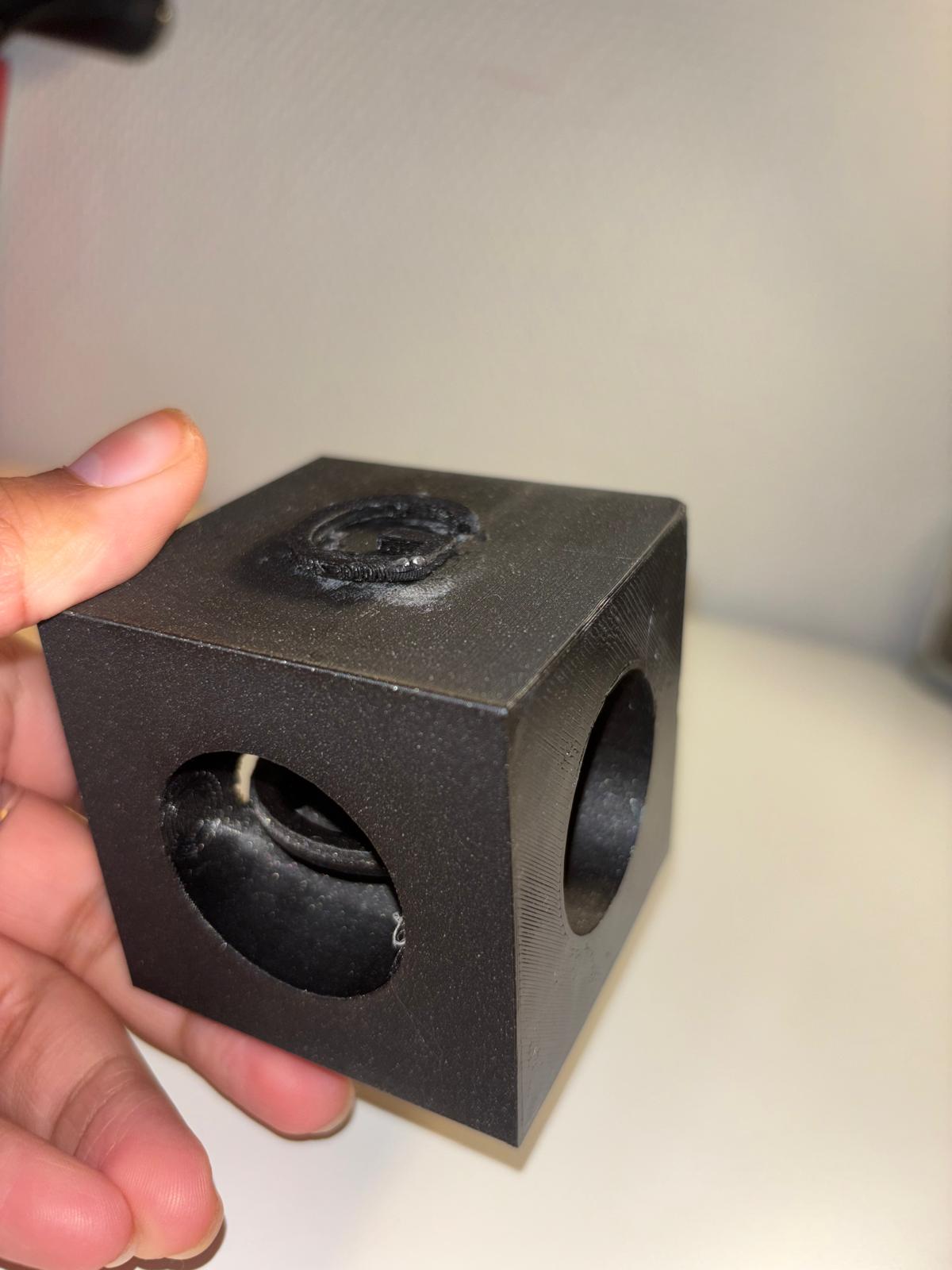
[![WhatsApp Image 2024-12-03 at 21.49.57 (2).jpeg](https://wiki.fablab.sorbonne-universite.fr/BookStack/uploads/images/gallery/2024-12/scaled-1680-/whatsapp-image-2024-12-03-at-21-49-57-2.jpeg)](https://wiki.fablab.sorbonne-universite.fr/BookStack/uploads/images/gallery/2024-12/whatsapp-image-2024-12-03-at-21-49-57-2.jpeg)
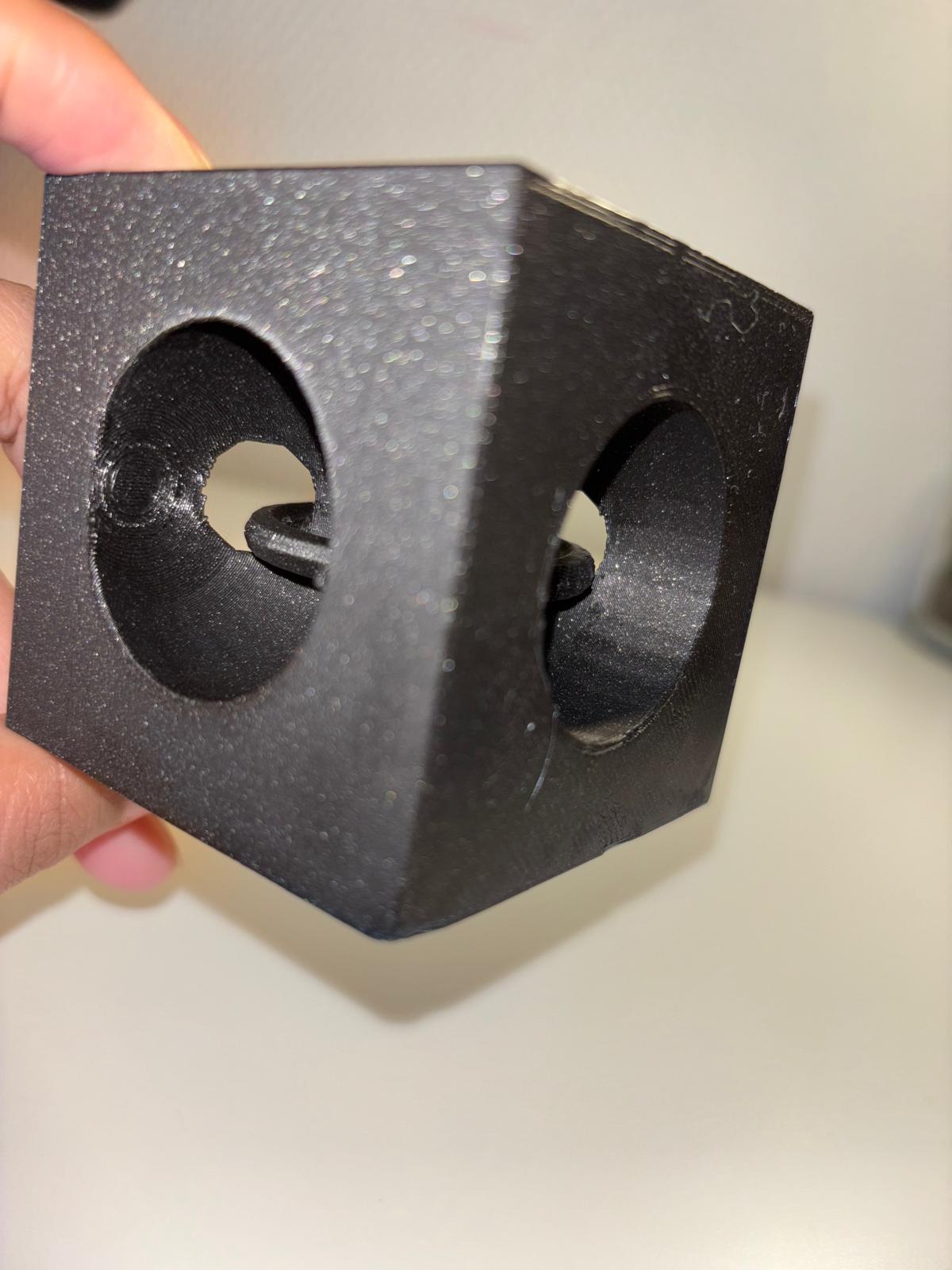
</td></tr><tr style="height: 215.45px;"><td style="height: 215.45px;">[![Image WhatsApp 2024-12-02 à 17.07.39.jpeg](https://wiki.fablab.sorbonne-universite.fr/BookStack/uploads/images/gallery/2024-12/scaled-1680-/whatsapp-image-2024-12-02-at-17-07-39.jpeg)](https://wiki.fablab.sorbonne-universite.fr/BookStack/uploads/images/gallery/2024-12/whatsapp-image-2024-12-02-at-17-07-39.jpeg)</td><td style="height: 215.45px;"><span style="text-decoration: underline;"><span style="color: rgb(132, 63, 161); text-decoration: underline;">**<span style="vertical-align: inherit;"><span style="vertical-align: inherit;"><span style="vertical-align: inherit;"><span style="vertical-align: inherit;"><span style="vertical-align: inherit;"><span style="vertical-align: inherit;">Paramètres d'impression :</span></span></span></span></span></span>**</span></span>

- - **<span style="vertical-align: inherit;"><span style="vertical-align: inherit;"><span style="vertical-align: inherit;"><span style="vertical-align: inherit;"><span style="vertical-align: inherit;"><span style="vertical-align: inherit;">Échelle:</span></span></span></span></span></span>**<span style="vertical-align: inherit;"><span style="vertical-align: inherit;"><span style="vertical-align: inherit;"><span style="vertical-align: inherit;"><span style="vertical-align: inherit;"><span style="vertical-align: inherit;"> 5%</span></span></span></span></span></span>
    - **<span style="vertical-align: inherit;"><span style="vertical-align: inherit;"><span style="vertical-align: inherit;"><span style="vertical-align: inherit;"><span style="vertical-align: inherit;"><span style="vertical-align: inherit;">Autobus</span></span></span></span></span></span>**<span style="vertical-align: inherit;"><span style="vertical-align: inherit;"><span style="vertical-align: inherit;"><span style="vertical-align: inherit;"><span style="vertical-align: inherit;"><span style="vertical-align: inherit;"> : 225°C</span></span></span></span></span></span>
    - **<span style="vertical-align: inherit;"><span style="vertical-align: inherit;"><span style="vertical-align: inherit;"><span style="vertical-align: inherit;"><span style="vertical-align: inherit;"><span style="vertical-align: inherit;">Plateau</span></span></span></span></span></span>**<span style="vertical-align: inherit;"><span style="vertical-align: inherit;"><span style="vertical-align: inherit;"><span style="vertical-align: inherit;"><span style="vertical-align: inherit;"><span style="vertical-align: inherit;"> : 60°C</span></span></span></span></span></span>
    - **<span style="vertical-align: inherit;"><span style="vertical-align: inherit;"><span style="vertical-align: inherit;"><span style="vertical-align: inherit;"><span style="vertical-align: inherit;"><span style="vertical-align: inherit;">Filament</span></span></span></span></span></span>**<span style="vertical-align: inherit;"><span style="vertical-align: inherit;"><span style="vertical-align: inherit;"><span style="vertical-align: inherit;"><span style="vertical-align: inherit;"><span style="vertical-align: inherit;"> : Prusa PLA, 1,75 mm </span></span></span></span></span></span>
    - **<span style="vertical-align: inherit;"><span style="vertical-align: inherit;"><span style="vertical-align: inherit;"><span style="vertical-align: inherit;"><span style="vertical-align: inherit;"><span style="vertical-align: inherit;">Supports</span></span></span></span></span></span>**<span style="vertical-align: inherit;"><span style="vertical-align: inherit;"><span style="vertical-align: inherit;"><span style="vertical-align: inherit;"><span style="vertical-align: inherit;"><span style="vertical-align: inherit;"> : support partout</span></span></span></span></span></span>
    - **<span style="vertical-align: inherit;"><span style="vertical-align: inherit;"><span style="vertical-align: inherit;"><span style="vertical-align: inherit;"><span style="vertical-align: inherit;"><span style="vertical-align: inherit;">Remplissage</span></span></span></span></span></span>**<span style="vertical-align: inherit;"><span style="vertical-align: inherit;"><span style="vertical-align: inherit;"><span style="vertical-align: inherit;"><span style="vertical-align: inherit;"><span style="vertical-align: inherit;"> : 15%</span></span></span></span></span></span>
    - **<span style="vertical-align: inherit;"><span style="vertical-align: inherit;"><span style="vertical-align: inherit;"><span style="vertical-align: inherit;"><span style="vertical-align: inherit;"><span style="vertical-align: inherit;">Paramètres d'impression</span></span></span></span></span></span>**<span style="vertical-align: inherit;"><span style="vertical-align: inherit;"><span style="vertical-align: inherit;"><span style="vertical-align: inherit;"><span style="vertical-align: inherit;"><span style="vertical-align: inherit;"> : paramètres par défaut de PrusaSlicer (qualité standard, épaisseur de couche classique)</span></span></span></span></span></span>

</td></tr></tbody></table>

<span style="color: rgb(35, 111, 161);">**<span style="vertical-align: inherit;"><span style="vertical-align: inherit;"><span style="vertical-align: inherit;"><span style="vertical-align: inherit;"><span style="vertical-align: inherit;"><span style="vertical-align: inherit;">3) Création d'un objet contenant un autre objet :</span></span></span></span></span></span>**</span>

<table border="1" id="bkmrk-objet-%3A-objet-d%C3%A9cora" style="border-collapse: collapse; width: 100%; height: 1169.05px;"><colgroup><col style="width: 50%;"></col><col style="width: 50%;"></col></colgroup><tbody><tr style="height: 408.8px;"><td style="height: 408.8px;">[![WhatsApp Image 2025-01-07 at 09.17.29.jpeg](https://wiki.fablab.sorbonne-universite.fr/BookStack/uploads/images/gallery/2025-01/scaled-1680-/whatsapp-image-2025-01-07-at-09-17-29.jpeg)](https://wiki.fablab.sorbonne-universite.fr/BookStack/uploads/images/gallery/2025-01/whatsapp-image-2025-01-07-at-09-17-29.jpeg)</td><td style="height: 408.8px;"><span style="color: rgb(132, 63, 161);">**<span style="text-decoration: underline;"><span style="vertical-align: inherit;"><span style="vertical-align: inherit;"><span style="vertical-align: inherit;"><span style="vertical-align: inherit;"><span style="vertical-align: inherit;"><span style="vertical-align: inherit;">Objet :</span></span></span></span></span></span></span>**</span><span style="outline-color: var(--color-primary); font-style: normal; font-variant-ligatures: normal; font-variant-caps: normal; font-weight: 400; font-size: 14px; font-family: -apple-system, BlinkMacSystemFont, 'Segoe UI', Oxygen, Ubuntu, Roboto, Cantarell, 'Fira Sans', 'Droid Sans', 'Helvetica Neue', sans-serif; text-align: right;"><span style="vertical-align: inherit;"><span style="vertical-align: inherit;"><span style="vertical-align: inherit;"><span style="vertical-align: inherit;"><span style="vertical-align: inherit;"><span style="vertical-align: inherit;"> Objet décoratif</span></span></span></span></span></span></span>

**<span style="text-decoration: underline;"><span style="color: rgb(132, 63, 161); text-decoration: underline;"><span style="vertical-align: inherit;"><span style="vertical-align: inherit;"><span style="vertical-align: inherit;"><span style="vertical-align: inherit;"><span style="vertical-align: inherit;"><span style="vertical-align: inherit;">Description :</span></span></span></span></span></span></span></span>**<span style="color: rgb(132, 63, 161);"><span style="color: rgb(0, 0, 0);"><span style="vertical-align: inherit;"><span style="vertical-align: inherit;"><span style="vertical-align: inherit;"><span style="vertical-align: inherit;"><span style="vertical-align: inherit;"><span style="vertical-align: inherit;"> Il s'agit d'un cube avec une cavité sphérique creuse.</span></span></span></span></span></span></span></span>

<span style="color: rgb(132, 63, 161);">**<span style="text-decoration: underline;"><span style="vertical-align: inherit;"><span style="vertical-align: inherit;"><span style="vertical-align: inherit;"><span style="vertical-align: inherit;"><span style="vertical-align: inherit;"><span style="vertical-align: inherit;">Objectif:</span></span></span></span></span></span></span>**</span><span style="outline-color: var(--color-primary); font-style: normal; font-variant-ligatures: normal; font-variant-caps: normal; font-weight: 400; font-size: 14px; font-family: -apple-system, BlinkMacSystemFont, 'Segoe UI', Oxygen, Ubuntu, Roboto, Cantarell, 'Fira Sans', 'Droid Sans', 'Helvetica Neue', sans-serif; text-align: right;"><span style="vertical-align: inherit;"><span style="vertical-align: inherit;"><span style="vertical-align: inherit;"><span style="vertical-align: inherit;"><span style="vertical-align: inherit;"><span style="vertical-align: inherit;"> Notre objectif est de mettre l'impression 3D en pause à une moment donné pour pouvoir insérer un autre objet dans le cube.</span></span></span></span></span></span></span>

</td></tr><tr style="height: 528px;"><td style="height: 528px;">**<span style="text-decoration: underline;"><span style="color: rgb(132, 63, 161); text-decoration: underline;"><span style="vertical-align: inherit;"><span style="vertical-align: inherit;"><span style="vertical-align: inherit;"><span style="vertical-align: inherit;"><span style="vertical-align: inherit;"><span style="vertical-align: inherit;">Scénario:</span></span></span></span></span></span></span></span>**

<span style="color: rgb(45, 194, 107);">// Création cube\_creux</span>

<span style="color: rgb(45, 194, 107);">// Paramètres</span>  
size = 10;  
thickness = 1;

<span style="color: rgb(45, 194, 107);">// Fonction pour créer le cube</span>  
module cube\_creux(){  
 difference(){  
 <span style="color: rgb(45, 194, 107);"> // Cube extérieur</span>  
 cube(\[size,size,size\], center=true);  
 <span style="color: rgb(45, 194, 107);"> // Cube intérieur</span>  
 translate(\[0,0,thickness/2\])  
 cube(\[size-2\*thickness,size-2\*thickness,size-2\*thickness\], center=true);  
 }  
}

<span style="color: rgb(45, 194, 107);">// Appel du module pour afficher le cube creux</span>  
cube\_creux();

</td><td style="height: 528px;"> </td></tr><tr style="height: 232.25px;"><td style="height: 232.25px;">[![WhatsApp Image 2025-01-07 at 09.17.29 (1).jpeg](https://wiki.fablab.sorbonne-universite.fr/BookStack/uploads/images/gallery/2025-01/scaled-1680-/whatsapp-image-2025-01-07-at-09-17-29-1.jpeg)](https://wiki.fablab.sorbonne-universite.fr/BookStack/uploads/images/gallery/2025-01/whatsapp-image-2025-01-07-at-09-17-29-1.jpeg)  
</td><td style="height: 232.25px;"><span style="text-decoration: underline;"><span style="color: rgb(132, 63, 161); text-decoration: underline;">**<span style="vertical-align: inherit;"><span style="vertical-align: inherit;"><span style="vertical-align: inherit;"><span style="vertical-align: inherit;"><span style="vertical-align: inherit;"><span style="vertical-align: inherit;">Paramètres d'impression :</span></span></span></span></span></span>**</span></span>

- - **<span style="vertical-align: inherit;"><span style="vertical-align: inherit;"><span style="vertical-align: inherit;"><span style="vertical-align: inherit;"><span style="vertical-align: inherit;"><span style="vertical-align: inherit;">Échelle:</span></span></span></span></span></span>**<span style="vertical-align: inherit;"><span style="vertical-align: inherit;"><span style="vertical-align: inherit;"><span style="vertical-align: inherit;"><span style="vertical-align: inherit;"><span style="vertical-align: inherit;"> 300%</span></span></span></span></span></span>
    - **<span style="vertical-align: inherit;"><span style="vertical-align: inherit;"><span style="vertical-align: inherit;"><span style="vertical-align: inherit;"><span style="vertical-align: inherit;"><span style="vertical-align: inherit;">Autobus</span></span></span></span></span></span>**<span style="vertical-align: inherit;"><span style="vertical-align: inherit;"><span style="vertical-align: inherit;"><span style="vertical-align: inherit;"><span style="vertical-align: inherit;"><span style="vertical-align: inherit;"> : 225°C</span></span></span></span></span></span>
    - **<span style="vertical-align: inherit;"><span style="vertical-align: inherit;"><span style="vertical-align: inherit;"><span style="vertical-align: inherit;"><span style="vertical-align: inherit;"><span style="vertical-align: inherit;">Plateau</span></span></span></span></span></span>**<span style="vertical-align: inherit;"><span style="vertical-align: inherit;"><span style="vertical-align: inherit;"><span style="vertical-align: inherit;"><span style="vertical-align: inherit;"><span style="vertical-align: inherit;"> : 60°C</span></span></span></span></span></span>
    - **<span style="vertical-align: inherit;"><span style="vertical-align: inherit;"><span style="vertical-align: inherit;"><span style="vertical-align: inherit;"><span style="vertical-align: inherit;"><span style="vertical-align: inherit;">Filament</span></span></span></span></span></span>**<span style="vertical-align: inherit;"><span style="vertical-align: inherit;"><span style="vertical-align: inherit;"><span style="vertical-align: inherit;"><span style="vertical-align: inherit;"><span style="vertical-align: inherit;"> : Prusa PLA, 1,75 mm </span></span></span></span></span></span>
    - **<span style="vertical-align: inherit;"><span style="vertical-align: inherit;"><span style="vertical-align: inherit;"><span style="vertical-align: inherit;"><span style="vertical-align: inherit;"><span style="vertical-align: inherit;">Supports</span></span></span></span></span></span>**<span style="vertical-align: inherit;"><span style="vertical-align: inherit;"><span style="vertical-align: inherit;"><span style="vertical-align: inherit;"><span style="vertical-align: inherit;"><span style="vertical-align: inherit;"> : aucune </span></span></span></span></span></span>
    - **<span style="vertical-align: inherit;"><span style="vertical-align: inherit;"><span style="vertical-align: inherit;"><span style="vertical-align: inherit;"><span style="vertical-align: inherit;"><span style="vertical-align: inherit;">Remplissage</span></span></span></span></span></span>**<span style="vertical-align: inherit;"><span style="vertical-align: inherit;"><span style="vertical-align: inherit;"><span style="vertical-align: inherit;"><span style="vertical-align: inherit;"><span style="vertical-align: inherit;"> : 20%</span></span></span></span></span></span>
    - **<span style="vertical-align: inherit;"><span style="vertical-align: inherit;"><span style="vertical-align: inherit;"><span style="vertical-align: inherit;"><span style="vertical-align: inherit;"><span style="vertical-align: inherit;">Paramètres d'impression</span></span></span></span></span></span>**<span style="vertical-align: inherit;"><span style="vertical-align: inherit;"><span style="vertical-align: inherit;"><span style="vertical-align: inherit;"><span style="vertical-align: inherit;"><span style="vertical-align: inherit;"> : paramètres par défaut de PrusaSlicer (qualité standard, épaisseur de couche classique)</span></span></span></span></span></span>

</td></tr></tbody></table>

# Saskia CHAPUIS

<span style="text-decoration: underline; background-color: rgb(236, 202, 250);">**<span style="color: rgb(132, 63, 161); text-decoration: underline;">Objet 1 : Création d'un objet fonctionnel avec OpenScade</span>**</span>

<span style="text-decoration: underline;">**Objet** </span>: Piano numérique à 12 touches

[![Piano.png](https://wiki.fablab.sorbonne-universite.fr/BookStack/uploads/images/gallery/2024-11/scaled-1680-/sEepiano.png)](https://wiki.fablab.sorbonne-universite.fr/BookStack/uploads/images/gallery/2024-11/sEepiano.png)[![Piano-real.jpg](https://wiki.fablab.sorbonne-universite.fr/BookStack/uploads/images/gallery/2024-12/scaled-1680-/piano-real.jpg)](https://wiki.fablab.sorbonne-universite.fr/BookStack/uploads/images/gallery/2024-12/piano-real.jpg)

<span style="text-decoration: underline;">**Fonction** </span>: Pour jouer de la musique

<span style="text-decoration: underline;">**Paramètres** :</span>

- <span style="text-decoration: underline;">Touches blanches</span>  
    largeur touches blanches = 15   
    hauteur des touches = 110  
    epaisseur des touches = 7  
    espacement entre les touches = 2
- <span style="text-decoration: underline;">Touches noires</span>  
    largeur touches noires = 10  
    hauteur\_touche\_noir = 70  
    epaisseur\_touche\_noir = 10
- Nombre de touches = 12
- Longueur totale (modification faite sur PrusaSlicer) = 15cm

<span style="text-decoration: underline; background-color: rgb(236, 202, 250);">**<span style="color: rgb(132, 63, 161); text-decoration: underline;">Objet 2 : Création d'un objet, possible qu'en impression 3D, avec Fusion360</span>**</span>

<span style="text-decoration: underline;">**Objet** </span>: HandSpinner en forme d'étoile

<span style="text-decoration: underline;">**Paramètres D'impression** </span>:

[![zrrpwm1h.png](https://wiki.fablab.sorbonne-universite.fr/BookStack/uploads/images/gallery/2024-12/scaled-1680-/zrrpwm1h.png)](https://wiki.fablab.sorbonne-universite.fr/BookStack/uploads/images/gallery/2024-12/zrrpwm1h.png)[![parametres-impression.png](https://wiki.fablab.sorbonne-universite.fr/BookStack/uploads/images/gallery/2024-12/scaled-1680-/E3Lparametres-impression.png)](https://wiki.fablab.sorbonne-universite.fr/BookStack/uploads/images/gallery/2024-12/E3Lparametres-impression.png)

[![HandSpinner real.png](https://wiki.fablab.sorbonne-universite.fr/BookStack/uploads/images/gallery/2024-12/scaled-1680-/handspinner-real.png)](https://wiki.fablab.sorbonne-universite.fr/BookStack/uploads/images/gallery/2024-12/handspinner-real.png)

<span style="text-decoration: underline; background-color: rgb(236, 202, 250);">**<span style="color: rgb(132, 63, 161); text-decoration: underline;">Objet 3 : Objet inséré dans un autre (pause pendant impression) (Fusion360)</span>**</span>

<span style="text-decoration: underline; background-color: rgb(236, 202, 250);">**<span style="color: rgb(132, 63, 161); text-decoration: underline;">[![Screenshot 2024-12-10 222524.png](https://wiki.fablab.sorbonne-universite.fr/BookStack/uploads/images/gallery/2024-12/scaled-1680-/screenshot-2024-12-10-222524.png)](https://wiki.fablab.sorbonne-universite.fr/BookStack/uploads/images/gallery/2024-12/screenshot-2024-12-10-222524.png)</span>**</span>

# Meriem GUNER

#### <span style="background-color: rgb(251, 238, 184);">**ATELIER 1 - 25/11/24**</span>

##### **<span style="color: rgb(230, 126, 35);">A) Créer un objet fonctionnel sur AUTODESK FUSION 360</span>**

<p class="callout info">Pour cette exercice j'ai voulu créer un porte bougie inspiré de ce cliché :</p>

![image.png](https://wiki.fablab.sorbonne-universite.fr/BookStack/uploads/images/gallery/2024-11/scaled-1680-/6zQimage.png)

<p class="callout info">Pour cela, j'ai utilisé le logiciel **Autodesk Fusion 360.** Voici les étapes de conception : </p>

1\) Créer la base du porte bougie avec un cercle (diamètre = 200 mm , hauteur = 20 mm).
![image.png](https://wiki.fablab.sorbonne-universite.fr/BookStack/uploads/images/gallery/2024-11/scaled-1680-/HwYimage.png)

2\) Créer l'emplacement de la future bougie dans le cercle (diamètre = 90 mm, profondeur = 10 mm).
![image.png](https://wiki.fablab.sorbonne-universite.fr/BookStack/uploads/images/gallery/2024-11/scaled-1680-/uMQimage.png)

3\) Créer la première épine à la hauteur et à l'épaisseur souhaité.
![image.png](https://wiki.fablab.sorbonne-universite.fr/BookStack/uploads/images/gallery/2024-11/scaled-1680-/kZvimage.png)

4\) Créer un réseau circulaire pour répéter la même forme d'épine identique tout autour de la base (9 épines).
![image.png](https://wiki.fablab.sorbonne-universite.fr/BookStack/uploads/images/gallery/2024-11/scaled-1680-/7mBimage.png)

<p class="callout success">Voici le rendu final de mon prototypage de porte bougie avant impression : </p>
![image.png](https://wiki.fablab.sorbonne-universite.fr/BookStack/uploads/images/gallery/2024-11/scaled-1680-/qcQimage.png)

- <span style="background-color: rgb(248, 202, 198);">**<span style="text-decoration: underline;">Paramètres d'impression</span> :  </span>
    - <span style="color: rgb(186, 55, 42);">**Imprimante Creality K1**</span>
        - Echelle : 0.46
        - Filaments utilisés : PLA Creality gris foncé
        - Support overhang angle : 60°
        - Température buse : 220 °C
        - Température plateau : 50 °C
        - Remplissage : 15%
        - Hauteur de couche : 0,02 mm

<p class="callout success">Voici le rendu final de mon prototypage de porte bougie après impression : </p>
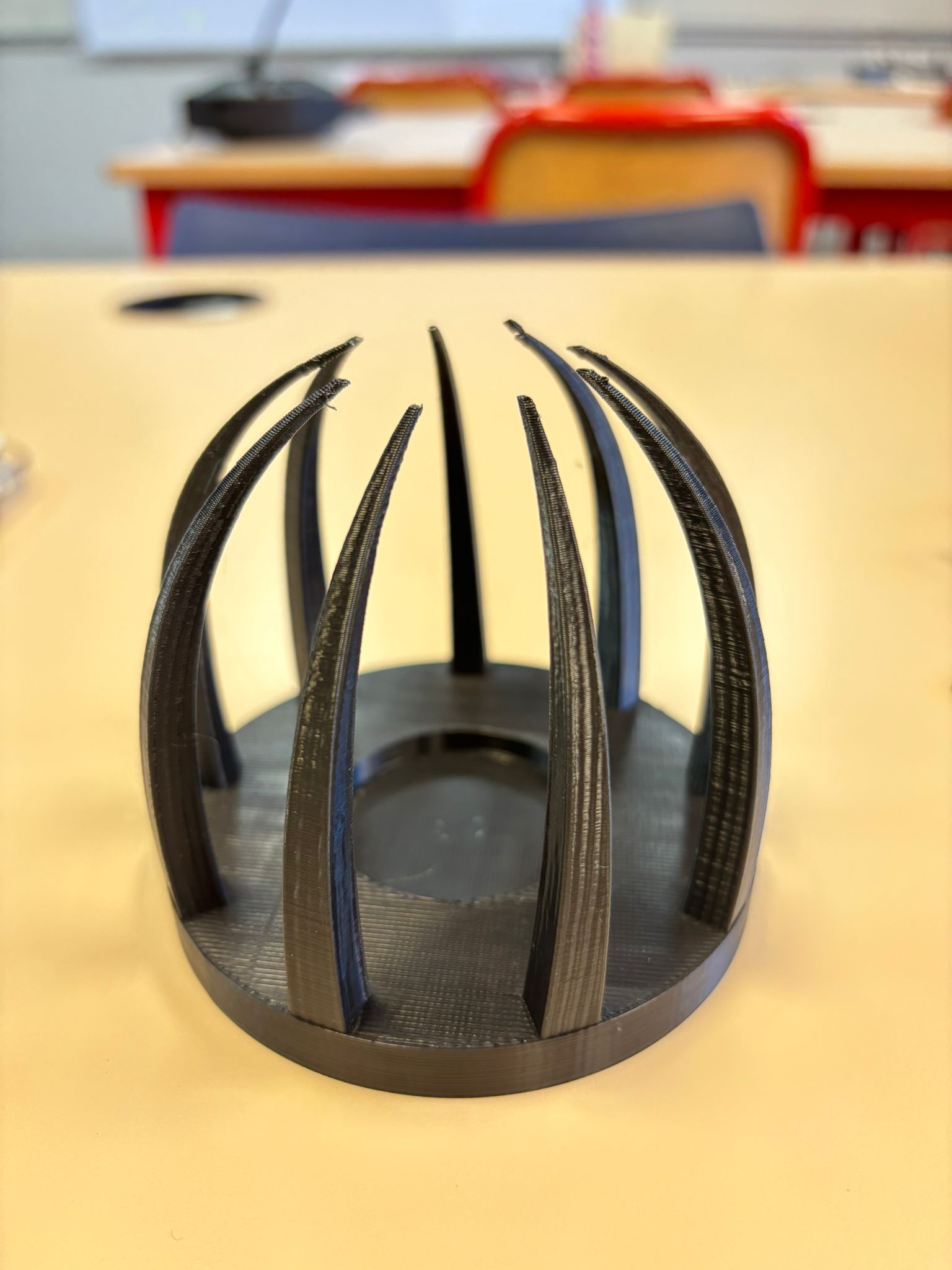
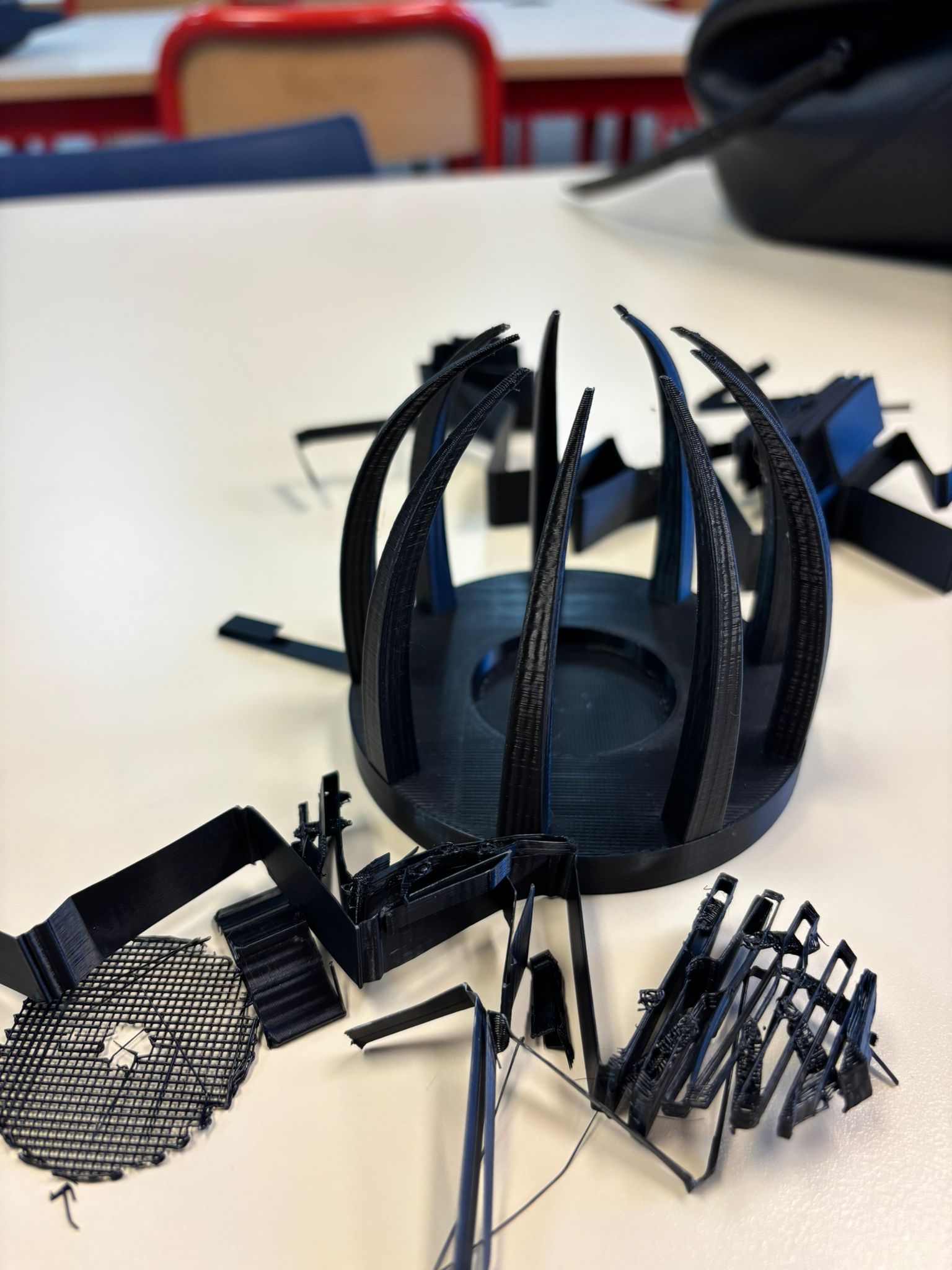
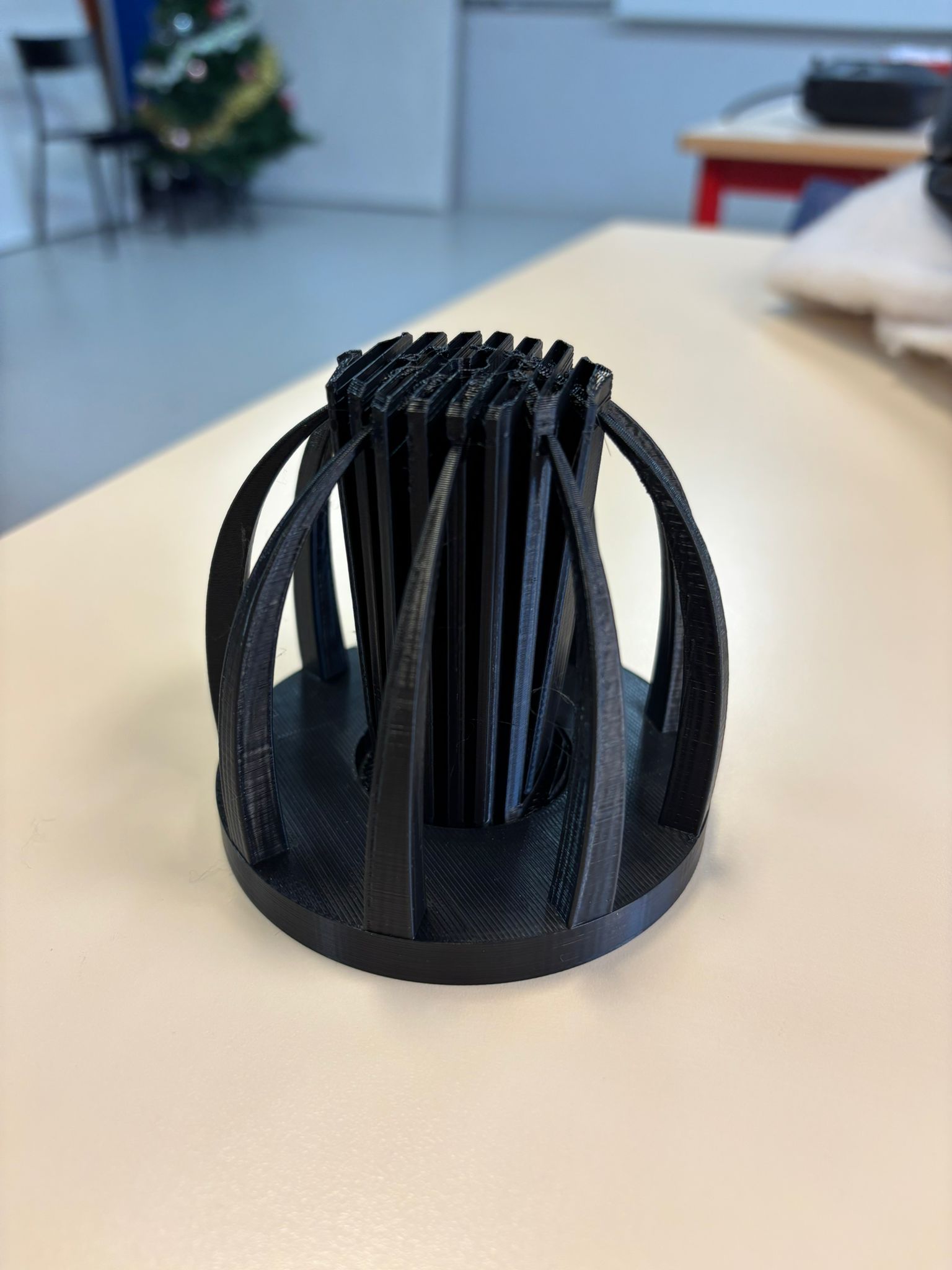
![WhatsApp Image 2024-12-04 à 22.21.56_23fcc32c.jpg](https://wiki.fablab.sorbonne-universite.fr/BookStack/uploads/images/gallery/2024-12/scaled-1680-/whatsapp-image-2024-12-04-a-22-21-56-23fcc32c.jpg)![WhatsApp Image 2024-12-04 à 22.21.56_2825c294.jpg](https://wiki.fablab.sorbonne-universite.fr/BookStack/uploads/images/gallery/2024-12/scaled-1680-/whatsapp-image-2024-12-04-a-22-21-56-2825c294.jpg)![WhatsApp Image 2024-12-04 à 22.21.57_0cc09b11.jpg](https://wiki.fablab.sorbonne-universite.fr/BookStack/uploads/images/gallery/2024-12/scaled-1680-/whatsapp-image-2024-12-04-a-22-21-57-0cc09b11.jpg)[![WhatsApp Image 2024-12-04 à 22.21.47_81656f53.jpg](https://wiki.fablab.sorbonne-universite.fr/BookStack/uploads/images/gallery/2024-12/scaled-1680-/whatsapp-image-2024-12-04-a-22-21-47-81656f53.jpg)](https://wiki.fablab.sorbonne-universite.fr/BookStack/uploads/images/gallery/2024-12/whatsapp-image-2024-12-04-a-22-21-47-81656f53.jpg)![WhatsApp Image 2024-12-04 à 22.21.45_2906d470.jpg](https://wiki.fablab.sorbonne-universite.fr/BookStack/uploads/images/gallery/2024-12/scaled-1680-/whatsapp-image-2024-12-04-a-22-21-45-2906d470.jpg)
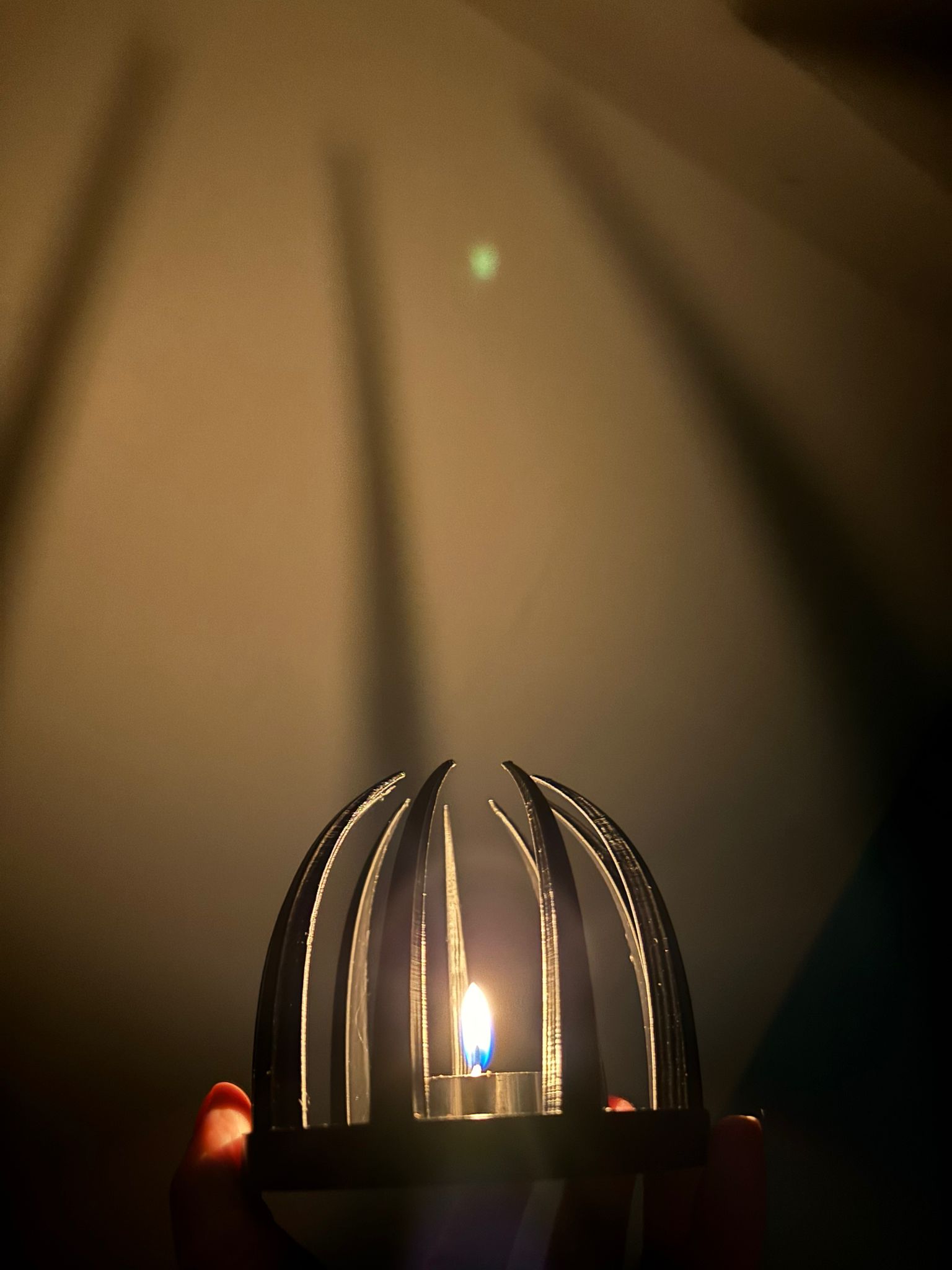
**<span style="color: rgb(230, 126, 35);">B) Créer un objet réalisable seulement avec une imprimante 3D sur AUTODESK FUSION 360</span>**

<p class="callout info"><span style="color: rgb(0, 0, 0);">Pour cette exercice j'ai voulu créer mon objet inspiré de ce cliché :</span></p>

![image.png](https://wiki.fablab.sorbonne-universite.fr/BookStack/uploads/images/gallery/2024-12/scaled-1680-/0svimage.png)

<p class="callout info">Pour cela, j'ai utilisé le logiciel **Autodesk Fusion 360.** Voici les étapes de conception : </p>

1\) Créer un tore (diamètre intérieur = 75 mm , diamètre du tore = 25 mm).
![image.png](https://wiki.fablab.sorbonne-universite.fr/BookStack/uploads/images/gallery/2024-12/scaled-1680-/RD7image.png)

2\) Créer un tuyau à l'intérieur du tore (taille de section = 15 mm).
![image.png](https://wiki.fablab.sorbonne-universite.fr/BookStack/uploads/images/gallery/2024-12/scaled-1680-/Dzyimage.png)

3\) Créer un second tore pour obtenir le creux (diamètre intérieur = 85 mm , diamètre du tore = 17 mm).
![image.png](https://wiki.fablab.sorbonne-universite.fr/BookStack/uploads/images/gallery/2024-12/scaled-1680-/mNOimage.png)

4\) Créer une boule dans le creux (diamètre = 15 mm).
![image.png](https://wiki.fablab.sorbonne-universite.fr/BookStack/uploads/images/gallery/2024-12/scaled-1680-/W7Cimage.png)

5\) Créer un réseau circulaire pour répéter la même forme de boule identique tout autour de la base (5 boules).
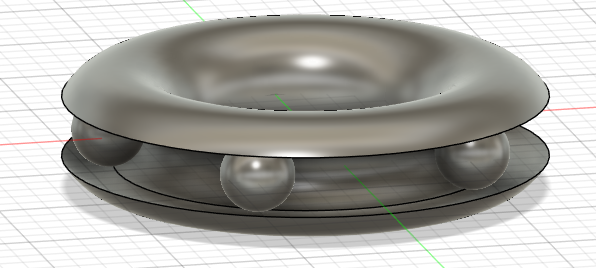
![image.png](https://wiki.fablab.sorbonne-universite.fr/BookStack/uploads/images/gallery/2024-12/scaled-1680-/pIDimage.png)

<p class="callout success">Voici le rendu final de mon prototypage de l'objet avant impression :</p>

![image.png](https://wiki.fablab.sorbonne-universite.fr/BookStack/uploads/images/gallery/2024-12/scaled-1680-/EOkimage.png)

**<span style="color: rgb(230, 126, 35);">B) Créer un objet avec une pause pendant l'impression sur AUTODESK FUSION 360</span>**

<p class="callout info"><span style="color: rgb(0, 0, 0);">Pour cette exercice j'ai voulu créer un cadran pour miroir. Le miroir sera inséré lorsque l'impression sera complétée à 50%. Pour cela, j'ai utilisé le logiciel **Autodesk Fusion 360.** Voici les étapes de conception : </span></p>

1\) Créer la forme souhaité du cadran.
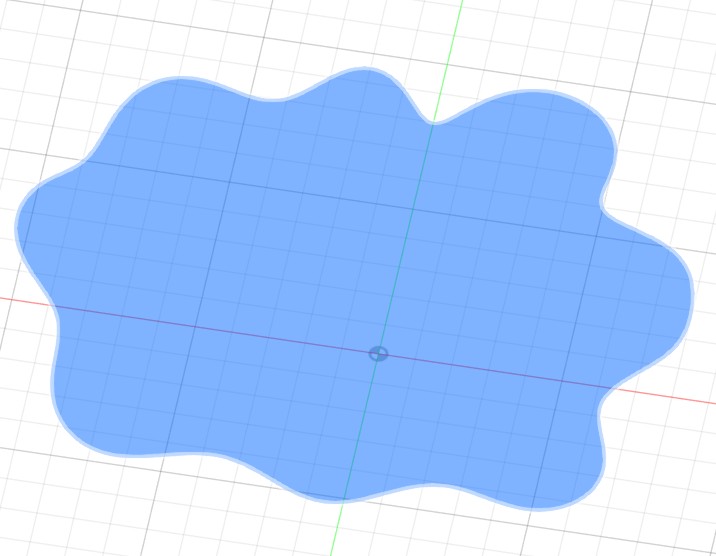
![image.png](https://wiki.fablab.sorbonne-universite.fr/BookStack/uploads/images/gallery/2024-12/scaled-1680-/Dbhimage.png)

![image.png](https://wiki.fablab.sorbonne-universite.fr/BookStack/uploads/images/gallery/2024-12/scaled-1680-/AVPimage.png)

2\) Créer des perçages au milieu du cadran pour l'emplacement du futur miroir.
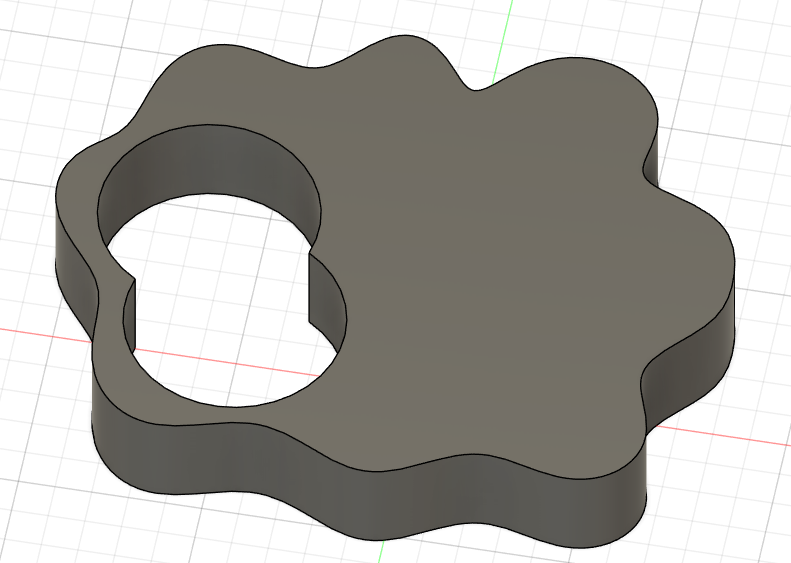
![image.png](https://wiki.fablab.sorbonne-universite.fr/BookStack/uploads/images/gallery/2024-12/scaled-1680-/dBRimage.png)

![image.png](https://wiki.fablab.sorbonne-universite.fr/BookStack/uploads/images/gallery/2024-12/scaled-1680-/Ggjimage.png)

3\) Créer un contour autour du cadran.
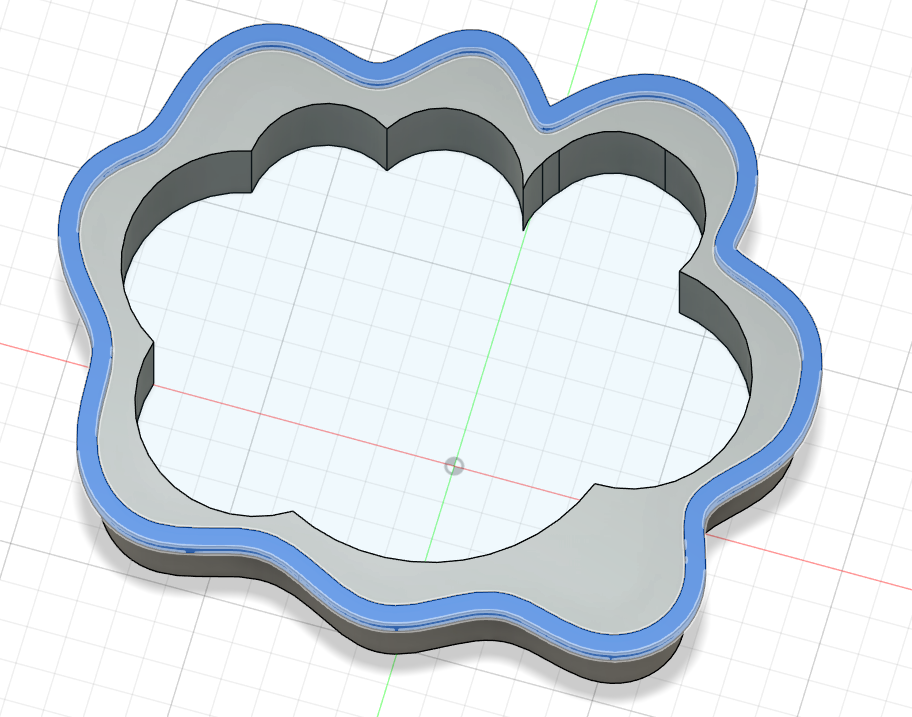
![image.png](https://wiki.fablab.sorbonne-universite.fr/BookStack/uploads/images/gallery/2024-12/scaled-1680-/A8wimage.png)

![image.png](https://wiki.fablab.sorbonne-universite.fr/BookStack/uploads/images/gallery/2024-12/scaled-1680-/7Rqimage.png)

<p class="callout success">Voici le rendu final de mon prototypage de l'objet avant impression :</p>

![image.png](https://wiki.fablab.sorbonne-universite.fr/BookStack/uploads/images/gallery/2024-12/scaled-1680-/aAkimage.png)


##### **<span style="color: rgb(230, 126, 35);">D) Fabriquer les prototypes 3D via l'imprimante</span>**

<p class="callout info">Avant de pouvoir enfin imprimer nos prototypes 3D via l'imprimante, il faut passer par plusieurs étapes intermédiaires : </p>

1\) Exporter les prototypes crées sur **AUTODESK** en fichier **STL** sur notre appareil

2\) Télécharger le logiciel **PRUCASLICER** et importer les différents fichiers **STL**

3\) Faire les ajustements nécessaires, pour mes différents objets dans la dimension souhaitée.

\+ Vérifier les supports nécessaires pour optimiser l'impression des parties plus complexes.

4\) Exporter les prototypes en ficher **GCODE** sur ma clef USB

5\) Lancer les impressions !

# Zaynab MOHAMMAD

<span style="text-decoration: underline; color: rgb(0, 0, 0);">**UE PROTOTYPAGE : MU4MN011**</span>

<span style="background-color: rgb(248, 212, 235);"><span style="color: rgb(0, 0, 0);">**<span style="text-decoration: underline;">18/11/2024</span>** **:**</span> **Initiation a l'impression 3D.**</span>

Lors de cette première séance nous avons appris les bases de l'impression 3D. Nous avons appris a nous servir de OpenScad qui est un logiciel pour coder des objets pour une impression 3D. Nous avons suite a cette séance du coder un objet fonctionnel.

Pour cela j'ai choisi de concevoir une petite boite de rangement avec un couvercle pour pouvoir stocker mes bijoux (bagues, colliers,...). Pour créer ce code j'ai réaliser une boite pour cela j'ai modéliser plusieurs rectangles pour pouvoir faire une boite. Ensuite pour le couvercle j'ai dans un premier temps créer seulement un rectangle avec les dimensions de la boite pour pouvoir le poser dessus. Après l'impression je me suis rendu compte que le couvercle n'était pas tres fonctionnel puisque il recouvrait seulement ma boite et ne la fermait pas correctement j'ai donc modifié mon code pour imprimer un couvercle avec un grand rectangle de la taille de la boite puis un plus petit pour qui puisse rentrer dans ma boite.

<span style="text-decoration: underline;">Taille de la boite :</span> 8cm en largeur, 7cm en hauteur, 10cm en longueur

<span style="text-decoration: underline; color: rgb(0, 0, 0);">**Photo de ma boite :** </span>

<span style="text-decoration: underline;"><span style="color: rgb(0, 0, 0); text-decoration: underline;">**Paramètre d'impression :**</span></span> (paramètres par défaut)

→ Échelle **:** 100%

→ Buse : 225°C

→ Plateau : 60°C

→ Filament : Prusa PLA, 1,75 mm de diamètre

→ Supports : non nécessaire

→ Remplissage : 40%

→ Réglages d’impression : paramètres par défaut

<span style="text-decoration: underline; color: rgb(0, 0, 0); background-color: rgb(248, 212, 235);">**25/11/2024 : Deuxième séance** </span>

Pour cette deuxième séance nous avons commencer a créer des objets plus complexe et pour cette exercice nous avons du créer un objet qui est seulement imprimable par impression 3D. J'ai été fortement inspirée par des objets qui ont deja été imprimé au Fablab et j'ai décidé d'imprimer un cube avec une sphere intégrée.

Pour cela j'ai j'ai coder un cube creux avec des trou rond sur tous ses coté et j'ai rajouté une sphere qui est plus petit que la taille du cube mais plus grande que les trou sur les cotés du cube.

<span style="text-decoration: underline;">Taille de l'objet : </span>

**<span style="text-decoration: underline;">Photo de l'objet : </span>**

[![image.png](https://wiki.fablab.sorbonne-universite.fr/BookStack/uploads/images/gallery/2024-11/scaled-1680-/L73image.png)](https://wiki.fablab.sorbonne-universite.fr/BookStack/uploads/images/gallery/2024-11/L73image.png)

<span style="text-decoration: underline;"><span style="color: rgb(0, 0, 0); text-decoration: underline;">**Paramètre d'impression :**</span></span> (paramètres par défaut)

→ Échelle **:** 100%

→ Buse : 225°C

→ Plateau : 60°C

→ Filament : Prusa PLA, 1,75 mm de diamètre

→ Supports : non nécessaire

→ Remplissage : 40%

→ Réglages d’impression : paramètres par défaut

<span style="text-decoration: underline; background-color: rgb(248, 212, 235);"><span style="color: rgb(0, 0, 0); text-decoration: underline;">**02/12/2024 : Troisième séance** </span></span>

Lors de cette séance nous avons du imprimer un objet puis le mettre en pause pour insérer un autre objet a l'intérieur puis reprendre l'impression pour terminer l'objet.

Pour cela j'ai decider de créer un aimant en forme de tete d'ours. Dans cet aimant il y a une partie creuse spécialement conçu pour accueillir l'aimant et cette partie est tout juste plus grande que l'aimant pour pouvoir le mettre sans problème.

<span style="text-decoration: underline;">Taille de l'aimant : </span>

<span style="text-decoration: underline; color: rgb(0, 0, 0);">**Photo de l'aimant :**</span>

<span style="text-decoration: underline;"><span style="color: rgb(0, 0, 0); text-decoration: underline;">**Paramètre d'impression :**</span></span> (paramètres par défaut)

→ Échelle **:** 100%

→ Buse : 225°C

→ Plateau : 60°C

→ Filament : Prusa PLA, 1,75 mm de diamètre

→ Supports : non nécessaire

→ Remplissage : 40%

→ Réglages d’impression : paramètres par défaut

<span style="text-decoration: underline; color: rgb(0, 0, 0); background-color: rgb(248, 212, 235);">**13/12/2024 : Quatrième séance** </span>

Lors de cette séance nous avons présenté nos objet a la classe et nous avons vu si il y avait des améliorations a faire.

<span style="text-decoration: underline; background-color: rgb(248, 212, 235);"><span style="color: rgb(0, 0, 0); text-decoration: underline;">**16/12/2024 : Cinquième séance** </span></span>

Lors de cette séance nous avons eu une initiation à l'Arduino.

# Seema BAIG DUSMEE

### **Exercice 1 : Création d’un produit du quotidien**

Pour cet exercice, j’ai réalisé un ***vide-poche* original**, en forme de **pirogue**. J’ai choisi ce design pour son côté esthétique et fonctionnel. Le vide-poche a été gravé avec mon nom de famille, ajoutant une touche personnelle à l’objet. J'ai utilisé Fusion 360 pour le faire, car je n'y arrivais pas avec OpenScad.

Je n'étais pas partie dessus à la base ; je voulais faire une étagère avec un pot de fleurs intégré, munie d'une bibliothèque. Mais la taille de l'étagère est beaucoup trop importante, et une version miniature ne m'intéressait pas. J'ai donc cherché une autre idée, afin d'avoir quelque chose qui soit à la fois utile, pratique et qui répond à l'exercice !

Pour réaliser mon projet d’étagère avec un pot de fleurs intégré, j’ai utilisé ChatGPT comme assistant de conception. Grâce à des échanges interactifs, j’ai pu préciser mes idées et obtenir des conseils à chaque étape. Voici comment je m’y suis prise :

**1. Définir l'idée initiale**  
J’ai commencé par expliquer mon projet à ChatGPT : créer une petite étagère murale avec un emplacement intégré pour un pot de fleurs. Mon objectif était de combiner esthétique et fonctionnalité dans un design simple et moderne.

<span style="text-decoration: underline;"><span style="color: rgb(149, 165, 166); text-decoration: underline;">**Prompt utilisé :**</span></span>  
<span style="color: rgb(149, 165, 166);">*"Je veux créer une étagère murale avec un pot de fleurs intégré, dans un style épuré, qui soit imprimable en 3D. Donne moi le code pour OpenScad."*</span>

ChatGPT m’a alors proposé idées, comme intégrer un cylindre pour le pot. J'ai voulu faire quelque chose de sympa, et de "technique" en rajoutant par exemple de faux livres. Le vrai défi était dans le positionnement de ces faux livres, ChatGPT étant incapable de comprendre ce que je lui demandais, c'est à dire de centrer les livres et de les aligner correctement. J'ai rectifié par moi-même les paramètres dans le code, car celui était correct.

<span style="text-decoration: underline;">**<span style="color: rgb(149, 165, 166); text-decoration: underline;">Prompt utilisé :</span>**</span>  
<span style="color: rgb(149, 165, 166);">*"Voici mon design : une étagère rectangulaire avec une ouverture circulaire pour le pot de fleurs, des supports droits pour le mur, et une base renforcée sous le pot. Est-ce que ça te semble réalisable pour une impression 3D ?"*</span>

  
[![image.png](https://wiki.fablab.sorbonne-universite.fr/BookStack/uploads/images/gallery/2024-12/scaled-1680-/Ijyimage.png)](https://wiki.fablab.sorbonne-universite.fr/BookStack/uploads/images/gallery/2024-12/Ijyimage.png)

ChatGPT m’a confirmé que le design était solide et m’a rappelé de vérifier les dimensions exactes par rapport aux capacités de l’imprimante et du pot de fleurs. Mais le design ne passait pas pour l'impression 3D ; trop de temps, trop de matière et je voulais quelque chose de simple et efficace. J'ai donc abandonnée l'idée.

**2. La "pirogue"**

Au final, j'ai demandé à ChatGPT comment faire un vide-poche (que j'appelle pirogue à cause de la forme que je lui ai donné") sur Fusion 360. J'ai eu un peu de mal avec la prise en charge du logiciel mais au final, sans même l'aide de l'IA, j'ai pu le créer simplement et rapidement. J'ai ajouté mon nom, et le tour était joué !

Lors de l'impression, j'ai fais le choix de ne pas mettre de support, mais j'aurai du en mettre un ; la base n'est pas très propre, tout comme le nom.

- **Paramètres d’impression**
    
    
    - **Échelle :** 100%
    - **Buse** : 225°C
    - **Plateau** : 60°C
    - **Filament** : Prusa PLA, 1,75 mm de diamètre
    - **Supports** : non nécessaire (mais au final j'aurai peut-être dû insérer un support pour l'impression du nom)
    - **Remplissage** : 40%
    - **Réglages d’impression** : paramètres par défaut de PrusaSlicer (qualité standard, épaisseur de couche classique)

### **Exercice 2 : Objet uniquement imprimable en 3D**

L’objectif était de concevoir un objet nécessitant exclusivement une imprimante 3D. J’ai tenté de créer une structure complexe composée de sphères reliées entre elles par des cercles. Mais cette réalisation est encore en cours d’optimisation, car les contraintes techniques de l’imprimante et des logiciels rendent l’impression difficile.

J'ai totalement changé d'idée par la suite, car même si l'idée était bonne, je ne suis pas suffisamment à l'aise avec ce type de structure et de logiciel. Je suis donc partie sur quelque chose de simple et efficace.

J'ai

### **Exercice 3 : Objet intégrant une pause d’impression**

Pour cet exercice, j’ai conçu un bâton, de type *maracas,* plus communément appelé bâton de pluie. L’impression intègre une pause dans sa phase finale, permettant d’ajouter du riz à l’intérieur avant de terminer la fabrication.

L'impression a très bien commencé, mais le bâton a changé de place entre temps. Je l'ai donc stoppé pour revoir le code, mais j'ai fais l'erreur de ne pas mettre de jupe en pensant que cela tiendrait vu qu'il s'agit d'un bâton.

Au final, j'ai pu le faire sans problème, en ajoutant un support et une jupe, et j'ai eu mon bâton de pluie, avec lequel mon neveu joue tout le temps !

- **Paramètres d’impression**
    
    
    - **Échelle :** 100%
    - **Buse** : 225°C
    - **Plateau** : 60°C
    - **Filament** : Prusa PLA, 1,75 mm de diamètre
    - **Supports** : non nécessaire (mais au final j'aurai peut-être dû insérer un support pour l'impression du nom)
    - **Remplissage** : 20 %
    - **Réglages d’impression** : paramètres par défaut de PrusaSlicer (qualité standard, épaisseur de couche classique)

# Meritxell ALIÉ FÀBREGAS

#### **1. Objet Fonctionnel: Porte-clés Smiley**

Le porte-clé sert à tenir toutes les clés ensemble, avec un crochet. A travers du trou, il faut insérer les clés. Les dimensions de l'objet sont en cm pour l'impression.

**Le résultat avec Open SCAD**:

[![image.png](https://wiki.fablab.sorbonne-universite.fr/BookStack/uploads/images/gallery/2024-12/scaled-1680-/t1qimage.png)](https://wiki.fablab.sorbonne-universite.fr/BookStack/uploads/images/gallery/2024-12/t1qimage.png)
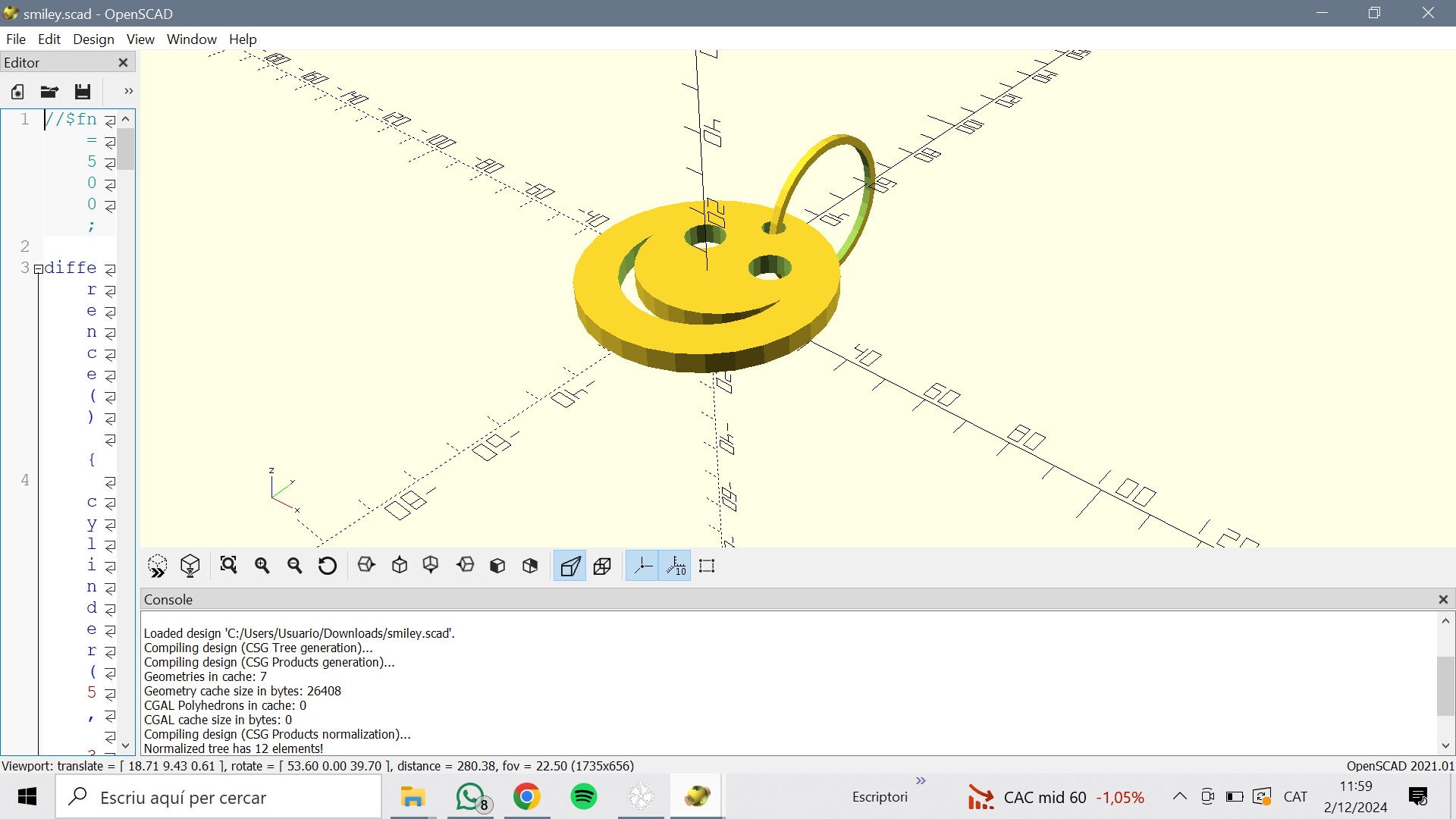
**Impression**:

J'ai imprimé l'objet avec Prusa Slicer avec les paramètres suivants:

- Échelle: 100%
- Buse: 225 ºC
- Plateau: 65 ºC
- Filament: Prusa PLA 1,75 mm, couleur blanc
- Supports: activés partout
- Remplissage: 20%
- Réglages d'impression: paramètres par défaut de PrusaSlicer (qualité standard, épaisseur de couche classique)

[![image.png](https://wiki.fablab.sorbonne-universite.fr/BookStack/uploads/images/gallery/2024-12/scaled-1680-/gBQimage.png)](https://wiki.fablab.sorbonne-universite.fr/BookStack/uploads/images/gallery/2024-12/gBQimage.png)
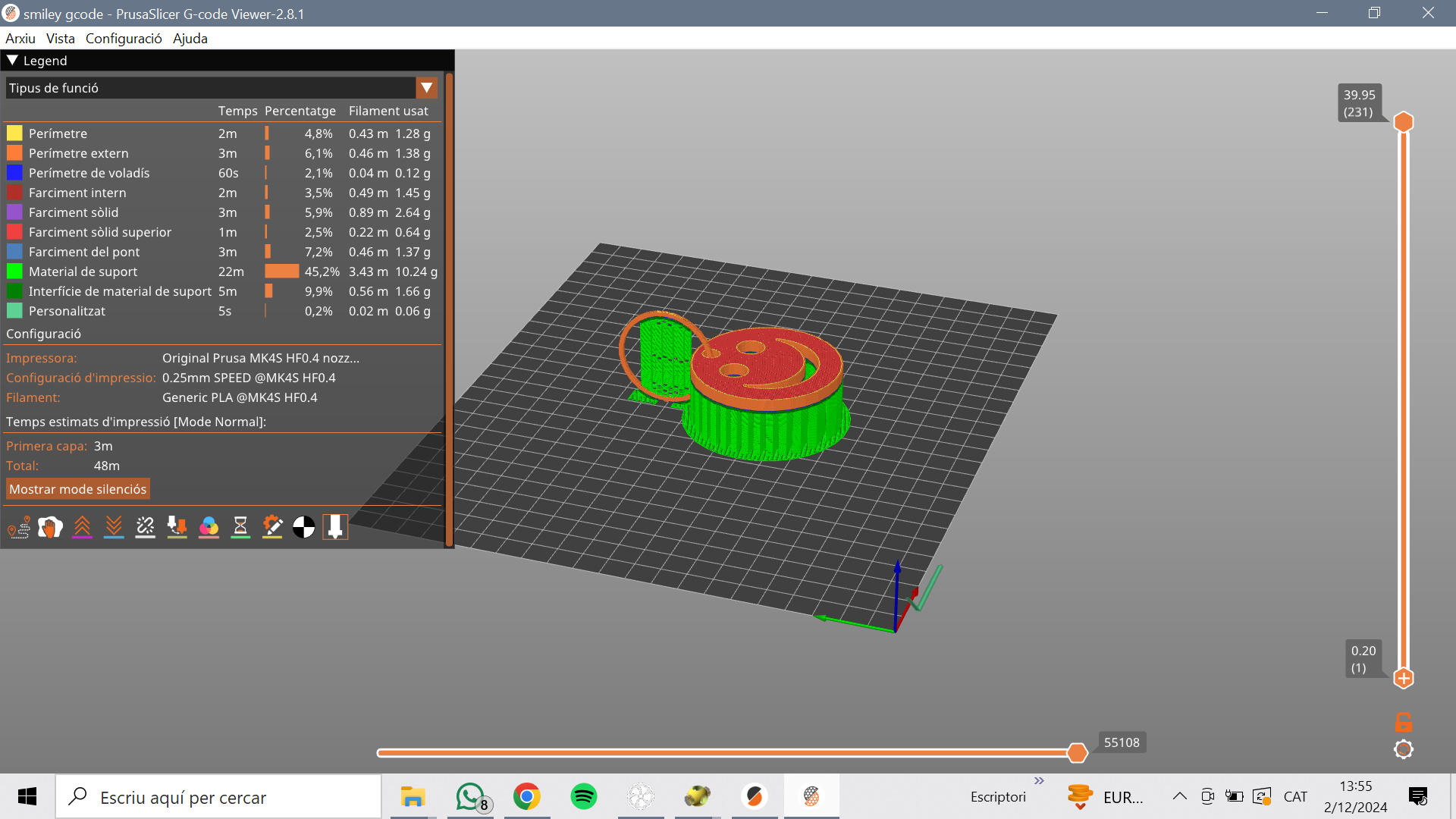
Il est indispensable ,après l'impression, de retirer le support, en faissant attention aux support de l'anneaux vu qu'il est très fragile.

[  
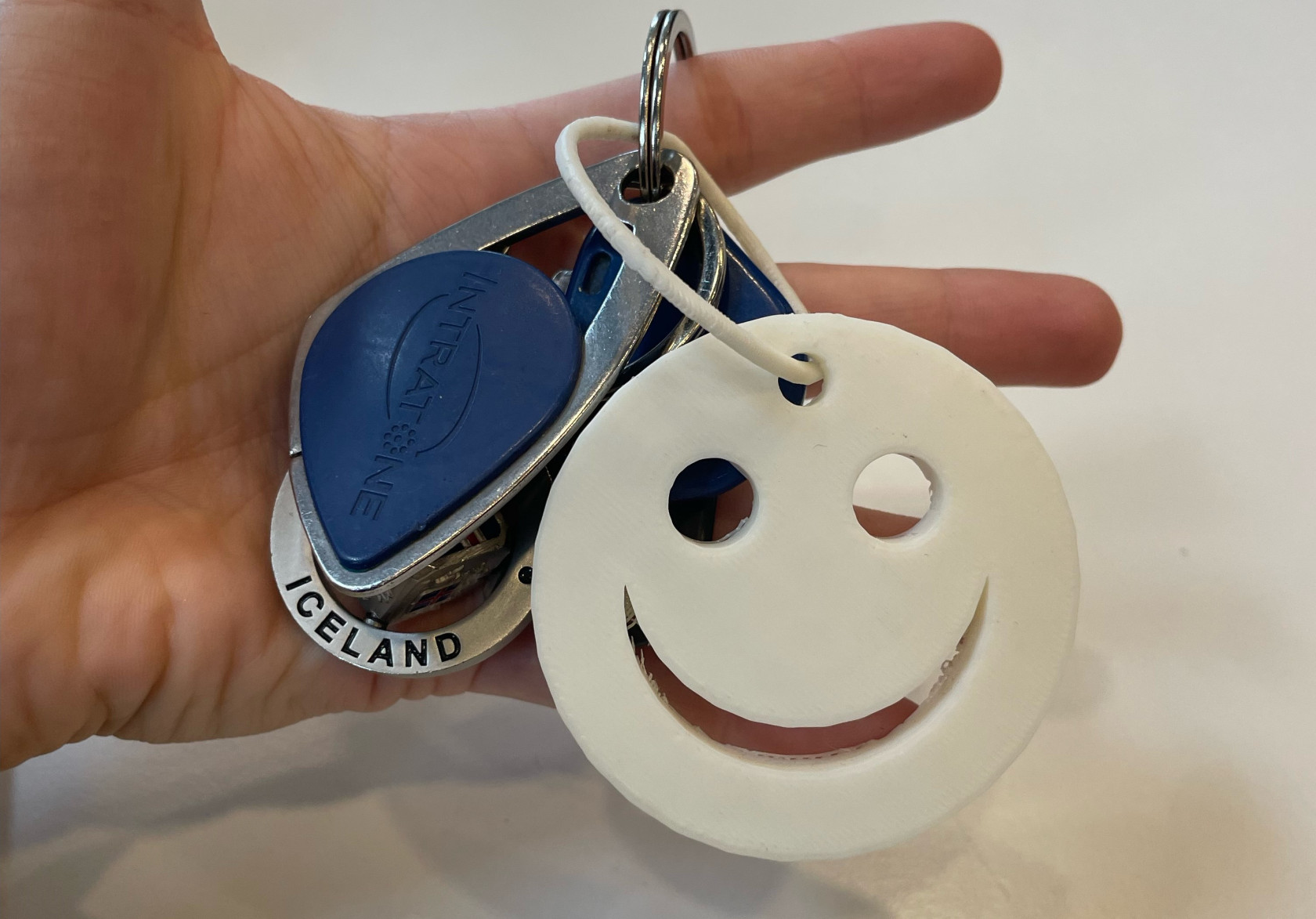
![imatge smiley.jpeg](https://wiki.fablab.sorbonne-universite.fr/BookStack/uploads/images/gallery/2024-12/scaled-1680-/imatge-smiley.jpeg)](https://wiki.fablab.sorbonne-universite.fr/BookStack/uploads/images/gallery/2024-12/imatge-smiley.jpeg)

*Résultat final de l'objet*

#### **2. Object non-fonctionnel:** 

J’ai conçu un objet combinant des formes géométriques en 2D et 3D . La structure principale est deux pyramides l'une sur l'autre (pour créer une espèce de sablier) , avec un anneux qui le travers, tout entouré d'un cube vide.

**Résultat avec OpenSCAD**

[![image.png](https://wiki.fablab.sorbonne-universite.fr/BookStack/uploads/images/gallery/2024-12/scaled-1680-/2paimage.png)](https://wiki.fablab.sorbonne-universite.fr/BookStack/uploads/images/gallery/2024-12/2paimage.png)
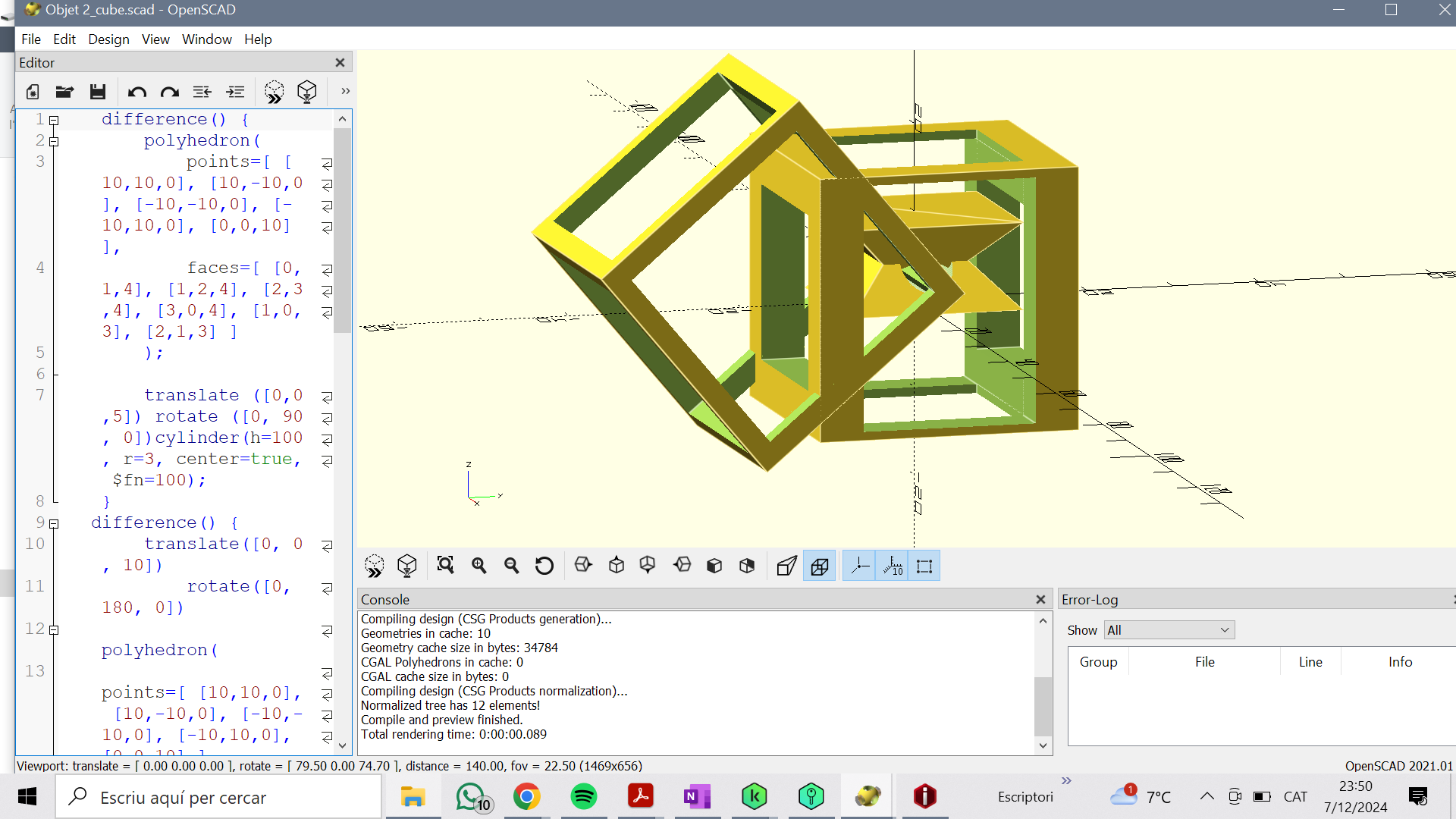
**Impression**

[![image.png](https://wiki.fablab.sorbonne-universite.fr/BookStack/uploads/images/gallery/2024-12/scaled-1680-/HpTimage.png)](https://wiki.fablab.sorbonne-universite.fr/BookStack/uploads/images/gallery/2024-12/HpTimage.png)
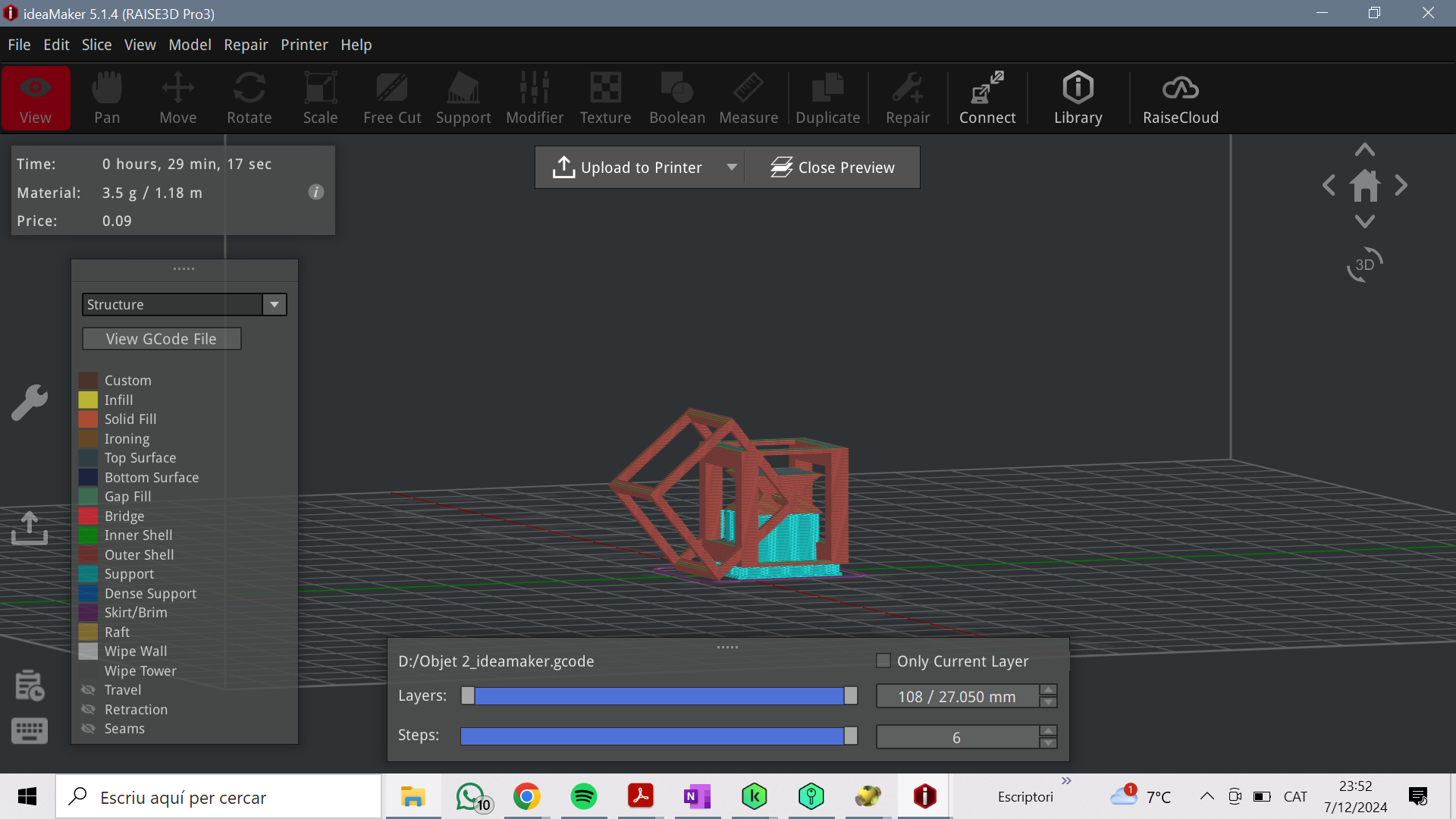
Avec l'application IdeaMaker, sous les paramètres suivants:

- Remplissage: 15%
- Filament: Prusa PLA 1,75 mm, couleur rouge
- Support: partout

Résultat final:

[![image.png](https://wiki.fablab.sorbonne-universite.fr/BookStack/uploads/images/gallery/2024-12/scaled-1680-/9b5image.png)](https://wiki.fablab.sorbonne-universite.fr/BookStack/uploads/images/gallery/2024-12/9b5image.png)
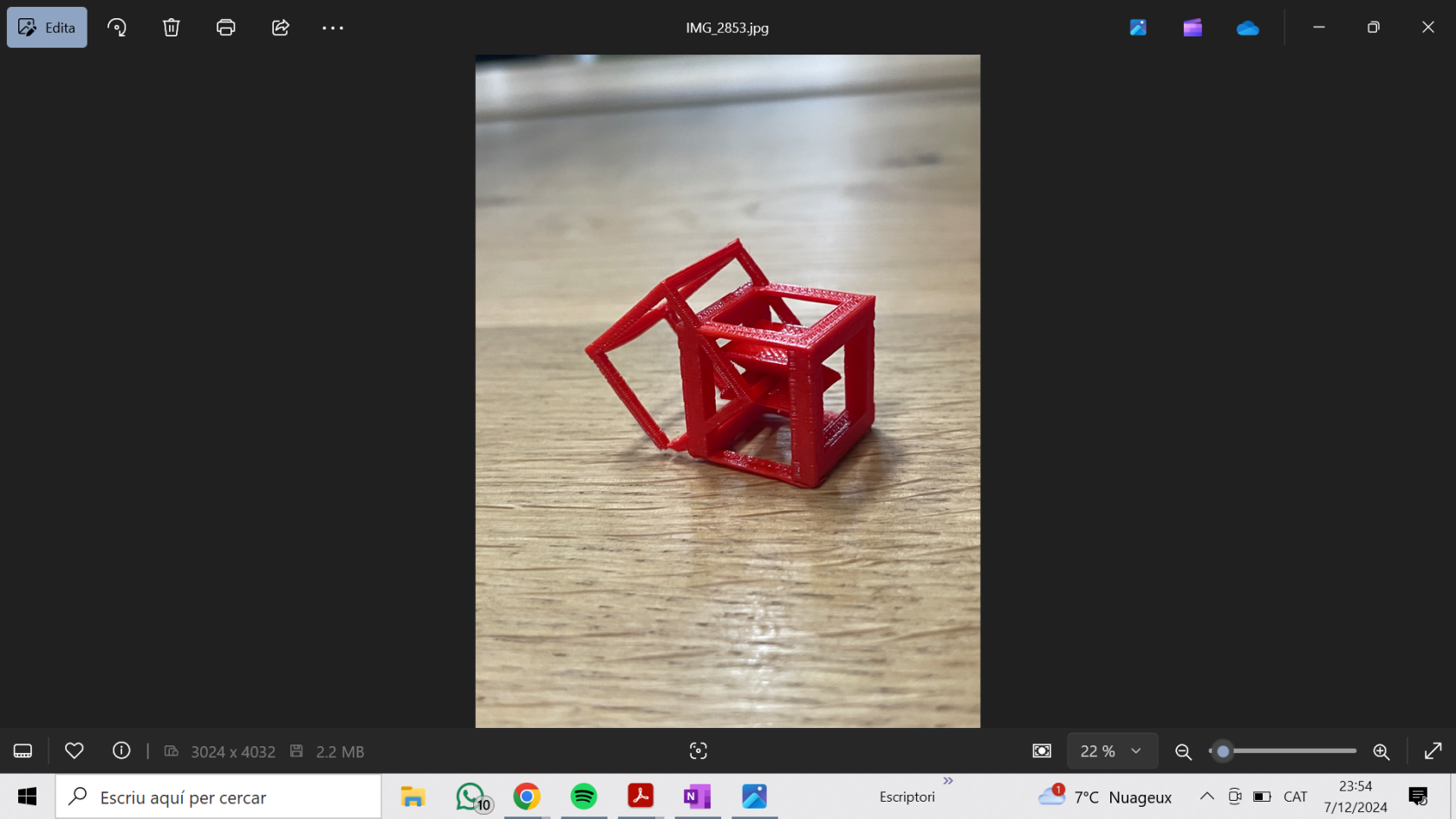
#### **3. Object avec une pause pendant l'impression:**

Pour mon projet de pause en impression 3D, j'ai choisi de créer une pièce d'échecs. À l'intérieur, j'ai intégré des éléments en plastique qui produisent du bruit lorsqu'on la manipule.

**Le résultat avec OpenSCAD:**

[![image.png](https://wiki.fablab.sorbonne-universite.fr/BookStack/uploads/images/gallery/2024-12/scaled-1680-/IdVimage.png)](https://wiki.fablab.sorbonne-universite.fr/BookStack/uploads/images/gallery/2024-12/IdVimage.png)
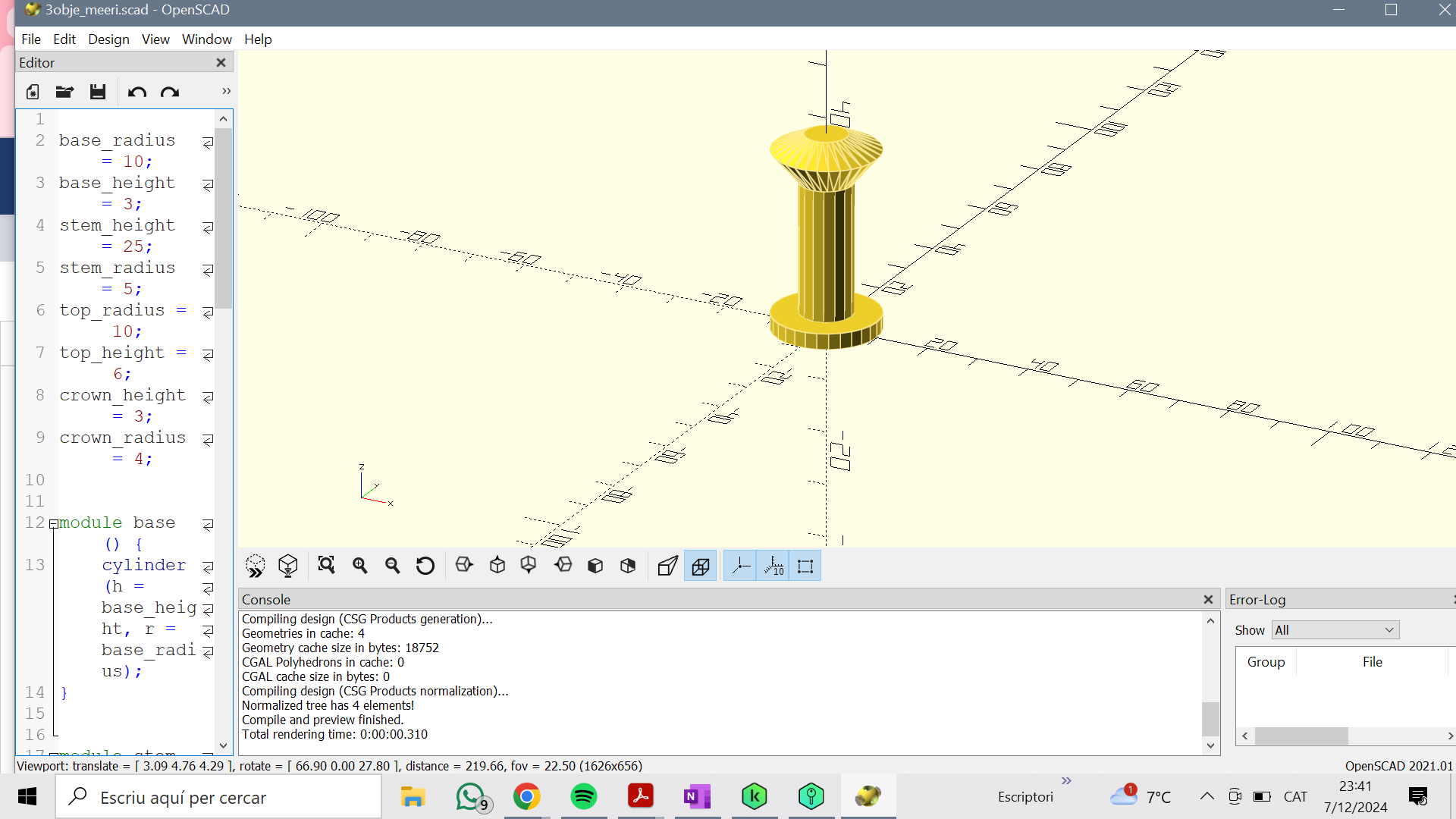
**Impression 3D:**

Pour la phase d'impression 3D, j'ai utilisé le logiciel IdeaMaker. J'ai ajouté un support à la base de la pièce et défini un taux de remplissage de 15 %, filament Prusa PLA 1,75 mm, couleur rouge. J'ai programmé une pause de l'impression à une hauteur de 20 mm.

[![image.png](https://wiki.fablab.sorbonne-universite.fr/BookStack/uploads/images/gallery/2024-12/scaled-1680-/ny3image.png)](https://wiki.fablab.sorbonne-universite.fr/BookStack/uploads/images/gallery/2024-12/ny3image.png)
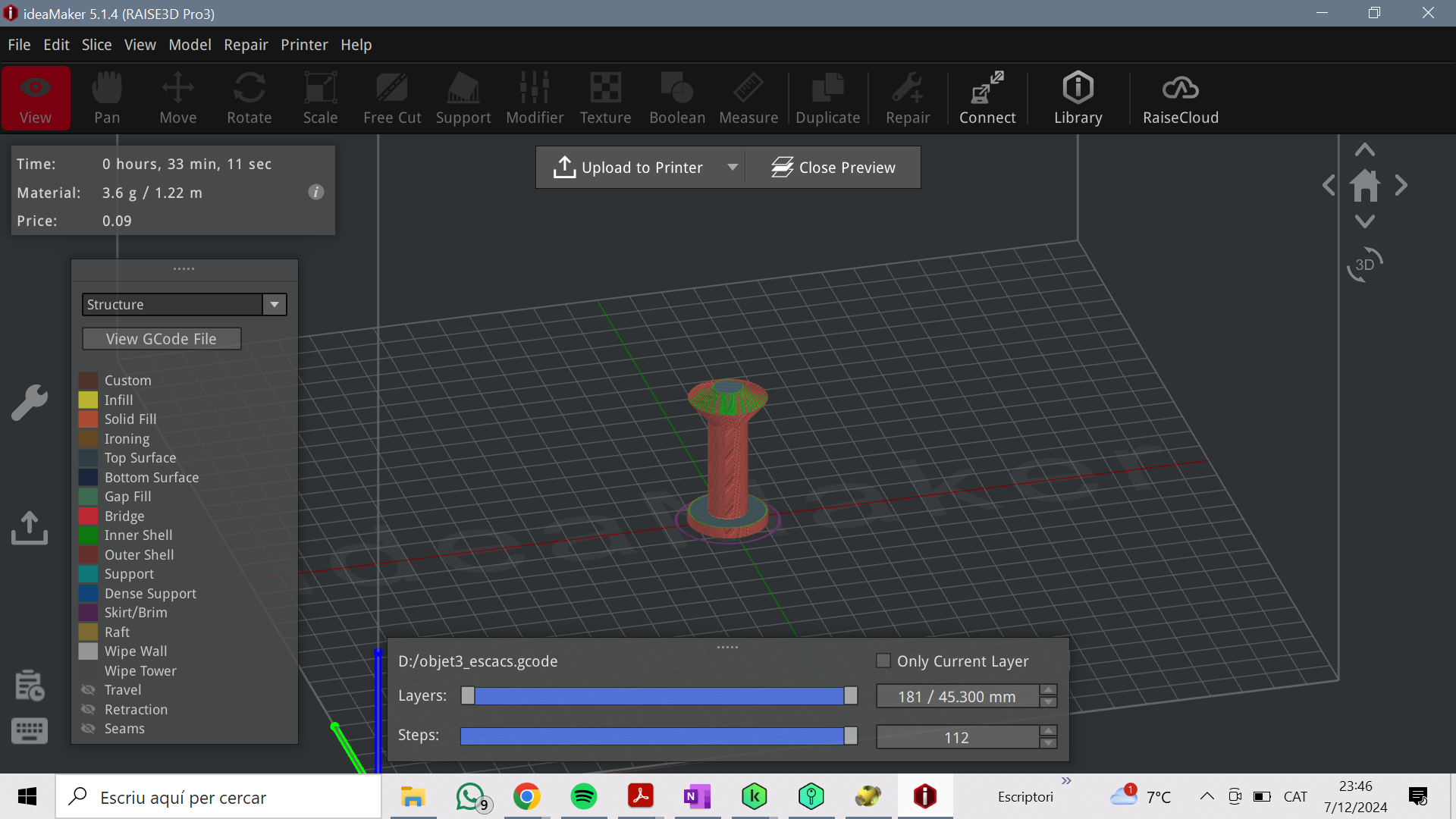
Résultat final:

[![image.png](https://wiki.fablab.sorbonne-universite.fr/BookStack/uploads/images/gallery/2024-12/scaled-1680-/47limage.png)](https://wiki.fablab.sorbonne-universite.fr/BookStack/uploads/images/gallery/2024-12/47limage.png)
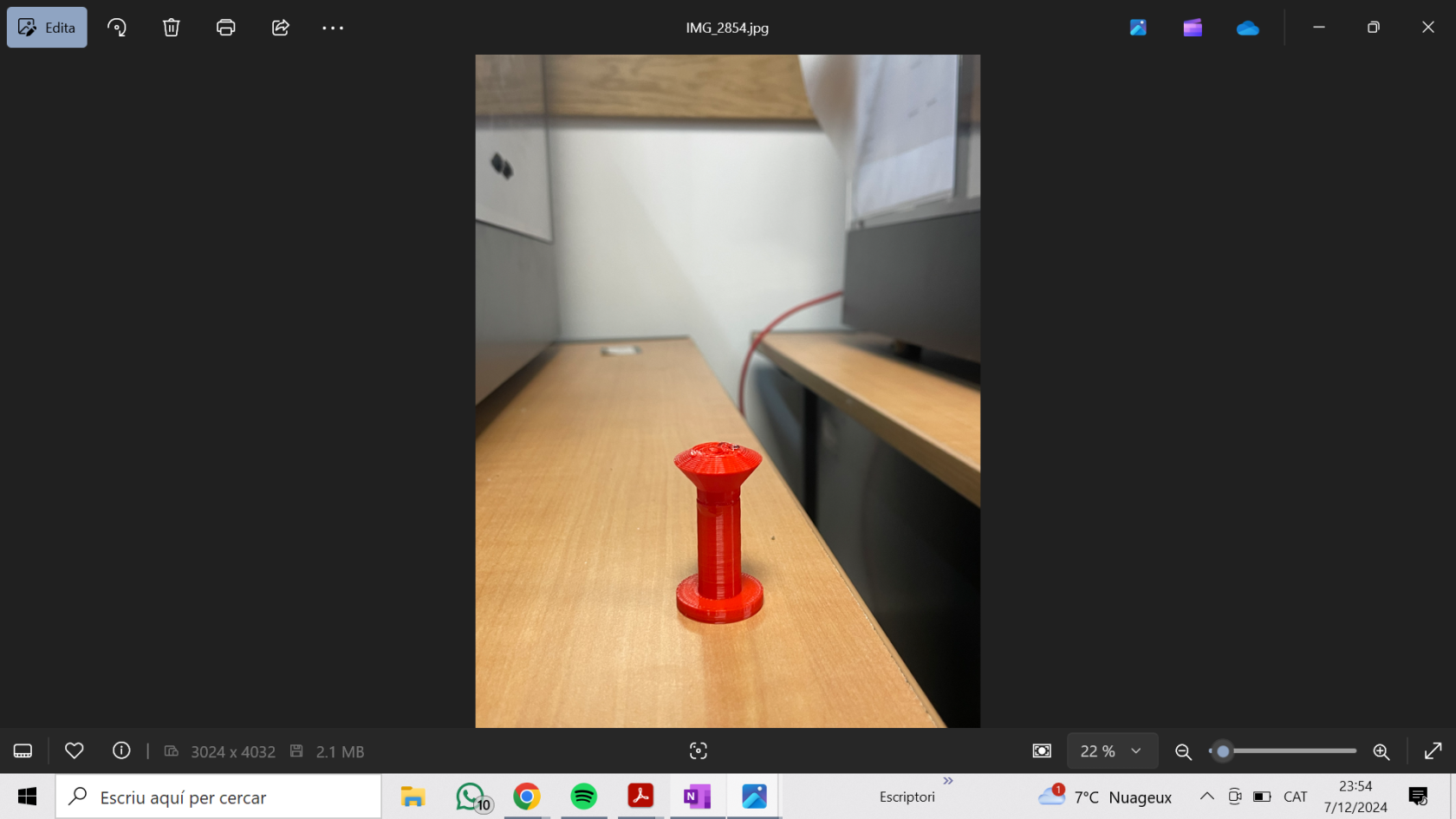
# Gilles SAVIGNAC LEMONNIER

### **Objet 1: Fonctionnel**

**Description objet :** Dès de jeu à 6 faces de 1.6cm (taille standard)

**Fonction:** P<span class="BxUVEf ILfuVd" lang="fr"><span class="hgKElc">ermet de tirer aléatoirement un nombre parmi 6 possibilités. </span></span>

<span class="BxUVEf ILfuVd" lang="fr"><span class="hgKElc">**Description du projet:** </span></span>J'ai utilisé le logiciel Openscad. L'objet doit pouvoir rouler un certain nombre de fois sur une surface plane afin d'assurer un résultat aléatoire. J'ai donc définie une sphère (taille définis arbitrairement) circonscrite à l'intérieur d'un cube et utilisé la fonction de d'intersection afin de réaliser des bord arrondis et de m'assurer que le dé roule, même sur une surface plane. Pour les chiffres j'ai trouvé un modèle sur internet car je ne souhaitais pas perdre de temps sur une tâche répétitive. j'ai positionné les chiffres de manière à ce qu'ils creusent d'1.6mm le dès.

**Paramètres d’impression:**

- - **Échelle :** L=l=H=16mm
    - **Buse** : 230°C
    - **Plateau** : 60°C
    - **Filament** : Prusa PLA, 1,75 mm de diamètre
    - **Supports** : non nécessaire
    - **Remplissage** : 50%
    - **Réglages d’impression** : paramètres par défaut de PrusaSlicer (qualité standard, épaisseur de couche classique)

**Temps d’impression:** ~16 minutes

**Résultat** :

- - Dé fonctionnel

##### <span class="BxUVEf ILfuVd" lang="fr"><span class="hgKElc">**code:** </span></span>

```openscad
$fn=100;
module de(){
    intersection(){
        sphere(7.5);
        cube(10,true);
    };
};
    
module chiffres(){
        rotate([0,0,0])   translate([0,0,4]) linear_extrude(height=2) 
        text("1",size=5, halign = "center", valign = "center");

        rotate([0,180,0]) translate([0,0,4]) linear_extrude(height=2) 
        text("6",size=5, halign = "center", valign = "center");

        rotate([90,0,0]) translate([0,0,4]) linear_extrude(height=2) 
        text("2",size=5, halign = "center", valign = "center");

        rotate([-90,0,0]) translate([0,0,4]) linear_extrude(height=2) 
        text("5",size=5, halign = "center", valign = "center");

        rotate([0,-90,0]) translate([0,0,4]) linear_extrude(height=2) 
        text("3",size=5, halign = "center", valign = "center");

        rotate([0,90,0])  translate([0,0,4]) linear_extrude(height=2) 
        text("4",size=5, halign = "center", valign = "center");
    }
difference(){
    de();
    chiffres();
};

```

##### **Photo réalisation du dé:**

##### [![IMG_2957.JPEG](https://wiki.fablab.sorbonne-universite.fr/BookStack/uploads/images/gallery/2024-12/scaled-1680-/img-2957.JPEG)](https://wiki.fablab.sorbonne-universite.fr/BookStack/uploads/images/gallery/2024-12/img-2957.JPEG)
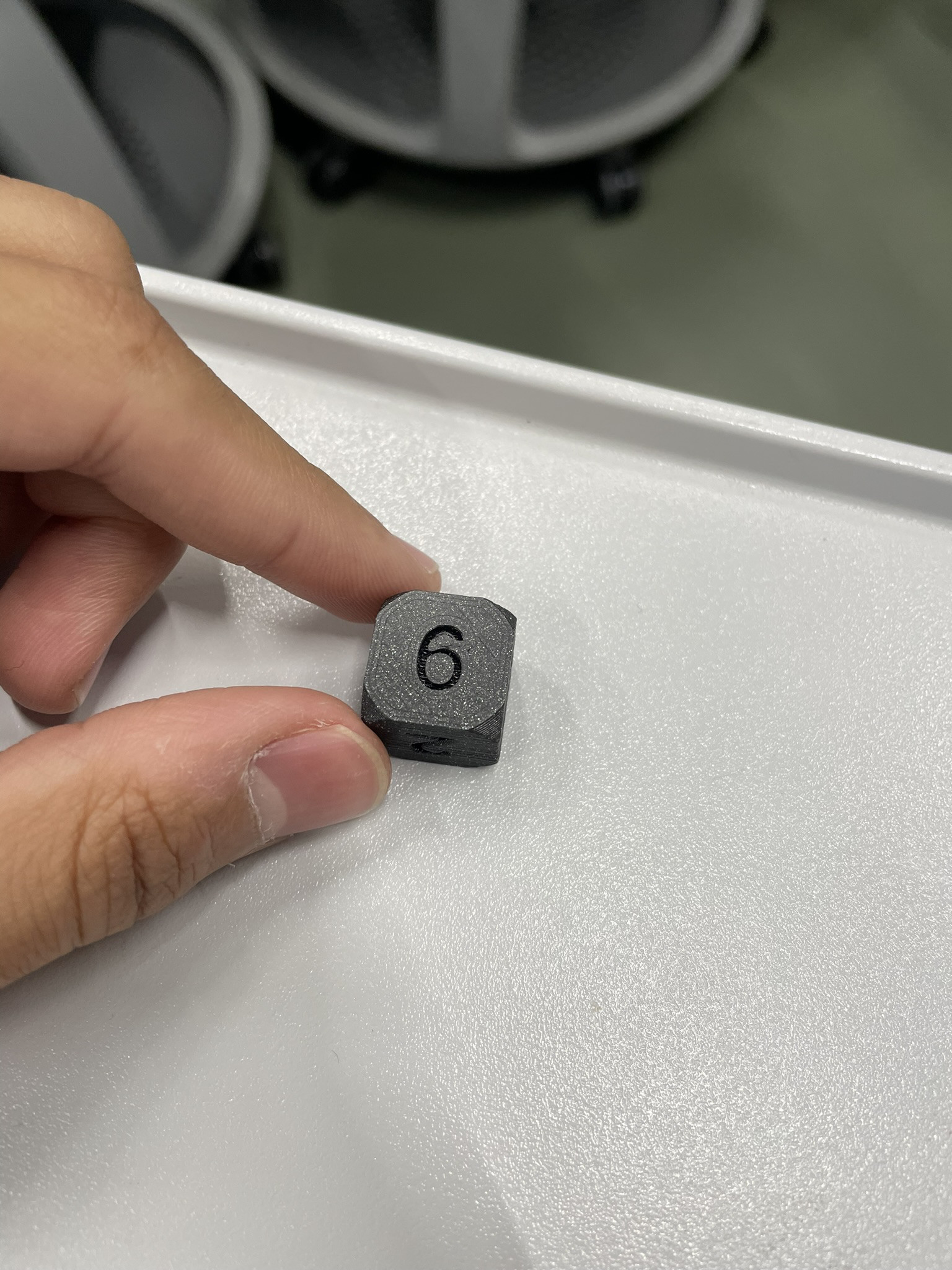
### **Objet 2: Uniquement faisable en 3D**

**Description objet :** une boule emprisonnée dans un anneau par un axe centrale

<span class="BxUVEf ILfuVd" lang="fr"><span class="hgKElc">**Description du projet:**</span></span> Pour cet objet aucune limite de fonctionnalité. J'ai donc souhaité réaliser un "fidget toy". Pour cela, j'ai utilisé le logiciel de modélisation 3D "fusion 360". Ce logiciel est plus simple, à prendre en main car j'ai déjà eu de l'experience avec des logiciels similaire et il ne nécessite pas l'utilisation de code, de coordonnées, ect... . Pour réaliser mon objet j'ai tout simplement créé dans un premier temps la sphère centrale à la quelle j'ai ajouté 2 cylindres extrudés de par et d'autre de la boule selon un sur axe central. Au bout de chacun des cylindres j'ai reliés 2 plus petites boules. Ensuite, à coté dans le rèpère j'ai créé l'anneau avec un diamètre suffisamment grand pour accueillir la boule centrale. en fonction des dimensions de l'axe j'ai crée 2 troue symétriques que j'ai percé de par et d'autre en laissant ~1mm de jeu pour l'axe central. J'ai ensuite déplacé l'anneau au centre du repère de mon espace 3D où se trouvait le 1er module.

**Paramètres d’impression:**

- - **Échelle :** L=6cm
    - **Buse** : 230°C
    - **Plateau** : 60°C
    - **Filament** : Prusa PLA, 1,75 mm de diamètre
    - **Supports** : Partout
    - **Remplissage** : 40%
    - **Réglages d’impression** : paramètres par défaut de PrusaSlicer (qualité standard, épaisseur de couche classique)

**Temps d’impression:** ~32 minutes

**Résultat** :

- - Fidget toy fonctionnel. L'anneau tourne autour de l'axe central

##### **Conception 3D:**

**[![Capture d'écran 2024-11-28 125056.png](https://wiki.fablab.sorbonne-universite.fr/BookStack/uploads/images/gallery/2024-11/scaled-1680-/capture-decran-2024-11-28-125056.png)](https://wiki.fablab.sorbonne-universite.fr/BookStack/uploads/images/gallery/2024-11/capture-decran-2024-11-28-125056.png)[![Capture d'écran 2024-11-28 125116.png](https://wiki.fablab.sorbonne-universite.fr/BookStack/uploads/images/gallery/2024-11/scaled-1680-/capture-decran-2024-11-28-125116.png)](https://wiki.fablab.sorbonne-universite.fr/BookStack/uploads/images/gallery/2024-11/capture-decran-2024-11-28-125116.png)**
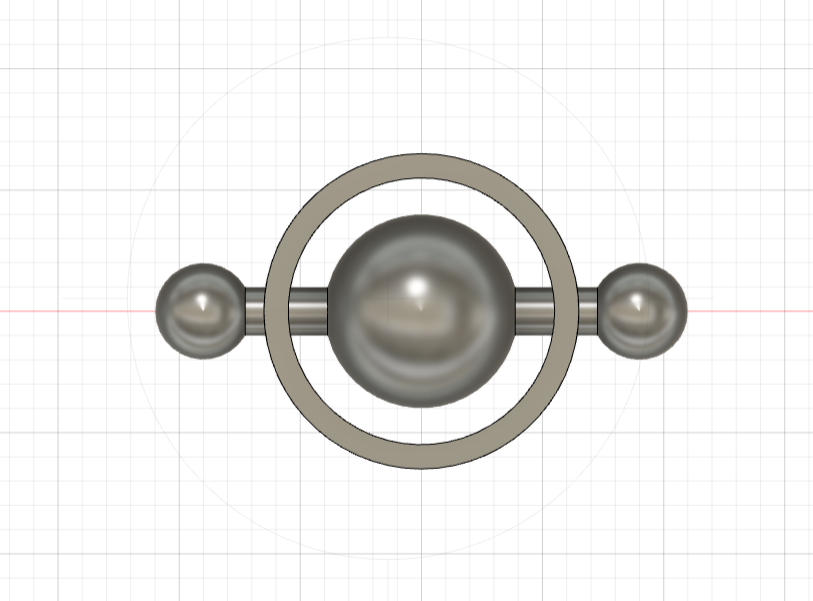
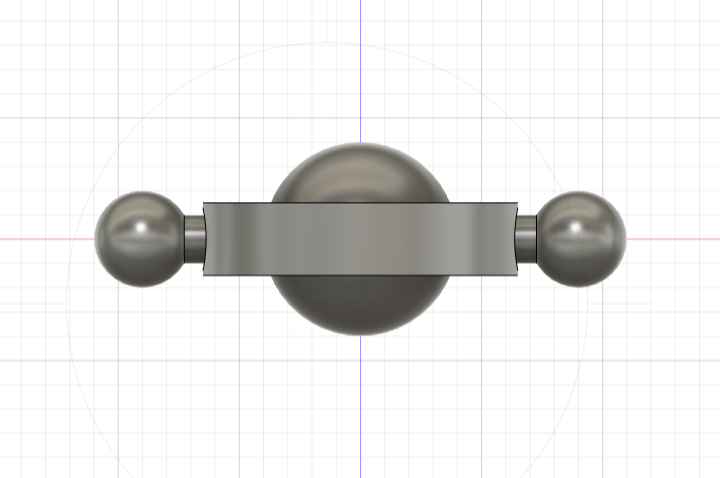
##### **Photo réalisation:**

[![image.png](https://wiki.fablab.sorbonne-universite.fr/BookStack/uploads/images/gallery/2024-12/scaled-1680-/ikPimage.png)](https://wiki.fablab.sorbonne-universite.fr/BookStack/uploads/images/gallery/2024-12/ikPimage.png)
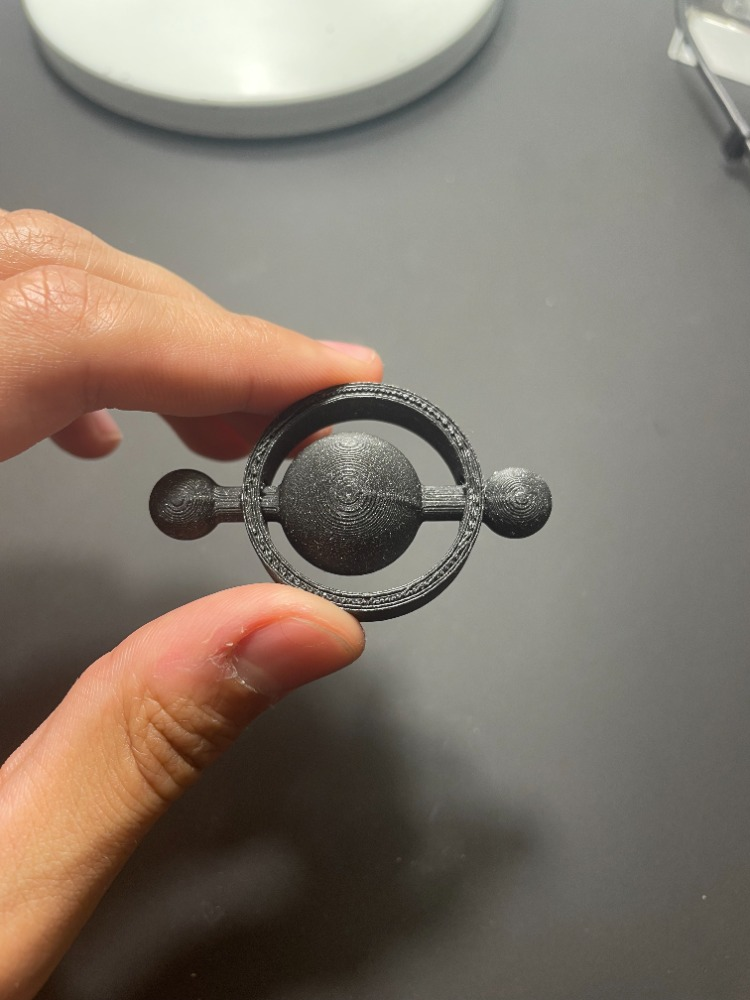
### **Objet 3: Avec Pause dans l'impression**

**Description objet :** Dès de jeu à 6 faces **pipé**! (2cm de cotés)

**Fonction:** P<span class="BxUVEf ILfuVd" lang="fr"><span class="hgKElc">ermet de tirer (très peu) aléatoirement un nombre parmi 6 possibilités. </span></span>

<span class="BxUVEf ILfuVd" lang="fr"><span class="hgKElc">**Description du projet:** J'ai tout de suite pensé à réutiliser le code mon objet 1 pour lui donner une nouvelle fonction en ajoutant du poids à l'intérieur. de celui-ci à l'opposé de la face 6. Pour ce faire, l'idée m'est venue d'utiliser une pièce d'1 centime pour augmenter le poids de mon dé départ car elle vaut peu et se trouve facilement. En revanche, elle ne convient pas tout à fait aux dimensions d'un dé standard (16mm) car elle même fait 16.25mm de diamètre pour 16mm d'épaisseur. J'ai donc augmenté les dimensions des arrêtes de mon dé à 20mm (cf photo). Ainsi j'ai pu creuser un trou cylindrique d'exactement 17mm de diamètre pour 1.7mm de hauteur au dessous de la face 1 afin de pouvoir y glisser la pièce lors de l'impression. </span></span><span class="BxUVEf ILfuVd" lang="fr"><span class="hgKElc">J'ai fais une première tentative raté d'impression car j'ai configuré ma pause trop tôt dans l'impression du troue où se loge la pièce et lorsque je l'ai inséré, la buse s'y est heurtée et cela a déréglé l'impression. Lors de ma deuxième tentative j'ai donc configuré ma pause à la fin du trou cylindrique afin que la buse ne fasse qu'effleurer la surface de la pièce à l'intérieur, pour déposer de la matière au dessus et la sellé. Cependant, lors de la conception du dé je n'ai pas prévu une grande marge entre la pièce et la face intérieur du chiffre 1. On peut donc apercevoir la couleur de la pièce à l'intérieur du chiffre 1 (cf photo).</span></span>

**Paramètres d’impression:**

- - **Échelle :** L=l=H= 20cm
    - **Buse** : 230°C
    - **Plateau** : 60°C
    - **Filament** : Prusa PLA, 1,75 mm de diamètre
    - **Supports** : Partout
    - **Remplissage** : 40%
    - **Réglages d’impression** : paramètres par défaut de PrusaSlicer (qualité standard, épaisseur de couche classique)

**Temps d’impression:** ~16 minutes

**Résultat** : Le poids du dé est donc composé de 6g de matière PLA et des 2.3g de la pièce de monnaie. Ainsi la pièce de 1 centime représente ~1/4 du poids total du dé, résultant en un dé déséquilibré et une probabilité plus élevé de tomber sur la face "6".

##### <span class="BxUVEf ILfuVd" lang="fr"><span class="hgKElc">**code:** </span></span>

```sca
$fn=100;
module de(){
    intersection(){
        sphere(14.5);
        cube(20,true);
    };
};
    
module chiffres(){
        rotate([0,0,0])   translate([0,0,9]) linear_extrude(height=2) 
        text("1",size=10, halign = "center", valign = "center");

        rotate([0,180,0]) translate([0,0,9]) linear_extrude(height=2) 
        text("6",size=10, halign = "center", valign = "center");

        rotate([90,0,0]) translate([0,0,9]) linear_extrude(height=2) 
        text("2",size=10, halign = "center", valign = "center");

        rotate([-90,0,0]) translate([0,0,9]) linear_extrude(height=2) 
        text("5",size=10, halign = "center", valign = "center");

        rotate([0,-90,0]) translate([0,0,9]) linear_extrude(height=2) 
        text("3",size=10, halign = "center", valign = "center");

        rotate([0,90,0])  translate([0,0,9]) linear_extrude(height=2) 
        text("4",size=10, halign = "center", valign = "center");
    }
difference(){
    de();
    chiffres();
	translate ([0,0,7]) circle(d=16.25) linear_extrude(1.7);}
```

##### **Photo réalisation du dé:**

*intérieur du dé avec le trou qui accueille la pièce*

[![IMG_3036.JPEG](https://wiki.fablab.sorbonne-universite.fr/BookStack/uploads/images/gallery/2024-12/scaled-1680-/img-3036.JPEG)](https://wiki.fablab.sorbonne-universite.fr/BookStack/uploads/images/gallery/2024-12/img-3036.JPEG)[![IMG_3037.JPEG](https://wiki.fablab.sorbonne-universite.fr/BookStack/uploads/images/gallery/2024-12/scaled-1680-/img-3037.JPEG)](https://wiki.fablab.sorbonne-universite.fr/BookStack/uploads/images/gallery/2024-12/img-3037.JPEG)
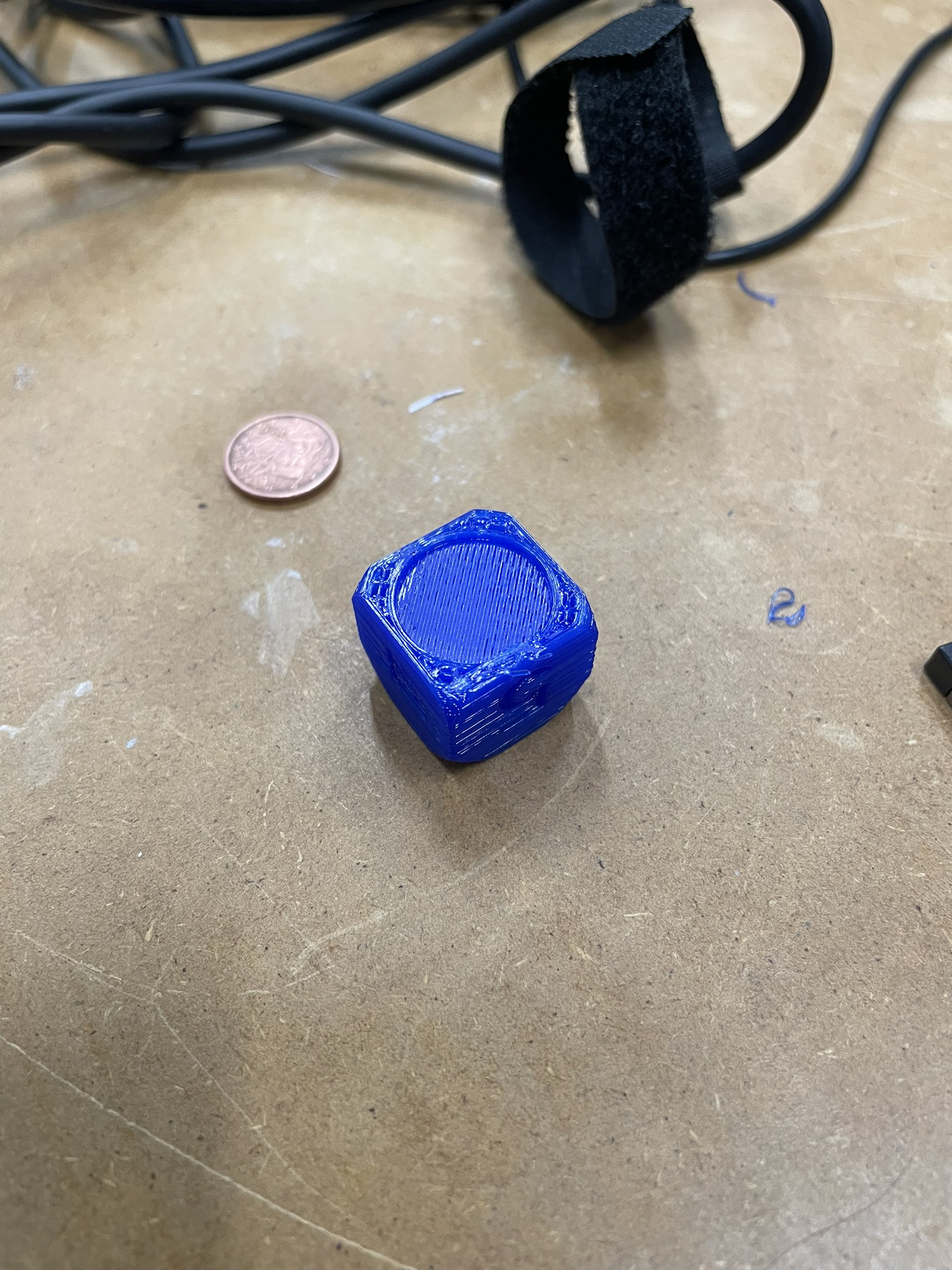
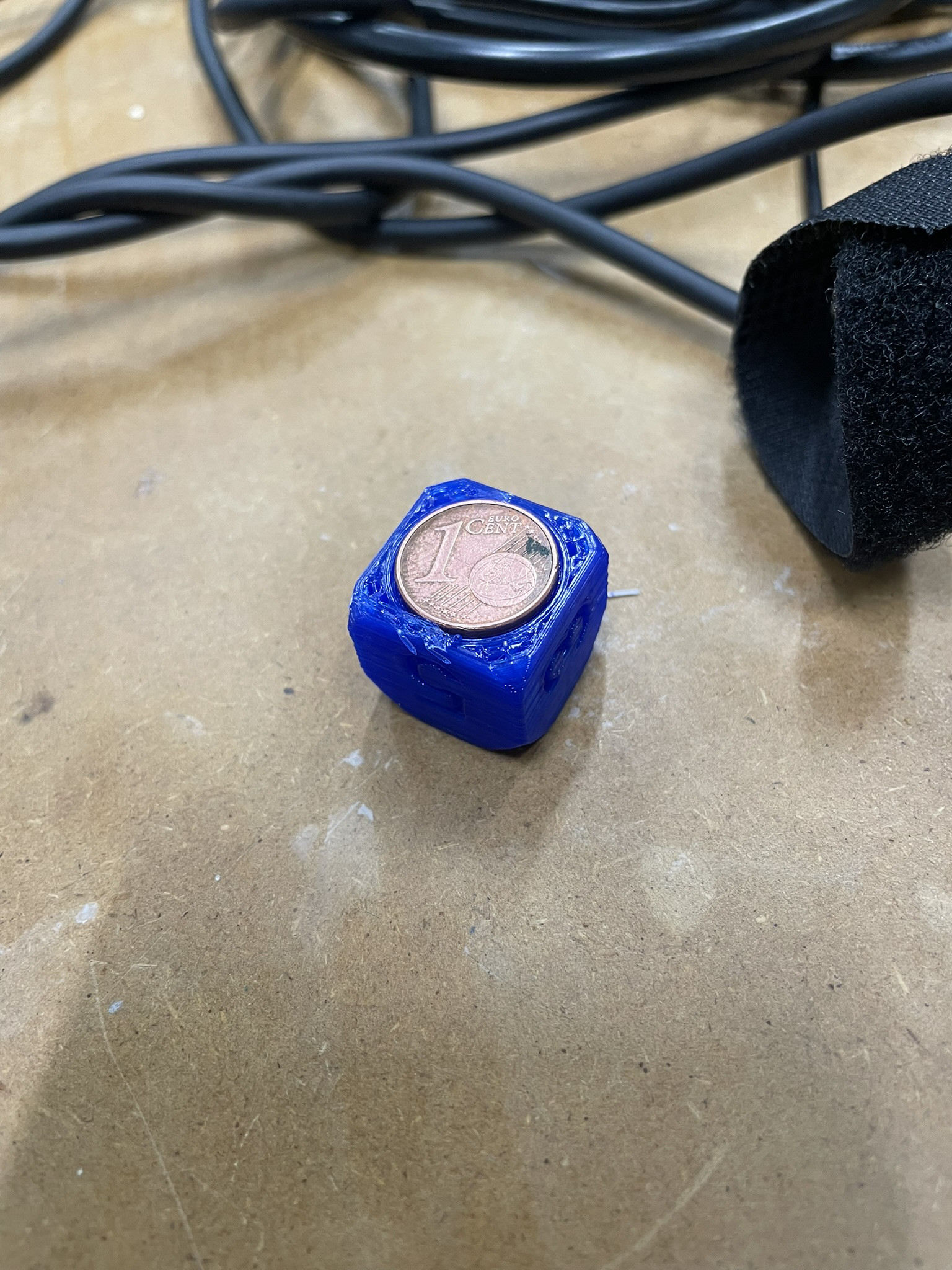
*dé avec la couleur de la pièce intérieur qui ressort*

[![image.png](https://wiki.fablab.sorbonne-universite.fr/BookStack/uploads/images/gallery/2024-12/scaled-1680-/dezimage.png)](https://wiki.fablab.sorbonne-universite.fr/BookStack/uploads/images/gallery/2024-12/dezimage.png)
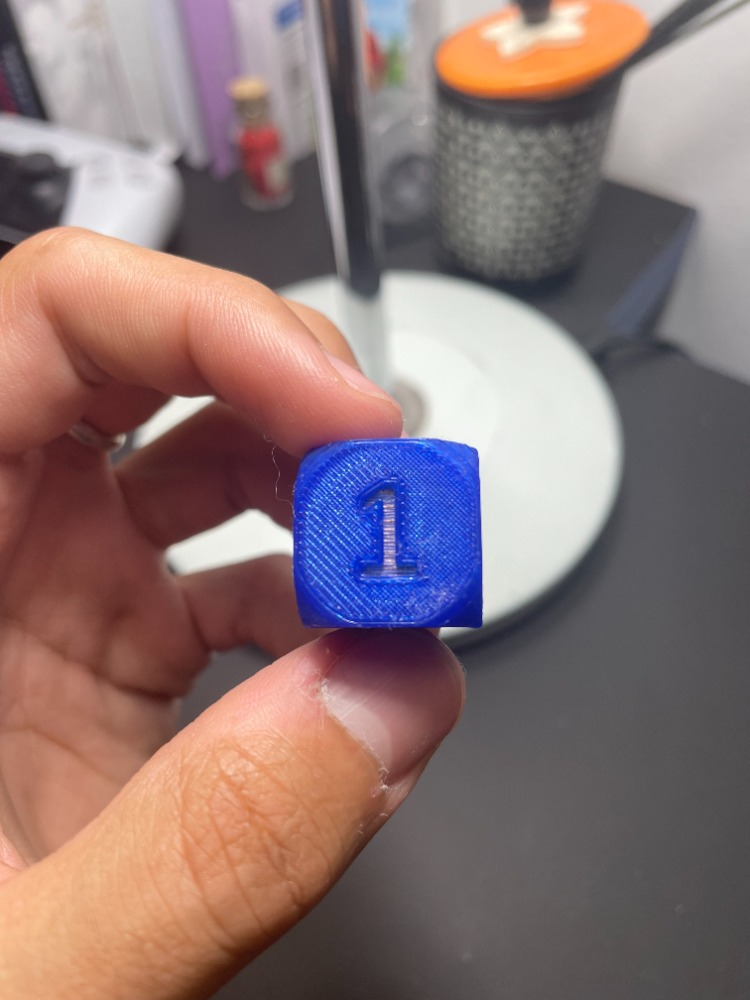
# Defne Su Kurtoglu

<span style="text-decoration: underline;">**Un vase:** </span>

Un vase sert à contenir des fleurs et de l’eau, tout en apportant une touche décorative. Les dimensions proposées (rayon extérieur de 50 mm, intérieur d’environ 40 mm, hauteur de 250 mm) offrent une grande capacité et une bonne stabilité. Avec une épaisseur de paroi d’environ 10 mm, ce design est robuste et bien adapté à une impression 3D solide et durable.

[defne vase.scad](https://wiki.fablab.sorbonne-universite.fr/BookStack/attachments/982)

<article class="w-full scroll-mb-[var(--thread-trailing-height,150px)] text-token-text-primary focus-visible:outline-2 focus-visible:outline-offset-[-4px]" data-scroll-anchor="false" data-testid="conversation-turn-18" dir="auto" id="bkmrk-"><div class="m-auto text-base py-[18px] px-3 md:px-4 w-full md:px-5 lg:px-4 xl:px-5"><div class="mx-auto flex flex-1 gap-4 text-base md:gap-5 lg:gap-6 md:max-w-3xl lg:max-w-[40rem] xl:max-w-[48rem]"><div class="group/conversation-turn relative flex w-full min-w-0 flex-col"><div class="flex-col gap-1 md:gap-3"><div class="flex max-w-full flex-col flex-grow"><div class="min-h-8 text-message flex w-full flex-col items-end gap-2 whitespace-normal break-words [.text-message+&]:mt-5" data-message-author-role="user" data-message-id="aaa281c3-c00c-49ec-b57c-6408fef7120e" dir="auto"><div class="flex w-full flex-col gap-1 empty:hidden items-end rtl:items-start"><div class="relative max-w-[70%] rounded-3xl bg-token-message-surface px-5 py-2.5">  
</div></div></div></div></div></div></div></div></article>[![Screenshot 2024-11-25 at 17.10.36.png](https://wiki.fablab.sorbonne-universite.fr/BookStack/uploads/images/gallery/2024-11/scaled-1680-/screenshot-2024-11-25-at-17-10-36.png)](https://wiki.fablab.sorbonne-universite.fr/BookStack/uploads/images/gallery/2024-11/screenshot-2024-11-25-at-17-10-36.png)

[![Screenshot 2024-11-25 at 17.06.59.png](https://wiki.fablab.sorbonne-universite.fr/BookStack/uploads/images/gallery/2024-11/scaled-1680-/screenshot-2024-11-25-at-17-06-59.png)](https://wiki.fablab.sorbonne-universite.fr/BookStack/uploads/images/gallery/2024-11/screenshot-2024-11-25-at-17-06-59.png)

[![IMG_2417.jpeg](https://wiki.fablab.sorbonne-universite.fr/BookStack/uploads/images/gallery/2024-12/scaled-1680-/img-2417.jpeg)](https://wiki.fablab.sorbonne-universite.fr/BookStack/uploads/images/gallery/2024-12/img-2417.jpeg)

[![IMG_2518.jpeg](https://wiki.fablab.sorbonne-universite.fr/BookStack/uploads/images/gallery/2024-12/scaled-1680-/img-2518.jpeg)](https://wiki.fablab.sorbonne-universite.fr/BookStack/uploads/images/gallery/2024-12/img-2518.jpeg)Le code:

```c
$fn = 16;
curveModifier = 40;
curveModifier2 = 10;
module uncutVase(width,height,curveModifier,curveModifier2){
    for(i=[0:1:height]){
        translate([50,50,i]) cylinder(1,sin(i+curveModifier) * curveModifier2+width/2- curveModifier2,sin(i+1+curveModifier)* curveModifier2+width/2-curveModifier2);
    }
}
module vase(width,height,wallWidth){
    difference(){
        uncutVase(width,height,curveModifier,curveModifier2);
        translate([width/2,width/2,wallWidth]) cylinder(height,width/2-wallWidth*2.5,width/2-wallWidth*2.5);
    }
}
vase(100,250,10);
```

La demarche:

1\) Construire l’extérieur du vase en utilisant une boucle et des fonctions mathématiques pour lui donner une forme unique.

2\) Creuser un cylindre intérieur pour le rendre fonctionnel et réaliste.

- Utilisation d'Idea Maker.

**La deuxième objet :**

[![Screenshot 2024-11-26 at 19.20.14.png](https://wiki.fablab.sorbonne-universite.fr/BookStack/uploads/images/gallery/2024-11/scaled-1680-/screenshot-2024-11-26-at-19-20-14.png)](https://wiki.fablab.sorbonne-universite.fr/BookStack/uploads/images/gallery/2024-11/screenshot-2024-11-26-at-19-20-14.png)

[![IMG_2416.jpeg](https://wiki.fablab.sorbonne-universite.fr/BookStack/uploads/images/gallery/2024-12/scaled-1680-/img-2416.jpeg)](https://wiki.fablab.sorbonne-universite.fr/BookStack/uploads/images/gallery/2024-12/img-2416.jpeg)

[![IMG_2520.jpeg](https://wiki.fablab.sorbonne-universite.fr/BookStack/uploads/images/gallery/2024-12/scaled-1680-/img-2520.jpeg)](https://wiki.fablab.sorbonne-universite.fr/BookStack/uploads/images/gallery/2024-12/img-2520.jpeg)

[Sphère Defne .scad](https://wiki.fablab.sorbonne-universite.fr/BookStack/attachments/999)

Le code:

- ```c
    // Paramètres
    taille_cube = 20;        // Taille du cube extérieur
    rayon_sphere = 11;       // Rayon de la sphère intérieure
    espace = 2;              // Distance entre la sphère et le cube
    rayon_trou = 8;          // Rayon des trous sur les faces du cube
    
    // Module pour le cube extérieur avec des trous
    module cube_avec_trous(taille_cube, espace, rayon_trou) {
        difference() {
            // Cube extérieur
            cube([taille_cube, taille_cube, taille_cube], center = true);
    
            // Creux intérieur (espace pour la sphère)
            cube([taille_cube - 2 * espace, taille_cube - 2 * espace, taille_cube - 2 * espace], center = true);
    
            // Trous : Crée des trous sur les six faces du cube
            for (i = [-1, 1]) {
                // Trous sur les faces X
                translate([i * taille_cube / 2, 0, 0])
                    rotate([0, 90, 0])
                    cylinder(h = taille_cube, r = rayon_trou, center = true);
    
                // Trous sur les faces Y
                translate([0, i * taille_cube / 2, 0])
                    rotate([90, 0, 0])
                    cylinder(h = taille_cube, r = rayon_trou, center = true);
    
                // Trous sur les faces Z
                translate([0, 0, i * taille_cube / 2])
                    cylinder(h = taille_cube, r = rayon_trou, center = true);
            }
        }
    }
    
    // Module pour la sphère intérieure
    module sphere_interieure(rayon) {
        translate([0, 0, 0])
            sphere(r = rayon);
    }
    
    // Combinaison des modules
    union() {
        // Cube extérieur avec trous
        cube_avec_trous(taille_cube, espace, rayon_trou);
    
        // Sphère intérieure
        sphere_interieure(rayon_sphere);
    }
    
    ```
    
    Utilisation de PrusaSlicer.

**Objet 3: Avec pause dans l'impression**

<span style="text-decoration: underline;">**Un aimant décoratif:**</span>

**Description du projet:** Ce projet consiste à concevoir un modèle 3D imprimable d'un boîtier fermé et creux destiné à accueillir un aimant. Le design comprend un cylindre extérieur fermé sur le dessus et le dessous, avec une cavité intérieure pour permettre l'insertion d'un aimant pendant l'impression. En complément, un visage souriant en relief est ajouté sur la surface supérieure, apportant une touche décorative au modèle.

<span style="text-decoration: underline;">**[![Screenshot 2024-12-15 at 18.27.32.png](https://wiki.fablab.sorbonne-universite.fr/BookStack/uploads/images/gallery/2024-12/scaled-1680-/screenshot-2024-12-15-at-18-27-32.png)](https://wiki.fablab.sorbonne-universite.fr/BookStack/uploads/images/gallery/2024-12/screenshot-2024-12-15-at-18-27-32.png)**</span>

```c
// Paramètres
diametre_exterieur = 20;    // Diamètre extérieur du cylindre
epaisseur_mur = 2;          // Épaisseur des parois du cylindre
hauteur_totale = 6;        // Hauteur totale du cylindre
epaisseur_visage = 0.5;     // Épaisseur du visage souriant (en relief)
taille_visage = 20;         // Diamètre du visage souriant

// Cylindre fermé avec intérieur creux
module cylindre_ferme() {
    difference() {
        // Cylindre extérieur complet (fermé)
        union() {
            cylinder(h = hauteur_totale, d = diametre_exterieur, $fn = 100); // Cylindre complet
        }
        // Creux à l'intérieur
        translate([0, 0, epaisseur_mur])
        cylinder(h = hauteur_totale - epaisseur_mur * 2, d = diametre_exterieur - epaisseur_mur * 2, $fn = 100);
    }
}

// Visage souriant en relief sur le haut du cylindre
module visage_souriant() {
    // Cercle pour le visage
    translate([0, 0, hauteur_totale - epaisseur_visage])
    cylinder(h = epaisseur_visage, d = taille_visage, $fn = 100);
    
    // Yeux
    translate([-taille_visage/6, taille_visage/6, hauteur_totale])
    cylinder(h = epaisseur_visage, d = 3, $fn = 50);
    translate([taille_visage/6, taille_visage/6, hauteur_totale])
    cylinder(h = epaisseur_visage, d = 3, $fn = 50);
    
    // Bouche (arc)
    translate([0, -taille_visage/10, hauteur_totale])
    rotate([90, 0, 0])
    arc(rayon = taille_visage/4, angle = 180, epaisseur = epaisseur_visage);
}

// Fonction pour créer un arc (bouche)
module arc(rayon, angle, epaisseur) {
    difference() {
        rotate([0, 0, -angle/2])
        translate([0, 0, -epaisseur/2])
        cylinder(h = epaisseur, r = rayon, $fn = 100);
        rotate([0, 0, -angle/2])
        translate([0, 0, -epaisseur/2])
        cylinder(h = epaisseur, r = rayon - epaisseur, $fn = 100);
    }
}

// Appel des modules
cylindre_ferme();
visage_souriant();
```

# Paolo Ghiggi

PREMIER OBJET - GHIGGI PAOLO - ERASMUS STUDENT : [Ghiggi - Openscad.scad ](https://wiki.fablab.sorbonne-universite.fr/BookStack/attachments/970)

TASSE DE CAFE

J`ai choisi de créer une tasse de café dans OpenSCAD pace que ceci me permet de travailler sur la simplicité et l'intuition d'un objet reconnaissable et fonctionnel. Le code utilisé consiste à créer la tasse en soustrayant un cylindre plus petit d'un plus grand pour obtenir l'intérieur creux. Pour la manche, j'ai utilisé des transformations comme la translation et la rotation, et l'opération de différence pour créer la forme creuse. Cela m'a permis de réaliser un objet très simple et fonctionnel.

[![image.png](https://wiki.fablab.sorbonne-universite.fr/BookStack/uploads/images/gallery/2024-11/scaled-1680-/rQAimage.png)](https://wiki.fablab.sorbonne-universite.fr/BookStack/uploads/images/gallery/2024-11/rQAimage.png)

Paramètres d'impression :   
0,20 mm SPEED  
Filament : Prusament PLA  
Remplissage : 0,15%  
Support : partout   
Hauteur de couche et hauteur de 1ère couche : 0,2 mm  
Couches solides dessus et dessus : 3  
Epaisseur de coque minimale : dessus : 0,8 mm dessous : 0,6 mm  
Buse : 0,4 mm (pour qu'elle soit compatible avec l'imprimante Prusa)  
  
DEUXIEME OBJECT - GHIGGI PAOLO (ERASMUS STUDENT) : [roulement\_ghiggipaolo (1).scad](https://wiki.fablab.sorbonne-universite.fr/BookStack/attachments/1170)

L'objet est composé de deux anneaux concentriques reliés par une structure cylindrique. Les deux anneaux ont des sphères réparties uniformément le long de leurs circonférences respectives. La structure globale est symétrique et idéale pour des mouvements rotatifs.

[![Capture d’écran 2024-12-13 à 13.32.34.png](https://wiki.fablab.sorbonne-universite.fr/BookStack/uploads/images/gallery/2024-12/scaled-1680-/capture-decran-2024-12-13-a-13-32-34.png)](https://wiki.fablab.sorbonne-universite.fr/BookStack/uploads/images/gallery/2024-12/capture-decran-2024-12-13-a-13-32-34.png)

  
Réglages d'impression :   
0,20 mm SPEED  
Filament : Prusament PLA  
Remplissage : 0,15%  
Support : partout   
Hauteur de couche et hauteur de 1ère couche : 0,2 mm  
Couches solides dessus et dessus : 3  
Epaisseur de coque minimale : dessus : 0,8 mm dessous : 0,6 mm  
Buse : 0,4 mm (pour qu'elle soit compatible avec l'imprimante Prusa)

TROISIEME OBJET - GHIGGI PAOLO (ERASMUS STUDENT)

BOULE DE NOEL : [ghiggi\_shpère\_creuse.scad](https://wiki.fablab.sorbonne-universite.fr/BookStack/attachments/1173)

L'objet créé est une boule de Noël, avec une paroi d'une épaisseur de 2 unités. En effet, une sphère externe est d'abord créée avec un rayon de 30, puis une sphère interne avec un rayon de 28 afin de créer une cavité. Il a une forme sphérique avec une cavité interne, ne laissant que le revêtement externe. C'est une représentation d'une décoration de Noël.

[![image.png](https://wiki.fablab.sorbonne-universite.fr/BookStack/uploads/images/gallery/2024-12/scaled-1680-/gf5image.png)](https://wiki.fablab.sorbonne-universite.fr/BookStack/uploads/images/gallery/2024-12/gf5image.png)

Réglages d'impression :  
0,20 mm SPEED  
Filament : Prusament PLA  
Remplissage : 0,15%  
Support : partout   
Hauteur de couche et hauteur de 1ère couche : 0,2 mm  
Couches solides dessus et dessus : 4  
Epaisseur de coque minimale : dessus : 0,8 mm dessous : 0,6 mm  
Buse : 0,4 mm (pour qu'elle soit compatible avec l'imprimante Prusa)

# Marie CLEMENT

#### Méthode utilisée pour créer un objet 3D :

- Réfléchir à la fonction et au design de l'objet
- Créer un code python sur OpenScad pour réaliser un prototype numérique de l'objet
- Après obtention de l'aperçu désiré : 
    - Importer, grâce à un fichier STL généré depuis OpenScad, le code sur PrusaSlicer
- Modifier la taille de l'objet depuis le logiciel de modélisation 3D
- Générer un bgcode
- Imprimer depuis les imprimantes 3D du fablab l'objet

#### 1er objet : porte-stylo :

Mon objectif avec ce projet était de réaliser un porte-stylo fonctionnel et design en ajoutant des motifs 3D à la surface de mon objet.

<span style="text-decoration: underline;">**Voici le code OpenScad** </span>

// Porte-stylo avec fond solide et motifs sur l'extérieur des parois  
module porte\_stylo\_avec\_fond\_et\_motifs() {  
 difference() {  
 // Corps principal du porte-stylo  
 cylinder(h = 100, r = 40, center = false);

 // Trou intérieur pour insérer les stylos  
 translate(\[0, 0, 0\])  
 cylinder(h = 95, r = 35, center = false);  
 }

 // Motifs décoratifs sur l'extérieur  
 for (angle = \[0:30:360\]) { // Répartis tous les 30 degrés  
 for (height = \[20, 40, 60\]) { // À différentes hauteurs  
 rotate(\[0, 0, angle\])  
 translate(\[40, 0, height\]) // Positionnement juste à l'extérieur  
 cylinder(h = 2, r = 3, center = true); // Petits cylindres décoratifs  
 }  
 }  
}

// Appeler le module  
porte\_stylo\_avec\_fond\_et\_motifs();

<span>**<u>Voici l'aperçu de l'objet depuis la plateforme OpenScad </u>**</span>

[![image.png](https://wiki.fablab.sorbonne-universite.fr/BookStack/uploads/images/gallery/2025-03/scaled-1680-/image.png)](https://wiki.fablab.sorbonne-universite.fr/BookStack/uploads/images/gallery/2025-03/image.png)

**<u>Voici l'aperçu de l'objet depuis PrusaSlicer </u>**

[![image.png](https://wiki.fablab.sorbonne-universite.fr/BookStack/uploads/images/gallery/2025-03/scaled-1680-/txbimage.png)](https://wiki.fablab.sorbonne-universite.fr/BookStack/uploads/images/gallery/2025-03/txbimage.png)

**<u>Voici l'objet réalisé : </u>**

[![image.png](https://wiki.fablab.sorbonne-universite.fr/BookStack/uploads/images/gallery/2025-03/scaled-1680-/laMimage.png)](https://wiki.fablab.sorbonne-universite.fr/BookStack/uploads/images/gallery/2025-03/laMimage.png)

#### 2ème objet : une sphère dans une sphère ajourée 

Mon objectif avec ce projet était de concevoir un objet réalisable seulement grâce à l'aide d'une imprimante 3D

<span style="text-decoration: underline;">**Voici le code OpenScad** </span>

// Fonction pour créer un cylindre avec une rotation donnée  
module rotated\_cylinder(height, radius, rotation\_angles) {  
 rotate(rotation\_angles) // Applique une rotation à l'objet  
 cylinder(h=height, r=radius, center=true, $fn=100); // Crée un cylindre avec les paramètres donnés  
}

// Paramètres communs  
radius\_big = 20; // Rayon de la grande sphère  
radius\_small = 16; // Rayon de la petite sphère  
radius\_cyl = 10; // Rayon des cylindres  
height = 70; // Hauteur des cylindres  
sphere\_fn = 100; // $fn pour les sphères  
cylinder\_fn = 100; // $fn pour les cylindres

// Fonction principale  
difference() {  
 // Création de la grande sphère  
 color("blue") // Couleur bleue pour la grande sphère et les cylindres  
 sphere(r=radius\_big, $fn=sphere\_fn); // Crée une sphère avec rayon `radius\_big` et facettes définies par `sphere\_fn`  
   
 // Création de la petite sphère  
 color("green") // Couleur verte pour la petite sphère  
 sphere(r=radius\_small, $fn=sphere\_fn); // Crée une sphère plus petite avec rayon `radius\_small`  
   
 // Création du cylindre vertical (même couleur que la grande sphère)  
 color("blue") // Couleur bleue pour le cylindre  
 cylinder(h=height, r=radius\_cyl, center=true, $fn=cylinder\_fn); // Crée un cylindre vertical  
   
 // Création du cylindre tourné autour de l'axe X (même couleur que la grande sphère)  
 color("blue") // Couleur bleue pour le cylindre tourné autour de l'axe X  
 rotated\_cylinder(height, radius\_cyl, \[90, 0, 0\]); // Crée un cylindre tourné de 90° autour de l'axe X  
   
 // Création du cylindre tourné autour de l'axe Y (même couleur que la grande sphère)  
 color("blue") // Couleur bleue pour le cylindre tourné autour de l'axe Y  
 rotated\_cylinder(height, radius\_cyl, \[0, 90, 0\]); // Crée un cylindre tourné de 90° autour de l'axe Y  
}

// Création de la sphère centrale  
color("red") // Couleur rouge pour la sphère centrale  
sphere(r=13, $fn=sphere\_fn); // Crée une sphère rouge avec un rayon de 13

**<u>Voici l'aperçu de l'objet depuis la plateforme OpenScad </u>**

[![image.png](https://wiki.fablab.sorbonne-universite.fr/BookStack/uploads/images/gallery/2025-03/scaled-1680-/OU3image.png)](https://wiki.fablab.sorbonne-universite.fr/BookStack/uploads/images/gallery/2025-03/OU3image.png)

**<u>Voici l'aperçu de l'objet depuis PrusaSlicer </u>**

**<u>[![image.png](https://wiki.fablab.sorbonne-universite.fr/BookStack/uploads/images/gallery/2025-03/scaled-1680-/txbimage.png)](https://wiki.fablab.sorbonne-universite.fr/BookStack/uploads/images/gallery/2025-03/txbimage.png)</u>**

**<u>Voici l'objet réalisé : </u>**

[![image.png](https://wiki.fablab.sorbonne-universite.fr/BookStack/uploads/images/gallery/2025-03/scaled-1680-/cjzimage.png)](https://wiki.fablab.sorbonne-universite.fr/BookStack/uploads/images/gallery/2025-03/cjzimage.png)

# Juliette CAFFA-BEAUJEU

### **Impressions 3D**

J'ai réalisé toutes ces impressions avec l'imprimante "Original Prusa MK4S 0.4 nozzle".

##### **1) Objet fonctionnel : tasse**

- - <span style="text-decoration: underline;">Le besoin</span> : J'apprécie boire du lait dans une petite tasse pour mieux en apprécier le goût. Voici d'où nait mon idée de réaliser une petite tasse.
- - <span style="text-decoration: underline;">openSCAD réalisation</span> : Pour réaliser ce projet aux formes géométriques simples j'ai d'abord soustrait à un cylindre, un plus petit cylindre créant ainsi le contenant. Pour la anse j'ai également soustrait deux cylindres de différentes tailles et placements dans l'espace. A cette anse j'ai soustrait à nouveau le petit cylindre du contenant, supprimant ainsi la partie de la anse qui dépassait dans le contenant. J'ai fait en sorte d'avoir des cylindres assez lisses. [![capture-decran-2024-11-28-233740.png](https://wiki.fablab.sorbonne-universite.fr/BookStack/uploads/images/gallery/2024-12/scaled-1680-/capture-decran-2024-11-28-233740.png)](https://wiki.fablab.sorbonne-universite.fr/BookStack/uploads/images/gallery/2024-12/capture-decran-2024-11-28-233740.png)

- - <span style="text-decoration: underline;">Mon code</span> :

$fn=100;

difference(){  
cylinder(5,d=5);  
translate (\[0,0,1\]) cylinder(6,d=4);  
}  
difference (){  
 translate(\[-1,2.7, 2.5\])rotate (\[0, 90\])cylinder(1.5, 1.5,1.5, $fn=100);  
 translate(\[-1.1,2.7, 2.5\])rotate (\[0, 90\])cylinder(3, 1.1,1.1, $fn=100);  
 cylinder(6,d=4);  
}

- - <span style="text-decoration: underline;">Impression avec PrusaSlicer</span> : J'ai ajouté des supports partout pour que ma anse s'imprime correctement. J'ai sélectionné une hauteur x de 5cm. et un remplissage de 20%. Voici le résultat de mon impression :

 [![tasse 3D.jpg](https://wiki.fablab.sorbonne-universite.fr/BookStack/uploads/images/gallery/2024-12/scaled-1680-/tasse-3d.jpg)](https://wiki.fablab.sorbonne-universite.fr/BookStack/uploads/images/gallery/2024-12/tasse-3d.jpg)

##### **2) Objet réalisable uniquement avec une imprimante 3D : jouet pour chat**

- - <span style="text-decoration: underline;">Concept</span> : Une petite sphère capturée dans une grande sphère avec des trous. Comme cela la petite sphère fait du bruit quand l'objet bouge, donnant envie à un chat de jouer avec.
- - <span style="text-decoration: underline;">openSCAD réalisation</span> : Pour réaliser ce projet aux formes géométriques simples j'ai d'abord réaliser la sphère extérieure avec des trous. Pour cela J'ai soustrait une sphère à une légèrement plus petite. Puis j'ai soustrait à la grande sphère plusieurs cylindres aux positionnements dans l'espace différents pour créer tous les trous. Ensuite j'ai créer une petite sphère à laquelle j'ai soustrait une encore plus petite pour qu'elle soit creuse.

[![image.png](https://wiki.fablab.sorbonne-universite.fr/BookStack/uploads/images/gallery/2024-12/scaled-1680-/vesimage.png)](https://wiki.fablab.sorbonne-universite.fr/BookStack/uploads/images/gallery/2024-12/vesimage.png)

- - <span style="text-decoration: underline;">Mon code</span> :

difference(){  
 sphere(r=20, $fn=100);  
 sphere(r=19, $fn=100);  
 translate(\[0, 0, -60\])cylinder(120,5,5);  
 rotate(\[90, 0, 0\]) translate(\[0, 0, -60\])cylinder(120,5,5);  
 rotate(\[0, 90, 0\]) translate(\[0, 0, -60\])cylinder(120,5,5);  
 rotate(\[45, 0, 0\]) translate(\[0, 0, -60\])cylinder(120,5,5);  
 rotate(\[0, 45, 0\]) translate(\[0, 0, -60\])cylinder(120,5,5);  
 rotate(\[0, 0, 45\]) translate(\[0, 0, -60\])cylinder(120,5,5);  
 rotate(\[0, 0, -45\]) translate(\[0, 0, -60\])cylinder(120,5,5);  
 rotate(\[0, -45, 0\]) translate(\[0, 0, -60\])cylinder(120,5,5);  
 rotate(\[-45, 0, 0\]) translate(\[0, 0, -60\])cylinder(120,5,5);  
 rotate(\[-45, 0, 45\]) translate(\[0, 0, -60\])cylinder(120,5,5);  
 rotate(\[45, 0, -45\]) translate(\[0, 0, -60\])cylinder(120,5,5);  
 rotate(\[45, 0, 45\]) translate(\[0, 0, -60\])cylinder(120,5,5);  
 rotate(\[-45, 0, -45\]) translate(\[0, 0, -60\])cylinder(120,5,5);  
 rotate(\[-90, 0, 45\]) translate(\[0, 0, -60\])cylinder(120,5,5);  
 rotate(\[90, 0, -45\]) translate(\[0, 0, -60\])cylinder(120,5,5);  
}  
difference(){  
sphere(r=14, $fn=100);  
sphere(r=12);  
}

- - <span style="text-decoration: underline;">Impression avec PrusaSlicer</span> : J'ai ajouté des supports sur le plateau uniquement pour que ma structure ne s'effondre pas. J'ai sélectionnée une hauteur de 5 cm et un remplissage de 20%. Voici le résultat de mon impression :

[![image.jpeg](https://wiki.fablab.sorbonne-universite.fr/BookStack/uploads/images/gallery/2025-05/scaled-1680-/GYgimage.jpeg)](https://wiki.fablab.sorbonne-universite.fr/BookStack/uploads/images/gallery/2025-05/GYgimage.jpeg)

##### **3) Objet avec interruption d'impression : maracas**

- - <span style="text-decoration: underline;">Mon projet</span>: Un maracas pour jouer de la musique grâce au cognement de structures de formes rondes coincées à l'intérieur de la plus grande structure sphérique .

- - <span style="text-decoration: underline;">openSCAD réalisation</span> : 
        - **Structure maracas** : Pour réaliser ce projet j'ai d'abord commencer par créer la grande sphère, pour cela je l'ai soustrait à une plus petite pour qu'elle soit vide. A cette structure j'ai ajouté un manche cylindrique auquel j'ai soustrait la taille de la sphère soustraite auparavant pour pas que le manche ne dépasse dans la sphère principal. Enfin j'ai ajouté à l'extrémité une sphère de rayon équivalente au cylindre afin d'avoir un manche plus design.
        - **Les billes** :

[![image.png](https://wiki.fablab.sorbonne-universite.fr/BookStack/uploads/images/gallery/2024-12/scaled-1680-/3V0image.png)](https://wiki.fablab.sorbonne-universite.fr/BookStack/uploads/images/gallery/2024-12/3V0image.png)

- - <span style="text-decoration: underline;">Mon code</span> : 
        - **Structure maracas** :

difference(){  
 sphere (r=9, $fn=100);  
 sphere (r=8.5);  
}

difference (){  
 translate (\[0, 0, 8\])cylinder (31, 2.5, 2.5, $fn=100);  
 sphere (r=8.5);  
}

translate (\[0, 0, 39\])sphere (r=2.5, $fn=100);

- - **Les billes** :

- - <span style="text-decoration: underline;">Impression avec PrusaSlicer</span> : 
        - **Structure maracas** :
        - **Les billes** :

# Emma FLEURIEL

<span style="text-decoration: underline;">[capture table fonctionelle Playmobil.PNG](https://wiki.fablab.sorbonne-universite.fr/BookStack/attachments/958)</span>

<span style="text-decoration: underline;">[table fonctionnelle pour Playmobil.scad](https://wiki.fablab.sorbonne-universite.fr/BookStack/attachments/959)</span>

<span style="text-decoration: underline;">Projet </span>: Conception d'une table fonctionnelle pour Playmobil

Objectif : Créer une table adaptée aux dimensions d'un personnage Playmobil, conçue avec OpenSCAD et imprimée en 3D. Le but est de produire un objet fonctionnel, stable et fidèle aux proportions des jouets.

<span style="text-decoration: underline;">Design :</span>

\--&gt; Une table rectangulaire avec un plateau et 4 pieds

\--&gt; Proportions réalistes respectant l'échelle d'un Playmobil (7,5 cm de hauteur totale)

<span style="text-decoration: underline;">Dimensions principales :</span>

- Plateau : (longueur : 10cm, largeur : 6cm, épaisseur : 0.4cm)
- Hauteur totale de la table : 4.5cm (correspondant à la hauteur assise moyenne des Playmobil)

<span style="text-decoration: underline;">Préparation pour l'impression 3D :</span>

Le modèle est conçu pour être imprimé à plat, avec le plateau orienté vers le bas pour limiter l'usage de supports

# Florine LASEUR

### **Objet Utile**

Voici un objet pratique pour la salle de bain : un récipient multifonctionnel permettant de ranger, à gauche, des disques de coton, et à droite, des bâtonnets ouatés.

[![objet1.png](https://wiki.fablab.sorbonne-universite.fr/BookStack/uploads/images/gallery/2024-12/scaled-1680-/gOeobjet1.png)](https://wiki.fablab.sorbonne-universite.fr/BookStack/uploads/images/gallery/2024-12/gOeobjet1.png)

[![bas.png](https://wiki.fablab.sorbonne-universite.fr/BookStack/uploads/images/gallery/2024-12/scaled-1680-/KTubas.png)](https://wiki.fablab.sorbonne-universite.fr/BookStack/uploads/images/gallery/2024-12/KTubas.png)

### **Code**

[![Objet1Code.png](https://wiki.fablab.sorbonne-universite.fr/BookStack/uploads/images/gallery/2024-12/scaled-1680-/objet1code.png)](https://wiki.fablab.sorbonne-universite.fr/BookStack/uploads/images/gallery/2024-12/objet1code.png)

### **Profil utilisé**

1. **Plateau rond creux avec bord épais** : 
    - **Base** : Un cylindre solide représentant le bord extérieur du plateau.
    - **Cavité intérieure** : Un cylindre légèrement plus petit (diamètre intérieur) soustrait du cylindre extérieur pour créer le creux.
    - **Rotation** : Le plateau de gauche est retourné de 180° sur l’axe Y pour que les deux cavités soient face à face.

### **Paramètres de conception et adaptations appliquées**

1. **Dimensions conformes à votre demande :**
    
    
    - Diamètre intérieur : `62 mm`. Le diamètre intérieur est basé sur la taille standard d'un disque de coton.
    - Bord épais : `3 mm` (ajouté sur tout le pourtour).
    - Hauteur : `60 mm`. La hauteur est basée sur la taille standard d'un bâtonnet ouaté.
    
    Calcul des dimensions clés :
    
    
    - Diamètre extérieur = Diamètre intérieur + 2 × Épaisseur du bord = `62 + 2 × 3 = 68 mm`.

\-----------------------------------------------------------------------------------------------------------------------------

### **Objet qui ne peut être fabriqué qu'avec une imprimante 3D**

En général, l'imprimante 3D est capable de réaliser des structures complexes. Deux exemples sont :

**Objets avec des formes organiques** ;

**Pièces monoblocs avec mécanismes intégrés.**

Voici une structure en chaîne qui combine les deux caractéristiques mentionnées précédemment.

[![rings.png](https://wiki.fablab.sorbonne-universite.fr/BookStack/uploads/images/gallery/2024-12/scaled-1680-/rings.png)](https://wiki.fablab.sorbonne-universite.fr/BookStack/uploads/images/gallery/2024-12/rings.png)

### **Code**

[![code2.png](https://wiki.fablab.sorbonne-universite.fr/BookStack/uploads/images/gallery/2024-12/scaled-1680-/code2.png)](https://wiki.fablab.sorbonne-universite.fr/BookStack/uploads/images/gallery/2024-12/code2.png)

### **Profil utilisé**

Le code définit un module appelé `chain_link`, qui génère un maillon de chaîne en combinant deux cylindres différenciés (soustraits pour créer une structure creuse). Ces maillons peuvent être utilisés pour concevoir une chaîne imprimable en 3D.

### **Paramètres de l'objet**

1. **`radius`** : Définit le rayon des cercles composant les maillons de la chaîne. Par défaut, il est fixé à **10**.
2. **`thickness`** : Épaisseur des parois du maillon. Par défaut, cette valeur est **2**.
3. **`gap`** : Espacement entre les deux cercles. Par défaut, cet espace est de **2**.

\-----------------------------------------------------------------------------------------------------------------------------

### **Objet avec une pause d'impression**

Les imprimantes 3D ont la capacité de s'arrêter temporairement pendant l'impression, ce qui permet d'insérer un élément interne dans la construction avant de reprendre le processus.

Voici un pendentif qui peut inclure un vœu de Noël ou un souhait personnel, et qui peut être attaché à des colliers, bracelets, mais également à des porte-clés.

**[![ball.png](https://wiki.fablab.sorbonne-universite.fr/BookStack/uploads/images/gallery/2024-12/scaled-1680-/ball.png)](https://wiki.fablab.sorbonne-universite.fr/BookStack/uploads/images/gallery/2024-12/ball.png)**

### **Code**

**[![bedel.png](https://wiki.fablab.sorbonne-universite.fr/BookStack/uploads/images/gallery/2024-12/scaled-1680-/bedel.png)](https://wiki.fablab.sorbonne-universite.fr/BookStack/uploads/images/gallery/2024-12/bedel.png)**

### **Profil utilisé**

**Sphère Creuse** : La sphère creuse est générée à l'aide de la fonction `difference()` qui crée un vide au centre de la sphère. Le code crée deux sphères : une externe avec un rayon de 6 unités et une interne avec un rayon de `radius - thickness` (c'est-à-dire 5 unités), en les soustrayant l'une de l'autre pour créer la structure creuse.

**Cercle** : Le cercle est dessiné à l'aide de la fonction `difference()` à partir de deux cercles concentriques :

- - - Premier cercle avec un rayon de `3` unités.
        - Deuxième cercle avec un rayon de `3 - 1 = 2` unités, afin de créer une forme de disque perforé (en soustrayant le second cercle du premier).

### **Paramètres de l'objet**

- Paramètre `radius = 6`: Cela définit le rayon extérieur de la sphère (6 unités).
- Paramètre `thickness = 1`: Cela définit l'épaisseur de la paroi de la sphère (1 unité).
- Le paramètre `$fn = 100` est utilisé pour spécifier le nombre de facettes du cercle, offrant ainsi une approximation plus lisse de la courbure.

# Ines Hamdoun

<span style="text-decoration: underline;">exercice 1: objet fonctionnel</span>

Cerceau ayant une fonction de jeu pour animaux ( souvent observés dans les parcs à cet effet ( à maintenir à la verticale d’où les bords plat car il aurait pour but d’être tenu à la verticale sur un support au sol ( à faire peut être ?) , ou modification possible à faire pour rendre fonctionnel pour enfant .

<span style="text-decoration: underline;">exercice 2 : objet obtenu par imprimante 3D</span>

Objet qu'on peut seulement obtenir à l'imprimante 3D, qui est difficile à nommer ( donc cube percé par une sphère ?) et que j'avais observé dans le laboratoire et pour lequel je m'en suis inspirée .

voici une photo de l'objet programmé :

[![image.png](https://wiki.fablab.sorbonne-universite.fr/BookStack/uploads/images/gallery/2024-11/scaled-1680-/G8Nimage.png)](https://wiki.fablab.sorbonne-universite.fr/BookStack/uploads/images/gallery/2024-11/G8Nimage.png)

Voici une photo de l'objet imprimé:

# Tristan KREGEL (Erasmus)

#### **Prototype d'un objet - no. 1**

<span style="text-decoration: underline;">Description</span>  
Il s'agit d'un porte-stylo de forme ronde.

<span style="text-decoration: underline;">Code dans openSCAD</span>

// Paramètres  
outer\_radius = 10; // Rayon extérieur  
inner\_radius = 8; // Rayon intérieur  
height = 50; // Hauteur du porte-stylo  
thickness = 2; // Épaisseur du fond

// Cylindre  
difference() {  
cylinder(h = height, r = outer\_radius, $fn = 100); // Cylindre extérieur  
translate(\[0, 0, thickness\]) // Déplacer le cylindre intérieur  
cylinder(h = height, r = inner\_radius, $fn = 100); // Cylindre intérieur  
}

<span style="text-decoration: underline;">Objet dans openSCAD</span>

[![Capture d’écran (2).png](https://wiki.fablab.sorbonne-universite.fr/BookStack/uploads/images/gallery/2024-11/scaled-1680-/mXscapture-decran-2.png)](https://wiki.fablab.sorbonne-universite.fr/BookStack/uploads/images/gallery/2024-11/mXscapture-decran-2.png)

<span style="text-decoration: underline;">Imprimage</span>

Imprimante : Prusa MSK 45

[![image.png](https://wiki.fablab.sorbonne-universite.fr/BookStack/uploads/images/gallery/2024-12/scaled-1680-/rWrimage.png)](https://wiki.fablab.sorbonne-universite.fr/BookStack/uploads/images/gallery/2024-12/rWrimage.png)

[![image.png](https://wiki.fablab.sorbonne-universite.fr/BookStack/uploads/images/gallery/2024-12/scaled-1680-/9QYimage.png)](https://wiki.fablab.sorbonne-universite.fr/BookStack/uploads/images/gallery/2024-12/9QYimage.png)

[![image.png](https://wiki.fablab.sorbonne-universite.fr/BookStack/uploads/images/gallery/2024-12/scaled-1680-/Hj5image.png)](https://wiki.fablab.sorbonne-universite.fr/BookStack/uploads/images/gallery/2024-12/Hj5image.png)

[![image.png](https://wiki.fablab.sorbonne-universite.fr/BookStack/uploads/images/gallery/2024-12/scaled-1680-/dBEimage.png)](https://wiki.fablab.sorbonne-universite.fr/BookStack/uploads/images/gallery/2024-12/dBEimage.png)

[![image.png](https://wiki.fablab.sorbonne-universite.fr/BookStack/uploads/images/gallery/2024-12/scaled-1680-/gRMimage.png)](https://wiki.fablab.sorbonne-universite.fr/BookStack/uploads/images/gallery/2024-12/gRMimage.png)

[![image.png](https://wiki.fablab.sorbonne-universite.fr/BookStack/uploads/images/gallery/2024-12/scaled-1680-/29vimage.png)](https://wiki.fablab.sorbonne-universite.fr/BookStack/uploads/images/gallery/2024-12/29vimage.png)

[![image.png](https://wiki.fablab.sorbonne-universite.fr/BookStack/uploads/images/gallery/2024-12/scaled-1680-/8PTimage.png)](https://wiki.fablab.sorbonne-universite.fr/BookStack/uploads/images/gallery/2024-12/8PTimage.png)

[![image.png](https://wiki.fablab.sorbonne-universite.fr/BookStack/uploads/images/gallery/2024-12/scaled-1680-/0IZimage.png)](https://wiki.fablab.sorbonne-universite.fr/BookStack/uploads/images/gallery/2024-12/0IZimage.png)

[![IMG_5648.jpeg](https://wiki.fablab.sorbonne-universite.fr/BookStack/uploads/images/gallery/2024-12/scaled-1680-/lKiimg-5648.jpeg)](https://wiki.fablab.sorbonne-universite.fr/BookStack/uploads/images/gallery/2024-12/lKiimg-5648.jpeg)


#### **Prototype d'un objet - no. 2**

<span style="text-decoration: underline;">Description</span>  
Il s'agit d'une boîte à bijoux compartiment

<span style="text-decoration: underline;">Code dans openSCAD</span>

// Paramètres  
taille\_cube = 18; // Taille du cube extérieur  
rayon\_sphere = 9; // Rayon de la sphère intérieure  
espace = 2; // Distance entre la sphère et le cube  
rayon\_trou = 6; // Rayon des trous sur les faces du cube

// Module pour le cube extérieur avec des trous  
module cube\_avec\_trous(taille\_cube, espace, rayon\_trou) {  
 difference() {  
 // Cube extérieur  
 cube(\[taille\_cube, taille\_cube, taille\_cube\], center = true);

 // Creux intérieur (espace pour la sphère)  
 cube(\[taille\_cube - 2 \* espace, taille\_cube - 2 \* espace, taille\_cube - 2 \* espace\], center = true);

 // Trous : Crée des trous sur les six faces du cube  
 for (i = \[-1, 1\]) {  
 // Trous sur les faces X  
 translate(\[i \* taille\_cube / 2, 0, 0\])  
 rotate(\[0, 90, 0\])  
 cylinder(h = taille\_cube, r = rayon\_trou, center = true);

 // Trous sur les faces Y  
 translate(\[0, i \* taille\_cube / 2, 0\])  
 rotate(\[90, 0, 0\])  
 cylinder(h = taille\_cube, r = rayon\_trou, center = true);

 // Trous sur les faces Z  
 translate(\[0, 0, i \* taille\_cube / 2\])  
 cylinder(h = taille\_cube, r = rayon\_trou, center = true);  
 }  
 }  
}

// Module pour la sphère intérieure  
module sphere\_interieure(rayon) {  
 translate(\[0, 0, 0\])  
 sphere(r = rayon);  
}

// Combinaison des modules  
union() {  
 // Cube extérieur avec trous  
 cube\_avec\_trous(taille\_cube, espace, rayon\_trou);

 // Sphère intérieure  
 sphere\_interieure(rayon\_sphere);  
}

<span style="text-decoration: underline;">Objet dans openSCAD</span>

[![image.png](https://wiki.fablab.sorbonne-universite.fr/BookStack/uploads/images/gallery/2024-12/scaled-1680-/Pq4image.png)](https://wiki.fablab.sorbonne-universite.fr/BookStack/uploads/images/gallery/2024-12/Pq4image.png)

<span style="text-decoration: underline;">Imprimage</span>

Imprimante : Prusa MK45

[![image.png](https://wiki.fablab.sorbonne-universite.fr/BookStack/uploads/images/gallery/2024-12/scaled-1680-/xzHimage.png)](https://wiki.fablab.sorbonne-universite.fr/BookStack/uploads/images/gallery/2024-12/xzHimage.png)

[![image.png](https://wiki.fablab.sorbonne-universite.fr/BookStack/uploads/images/gallery/2024-12/scaled-1680-/FMdimage.png)](https://wiki.fablab.sorbonne-universite.fr/BookStack/uploads/images/gallery/2024-12/FMdimage.png)

[![image.png](https://wiki.fablab.sorbonne-universite.fr/BookStack/uploads/images/gallery/2024-12/scaled-1680-/W0aimage.png)](https://wiki.fablab.sorbonne-universite.fr/BookStack/uploads/images/gallery/2024-12/W0aimage.png)

[![image.png](https://wiki.fablab.sorbonne-universite.fr/BookStack/uploads/images/gallery/2024-12/scaled-1680-/yGLimage.png)](https://wiki.fablab.sorbonne-universite.fr/BookStack/uploads/images/gallery/2024-12/yGLimage.png)

[![image.png](https://wiki.fablab.sorbonne-universite.fr/BookStack/uploads/images/gallery/2024-12/scaled-1680-/RRyimage.png)](https://wiki.fablab.sorbonne-universite.fr/BookStack/uploads/images/gallery/2024-12/RRyimage.png)

[![image.png](https://wiki.fablab.sorbonne-universite.fr/BookStack/uploads/images/gallery/2024-12/scaled-1680-/Th7image.png)](https://wiki.fablab.sorbonne-universite.fr/BookStack/uploads/images/gallery/2024-12/Th7image.png)

[![image.png](https://wiki.fablab.sorbonne-universite.fr/BookStack/uploads/images/gallery/2024-12/scaled-1680-/oNSimage.png)](https://wiki.fablab.sorbonne-universite.fr/BookStack/uploads/images/gallery/2024-12/oNSimage.png)

[![image.png](https://wiki.fablab.sorbonne-universite.fr/BookStack/uploads/images/gallery/2024-12/scaled-1680-/wRFimage.png)](https://wiki.fablab.sorbonne-universite.fr/BookStack/uploads/images/gallery/2024-12/wRFimage.png)

**Prototype d'un objet - no. 3**

<span style="text-decoration: underline;">Description</span>

Ce code crée une boule sensorielle creuse pour les enfants. Une sphère extérieure est d'abord générée avec un rayon de 20 mm. Ensuite, une sphère intérieure légèrement plus petite (rayon de 18 mm) est soustraite, ce qui crée une cavité à l'intérieur de la boule. L'épaisseur de la paroi est de 2 mm, ce qui rend la structure suffisamment solide pour être manipulée par des enfants. Cette cavité permet de remplir la boule avec des grains de riz,créant ainsi un bruit de froissement lorsqu'on la secoue. Ce jouet peut être utilisé comme hochet sensoriel, balle sonore ou élément de jeu éducatif.

<span style="text-decoration: underline;">Code dans openSCAD</span>

// Paramètres  
rayon\_exterieur = 20; // Rayon extérieur de la boule  
epaisseur\_paroi = 2; // Épaisseur de la paroi  
$fn = 100; // Haute résolution pour une sphère lisse

// Boule creuse  
difference() {  
 sphere(r = rayon\_exterieur); // Sphère extérieure  
 sphere(r = rayon\_exterieur - epaisseur\_paroi); // Sphère intérieure (cavité)  
}

<span style="text-decoration: underline;">Imprimage</span>

Imprimante: Prusa MSK 45

Les réglages de l'imprimage s'orientent autour des choix qui étaient prises pour les objets d'avant.La particularité de cette impression est qu’elle est interrompue à 60 %, afin de pouvoir insérer le riz.

Réglages d'impression :  
0,20 mm SPEED  
Filament : Prusament PLA  
Remplissage : 0,10%  
Support : partout   
Hauteur de couche et hauteur de 1ère couche : 0,2 mm  
Couches solides dessus et dessus : 4  
Epaisseur de coque minimale : dessus : 0,8 mm dessous : 0,6 mm  
Buse : 0,4 mm (pour qu'elle soit compatible avec l'imprimante Prusa)

# Elisa Wang

### **Création d’objets 3D**

#### **Objectifs** :

Créer différents objets en impression 3D dans la cadre d'une formation à l'impression 3D.

#### **Paramètres d'impression utilisés pour toutes les impressions 3D :**

- **Buse** : 225°C
- **Plateau** : 60°C
- **Diamètre du filament** : Prusa PLA, 1,75 mm
- **Remplissage** : 15 %
- **Paramètres d'impression** : paramètres par défaut de PrusaSlicer (qualité standard, épaisseur de couche classique) 
    - [![image.png](https://wiki.fablab.sorbonne-universite.fr/BookStack/uploads/images/gallery/2024-12/scaled-1680-/EkPimage.png)](https://wiki.fablab.sorbonne-universite.fr/BookStack/uploads/images/gallery/2024-12/EkPimage.png)


#### **Logiciels utilisés pour toutes les impressions 3D :**

- **Modélisation** : Fusion 360
- **Slicing** : PrusaSlicer

#### **Objet fonctionnel : Porte smartphone**

**Fonction** : Support de smartphone stable avec un espace pour le chargeur

**Modèle 3D** : [PorteTelephone.stl](https://wiki.fablab.sorbonne-universite.fr/BookStack/attachments/1111)

**Porte smartphone sur Fusion 360 :**

[![image.png](https://wiki.fablab.sorbonne-universite.fr/BookStack/uploads/images/gallery/2024-11/scaled-1680-/0eRimage.png)](https://wiki.fablab.sorbonne-universite.fr/BookStack/uploads/images/gallery/2024-11/0eRimage.png)

**Porte smartphone sur PrusaSlicer :**

[![image.png](https://wiki.fablab.sorbonne-universite.fr/BookStack/uploads/images/gallery/2024-12/scaled-1680-/ZOyimage.png)](https://wiki.fablab.sorbonne-universite.fr/BookStack/uploads/images/gallery/2024-12/ZOyimage.png)

**Porte smartphone terminé :**

[![image.png](https://wiki.fablab.sorbonne-universite.fr/BookStack/uploads/images/gallery/2025-06/scaled-1680-/fGzimage.png)](https://wiki.fablab.sorbonne-universite.fr/BookStack/uploads/images/gallery/2025-06/fGzimage.png)

[![image.png](https://wiki.fablab.sorbonne-universite.fr/BookStack/uploads/images/gallery/2025-06/scaled-1680-/jL1image.png)](https://wiki.fablab.sorbonne-universite.fr/BookStack/uploads/images/gallery/2025-06/jL1image.png)

#### **Objet 3D : Finger Spinner**

**Fonction** : Jouet rotatif qui ne peut se faire que en impression 3D

**Particularité** : Roulement imprimé en 3D et intégré directement dans le finger spinner

**Modèle 3D** : [Roulement à Billes.stl](https://wiki.fablab.sorbonne-universite.fr/BookStack/attachments/1117)

**Finger spinner sur Fusion 360 :**

![image.png](https://wiki.fablab.sorbonne-universite.fr/BookStack/uploads/images/gallery/2024-11/scaled-1680-/T8Gimage.png)

**Finger spinner sur PrusaSlicer :**

[![image.png](https://wiki.fablab.sorbonne-universite.fr/BookStack/uploads/images/gallery/2024-12/scaled-1680-/TsDimage.png)](https://wiki.fablab.sorbonne-universite.fr/BookStack/uploads/images/gallery/2024-12/TsDimage.png)

**Finger spinner terminé :**


[![thumbnail_4940BE0C-7356-44B4-BA35-19DDDCB50D0A.jpg](https://wiki.fablab.sorbonne-universite.fr/BookStack/uploads/images/gallery/2025-06/scaled-1680-/BLnthumbnail-4940be0c-7356-44b4-ba35-19dddcb50d0a.jpg)](https://wiki.fablab.sorbonne-universite.fr/BookStack/uploads/images/gallery/2025-06/BLnthumbnail-4940be0c-7356-44b4-ba35-19dddcb50d0a.jpg)


#### **Objet avec une pause : Mini maracas**

**Fonction** : Objet musical imprimé en 3D qui réalise une pause pendant l'impression

**Particularité** : Pause à mi-impression pour remplissage manuel

**Matériau de remplissage** : riz

**Méthode** : Utilisation d’une commande G-code

**Modèle 3D** : [MonMaracas.stl](https://wiki.fablab.sorbonne-universite.fr/BookStack/attachments/1115)

**Mini maracas sur Fusion360 :**

[![image.png](https://wiki.fablab.sorbonne-universite.fr/BookStack/uploads/images/gallery/2024-12/scaled-1680-/IhQimage.png)](https://wiki.fablab.sorbonne-universite.fr/BookStack/uploads/images/gallery/2024-12/IhQimage.png)

**Mini maracas sur PrusaSlicer :**

[![image.png](https://wiki.fablab.sorbonne-universite.fr/BookStack/uploads/images/gallery/2024-12/scaled-1680-/pxYimage.png)](https://wiki.fablab.sorbonne-universite.fr/BookStack/uploads/images/gallery/2024-12/pxYimage.png)

**Réalisation de la pause pour remplir le mini maracas :**

[![image.png](https://wiki.fablab.sorbonne-universite.fr/BookStack/uploads/images/gallery/2024-12/scaled-1680-/BOmimage.png)](https://wiki.fablab.sorbonne-universite.fr/BookStack/uploads/images/gallery/2024-12/BOmimage.png)

**Pause pour mettre le riz :**

**[![image.png](https://wiki.fablab.sorbonne-universite.fr/BookStack/uploads/images/gallery/2025-06/scaled-1680-/nISimage.png)](https://wiki.fablab.sorbonne-universite.fr/BookStack/uploads/images/gallery/2025-06/nISimage.png)**

**Mini maracas terminé :**

[![image.png](https://wiki.fablab.sorbonne-universite.fr/BookStack/uploads/images/gallery/2025-06/scaled-1680-/M8mimage.png)](https://wiki.fablab.sorbonne-universite.fr/BookStack/uploads/images/gallery/2025-06/M8mimage.png)

# Ketsia LOE NANGA

<span style="background-color: rgb(236, 202, 250);"><span style="text-decoration: underline;">Exercice 1:</span> Créer un outil sur OpenScad</span>

<span style="text-decoration: underline;">**Identification du besoin:**</span>

Pour cet exercice, j’ai décidé de concevoir un microphone de 4 cm adapté aux poupées Barbie pour ma petite soeur de 7 ans. L’objectif était de créer un accessoire à leur échelle, en respectant les contraintes de miniaturisation tout en garantissant une bonne tenue et une esthétique réaliste.

J'ai choisi ces dimensions car de taille correcte pour être imprimer à l'aide de l'imprimante. Le rayon du manche du micro est de 8mm, parfait pour être pris en main pour la taille de la barbie.

<span style="text-decoration: underline;">**Description du projet:**</span>

[![image.png](https://wiki.fablab.sorbonne-universite.fr/BookStack/uploads/images/gallery/2024-11/scaled-1680-/D96image.png)](https://wiki.fablab.sorbonne-universite.fr/BookStack/uploads/images/gallery/2024-11/D96image.png)

Mon code sur OpenScad pour le micro:

$fn=80;  
translate(\[0,0,0\])cylinder(10,d=20);

translate(\[0,0,20\])sphere(d=25);

translate(\[0,0,-20\])cylinder(20,d=8);

<span style="background-color: rgb(236, 202, 250);"><span style="text-decoration: underline;">Exercice 2:</span> Créer un objet qui ne peut se réaliser qu'à l'imprimante 3D</span>

<span style="text-decoration: underline;">**Concept de l’objet** :</span>

Pour cet exercice, j'ai décidé de réaliser un maillon avec mon initiale gravé et encastré dans le creux d'un cylindre au bout de ma chaîne. Chaque maille est fait en sorte qu'elle ne peut se séparer l'une de l'autre.

[![projet 2 openscad maillon.png](https://wiki.fablab.sorbonne-universite.fr/BookStack/uploads/images/gallery/2025-01/scaled-1680-/projet-2-openscad-maillon.png)](https://wiki.fablab.sorbonne-universite.fr/BookStack/uploads/images/gallery/2025-01/projet-2-openscad-maillon.png)

Mon code sur openscad pour le maillon:

$fn=80;

difference() {  
 cylinder(2,d=10);   
 translate(\[0,0,-3\])cylinder(10,d=8);  
}

difference() {  
translate(\[0,5,1\])rotate(\[0,90,0\])cylinder(2,d=10);  
 translate(\[-2,5,1\])rotate(\[0,90,0\])cylinder(10,d=8);  
}

difference() {  
 translate(\[0,12,0\])cylinder(2,d=10);   
 translate(\[0,12,-3\])cylinder(10,d=8);  
}

difference() {  
translate(\[0,18,1\])rotate(\[0,90,0\])cylinder(2,d=10);  
 translate(\[-2,18,1\])rotate(\[0,90,0\])cylinder(10,d=8);  
}

difference() {  
 translate(\[0,23,0\])cylinder(2,d=10);   
 translate(\[0,23,-3\])cylinder(10,d=8);  
}

  
difference() {  
 translate(\[0,29,1\])rotate(\[90,0,0\])cylinder(2,d=10);  
 translate(\[0,30,1\])rotate(\[90,0,0\])cylinder(2,d=8);  
}  
   
difference() {  
t="K";  
translate(\[3.5,27,-2.9\])rotate(\[-90,180,0\])  
 linear\_extrude(2){  
 text(t,8.2,font="Bahnschrift:style=SemiLight SemiCondensed");  
 }  
 difference() {  
translate(\[0,34,1\])rotate(\[90,0,0\])cylinder(10,d=15);  
translate(\[0,36,1\])rotate(\[90,0,0\])cylinder(10,d=10);  
}  
}

Exercice 3:

[![projet 3 openscad loupe.png](https://wiki.fablab.sorbonne-universite.fr/BookStack/uploads/images/gallery/2025-01/scaled-1680-/projet-3-openscad-loupe.png)](https://wiki.fablab.sorbonne-universite.fr/BookStack/uploads/images/gallery/2025-01/projet-3-openscad-loupe.png)

# Polina BUNTURI

Les objets sont une table et une chaine.

// Dimensions de la table  
plateau\_longueur = 60;  
plateau\_largeur = 40;  
plateau\_epaisseur = 2;

pied\_taille = 5; // Taille des pieds (carrés)  
pied\_hauteur = 30; // Hauteur des pieds

// Plateau de la table  
translate(\[0, 0, pied\_hauteur\]) {  
 cube(\[plateau\_longueur, plateau\_largeur, plateau\_epaisseur\]);  
}

// Pieds de la table  
// Pied avant gauche  
translate(\[0, 0, 0\]) {  
 cube(\[pied\_taille, pied\_taille, pied\_hauteur\]);  
}

// Pied avant droit  
translate(\[plateau\_longueur - pied\_taille, 0, 0\]) {  
 cube(\[pied\_taille, pied\_taille, pied\_hauteur\]);  
}

// Pied arrière gauche  
translate(\[0, plateau\_largeur - pied\_taille, 0\]) {  
 cube(\[pied\_taille, pied\_taille, pied\_hauteur\]);  
}

// Pied arrière droit  
translate(\[plateau\_longueur - pied\_taille, plateau\_largeur - pied\_taille, 0\]) {  
 cube(\[pied\_taille, pied\_taille, pied\_hauteur\]);  
}

// Dimensions des anneaux  
anneau\_rayon = 10; // Rayon de l'anneau  
anneau\_epaisseur = 2; // Épaisseur des anneaux  
espacement = 15; // Distance entre les anneaux

// Nombre d'anneaux  
nb\_anneaux = 5;

// Module pour créer un anneau  
module anneau(position, rotation\_angle) {  
 translate(position)  
 rotate(\[0, rotation\_angle, 0\]) // Rotation pour alterner les orientations  
 rotate\_extrude()  
 translate(\[anneau\_rayon, 0, 0\])  
 circle(anneau\_epaisseur);  
}

// Boucle pour générer une chaîne  
translate(\[80, 0, 20\]) { // Positionner à côté et au-dessus de la table  
 for (i = \[0:nb\_anneaux-1\]) {  
 // Alterner la direction des anneaux pour qu’ils soient entrelacés  
 anneau(\[0, i \* espacement, 0\], i % 2 == 0 ? 90 : 0);  
 }  
}

[![image.png](https://wiki.fablab.sorbonne-universite.fr/BookStack/uploads/images/gallery/2024-11/scaled-1680-/iB4image.png)](https://wiki.fablab.sorbonne-universite.fr/BookStack/uploads/images/gallery/2024-11/iB4image.png)

# Joaquín Austin Ferro

**Création d'un objet fonctionnel :**

Mon objet est une bague-sceau, avec laquelle on peut apposer un cachet de cire sur des lettres, marquant leur authenticité. Le motif gravé sur la bague représente mes initiales J et A, mon sigil personnel.

Voici le fichier contenant la bague [bagueJA.scad , ](https://wiki.fablab.sorbonne-universite.fr/BookStack/attachments/1011)où j'ai utilisé la création simple de formes et de lettres 3D, ainsi que des fonctions de répétition (boucles for) pour rajouter des motifs en relief.

Voici une image de la prévisualisation 3D de l'objet :

[![image.png](https://wiki.fablab.sorbonne-universite.fr/BookStack/uploads/images/gallery/2024-11/scaled-1680-/QqNimage.png)](https://wiki.fablab.sorbonne-universite.fr/BookStack/uploads/images/gallery/2024-11/QqNimage.png)

Et voici l'objet imprimé grâce à l'imprimante Prusa :

Pour les dimensions, j'ai scalé l'anneau principal pour qu'il ait un diamètre de 2 cm, la taille de mon doigt, directement sur le logiciel Prusa Slicer.

Pour les paramètres d'impression, j'ai juste changé les supports en choisisant d'en mettre partout.

[![20241128_235236.jpg](https://wiki.fablab.sorbonne-universite.fr/BookStack/uploads/images/gallery/2024-11/scaled-1680-/Lm320241128-235236.jpg)](https://wiki.fablab.sorbonne-universite.fr/BookStack/uploads/images/gallery/2024-11/Lm320241128-235236.jpg)[![20241128_235253.jpg](https://wiki.fablab.sorbonne-universite.fr/BookStack/uploads/images/gallery/2024-11/scaled-1680-/20241128-235253.jpg)](https://wiki.fablab.sorbonne-universite.fr/BookStack/uploads/images/gallery/2024-11/20241128-235253.jpg)

Vous remarquez que j'ai du enlever les indentations sphériques qui décoraient la bague, car les ordinateurs n'arrivaient pas à générer l'objet.

Sinon, l'objet à bien été imprimé, et les dimensions sont correctes. Cependant, j'ai appercu (un peu trop tard) en apposant un cachet de cire, que les lettres sur la cire apparaissaient à l'envers, car vu que la bague crée un sorte de négatif, celles si sortent mirrorées.

Pour cela, j'ai modifié le fichier, pour créer une deuxième version, un peu plus robuste, plus simple et surtout avec les lettres inversées. Voici ce fichier [bagueJA-mirror.scad](https://wiki.fablab.sorbonne-universite.fr/BookStack/attachments/1022) et ici un appercu de l'objet :

[![image.png](https://wiki.fablab.sorbonne-universite.fr/BookStack/uploads/images/gallery/2024-11/scaled-1680-/5lqimage.png)](https://wiki.fablab.sorbonne-universite.fr/BookStack/uploads/images/gallery/2024-11/5lqimage.png)

Et voici le résultat une fois imprimé, toujours avec la Prusa MK4S :

**Création d'un objet seulement possible avec impression 3D :**

Mon objet qui ne peut être réalisé qu'avec l'impresion 3D est une planète avec des anneaux, qui tournent autour de la planète.

[![image.png](https://wiki.fablab.sorbonne-universite.fr/BookStack/uploads/images/gallery/2024-12/scaled-1680-/zeuimage.png)](https://wiki.fablab.sorbonne-universite.fr/BookStack/uploads/images/gallery/2024-12/zeuimage.png)

# Inès DE ZOTTI

<span style="text-decoration: underline;">**Objet fonctionnel:** </span>

J'ai décidé de choisir une tasse comme objet fonctionnel. C'est un objet que l'on utilise au quotidien tout au long de la journée pour boire un café/thé. La tasse a été crée avec des formes simples tels que des cylindres et des cercles.

[TASSE INES DE ZOTTI.scad](https://wiki.fablab.sorbonne-universite.fr/BookStack/attachments/955)

[![image.png](https://wiki.fablab.sorbonne-universite.fr/BookStack/uploads/images/gallery/2024-11/scaled-1680-/D1Rimage.png)](https://wiki.fablab.sorbonne-universite.fr/BookStack/uploads/images/gallery/2024-11/D1Rimage.png)

**<span style="text-decoration: underline;">Forme 3D: </span>**

[forme3Ddezottiines.scad](https://wiki.fablab.sorbonne-universite.fr/BookStack/attachments/1123)

Sphère dans un cube.

[Magnet-de zotti .scad](https://wiki.fablab.sorbonne-universite.fr/BookStack/attachments/1175)

# Yorgo AL HADDAD

<span style="text-decoration: underline;"><span style="color: rgb(0, 0, 0); text-decoration: underline;">**Exercice 1 : Objet fonctionnel**</span></span>

#### Identification du besoin

Pour cet exercice, j’ai décidé de concevoir un cendrier adapté à un usage quotidien. L’objectif était de créer un modèle compact, pratique et esthétiquement agréable, tout en ajoutant une touche personnelle avec un logo.

#### Description du projet

**Dimensions :**

- Diamètre : 120 mm
- Hauteur : 30 mm
- Épaisseur des parois : 5 mm

**Structure globale :**

- Design circulaire classique avec des parois solides.
- Présence de quatre creux uniquement sur le bord supérieur pour poser les cigarettes.
- Ajout d’un logo personnalisé représentant la lettre "Y", la première lettre de mon nom, gravée sur la paroi interne pour une touche personnelle et esthétique.

#### Fonctionnalités du cendrier

- Peut accueillir quatre cigarettes grâce aux creux stratégiquement placés.
- Structure stable et durable pour une utilisation régulière.
- Design minimaliste, fonctionnel et personnalisé.

#### Processus de réalisation

1. **Conception du modèle :**
    - Réalisée sur OpenSCAD avec des dimensions exactes, un placement symétrique des creux et l’ajout d’un texte extrudé pour le logo.
    - Paramètre de précision `$fn=500` utilisé pour des courbes lisses et des détails soignés.
2. **Préparation pour impression :**
    - Export du modèle en fichier STL et importation dans PrusaSlicer pour optimiser les réglages d’impression 3D (qualité, supports éventuels, etc.).

#### Résultat

Le cendrier imprimé répond parfaitement au besoin initial :

- Sa taille (120 mm de diamètre, 30 mm de hauteur) le rend pratique pour une utilisation quotidienne.
- Les creux pour cigarettes sont ergonomiques et bien positionnés.
- Le logo gravé apporte une touche esthétique unique et reflète une personnalisation réussie.
- L’impression a mis environ 40 minutes, et le résultat final est robuste et fidèle au design initial.

#### Revêtement pour résistance à la chaleur

Pour améliorer la résistance à la chaleur, je compte appliquer un revêtement en silicone spécialement conçu pour supporter des températures élevées. Ce revêtement permettra de protéger le PLA de la chaleur directe et de prolonger la durabilité du cendrier.

[![WhatsApp Image 2024-12-01 at 10.25.13 PM.jpeg](https://wiki.fablab.sorbonne-universite.fr/BookStack/uploads/images/gallery/2024-12/scaled-1680-/whatsapp-image-2024-12-01-at-10-25-13-pm.jpeg)](https://wiki.fablab.sorbonne-universite.fr/BookStack/uploads/images/gallery/2024-12/whatsapp-image-2024-12-01-at-10-25-13-pm.jpeg)

# Soumaila BARA

#### Exercice 1 : Création d'un objet fonctionnel

<span style="text-decoration: underline;">**Besoin**</span>: J'avais besoin d'un support pour mon IPad à la maison, alors j'ai pensé en créer un simple, rapide et facile.

<span style="text-decoration: underline;">**Modélisation**</span>:

[![Capture d’écran 2024-12-03 à 23.09.10.png](https://wiki.fablab.sorbonne-universite.fr/BookStack/uploads/images/gallery/2024-12/scaled-1680-/capture-decran-2024-12-03-a-23-09-10.png)](https://wiki.fablab.sorbonne-universite.fr/BookStack/uploads/images/gallery/2024-12/capture-decran-2024-12-03-a-23-09-10.png)

[![Capture d’écran 2024-12-03 à 23.36.02.png](https://wiki.fablab.sorbonne-universite.fr/BookStack/uploads/images/gallery/2024-12/scaled-1680-/d7Mcapture-decran-2024-12-03-a-23-36-02.png) ](https://wiki.fablab.sorbonne-universite.fr/BookStack/uploads/images/gallery/2024-12/d7Mcapture-decran-2024-12-03-a-23-36-02.png)[![Capture d’écran 2024-12-03 à 23.36.30.png](https://wiki.fablab.sorbonne-universite.fr/BookStack/uploads/images/gallery/2024-12/scaled-1680-/capture-decran-2024-12-03-a-23-36-30.png)](https://wiki.fablab.sorbonne-universite.fr/BookStack/uploads/images/gallery/2024-12/capture-decran-2024-12-03-a-23-36-30.png)


#### Exercice 2 : Création d'un objet seulement réalisable par l'imprimante 3D

<span style="text-decoration: underline;">**Besoin**</span>**:** Objet sur lequel poser des livres à lire

<span style="text-decoration: underline;">**Modélisation**</span>**:**

[![Capture d’écran 2024-12-13 à 14.24.38.png](https://wiki.fablab.sorbonne-universite.fr/BookStack/uploads/images/gallery/2024-12/scaled-1680-/capture-decran-2024-12-13-a-14-24-38.png)](https://wiki.fablab.sorbonne-universite.fr/BookStack/uploads/images/gallery/2024-12/capture-decran-2024-12-13-a-14-24-38.png)

[![Capture d’écran 2024-12-13 à 14.24.50.png](https://wiki.fablab.sorbonne-universite.fr/BookStack/uploads/images/gallery/2024-12/scaled-1680-/capture-decran-2024-12-13-a-14-24-50.png)](https://wiki.fablab.sorbonne-universite.fr/BookStack/uploads/images/gallery/2024-12/capture-decran-2024-12-13-a-14-24-50.png)

[![Capture d’écran 2024-12-12 à 19.26.23.png](https://wiki.fablab.sorbonne-universite.fr/BookStack/uploads/images/gallery/2024-12/scaled-1680-/capture-decran-2024-12-12-a-19-26-23.png)](https://wiki.fablab.sorbonne-universite.fr/BookStack/uploads/images/gallery/2024-12/capture-decran-2024-12-12-a-19-26-23.png)


#### Exercice 3 : Création d'un objet avec interruption de l'impression

<span style="text-decoration: underline;">**Besoin**</span>:

**<span style="text-decoration: underline;">Modélisation</span>**:

# Lisa ZERHAT

#### <span style="text-decoration: underline;">1) Objet utile simple : Boîte avec trous symétriques sur le dessus</span>

#### <span style="text-decoration: underline;">[objet 1 scad.scad](https://wiki.fablab.sorbonne-universite.fr/BookStack/attachments/1139)</span>

**[![Capture d’écran 2024-12-11 à 17.04.44.png](https://wiki.fablab.sorbonne-universite.fr/BookStack/uploads/images/gallery/2024-12/scaled-1680-/capture-decran-2024-12-11-a-17-04-44.png)](https://wiki.fablab.sorbonne-universite.fr/BookStack/uploads/images/gallery/2024-12/capture-decran-2024-12-11-a-17-04-44.png)**

**Description :** Une boîte rectangulaire avec un intérieur creux, un dessus fermé et des trous symétriquement disposés sur le couvercle. Ce design est parfait pour organiser ou ranger des objets spécifiques nécessitant une ventilation ou des passages, comme des brosses à dents, des outils fins ou des ustensiles.

<span style="text-decoration: underline;">**Caractéristiques :**</span>

1. **Dimensions** :
    
    
    - Longueur : 80 mm
    - Largeur : 40 mm
    - Hauteur : 80 mm
2. **Structure** :
    
    
    - **Parois épaisses** : 3 mm pour garantir une bonne solidité.
    - **Intérieur creux** : Une cavité intérieure pour le stockage d'objets.
3. **Couvercle fermé** :
    
    
    - Le dessus est plat et solide avec des trous percés.
4. **Trous symétriques** :
    
    
    - Nombre : 3 trous.
    - Diamètre : 14 mm.
    - Espacement : Les trous sont uniformément répartis et alignés, avec un espace égal entre eux et les bords de la boîte.

<span style="text-decoration: underline;">**Utilisations possibles :**</span>

- Rangement de brosses à dents ou d'ustensiles fins.
- Organisation d'outils de bureau ou de cuisine.

#### <span style="text-decoration: underline;">2)Objet 2 imprimable 3D : Petite chaîne 3 maillons rectangulaires</span>

<span style="text-decoration: underline;">[Objet 2 maillons cubiques.scad](https://wiki.fablab.sorbonne-universite.fr/BookStack/attachments/1154)</span>

[![Capture d’écran 2024-12-12 à 15.47.09.png](https://wiki.fablab.sorbonne-universite.fr/BookStack/uploads/images/gallery/2024-12/scaled-1680-/capture-decran-2024-12-12-a-15-47-09.png)](https://wiki.fablab.sorbonne-universite.fr/BookStack/uploads/images/gallery/2024-12/capture-decran-2024-12-12-a-15-47-09.png)

<span style="text-decoration: underline;">**Description :**</span>

Une chaîne composée de maillons rectangulaires avec des trous traversants, parfaitement ajustés pour s’imbriquer les uns dans les autres. Ce design est idéal pour représenter des chaînes mécaniques ou des éléments de suspension dans des simulations ou des prototypes.

<span style="text-decoration: underline;">**Caractéristiques :**</span>

<span style="text-decoration: underline;">Dimensions des maillons :</span>

- **Longueur :** 20 mm
- **Largeur :** 10 mm
- **Épaisseur :** 5 mm

<span style="text-decoration: underline;">Dimensions des trous :</span>

- **Longueur :** 16 mm
- **Largeur :** 6 mm
- **Épaisseur :** 10 mm (assurant que le trou traverse complètement le maillon).

<span style="text-decoration: underline;">**Structure :**</span>

<span style="text-decoration: underline;">Maillons :</span>

- Chaque maillon est une structure rectangulaire solide.
- Un trou traversant est positionné au centre, permettant l’assemblage ou l’interconnexion avec d’autres maillons.

<span style="text-decoration: underline;">Assemblage :</span>

- Les maillons sont positionnés de manière imbriquée pour former une chaîne.
- Orientation des maillons :
    
    
    - Premier maillon : position initiale standard.
    - Deuxième maillon : orienté à 90° pour assurer un croisement perpendiculaire.
    - Troisième maillon : en alignement linéaire avec une translation décalée.

<span style="text-decoration: underline;">**Utilisations possibles :**</span>

- Modélisation de chaînes pour des prototypes mécaniques.
- Conception d’éléments décoratifs ou utilitaires.
- Simulation de systèmes de suspension ou de traction.

#### <span style="text-decoration: underline;">3)Objet 3 imprimable 3D et insertion en cours d'impression : sphère dans sphère</span>

[objet 3.scad](https://wiki.fablab.sorbonne-universite.fr/BookStack/attachments/1159)

[![Capture d’écran 2024-12-12 à 16.21.55.png](https://wiki.fablab.sorbonne-universite.fr/BookStack/uploads/images/gallery/2024-12/scaled-1680-/capture-decran-2024-12-12-a-16-21-55.png)](https://wiki.fablab.sorbonne-universite.fr/BookStack/uploads/images/gallery/2024-12/capture-decran-2024-12-12-a-16-21-55.png)

<span style="text-decoration: underline;">**Description :**</span>

Un objet 3D complexe créé à partir de différents éléments géométriques imbriqués, incluant des sphères, pour des applications en modélisation ou en prototypage.

<span style="text-decoration: underline;">**Caractéristiques :**</span>

**Dimensions des éléments principaux :**

- **Sphère externe :** rayon de 20, subdivision fine ($fn=100).
- **Sphère interne :** rayon de 15.7, subdivision fine ($fn=100).

<span style="text-decoration: underline;">**Structure :**</span>

Maillage de base :

- L’objet principal est créé à l’aide de la fonction `difference()`.
- Une sphère externe verte est utilisée comme base.

Composants internes **:**

Une sphère interne verte est soustraite pour créer un volume creux.

Assemblage final :

Une sphère blanche supplémentaire est ajoutée au centre, avec un rayon de 13.9 et une subdivision fine ($fn=100).

<span style="text-decoration: underline;">**Utilisations possibles :**</span>

- Conception d’objets 3D pour des simulations techniques.
- Modélisation de composants décoratifs ou fonctionnels.
- Prototypage de structures combinées basées sur des formes géométriques simples.

# Yorgo AL HADDAD

**Accessoire de porte-clés en lettre L avec un cœur**

**Identification du besoin**  
Pour cet exercice, j’ai conçu un accessoire pour porte-clés en forme de lettre "L", intégrant un cœur dans sa structure pour faciliter l’attachement au porte-clés. L’objectif était de créer un objet esthétique, pour mon amoureuse.

**Description du projet**  
**Dimensions envisagées :**

- Hauteur totale : 5 cm
- Largeur : 2 cm
- Épaisseur : 0,5 cm

**Structure globale :**

- Design en forme de lettre "L" avec un cœur intégré dans la partie supérieure.
- Anneau fonctionnel à l’extrémité supérieure pour une fixation rapide et sûre au porte-clés.

**Fonctionnalités de l'accessoire :**

- Léger et compact, idéal pour un usage quotidien.
- Facilité d’accrochage grâce au cœur servant de passage pour l’anneau du porte-clés.

**Paramètres d’impression**

- **Échelle :** 100%
- **Buse :** 215°C
- **Plateau :** 60°C
- **Filament :** PLA, 1,75 mm de diamètre
- **Supports :** Non nécessaire
- **Remplissage :** 20%
- **Réglages d’impression :** Paramètres par défaut de PrusaSlicer (qualité standard, épaisseur de couche classique)

**Conclusion :**  
Cet accessoire est à la fois esthétique et pratique. Il répond au besoin d’avoir un porte-clés personnalisé tout en étant robuste et adapté à une production en impression 3D.

[![WhatsApp Image 2024-12-13 at 12.30.32 PM.jpeg](https://wiki.fablab.sorbonne-universite.fr/BookStack/uploads/images/gallery/2024-12/scaled-1680-/whatsapp-image-2024-12-13-at-12-30-32-pm.jpeg)](https://wiki.fablab.sorbonne-universite.fr/BookStack/uploads/images/gallery/2024-12/whatsapp-image-2024-12-13-at-12-30-32-pm.jpeg)[![WhatsApp Image 2024-12-13 at 12.30.33 PM.jpeg](https://wiki.fablab.sorbonne-universite.fr/BookStack/uploads/images/gallery/2024-12/scaled-1680-/whatsapp-image-2024-12-13-at-12-30-33-pm.jpeg)](https://wiki.fablab.sorbonne-universite.fr/BookStack/uploads/images/gallery/2024-12/whatsapp-image-2024-12-13-at-12-30-33-pm.jpeg)