
Bending/fexible wood
You might want to create bending/flexible area on your laser cutting models, to make boxes or curved wood objects.
This can be done in various ways. Depending on the pattern, you could make the wood bend in 1 or 2 directions.
(Note that everything you'll see here could probably be done with plastic like PMMA or Plexiglass)
1 way bending
For hinges, curved hedges :
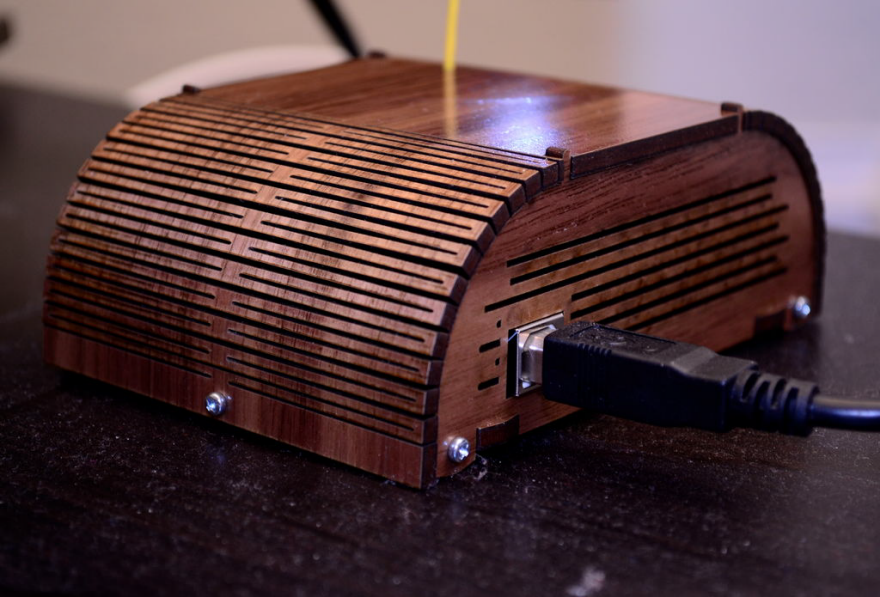
https://www.core77.com/posts/36481/adventures-in-laser-kerf-bending
As this topic is widely explored, we'll be focusing here on double curvature patterns. I you wish to add hinges, like the one above, in you laser-cut objects, you visit these websites :
https://www.rs-online.com/designspark/laser-cut-living-hinges-for-neater-designs
https://learn.sculpteo.com/en/how-can-i-design-a-model-with-a-hinge-for-laser-cutting
https://3axis.co/laser-cut/living-hinge/
2 way bending, double curvature
For flexible surfaces, more complex objects :
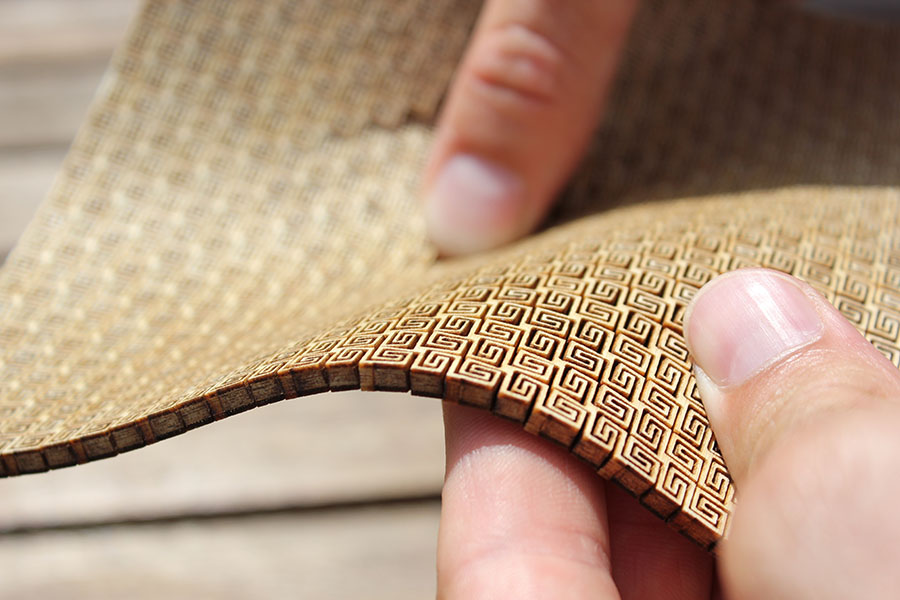
https://lab.kofaktor.hr/en/portfolio/super-flexible-laser-cut-plywood/
1. Pattern design
Only certain types of pattern will allow the material to bend in 2 directions. Here we'll see 3 different patterns that I found online, and then recreated on Rhino8 using Grasshopper. Creating parametric designs allows you to change the size of the repeated unit, the distance between them and their shapes, without having to do it by hand.
This is the first pattern, named "square" in the Rhino file.
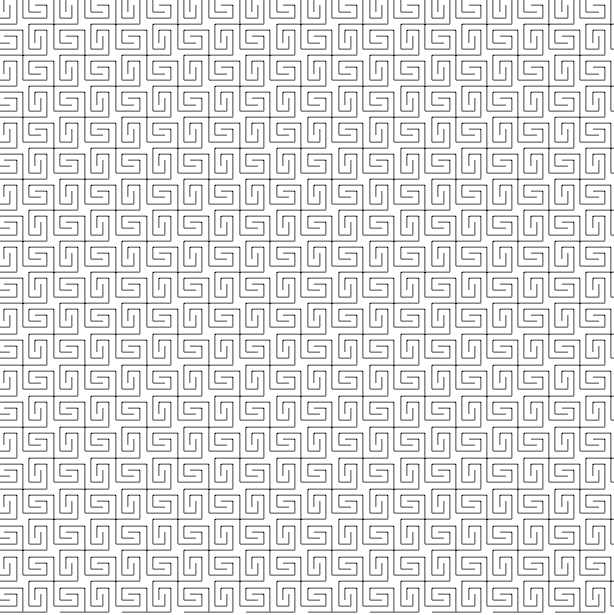 (from: https://lab.kofaktor.hr/en/portfolio/super-flexible-laser-cut-plywood/)
By rounding the corners, we obtain the second pattern (which I named "wavy" in Rhino)
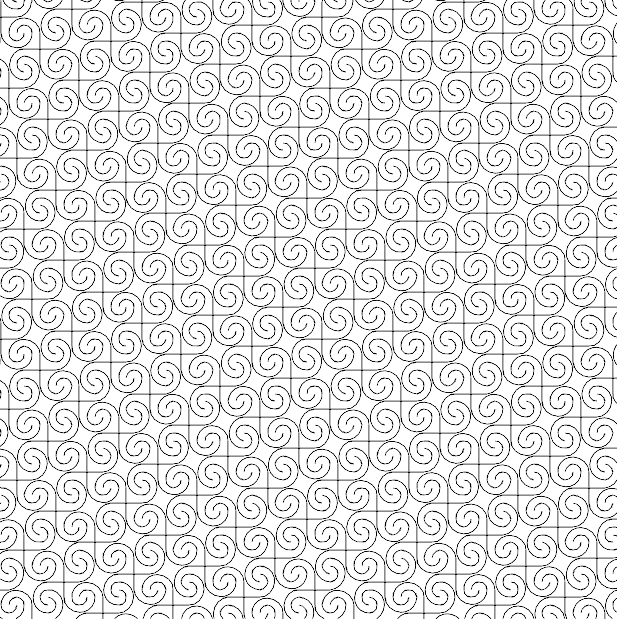
I think this one will be more fragile and difficult to cut, given that the distance between the rounded corners of each shape is really thin and prone to breaking.
Finally, we'll also test a third pattern, which is star-shaped.
2. Cutting tests